

 Access Control System Solutions
Access Control Systems for Chicago Businesses
Manage who can enter your buildings, where they can go, and when their access should end. Umbrella helps Chicago and Northern Illinois organizations compare access-control systems around their doors, users, existing equipment, and support needs.
Whether you are replacing keys, upgrading an older platform, or managing several locations, we’ll help you identify what the system needs to do before choosing equipment.
- Centralized management for single-site and multi-site operations
- Mobile credentials, modern readers, and secure authentication options
- Video, identity, alerting, and emergency workflow integration
- Match permissions, records, administration, and expansion to each site’s requirements
Talk With a Security Specialist
For an upgrade, document your current controllers, readers, credentials, door hardware, and management software before comparing replacements. Confirm which components the proposed platform can reuse, which need replacement, and who will control administrator access after handover. Use our access-control planning guide and worksheet to organize those requirements before requesting a system recommendation.
Open the Consultation FormStart with your project
Replace keys or add controlled entry.
Start with the doors, users, schedules, and visitor entry you need to manage.
Upgrade an existing system.
Identify the controller, readers, credentials, and software before deciding what can remain.
Manage several locations.
Agree on common permissions and administration while accounting for each building’s operating needs.
What Chicago Buyers Need
What should your access-control system make easier?
Modern access control is no longer just about locking doors. Organizations need systems that reduce friction, support compliance, improve incident response, and stay manageable as buildings, users, and risks change.
For cloud-first deployments, it helps to compare Avigilon Alta with other cloud access-control systems during platform selection.
You can also compare PDK with other access control manufacturers as part of that evaluation.
For an alarm-led business ecosystem, also see our Alarm.com access control review.
Centralized Visibility and Control
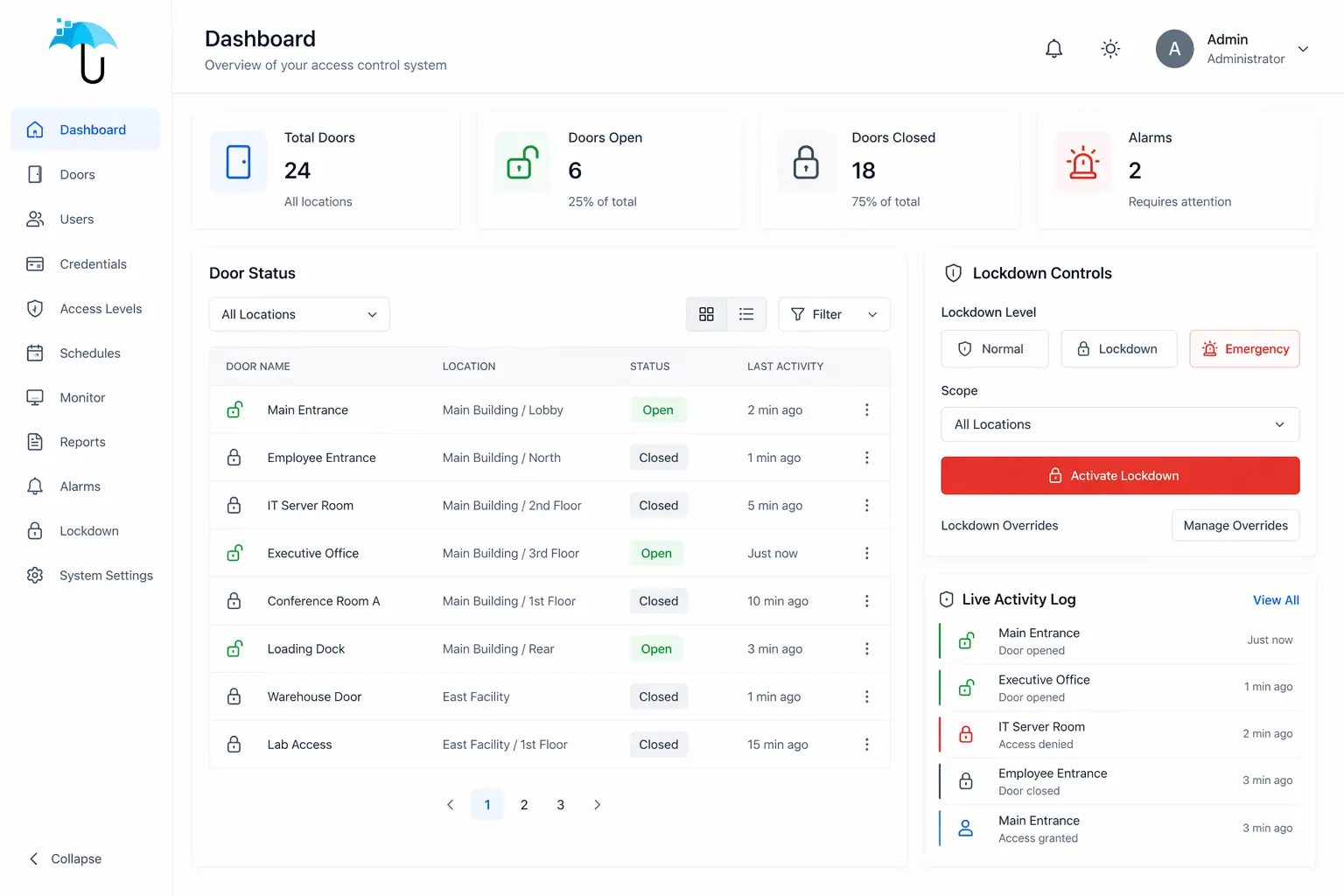
Security teams need to manage doors, users, schedules, events, and multiple locations from one platform instead of working across disconnected systems.
Sustainable Credential Management
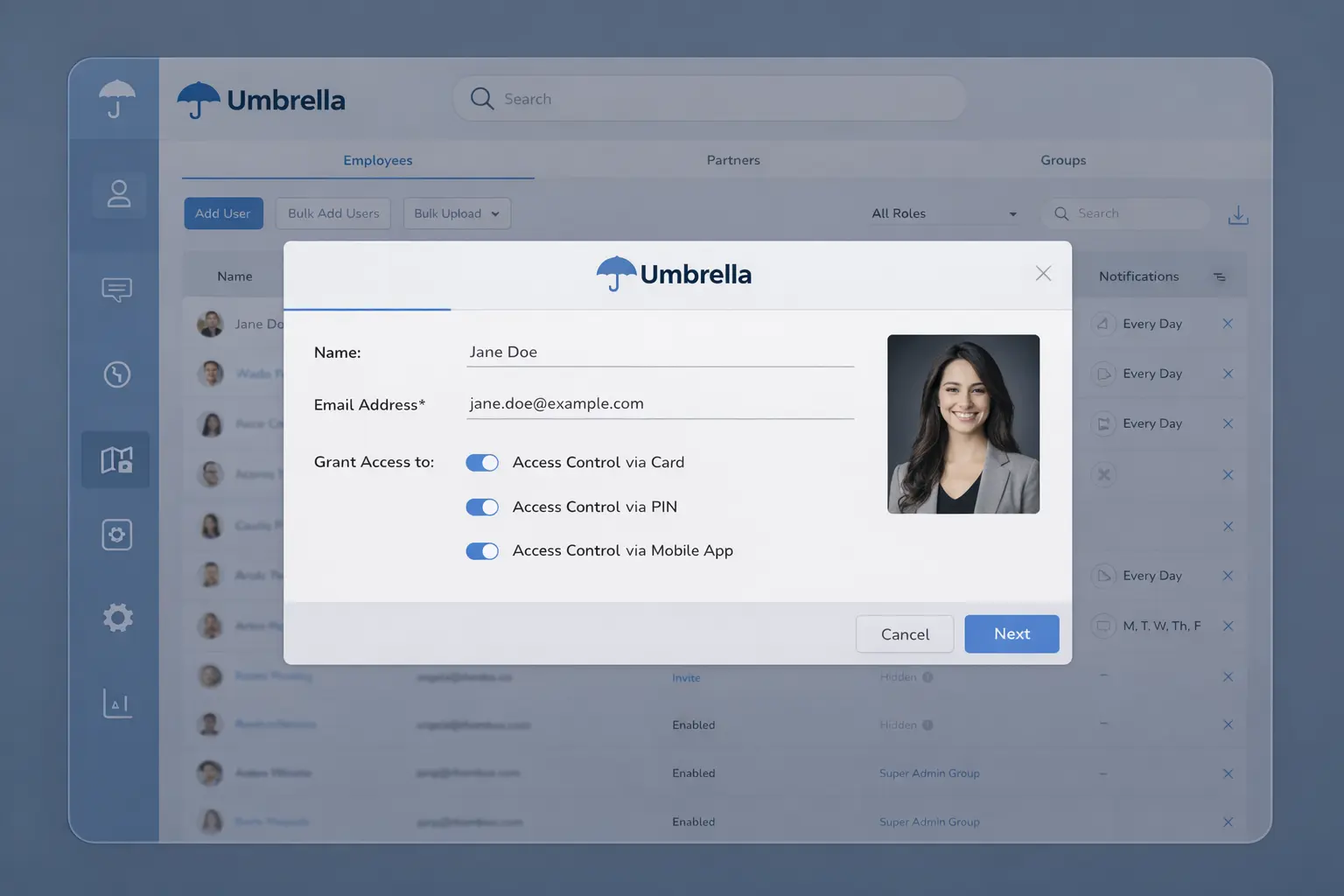
Issuing, updating, and removing permissions has to be simple enough for HR, IT, operations, and security teams to maintain consistently over time.
Faster Response During Incidents
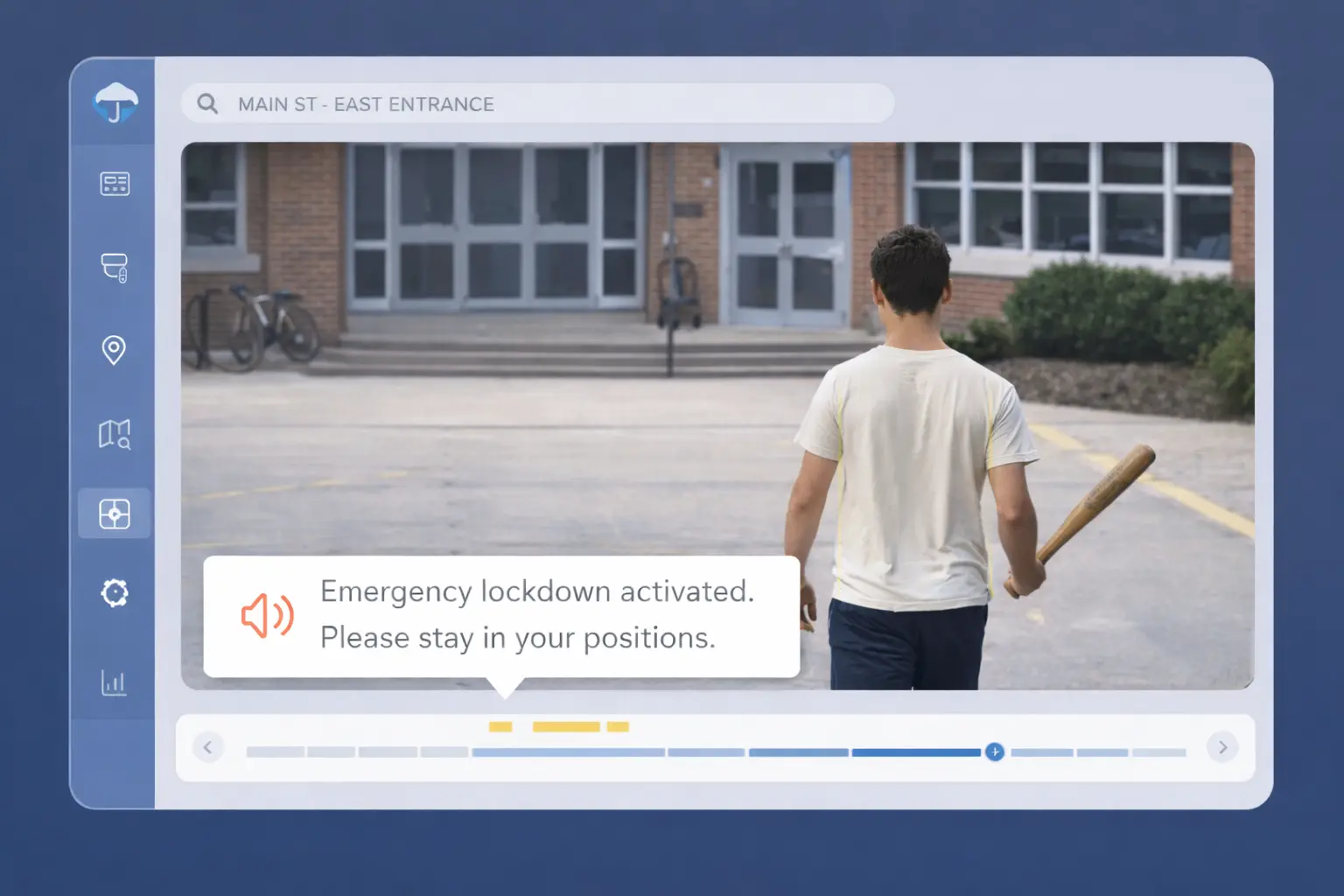
Modern systems should support lockdown actions, zone control, real-time alerts, and stronger context when rapid decisions matter most.
Common Problems
Common Access Control Problems in Existing Systems
These are the most common issues we see when evaluating legacy or poorly designed access control environments.

Too Much Manual Credential Management
Manual provisioning, spreadsheets, and inconsistent processes lead to errors, delays, and security gaps.

No Centralized Visibility
Disconnected systems make it difficult to see who has access, where, and why across locations.

Poor Incident Context
Without video integration or alerts, teams rely on incomplete logs instead of real evidence.
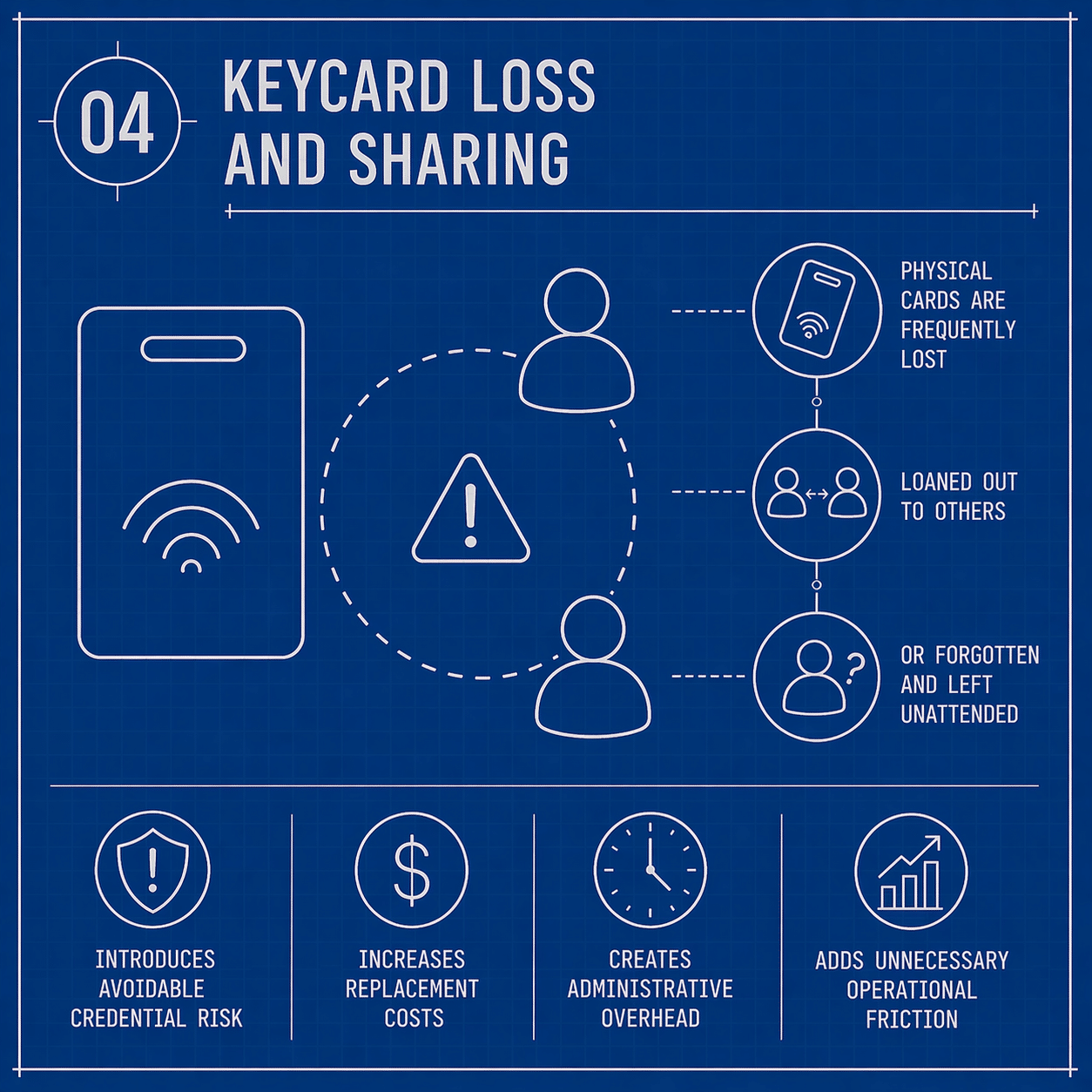
Lost or Shared Credentials
Assess how credentials are issued, shared, lost and revoked. Security depends on the credential technology and system configuration.

Weak Offboarding Controls
Former employees or vendors retain access longer than they should due to poor processes.
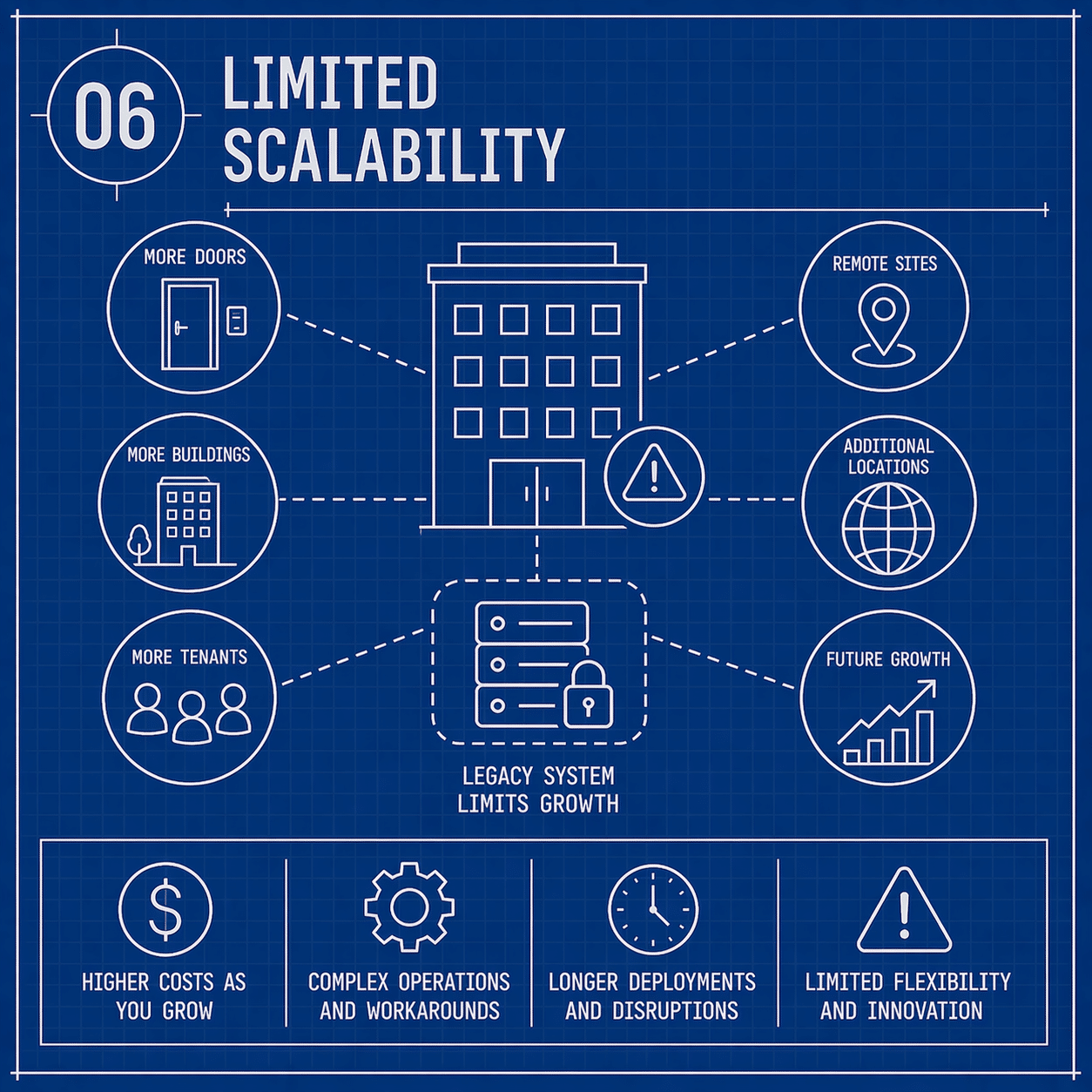
Limited Scalability
Older systems struggle to expand across buildings, users, and integrations without major rework.
Why Organizations Are Upgrading
Compare the options around your building.
Compare what each platform can actually support: which doors keep working during an outage, how credentials are issued and revoked, which integrations are included, and who controls the configuration and recurring costs.
Cloud-Native Access Control Systems
Cloud-based platforms can provide centralized administration. Door behavior during network outages, recurring fees and the equipment that must remain on site depend on the controller and platform.
- Centralized control for single-site and multi-site operations
- Real-time updates and cleaner administrative oversight
- Scalable architecture that supports growth without rebuilding the platform
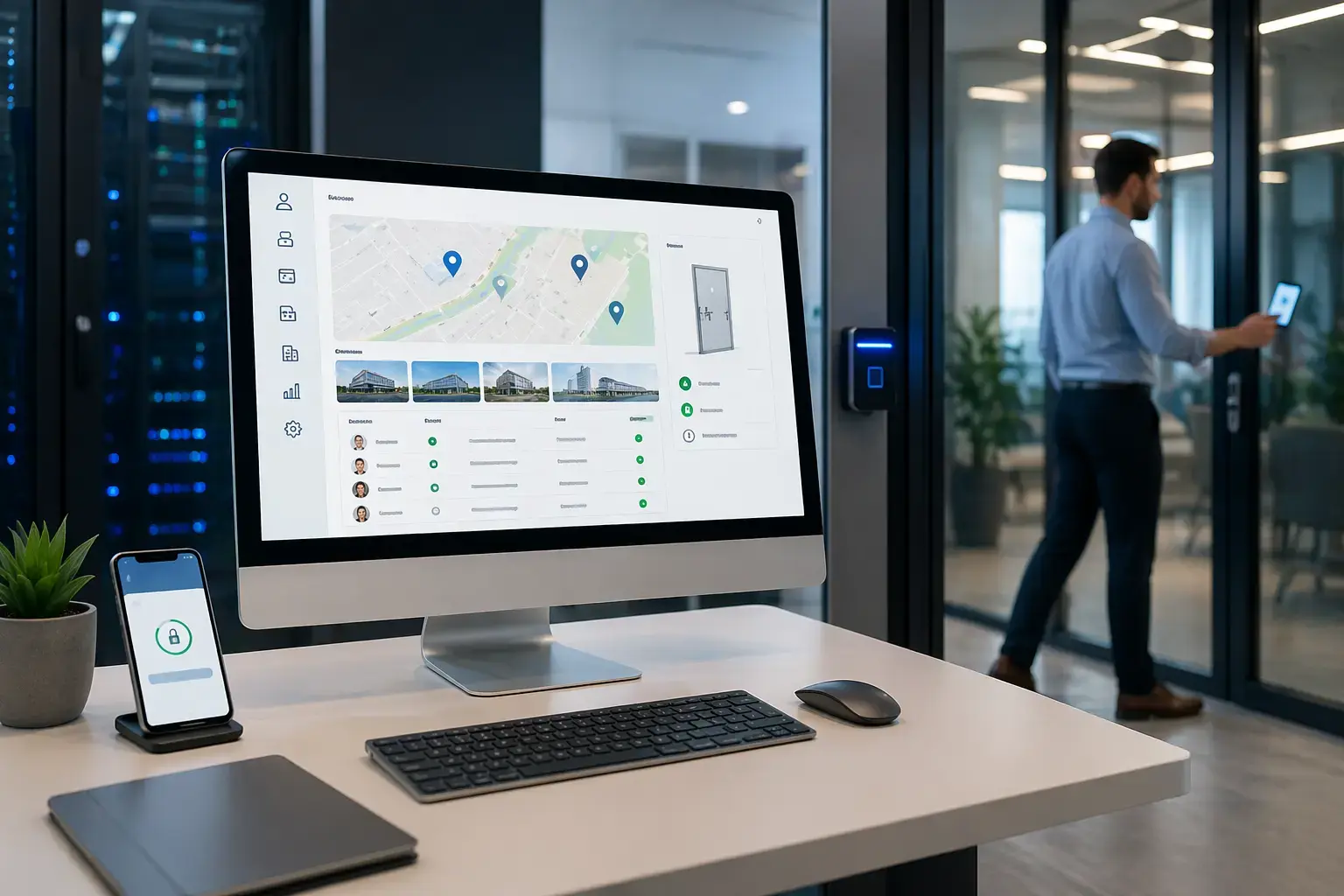
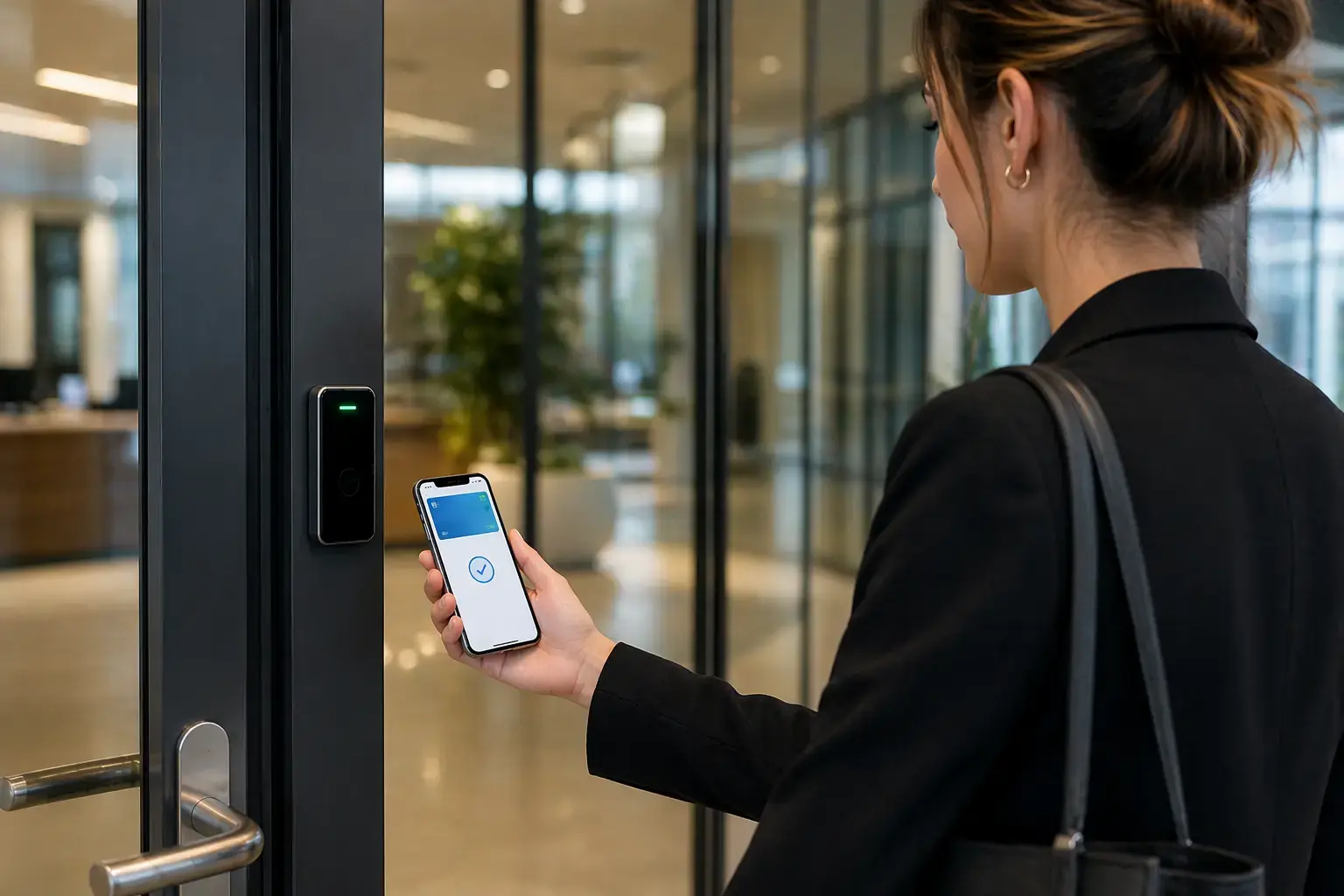
Mobile Credentials and Digital Wallet Access
Mobile credentials depend on the supported phone, wallet service, reader, and platform. When comparing mobile access control systems, include credential fees, revocation, and entry when a phone or network is unavailable.
- Reduce lost-card friction and improve day-to-day user experience
- Speed up provisioning and revocation of access rights
- Support more flexible credential strategies across locations and user groups
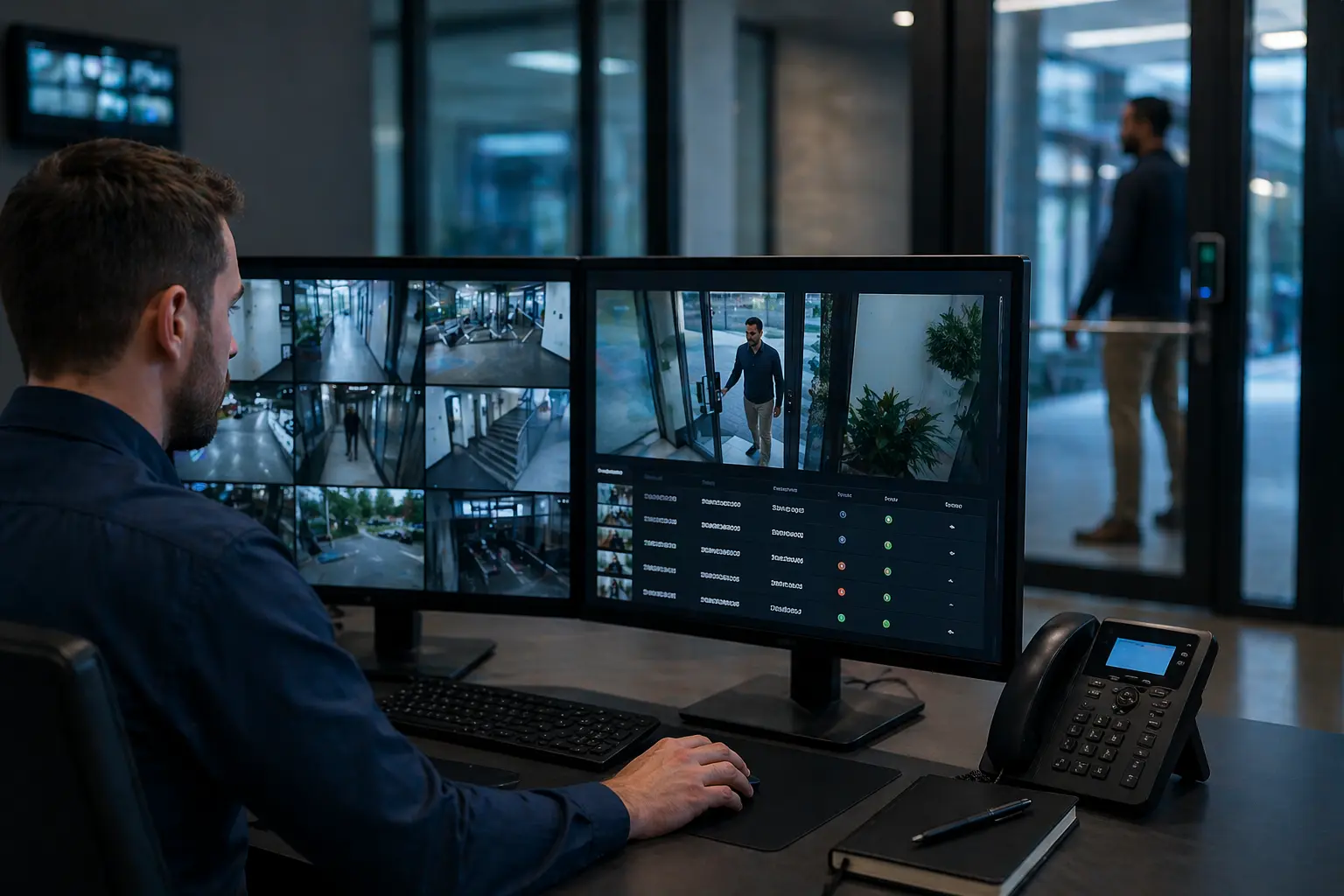
Access Control with Video Integration
When access events are tied to video, teams get context instead of isolated logs. Video verification tied to access events improves investigations, accountability, and response speed.
- Link access events directly to recorded video footage
- Improve incident review and audit-readiness
- Bring doors, users, and visual verification into one workflow
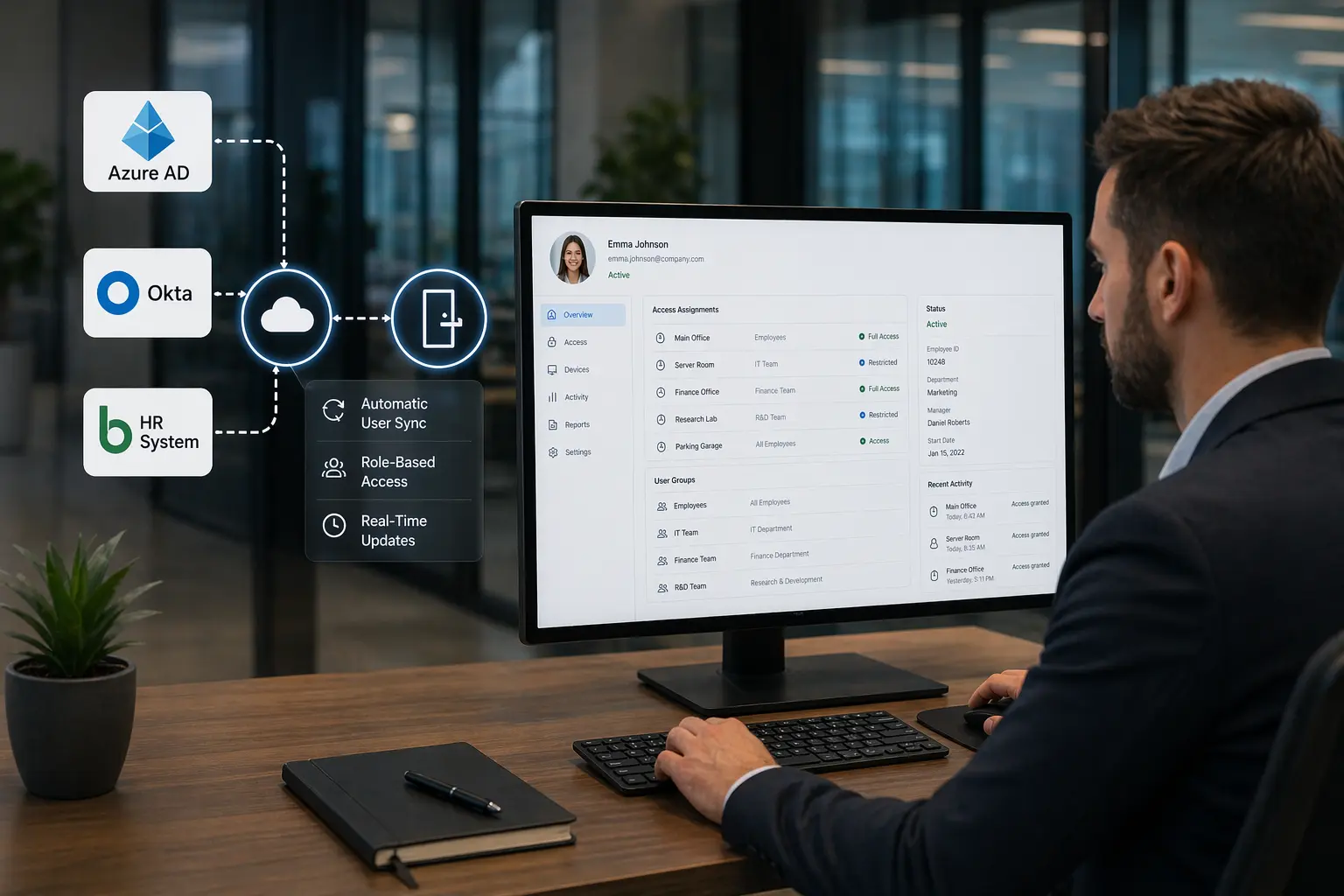
Open API and Identity System Integration
Access control becomes more efficient when it connects to identity providers, HR data, and existing business systems instead of operating in isolation through API-driven access control integration.
- Automate onboarding, role-based permissions, and offboarding
- Support integrations with directories and enterprise workflows
- Reduce manual errors while improving consistency across teams
Multi-Factor Authentication and Biometric Access
Higher-security areas often need stronger authentication than cards alone. Biometric access control systems and step-up verification reduce shared-credential risk and improve control over sensitive spaces.
- Support fingerprint, facial recognition, and mobile-based authentication
- Strengthen protection in restricted zones and critical areas
- Reduce exposure to cloned or shared credentials

Real-Time Monitoring and Security Automation
Modern systems do more than record door activity. They help organizations identify unusual behavior, trigger alerts, and support faster response through automated access control alerts.
- Real-time alerting for unusual activity and restricted-zone events
- Automated workflows for after-hours access and policy exceptions
- Better visibility across distributed facilities and security teams
 Solution Scope
What a Complete Access Control System Can Include
Choose the system around your doors, users, visitor flow, existing equipment, and future buildings. Confirm compatibility and the integrations your team needs before selecting hardware.
Ready to turn those requirements into a project? Our commercial access control installation service covers the site survey, door hardware, wiring, commissioning, and handover planning. Use the system options here to decide what fits; use the installation service to plan how it will be delivered.
- Door hardware, electrified locking, readers, and opening-specific design choices
- Credential strategies including cards, mobile credentials, biometrics, and visitor access
- Access control software, permission groups, schedules, and centralized user management
- Video integration, event verification, alerts, and incident review workflows
- Identity, HR, and directory integrations that improve onboarding and offboarding
- Emergency lockdown planning, zone-based actions, and rapid permission changes
- Reporting, audit trails, and system visibility for accountability-heavy environments
- Scalable architecture for future doors, new buildings, and multi-site expansion
OSDP (Open Supervised Device Protocol) supports supervised, two-way communication between readers and controllers. Encryption depends on using OSDP Secure Channel; OSDP support alone does not confirm that the connection is encrypted. Confirm the reader, controller, firmware, and Secure Channel configuration during system selection and commissioning.

OSDP Secure Channel protects reader-to-controller communication when correctly configured. Review the Security Industry Association’s OSDP implementation checklist when evaluating device compatibility and commissioning.
 Operational Fit
What Makes an Access Control System Actually Work
A system only performs as well as the design behind it — hardware, workflows, and integrations must align with how your organization operates.
Plan around your facility: Start with the doors and areas you need to control, who issues and removes credentials, and the video or intercom connections your team needs. For Chicago and Northern Illinois facilities, include installation, administration, and local support in the system decision.
Plan your next step: If doors, wiring, phasing, deployment, or field service are now the primary question, plan the installation work. For budget research, review access-control cost factors. For named platforms and vendor comparison, compare access-control manufacturers. For an existing system, identify the controller, readers, credentials, and management software before deciding what can be retained or replaced.
For supporting preparation, our step-by-step guide to how access control systems are installed walks through door counts, credential choices, and phasing. For broader architecture research, use the separate commercial access-control systems guide.

Credential Management Must Be Sustainable
Permissions must stay simple enough for HR, IT, and security teams to manage consistently.

Door Hardware and Openings Still Matter
Software only works as well as the locks, readers, and door conditions allow.

Future Scaling Should Be Planned Now
Adding doors, users, and locations should not require rebuilding your system.

Integrated Visibility Improves Response
Connecting access control with video and alerts gives teams real context during incidents.

Compliance Efficiency Depends on System Design
Reporting, controlled permissions, and access records need to hold up under scrutiny.

Emergency Readiness Cannot Be an Afterthought
Lockdown actions, zone control, and rapid permission changes must be planned into the system from the start.
Integrated Security Solutions
Access Control Works Better When It Connects to the Rest of Your Security Environment
For many organizations, access control is only one part of the operational picture. Stronger outcomes come from connecting doors, users, events, and response workflows across your broader security ecosystem.

Security Cameras
Pair access events with video verification to improve investigations, audits, and accountability around who accessed which doors and when.
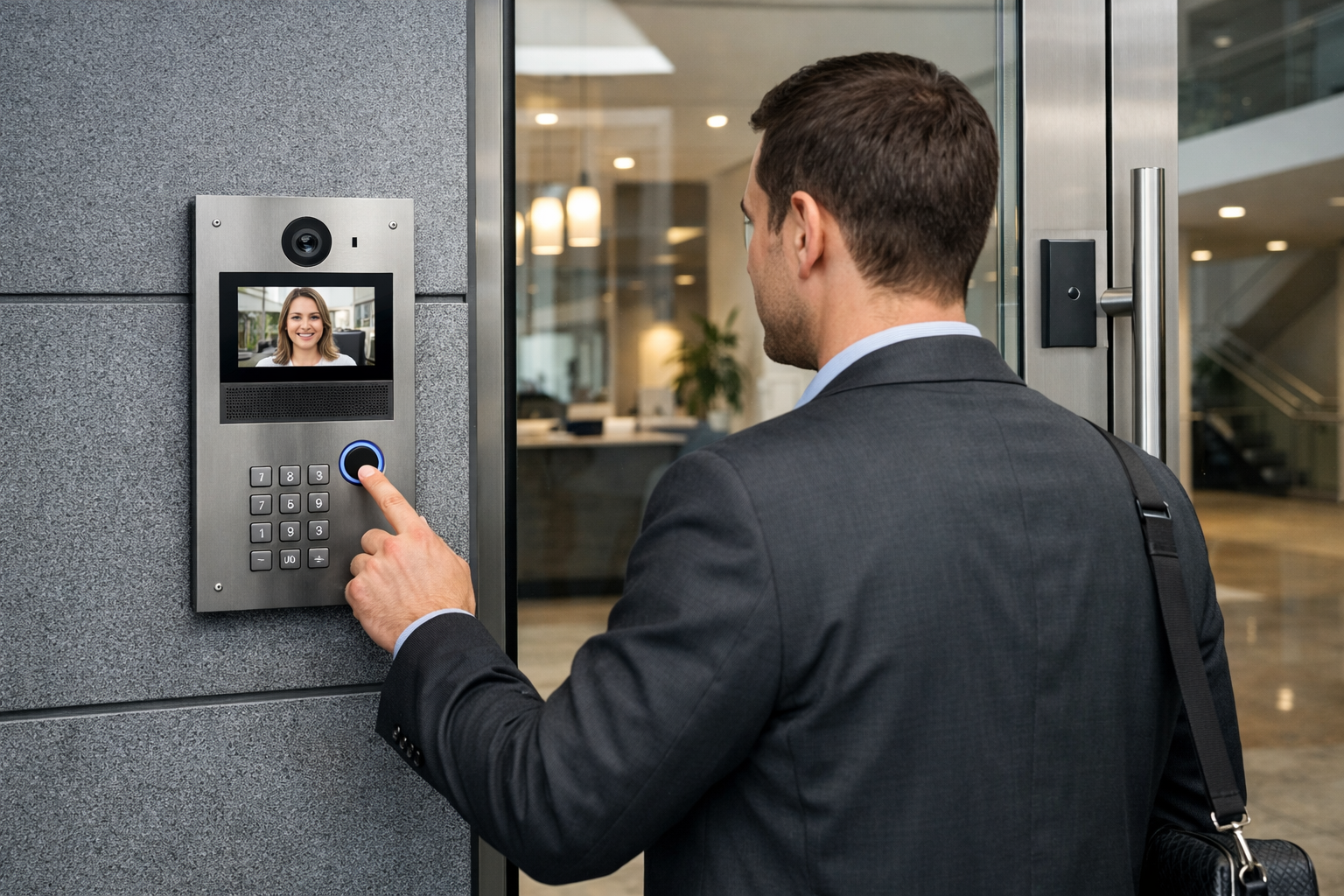
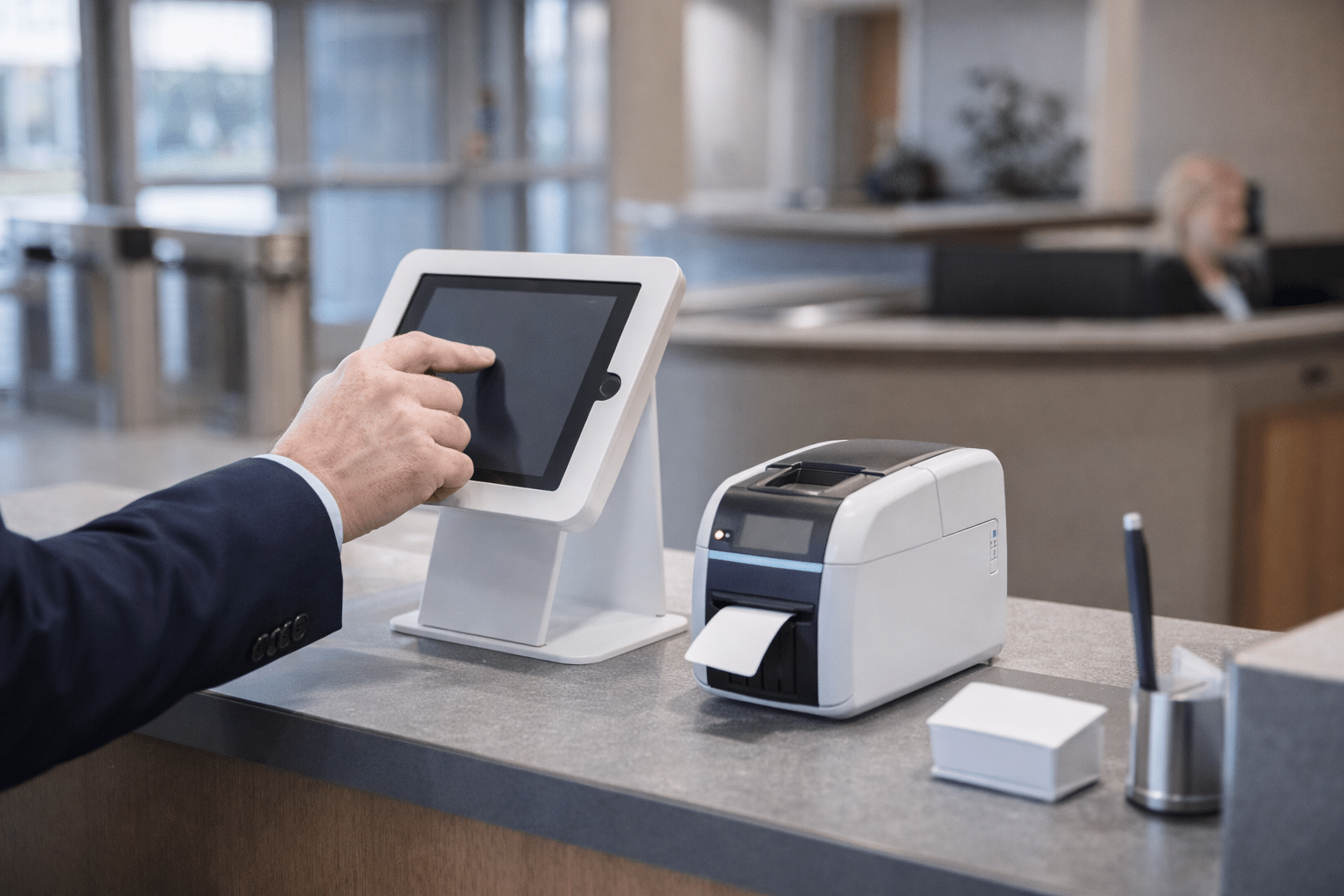
Visitor Management
Support a cleaner experience for guests, vendors, and temporary users while maintaining tighter control over entry workflows and records.
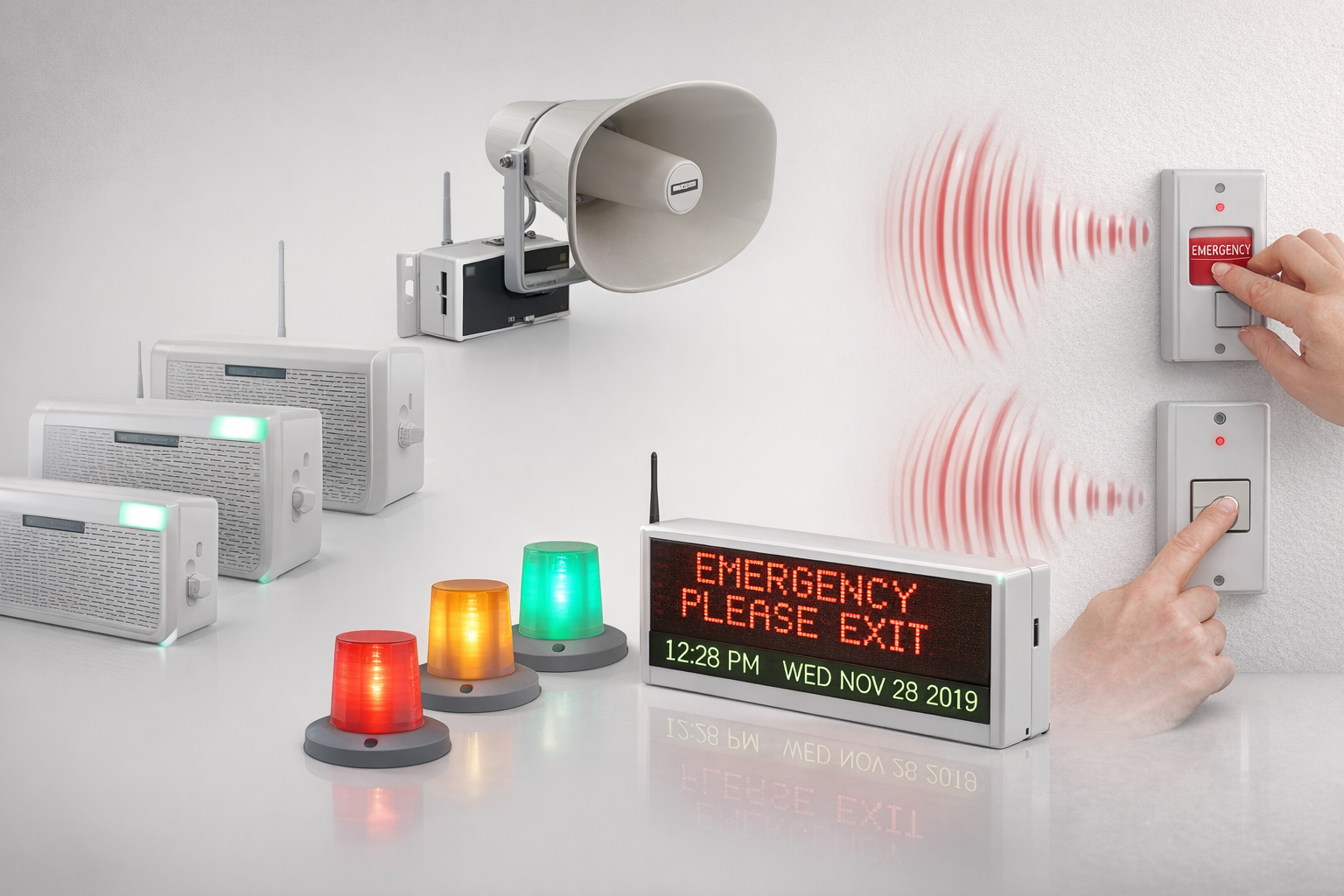
Emergency Notifications
Coordinate doors, alerts, and emergency communication so teams can respond faster when security conditions change.
Intercom and Entry Verification
Add communication and verification at entry points where staff need more context before granting access. Review commercial intercom and entry options.
Industries We Serve
See how access control fits your facility.
The right system depends on the environment. We work with organizations that need commercial access control strategies aligned to how their buildings operate, who moves through them, and what accountability they carry.

Education
Support safer campuses, cleaner visitor workflows, and more reliable building access across schools and districts.
Explore education solutions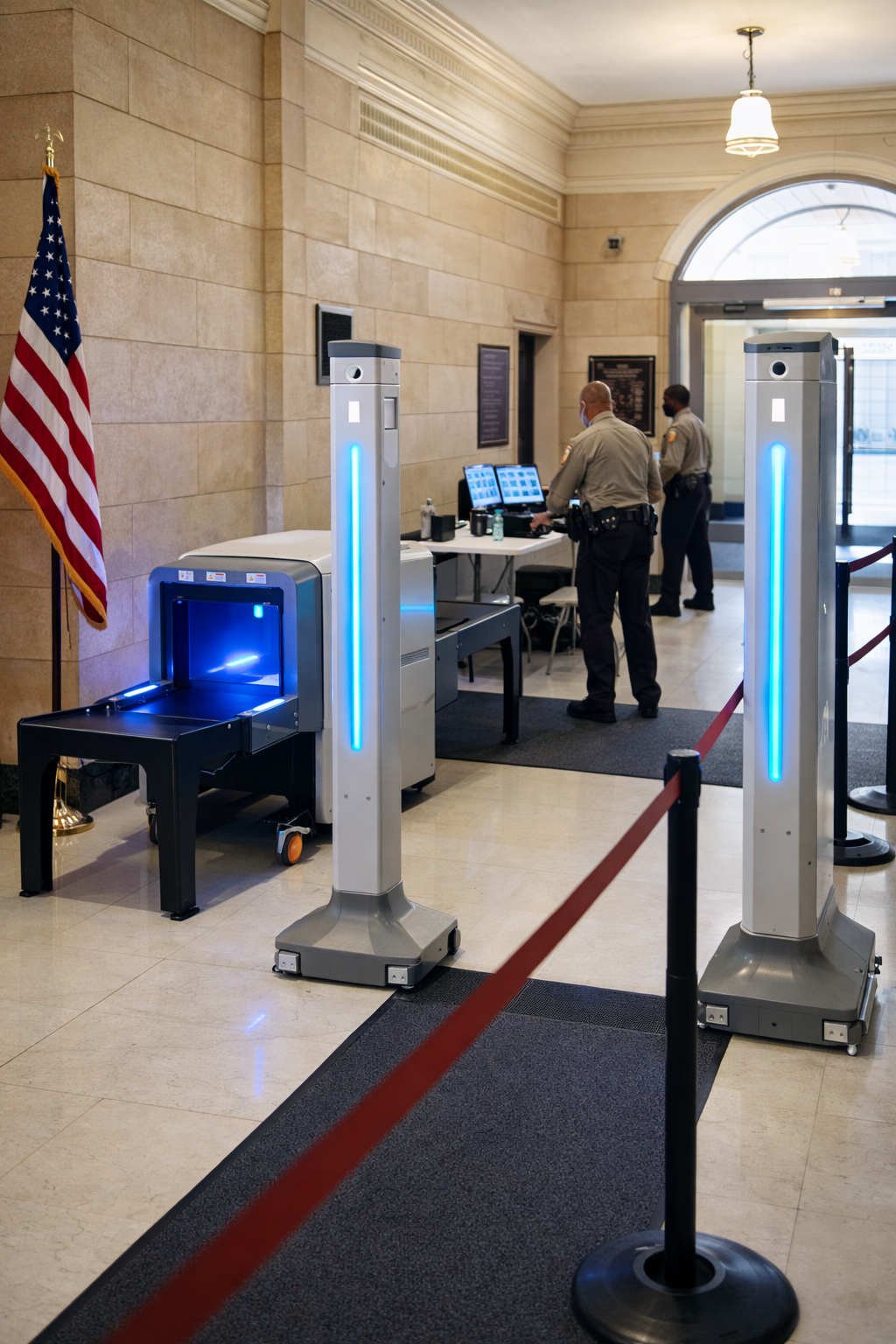
Government
Build defensible, controlled access environments for public-sector facilities and accountability-driven operations.
Explore government solutions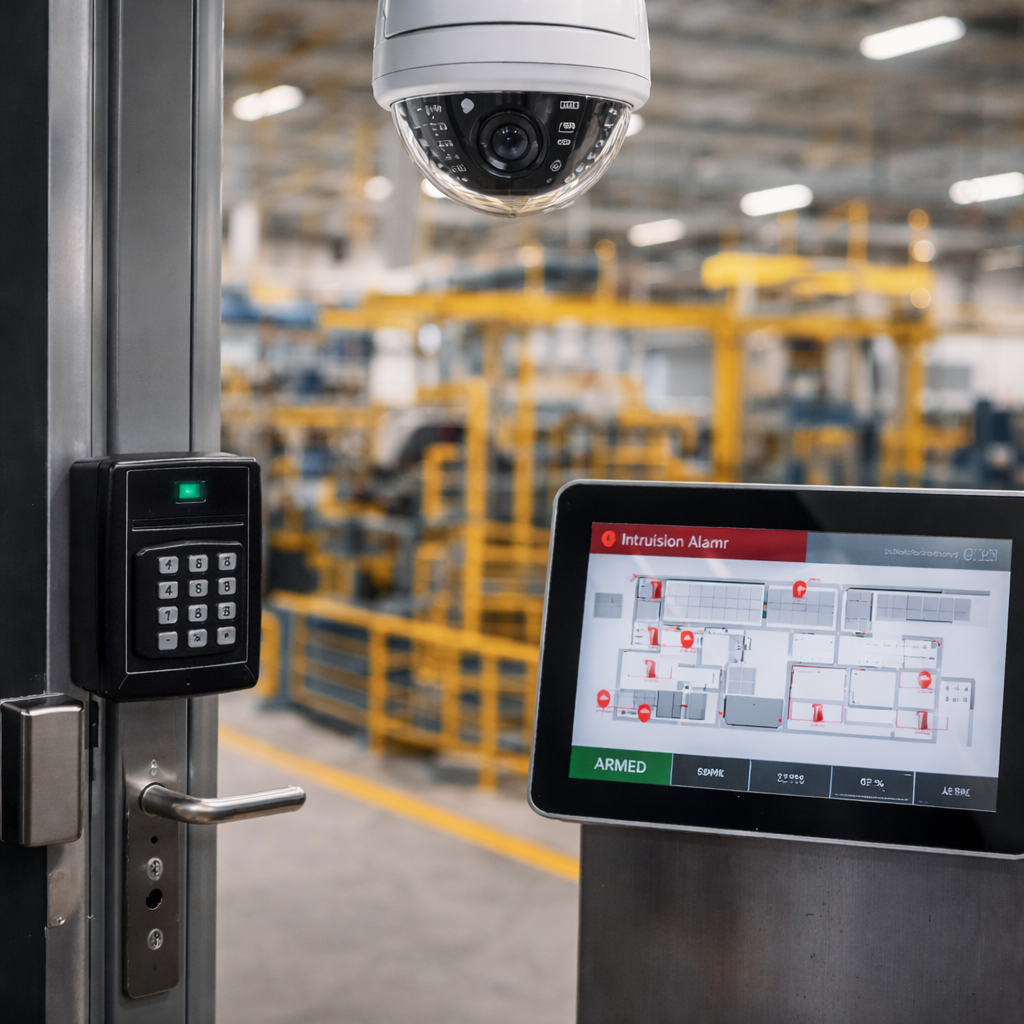
Manufacturing
Improve facility control, user accountability, and compliance readiness in production and industrial environments.
Explore manufacturing solutions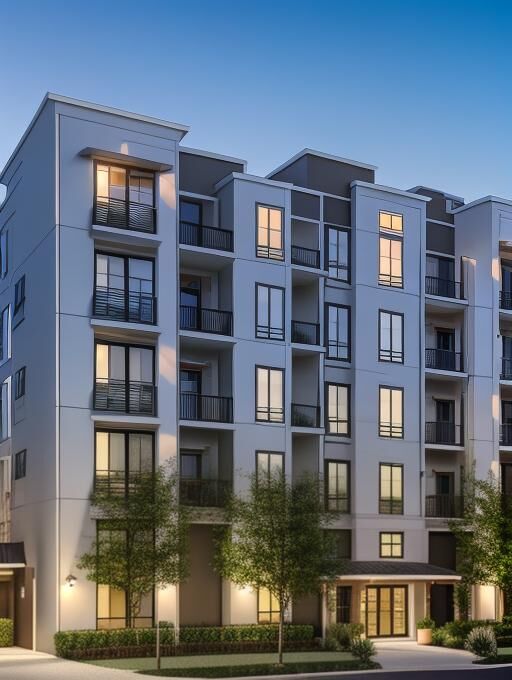
Multi-Family
Support property access, credential management, resident convenience, and common-area control across residential communities.
Explore multi-family solutions
Sports & Entertainment
Manage staff, vendors, back-of-house areas, crowd flow, and event-day access across fast-moving venue environments.
Explore sports and entertainment solutions
Places of Worship
Balance accessibility, hospitality, and stronger control over buildings, staff areas, and community safety priorities.
Explore worship solutions
Credentials and Trust
Check Qualifications and Project Responsibilities
Organizations evaluating commercial access control solutions often need more than product capability. They need a regulated provider, a cyber-aware platform mindset, real-world experience, and proof that the team can support accountability-heavy environments.
Commercial Access-Control Planning
System selection should account for door conditions, credentials, administration, support and future changes. Use the existing project examples below to evaluate the work.
- Local Chicago and suburban market experience
- Designed for long-term operational performance
IDFPR Licensed Alarm Contractor
Work with a regulated provider. Umbrella Security is an Illinois licensed Private Alarm Contractor Agency.
- License: #127-001871
- Suitable for facilities that require documented accountability
BBB Accredited and A+ Rated
Third-party trust signals matter when internal stakeholders need confidence in the security partner they choose.
- Public-facing accreditation
- A+ BBB rating
Federal Vendor Identifiers in Place
Procurement-ready identifiers help support public-sector and regulated organizations that need a clearer purchasing path.
- UEI: ER57FHACV634
- CAGE: 16U24
Ask About Relevant Training and Qualifications
Request the current, project-relevant training and qualifications of the people assigned to your project.
- Confirm applicable training
- Match qualifications to the proposed scope
Founder Media Appearances
Thomas Carnevale has discussed security technology in broadcast interviews. Historical appearances relate to his earlier industry work; they do not document an Umbrella deployment or certify a product result.
Case Studies
Real Modernization Projects, Real Operational Outcomes
These examples show how access control modernization affects real facilities — from multi-site manufacturing environments to complex school campuses that need better reliability and long-term maintainability.
Nielsen-Massey — Multi-Site Modernization for a Food Manufacturer
The published Nielsen-Massey case covers access control, video, alarms and humidity monitoring across two buildings. It also explains mobile access and the occupancy information used by the customer’s team.
- Improved multi-site visibility and administrative control
- A customer account of mobile access and day-to-day oversight
- Humidity alerts that inform handling of extraction beans
Leyden High School District 212 — Building Security Infrastructure That Lasts
Leyden needed to move beyond unreliable wireless, battery-operated readers and toward a hardwired, open-platform system that could support long-term reliability, integration, and campus-wide control.
- Replaced failure-prone wireless devices with hardwired readers
- Integrated access control with BluePoint and fire alarm workflows
- Improved maintainability, speed, and day-to-day confidence for district staff
See the project in detail in our Leyden school access control case study, with the facilities-team interview and installation photos.
FAQs
Access Control System Questions Organizations Ask
These are some of the most common questions organizations ask when evaluating access control modernization, technology fit, integrations, and long-term manageability.
How much does a commercial access control system cost?
Costs vary based on door count, hardware requirements, credentials, integrations, and platform selection. Most systems should be designed around operational needs instead of flat per-door assumptions.
For current pricing benchmarks, see our access control system cost breakdown — updated for 2026.
What is the difference between cloud and on-premise access control?
Compare administration, local hardware, recurring fees, maintenance responsibilities and door behavior during an outage. Cloud and on-premise labels alone do not establish those details; confirm the supported controller, software and configuration.
Can access control integrate with video surveillance?
Yes. Modern systems can tie door activity to video footage so teams can investigate events with actual context instead of relying only on door logs.
What is OSDP and why does it matter?
OSDP is a communication standard for readers and controllers. Its Secure Channel mode encrypts their communication. Confirm compatible devices, firmware, and that Secure Channel is configured and working; the OSDP label alone does not establish encryption.
Can access control scale across multiple locations?
Yes. Modern platforms support centralized multi-site management, which makes it easier to manage users, permissions, alerts, and audit visibility across multiple buildings or campuses.
Next Step
Talk Through Your Access Control System Options
Whether you are upgrading a legacy platform, planning a new system, improving credential workflows, or evaluating access control technologies across multiple facilities, we can help you map out the right approach.
- Evaluate modern access control platforms, credential options, and integrations
- Discuss compliance priorities, incident visibility, and emergency workflows
- Plan for current needs without making future expansion harder
Request a Consultation
Tell us what you are evaluating — cloud management, mobile credentials, video integration, multi-site visibility, modernization, or a full platform replacement.
Contact Us
"*" indicates required fields
Related access control planning resources
Plan a Commercial Access Control System Around Your Facility
If you are comparing access control systems, replacing an older key card platform, planning credential management, or evaluating multi-site access control, these resources can help you understand cost, system design, user workflows, and long-term support requirements.
- Access control system pricing and cost factors
- Biometric access control cost guide
- Access control system upgrade planning
- Multi-site access control systems guide
- Access control system manufacturer reviews
Need help deciding which platform fits your building, users, doors, credentials, and security workflows? Talk with Umbrella Security Systems.
For manufacturer-specific planning, see our Keyscan access control system field review covering Aurora, controllers, readers, credentials, and migration considerations.