

Physical Security System Manufacturer Reviews Surveillance, Alarms, Weapons Detection, Access Control, Intercoms & Infrastructure
Commercial security products are not reviewed like consumer electronics. Most buyers cannot rely on thousands of public reviews, side-by-side owner feedback, or transparent long-term failure data.
Umbrella’s physical security system manufacturer reviews fill that gap with guidance grounded in certification training, installation experience, field troubleshooting, support interactions, and direct end-user feedback from commercial facilities.
Compare the manufacturer category before choosing the brand.
Use this guide to compare cameras, alarms, weapons detection, access control, intercoms, and infrastructure before a product ecosystem limits your options.
Most Security Products Are Chosen Without the Public Review Data Buyers Expect Elsewhere
Commercial security technology is an insulated market. Public reviews are limited, manufacturer claims are naturally selective, and many end-users do not know whether the product was a good fit until the system has already shaped daily operations, service calls, and budget decisions.
These physical security system manufacturer reviews help commercial buyers pressure-test manufacturer claims before committing to cameras, alarms, access control, intercoms, weapons detection, monitoring, infrastructure, or a full security ecosystem.
Manufacturer claims need field context
Spec sheets rarely explain installation friction, support gaps, licensing exposure, administrator burden, or poor-fit scenarios.
Every category has tradeoffs
One ecosystem may simplify management while another preserves flexibility. The right answer depends on facility risk and ownership goals.
The facility is the test environment
Doors, lighting, visitors, after-hours risk, staffing, IT rules, and daily workflows decide whether a manufacturer is a fit.
Long-term support matters
The real review starts after installation: updates, service calls, user changes, monitoring, integrations, and expansion.
Physical Security System Manufacturer Reviews by Category
Physical security system manufacturer reviews need to compare several manufacturer categories at once. Cameras determine evidence quality, alarms determine response workflows, access control determines who can enter, intercoms shape visitor entry, weapons detection changes screening operations, and infrastructure determines whether everything can be supported long term.
Surveillance Cameras & VMS
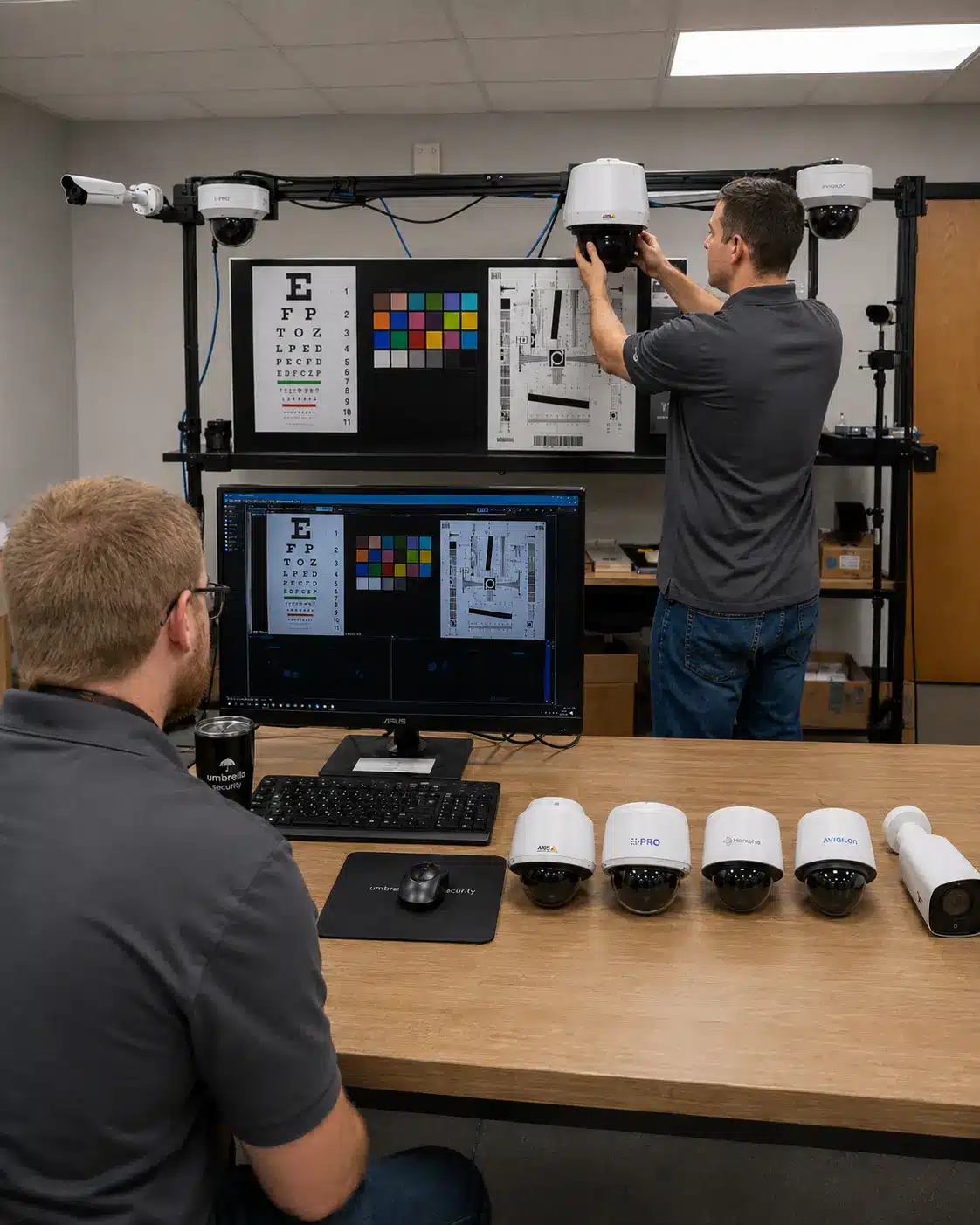
Surveillance camera manufacturers, security camera manufacturers, and VMS manufacturers shape image quality, evidence retrieval, retention, AI search, cybersecurity, remote access, and video ownership.
- Examples: Axis, Hanwha Vision, Avigilon, Genetec, Verkada, Eagle Eye Networks
- Verify: low-light performance, storage, VMS fit, integrations, AI claims, cybersecurity
- Deeper review path: Verkada pricing and lock-in analysis
- Deeper review path: Genetec Security Center review
Alarm & Intrusion Systems
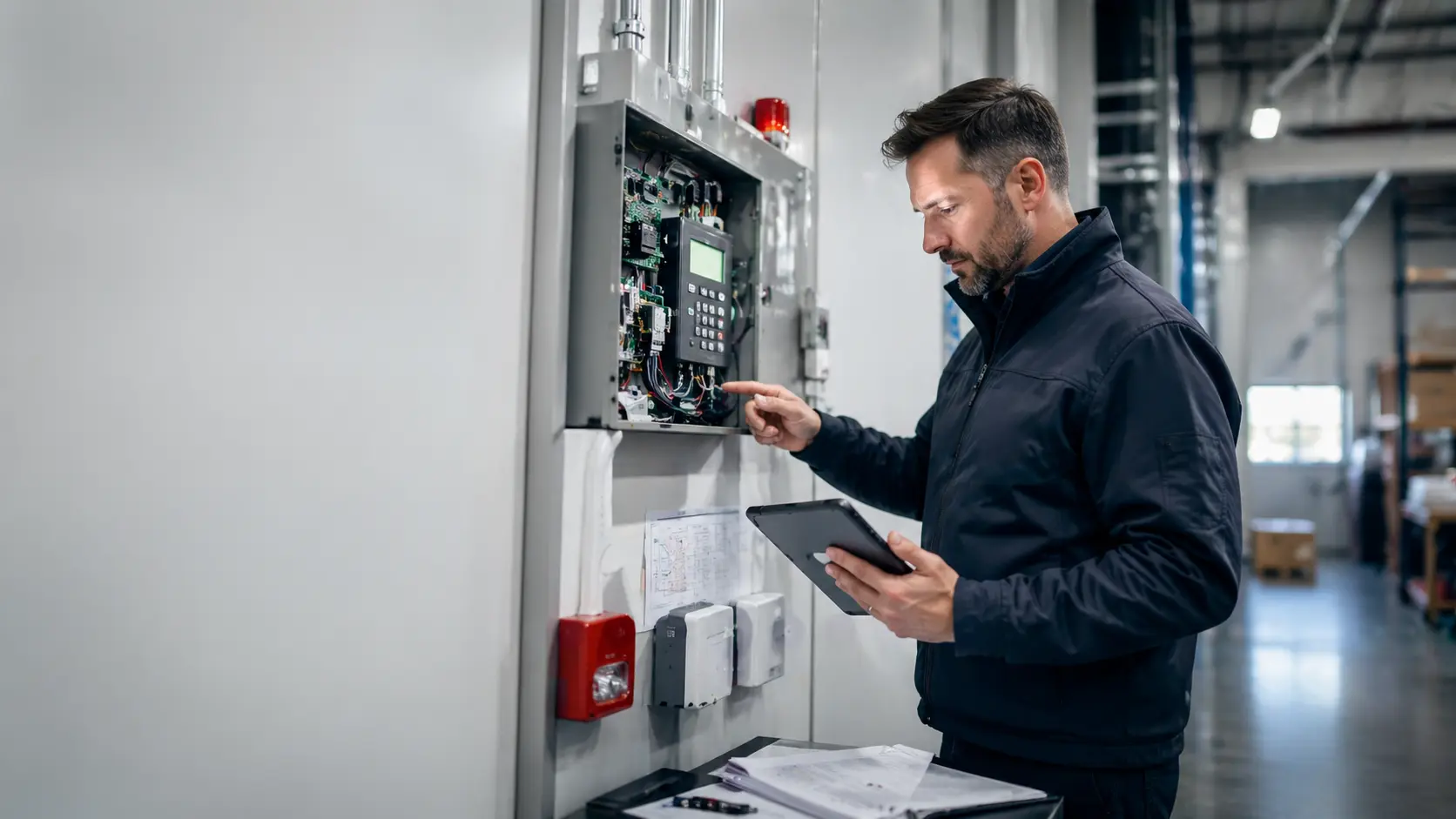
Alarm system manufacturers and intrusion alarm manufacturers affect monitoring paths, sensors, panels, user app workflows, central station response, and integration with video or access control.
- Examples: DMP, Alarm.com, Bosch, Honeywell/Resideo, DSC/Johnson Controls
- Verify: monitoring model, zone design, cellular/IP path, app control, false-alarm controls
Weapons Detection & Screening
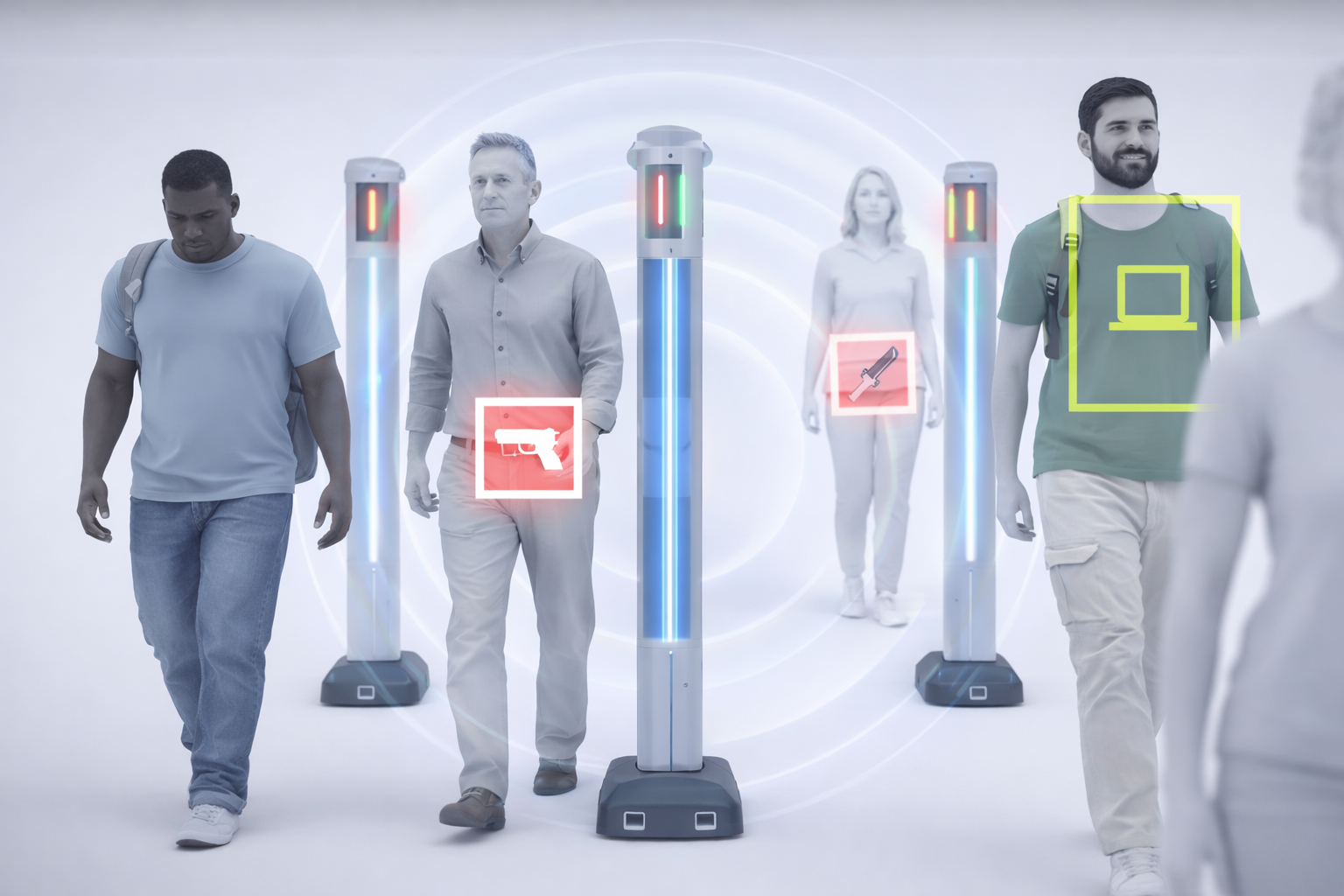
Weapons detection manufacturers should be evaluated by throughput, false positives, staffing, visitor experience, alert routing, and response procedures.
- Examples: Evolv, CEIA, Garrett, Xtract One, OPENGATE-style screening
- Verify: traffic flow, object policy, staffing plan, privacy expectations, alert workflow
Access Control Systems
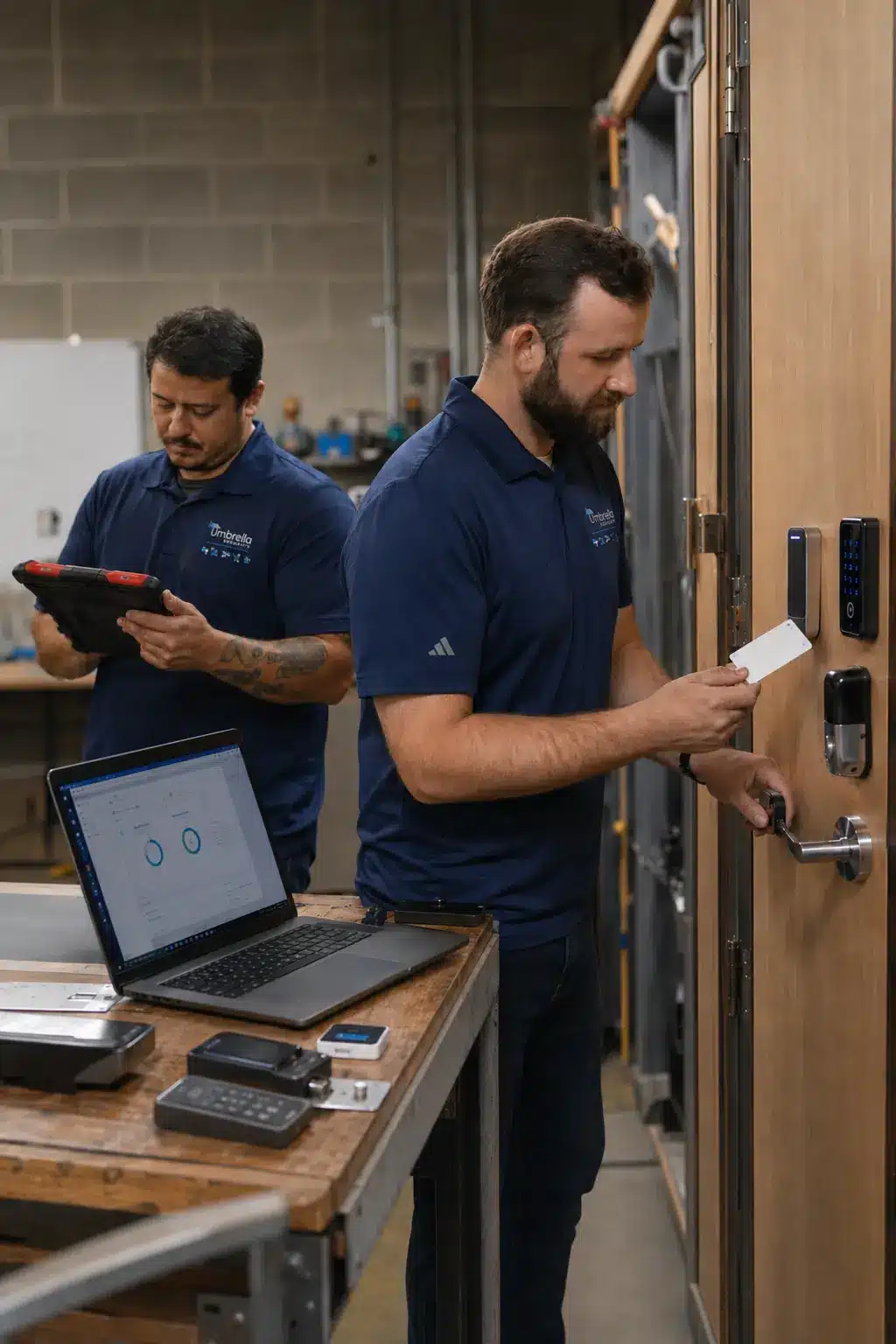
Access control manufacturers control doors, credentials, readers, controllers, cloud/on-prem architecture, reporting, and user administration.
- Examples: Brivo, Axis, Avigilon Alta/Openpath, Keyscan, LenelS2, Genetec, Verkada, PDK, Alarm.com for Business review
- Deeper review path: access control manufacturer reviews
Intercoms & Entry Communication
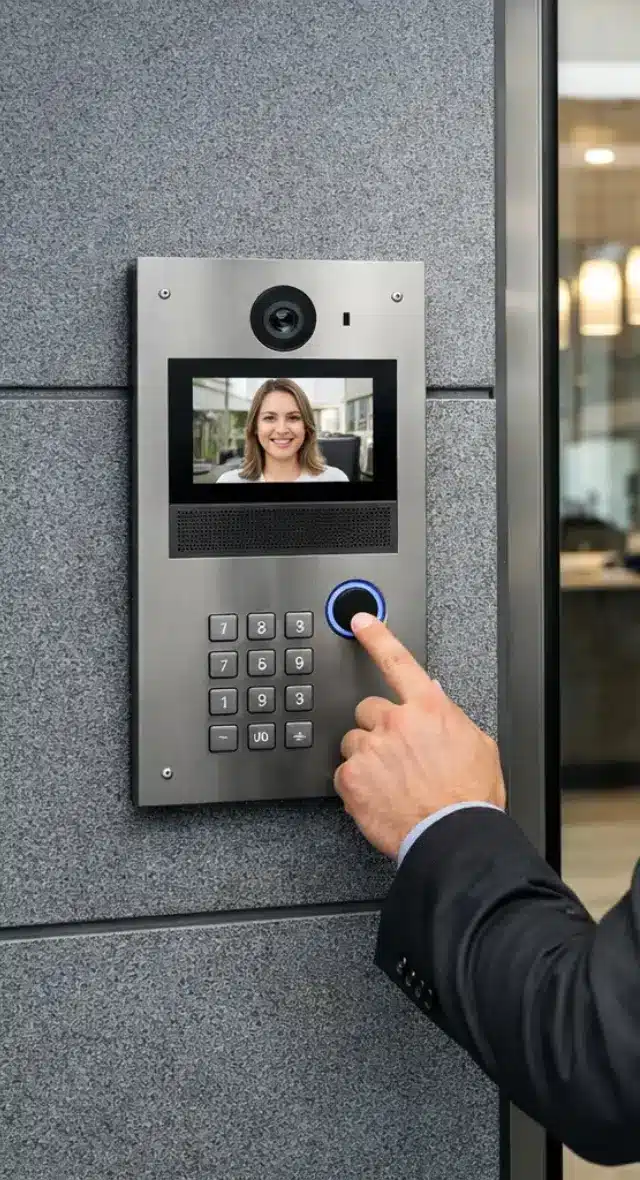
Intercom manufacturers affect front-desk workflows, visitor screening, directory management, mobile answering, video verification, and door release.
- Examples: Aiphone, 2N, Axis, ButterflyMX, Avigilon Alta/Openpath intercoms
- Verify: who answers, call routing, directory control, access integration, failure behavior

Infrastructure, Network & Supporting Hardware
Controllers, readers, credentials, locks, PoE switches, fiber, cabling, and network design often determine whether a system can be supported, expanded, and integrated long term.
- Examples: HID, Mercury, ASSA ABLOY, Allegion, Axis, PoE/fiber/network planning
- Verify: OSDP, credentials, power, controller openness, PoE budget, cable path, migration flexibility
We Review the Manufacturer Through the Building It Has to Protect
A commercial security manufacturer review should not be a feature list. Umbrella evaluates how products perform when they are specified, installed, supported, administered, integrated, and expanded in real commercial environments.
We start from a neutral evaluation framework, but we do not pretend every manufacturer or category is equal.
Certification and Product Training
Manufacturer training, certification courses, documentation quality, and whether product claims survive technical review.
Installation and Commissioning Reality
Cabling, mounting, power, door hardware, camera placement, network design, configuration, testing, and what it takes to launch cleanly.
Troubleshooting and Support Experience
The real test starts when something fails, changes, or needs expansion. Support quality and serviceability matter.
End-User Operating Feedback
Administrators, security teams, IT, facilities, property managers, and leadership reveal whether the system is usable after handoff.
Surveillance Camera and Video Management System Manufacturers
Surveillance camera manufacturers should not be compared by resolution alone. The stronger evaluation looks at VMS usability, search speed, evidence quality, storage architecture, cybersecurity, analytics accuracy, camera model depth, and long-term ownership control.
Camera hardware ecosystems
Often a strong fit where camera quality, model variety, open integration, and long-term support matter.
Cloud video ecosystems
Useful when cloud administration is the priority, but buyers should verify export, retention cost, data control, and migration options.
Enterprise VMS platforms
Best when video needs to connect with access events, alarms, maps, investigations, and security operations workflows.
What Umbrella verifies
Low-light performance, camera placement, VMS workflow, storage retention, analytics accuracy, IT approvals, network bandwidth, and serviceability.
Alarm System and Intrusion Detection Manufacturers
Alarm system manufacturers affect monitoring paths, sensor strategy, panel serviceability, app control, user management, communication reliability, and the response workflow when an intrusion or environmental event occurs.
Commercial intrusion platforms
Often fit facilities that need stronger zoning, sensors, monitoring, schedules, and commercial service support.
App-managed business ecosystems
Can fit buyers who want alarms, video, access, alerts, and users managed together, provided the system size, reporting needs, and integration limits are clear.
Monitoring and response model
Central station monitoring, cellular/IP paths, police/fire dispatch, authority rules, false-alarm policies, backup power, and notification trees.
Integration with other systems
Ask how alarm activity connects to cameras, access control, lockdown workflows, emergency notifications, and after-hours operations.
Weapons Detection and Screening Manufacturers
Weapons detection manufacturers should be evaluated by risk profile, entrance flow, staffing, false-positive management, privacy expectations, visitor communication, and how alerts connect to the broader security plan.
High-throughput screening systems
Can reduce entry friction, but still requires staffing, clear object policies, secondary screening, and response procedures.
Traditional metal detection
Useful where deliberate entry control is acceptable, but slower flow can increase operational burden.
What to verify
Throughput, object policy, staff training, ADA considerations, visitor messaging, privacy expectations, incident response, and emergency coordination.
Where it connects
Weapons detection may coordinate with cameras, access-controlled vestibules, panic systems, mass notification, security desks, and local response plans.
Access Control System Manufacturers
Access control determines who can enter, when they can enter, how credentials are managed, and how door activity connects with video, alarms, intercoms, visitor workflows, and emergency response.
What access control controls
Doors, credentials, readers, controllers, schedules, roles, audit trails, visitor access, elevators, gates, and integrations.
Manufacturer examples
Brivo, Axis, Avigilon Alta/Openpath, Keyscan, LenelS2, Genetec, Verkada, Alarm.com, PDK, and HID/Mercury infrastructure.
What to verify
Door count, credential strategy, OSDP, controller architecture, reporting, licensing, integrations, support path, and five-year ownership cost.
Compare platforms in detail
When the decision is specifically about access software, readers, credentials, controllers, cloud architecture, or manufacturer fit, continue to the Independent Access Control System Manufacturer Reviews.
Need to compare access control platforms in detail?
If doors, credentials, readers, controllers, cloud architecture, reporting, and access software are the center of the decision, Umbrella’s dedicated access control review hub gives that category the deeper platform-by-platform analysis it deserves.
Intercom, Visitor Entry, and Door Communication Manufacturers
Intercom manufacturers should be compared by visitor workflow, call routing, video verification, mobile answering, directory management, door-release permissions, and integration with cameras and access control.
Commercial intercom platforms
Fit depends on front-desk coverage, tenant directories, remote answering, security-desk routing, multi-door management, and visitor types.
What to verify
Who answers, where calls go, how backups work, how directories update, what happens after hours, and how events are recorded.
Where intercoms create risk
Systems create friction when call routing, mobile app behavior, front-desk workflow, visitor identity, or door-release permissions are unclear.
How Umbrella evaluates fit
We evaluate entry traffic, tenants, vendors, visitor types, answering responsibilities, access-controlled doors, and camera/access integration.
Security Infrastructure and Supporting Hardware
Physical security manufacturer decisions often depend on infrastructure that buyers do not see in the product demo. Controllers, readers, credentials, locks, PoE switches, cabling, fiber, and network design determine whether systems remain serviceable, expandable, and integration-ready.
Open controller architecture
Open controller and credential strategies can protect future options when software platforms, door hardware, or integrations change.
Door hardware and credentials
Locks, readers, credentials, mobile access, and door hardware must be evaluated against security policy, serviceability, and daily use.
Network and power planning
PoE budgets, fiber runs, switch capacity, UPS power, VLANs, bandwidth, and cable paths should be verified before manufacturer selection.
What Umbrella verifies
Power, cabling, door hardware, IT approvals, network design, available pathways, controller locations, and future expansion capacity.
Choose the Right Deeper Path
Use these planning paths when one part of the security stack needs a deeper design conversation, product comparison, or installation review.
Access Control Manufacturer Reviews
Use this for platform-level access control comparisons: Brivo, Axis, Avigilon Alta/Openpath, LenelS2, Genetec, Keyscan, Verkada, PDK, Alarm.com, and HID/Mercury.
Commercial Security Camera Systems
Use this when the core decision is camera design, VMS fit, evidence quality, retention, remote access, and video retrieval.
Commercial Alarm System Installation
Use this when the decision involves intrusion protection, monitoring, panels, sensors, zones, app workflows, and response planning.
Weapons Detection Systems
Use this to evaluate screening technology, entry flow, staffing, policy, visitor experience, and response procedures.
Commercial Intercom Systems
Use this for entry communication, video verification, mobile answering, directory control, and door-release planning.
Request a Physical Security Assessment
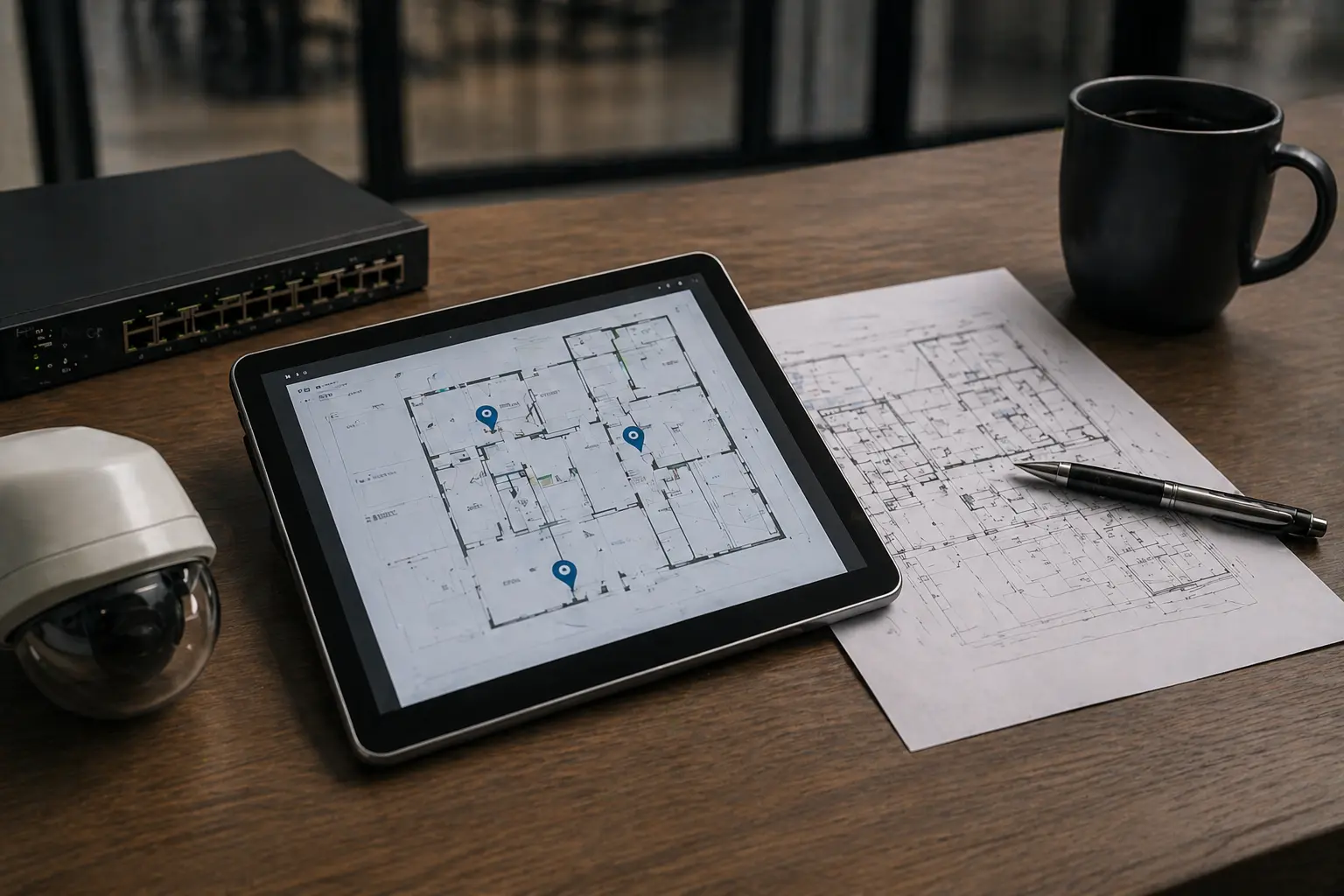
Use this when several manufacturer categories affect the same decision and you need an independent field-tested review before committing.
Manufacturer Claims Should Be Verified Against Current Documentation
Umbrella’s field-tested guidance helps buyers compare commercial security system manufacturers, but final product selection should also verify current manufacturer specifications, platform documentation, cybersecurity expectations, and applicable industry guidance.
Industry reference point
The Security Industry Association is one external reference point for security-industry education, standards activity, and market context.
Manufacturer documentation still matters
Before purchasing, confirm current specifications, licensing, firmware, cybersecurity posture, integration requirements, and support terms directly with the manufacturer or authorized channel.
Physical Security Manufacturer Review Questions
These physical security system manufacturer reviews help commercial buyers compare manufacturer categories before narrowing the decision to a specific product ecosystem.
What are physical security system manufacturer reviews?
Physical security system manufacturer reviews compare the companies and platforms that make or control technology used to protect buildings, people, assets, and operations. This can include cameras, VMS software, alarm panels, access control platforms, intercoms, weapons detection systems, credentials, locks, controllers, and infrastructure.
Should we choose one manufacturer for everything?
Sometimes, but not always. Single-vendor ecosystems can simplify administration, but they can also create lock-in. Mixed systems can preserve flexibility but require stronger integration planning.
Which manufacturer category should we evaluate first?
Start with the facility problem: video evidence, access control, intrusion detection, weapons screening, visitor entry, emergency response, or infrastructure. The right category should come before the brand preference.
Where should access control manufacturer comparisons go?
Use Umbrella’s dedicated access control manufacturer review page when the decision is specifically about door controllers, credentials, readers, access software, cloud/on-premise architecture, and manufacturer fit.
How does Umbrella avoid manufacturer bias?
Umbrella starts from a neutral evaluation framework, but we do not pretend every manufacturer is equal. We evaluate fit, limitations, supportability, integrations, ownership risk, and field conditions instead of repeating product claims.
What should buyers verify before selecting a manufacturer?
Verify facility fit, IT requirements, integrations, support path, licensing, migration flexibility, field installation constraints, staffing impact, and who is accountable after installation.
Compare Manufacturer Categories Before You Commit to a Platform
No single physical security system manufacturer is the right answer for every building. A school, manufacturing plant, healthcare facility, church, office, warehouse, multifamily property, and municipal building may need different camera, alarm, access control, intercom, weapons detection, and infrastructure decisions.
Umbrella can help you compare the manufacturer categories first, then choose the system architecture that fits your facility, users, budget, IT environment, support expectations, and long-term ownership needs.
Start with a conversation.
Tell us about your building, current systems, and security priorities. We will help you identify which manufacturer categories should be evaluated first and what tradeoffs matter before a platform is selected.
Contact Us
"*" indicates required fields