
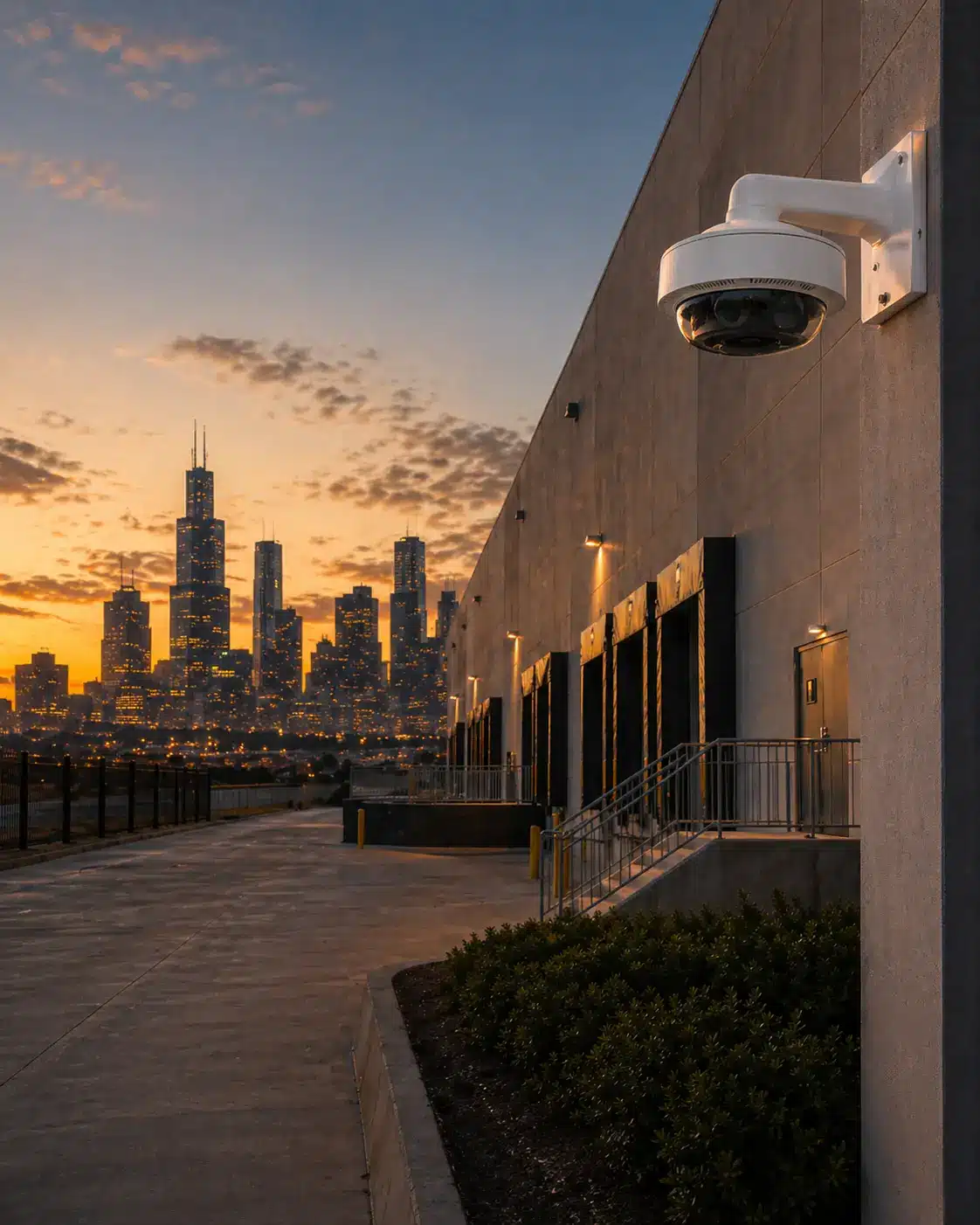
Commercial Security Camera Systems Built Around Evidence, Control, and Long-Term Ownership
Umbrella Security designs commercial video surveillance systems for businesses, industrial facilities, commercial properties, and government environments that need more than cameras on walls. We plan coverage, storage, network architecture, remote access, integrations, and system ownership before recommending equipment.
Serving Chicago and the surrounding Illinois business community, our team helps organizations compare cloud, on-premise, hybrid, subscription, and non-subscription camera system options before choosing a platform.
For end users researching commercial security camera systems Chicago organizations can rely on, the better planning question is not how many cameras to buy. It is what the footage needs to prove after an incident.
Start with the evidence you need, then compare storage, ownership model, integrations, and proof before requesting a system design consultation.
Local Leaders in Business & Government that Rely on Umbrella








Camera System Design Proven in Real Chicago-Area Facilities
Before buyers compare manufacturers, subscriptions, or camera counts, they should know whether the integrator can design around real facilities. Umbrella project proof spans manufacturing, food production, government, multi-building operations, access control, LPR, and video monitoring.
23-camera high-heat manufacturing system
Micron Metal Finishings required heat-rated wire, exterior conduit routing, and camera placement designed around powder-coating conditions.
AI cameras, access control, door alarms, and LPR
Elegant Packaging upgraded from unreliable Wi-Fi cameras to integrated security, perimeter visibility, and vehicle evidence.
Multi-building video, alarms, humidity, and mobile access
Nielsen-Massey needed visibility across multiple buildings with integrated video monitoring and operational risk awareness.
HD IP video and card access modernization
Lisle Township modernized government security infrastructure with HD IP video, alarm upgrades, and managed card access.
Start With the Problem, Not the Camera
A better camera system does not start with a camera count. It starts with the question the footage needs to answer. Do you need to identify a person, verify a door event, review a workplace incident, capture vehicle activity, monitor after-hours access, or support a police report? Each answer changes the camera type, lens, mounting height, storage design, retention period, and integration strategy.
What happened?
General awareness, incident review, timeline reconstruction, and activity verification across the facility.
Who was involved?
Face-level identification at entrances, lobbies, controlled areas, employee doors, and visitor points.
Where did it happen?
Coverage zones, blind spots, building flow, parking areas, docks, corridors, and operational choke points.
What should happen next?
Alerts, access control events, monitoring, police response, internal reporting, and investigation workflow.
Camera system planning should be part of a broader facility risk conversation. Umbrella Security's recommendations focus on video evidence, storage, access, and response workflows, while resources such as CISA physical security guidance can help internal teams think beyond equipment and evaluate facility risk more broadly.
Choose the Camera Around the Evidence You Need
Dome, bullet, fisheye, PTZ, LPR, and multi-sensor cameras solve different evidence problems. Compare camera types before deciding how your facility should be covered.
A Better Security Camera System Starts With Better Design
A commercial security camera system should do more than record video. It should help your team answer the questions that matter after an incident. The difference between a basic camera installation and a true commercial video surveillance system is architecture.
Umbrella Security designs systems around coverage quality, pixel density, storage requirements, network performance, remote access, cybersecurity, integrations, and long-term ownership control. If your project also includes alarms, doors, or broader facility protection, our commercial security solutions Chicago guide explains the wider security ecosystem. The goal is not simply to add more cameras. The goal is to make the right video available when it matters.
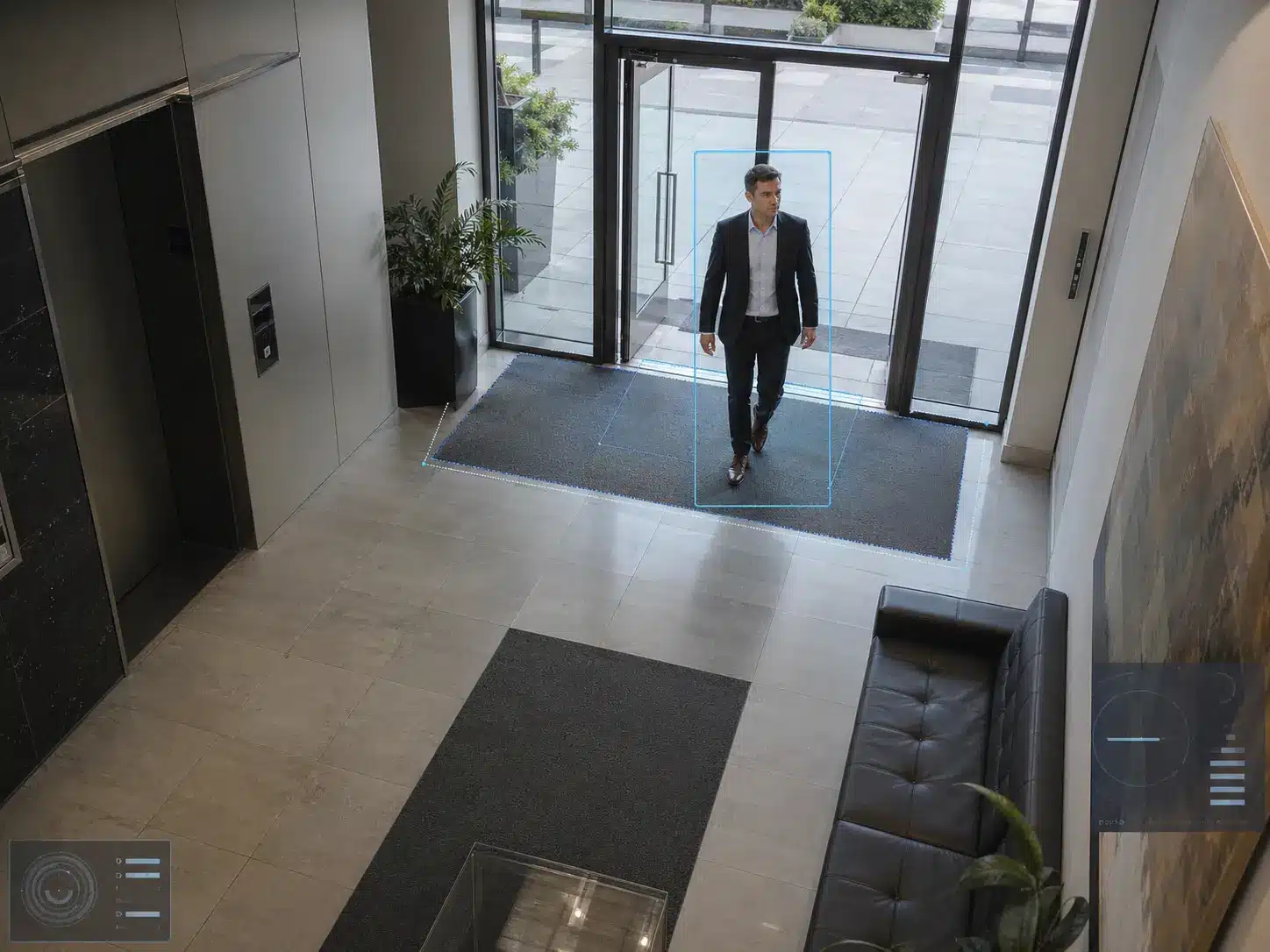
Who Entered?
Identify people, visitors, employees, vendors, or unknown activity with the right camera angle, mounting height, lighting, and pixel density. This is where camera design stops being about devices and starts being about usable evidence.

Which Vehicle?
Capture vehicle movement, drive lanes, gates, parking areas, and license plate recognition opportunities.
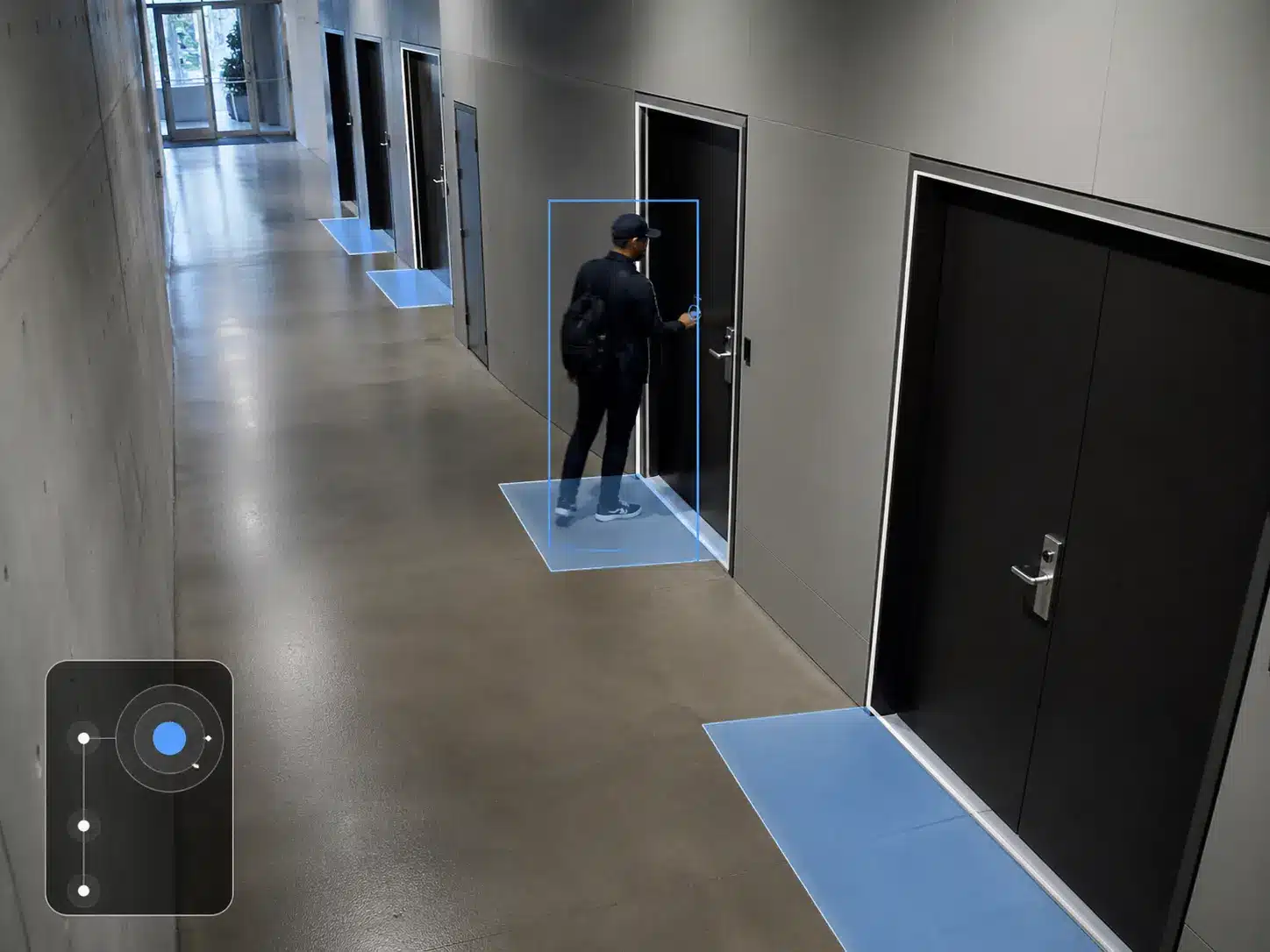
Which Door?
Connect cameras to entrances, docks, gates, hallways, lobbies, access points, and restricted areas.
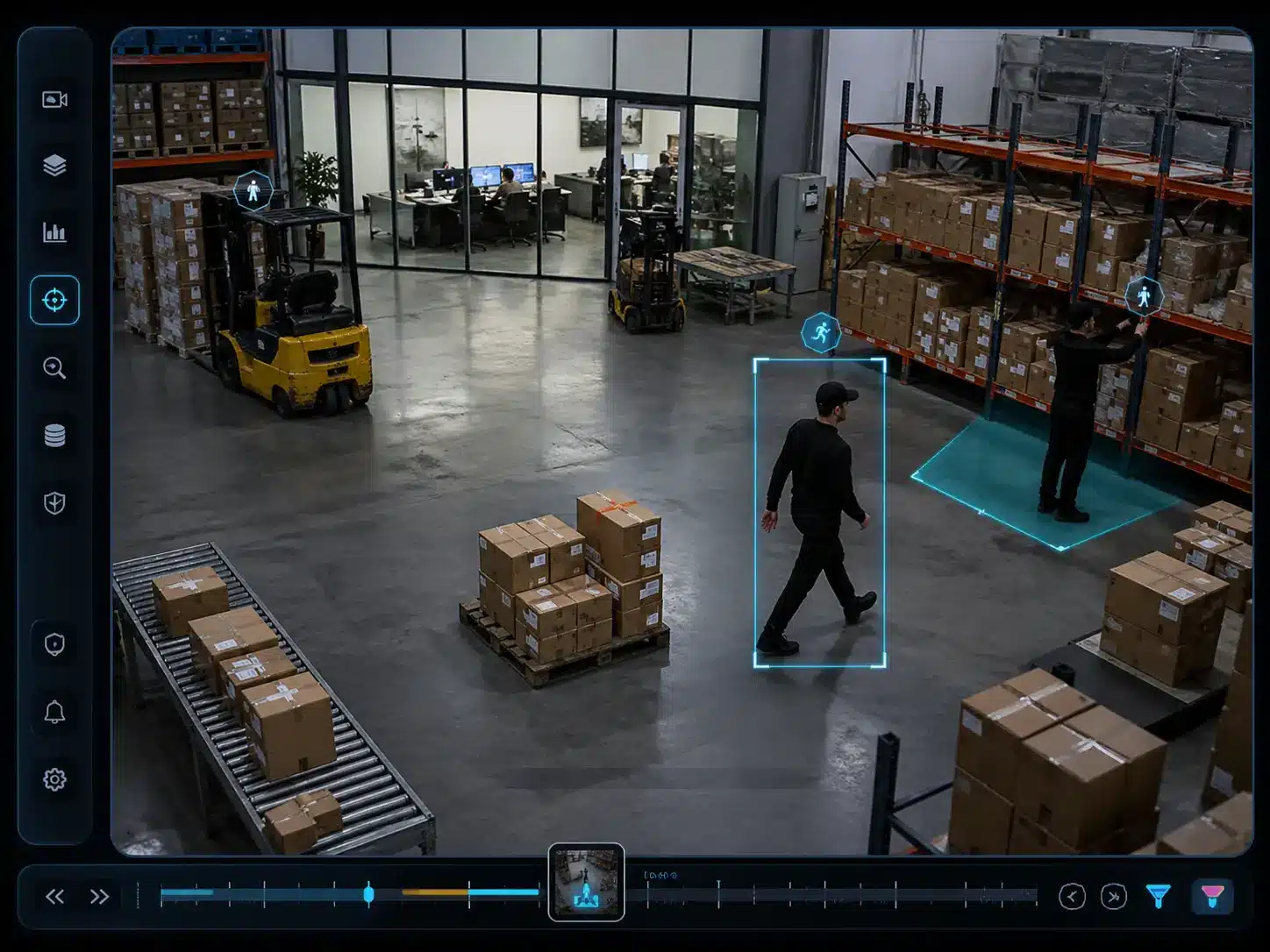
Can You Find It?
Reduce investigation time with smarter search, event workflows, remote access, and organized video evidence.
What Umbrella Designs Around
Commercial Camera System Design Considerations for Chicago and Northern Illinois Facilities
Local camera system design should reflect how Chicago-area facilities actually operate: industrial yards, loading docks, schools, offices, mixed-use buildings, venues, exterior weather exposure, parking lots, and multi-site operations across Northern Illinois.
Industrial corridors, warehouses, and logistics sites
Docks, long aisles, truck movement, exterior yards, forklift paths, and lighting changes require different camera placement than a standard office layout.
Multi-tenant and commercial properties
Shared entrances, tenant permissions, lobby flow, package areas, garages, management review, and after-hours access need clear rules and camera ownership planning.
Schools, public facilities, and municipal buildings
Visitor flow, entrances, parking, events, role-based viewing, evidence export, and privacy-sensitive access should be planned before equipment selection.
Hospitality, entertainment, and high-traffic venues
Crowd movement, parking, vendors, staff-only areas, back-of-house activity, and after-hours incidents require a different evidence strategy.
Exterior exposure and Illinois weather
Winter conditions, condensation, glare, night visibility, mounting access, housings, and maintenance paths can change camera model and placement decisions.
Parking lots, drive lanes, gates, and perimeter areas
LPR, lane speed, lighting, vehicle angle, plate capture, and perimeter blind spots need more planning than general-purpose exterior cameras.
This local design work supports solution intent without turning the page into a service-area page. Facility type, evidence need, ownership model, and system architecture stay central.
Detect, Observe, or Identify — Not All Camera Coverage Provides the Same Evidence
A camera can show that something happened without showing enough detail to act on it. That is why camera placement, lens selection, mounting height, lighting, and pixel density matter.
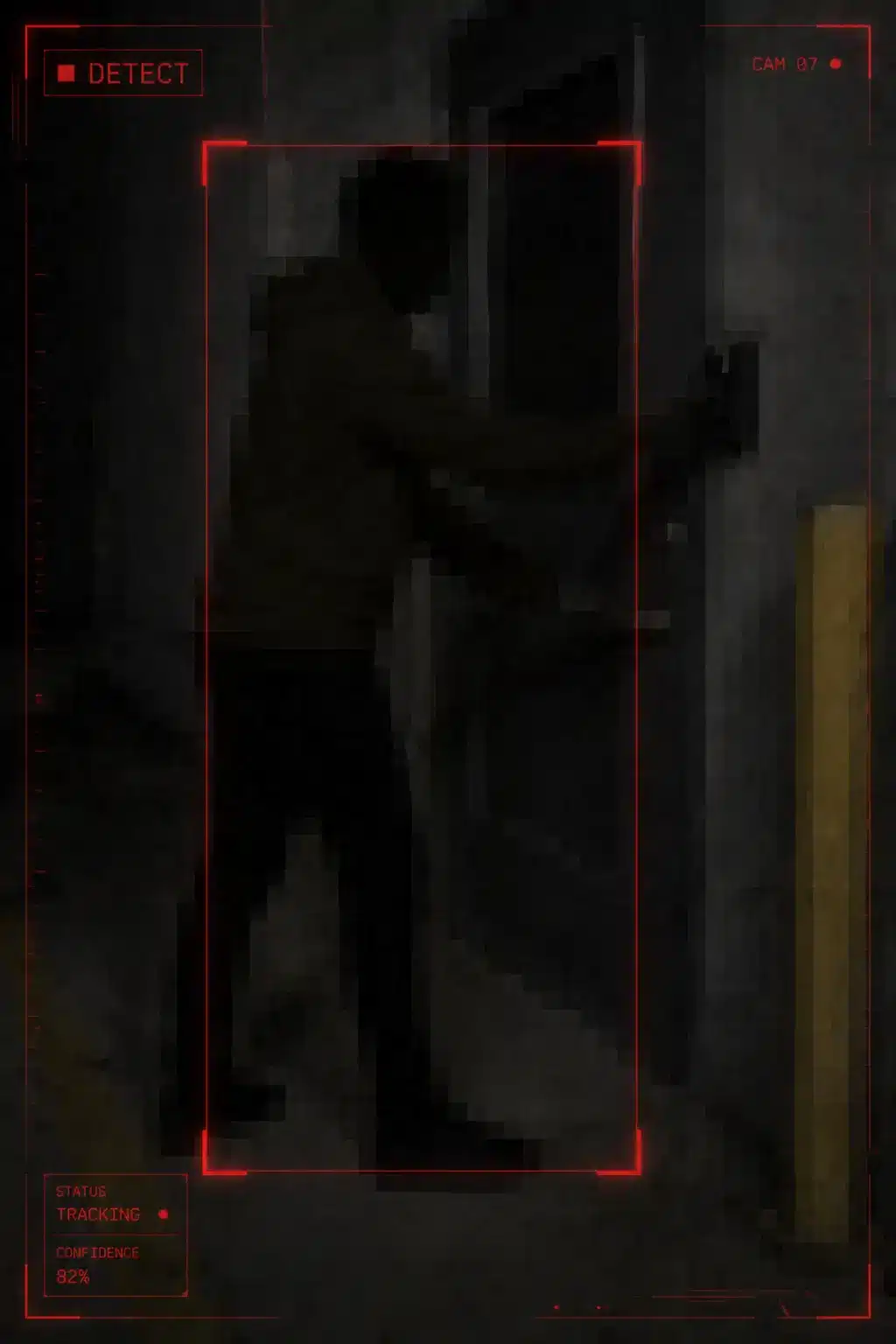
Something Happened
Detection coverage may confirm movement, presence, or activity. It is useful for alerts, but often not enough to identify a person or vehicle.
- Confirms presence or motion
- Useful for intrusion awareness
- Limited evidentiary detail
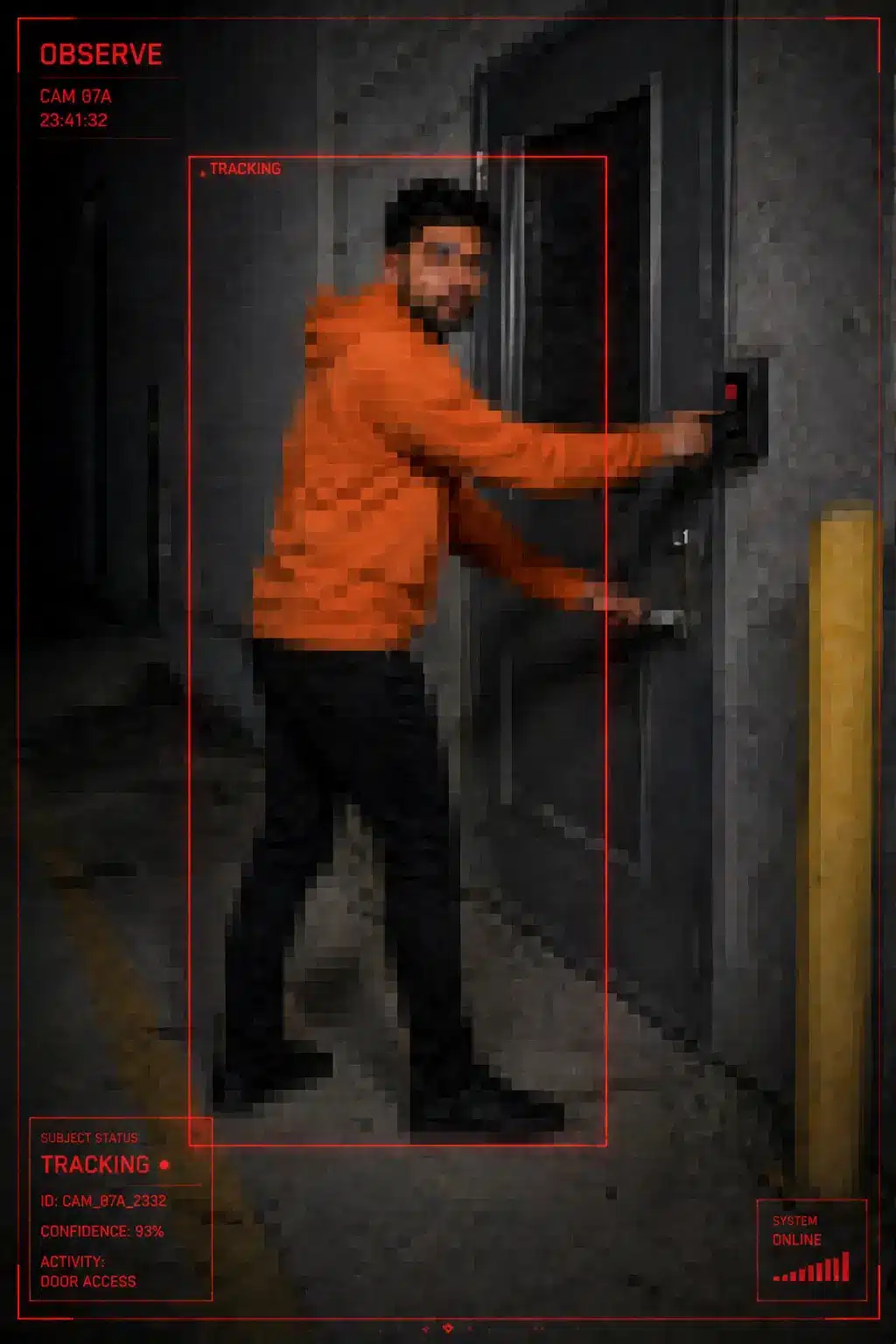
Useful Details Are Visible
Observation coverage may show clothing, direction of travel, vehicle color, behavior, and context — helpful for investigation but still limited.
- Shows clothing and general details
- Supports incident reconstruction
- May not prove identity
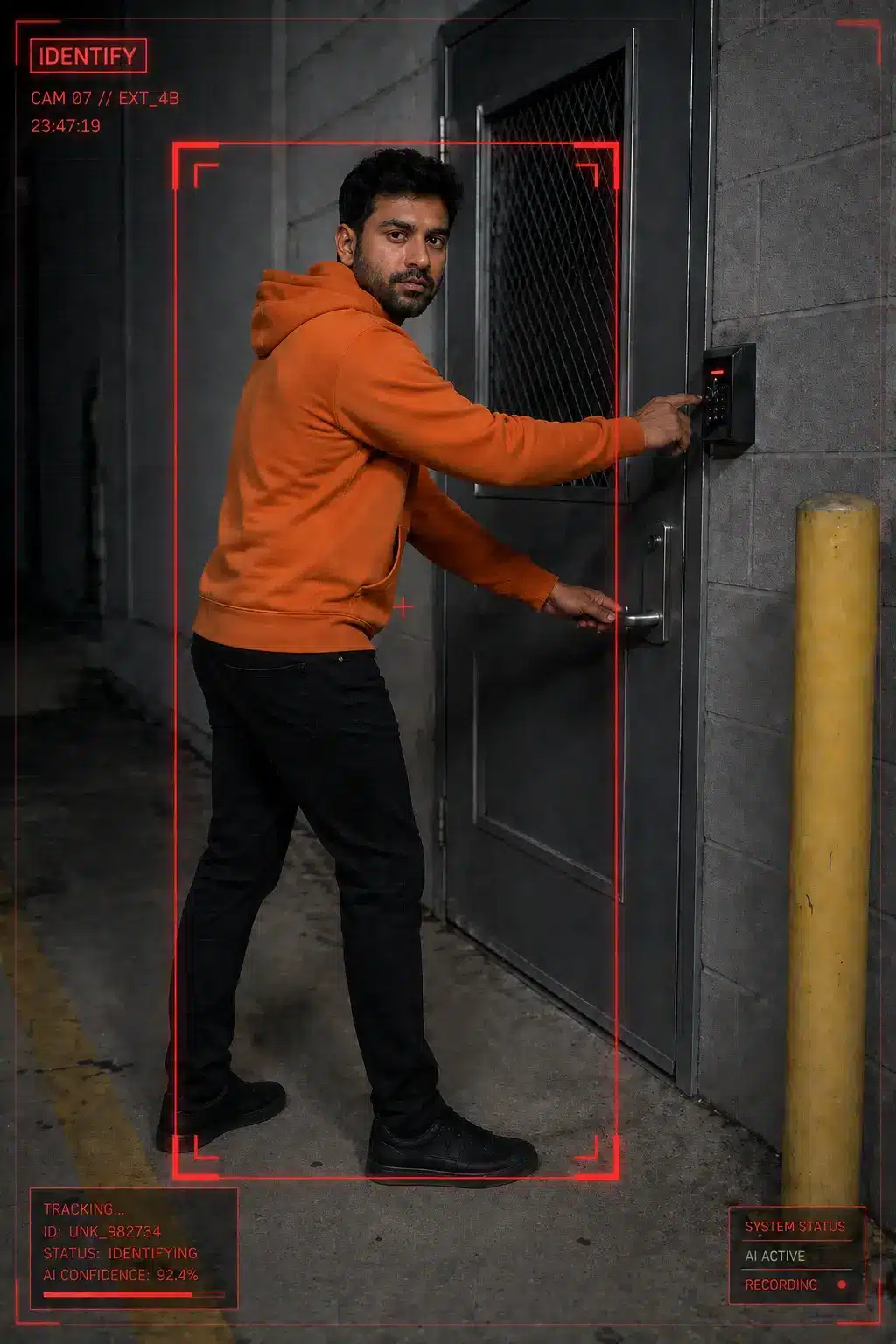
Evidence Can Be Acted On
Identification coverage is designed for clear facial detail, vehicle evidence, and stronger incident documentation when the stakes are higher.
- Clear facial or vehicle detail
- Stronger evidence value
- Requires better system design
Commercial Video Surveillance Should Support Security, Operations, and Accountability
A well-designed commercial camera system helps protect people and property, but it also supports daily operations, incident review, compliance documentation, and faster response workflows.
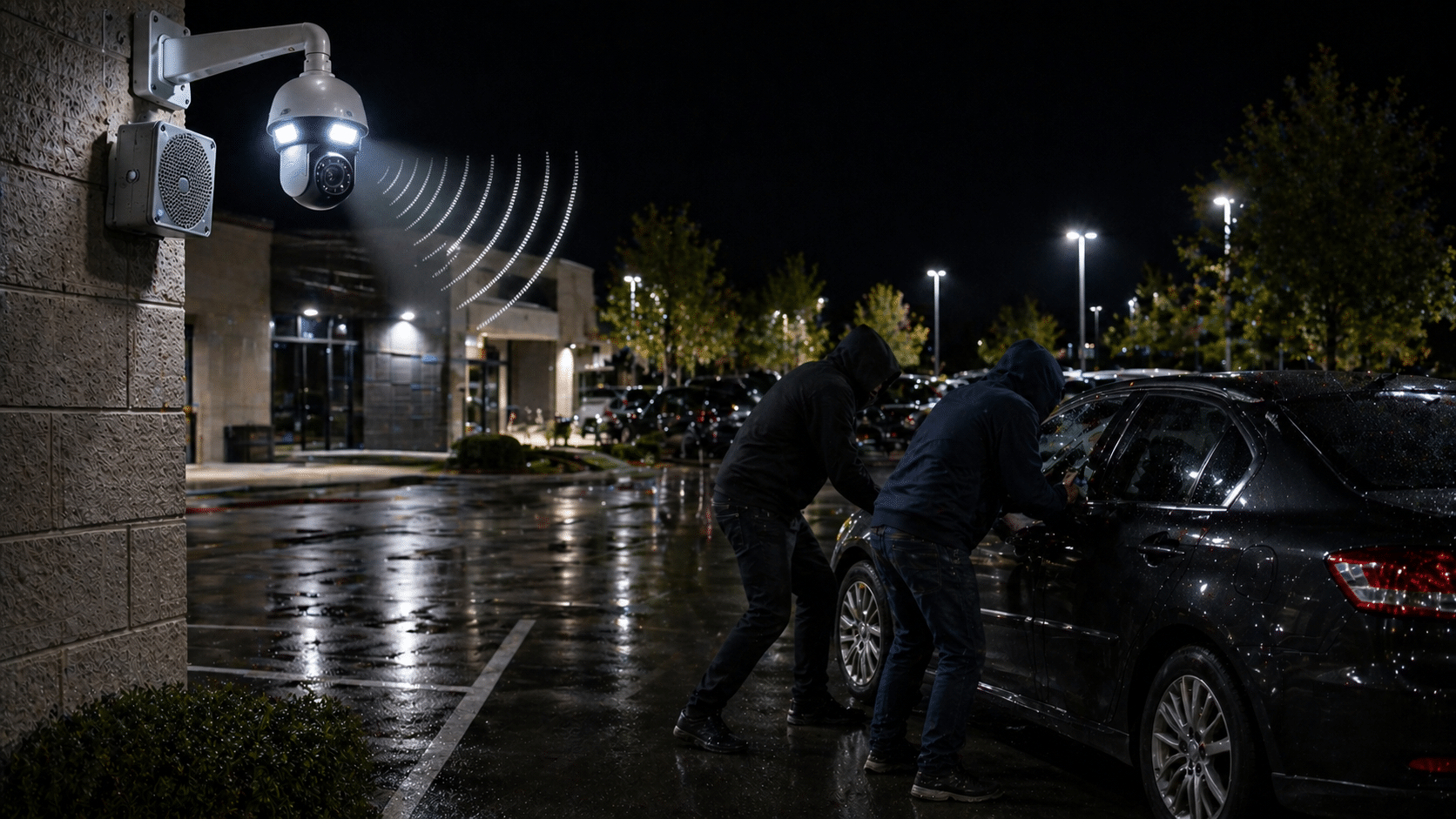
Crime Deterrence
Visible cameras, alerts, audio warnings, and monitoring workflows can discourage unauthorized activity before it becomes a larger incident.
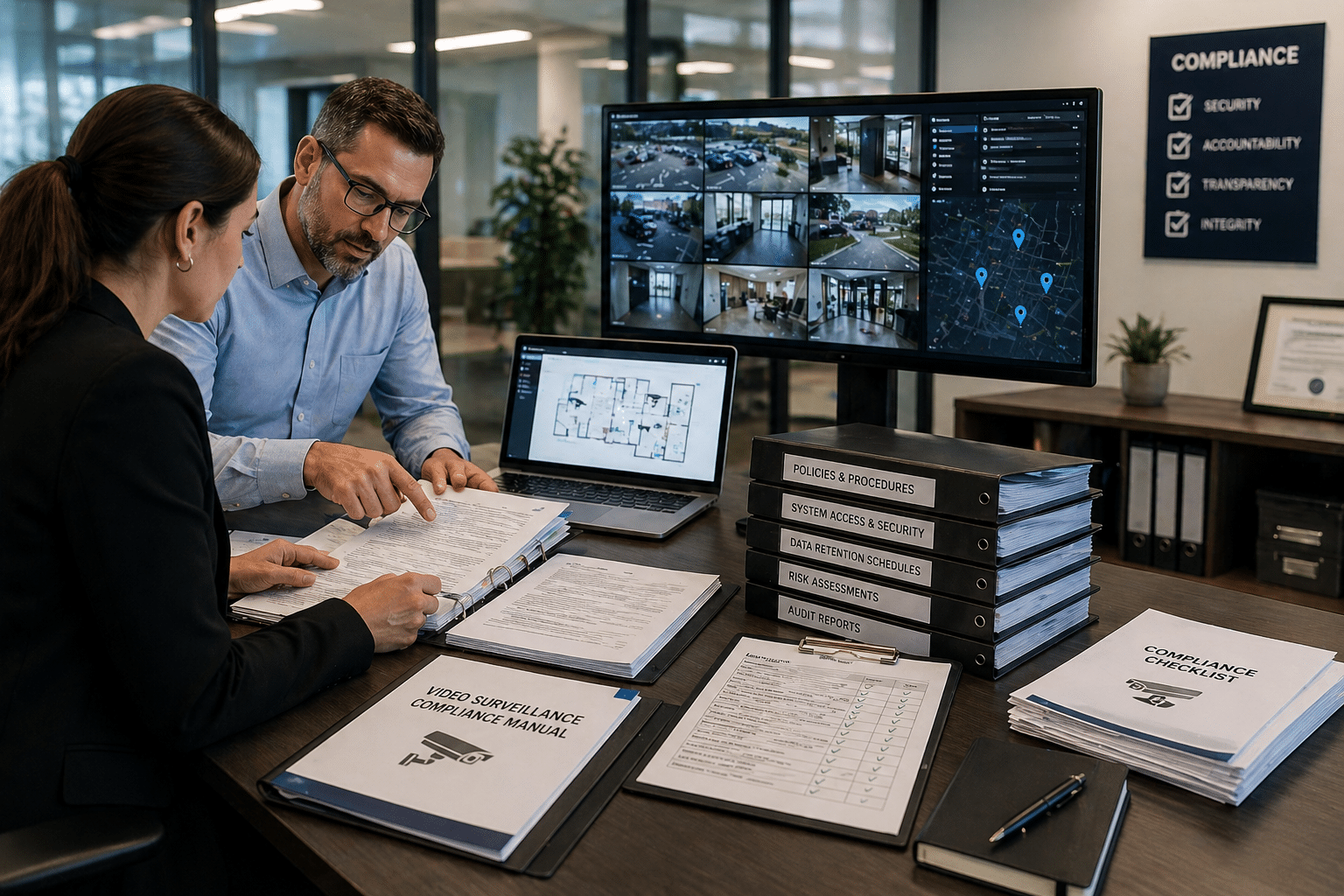
Compliance Documentation
Video evidence can support incident documentation, safety reviews, workplace investigations, and policy compliance requirements.
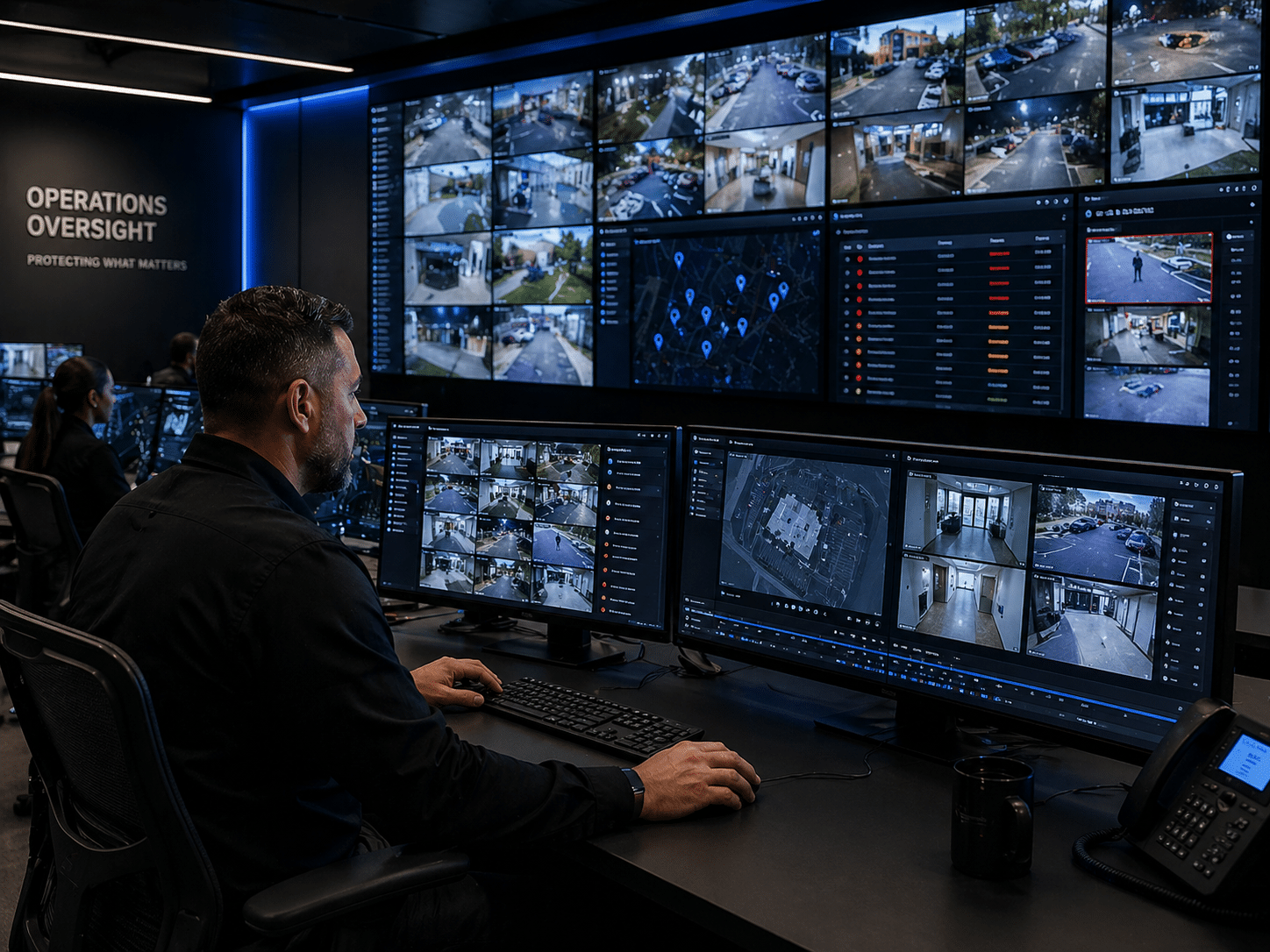
Operational Oversight
Managers can review traffic flow, deliveries, service areas, high-risk spaces, and multi-site activity without being physically present.
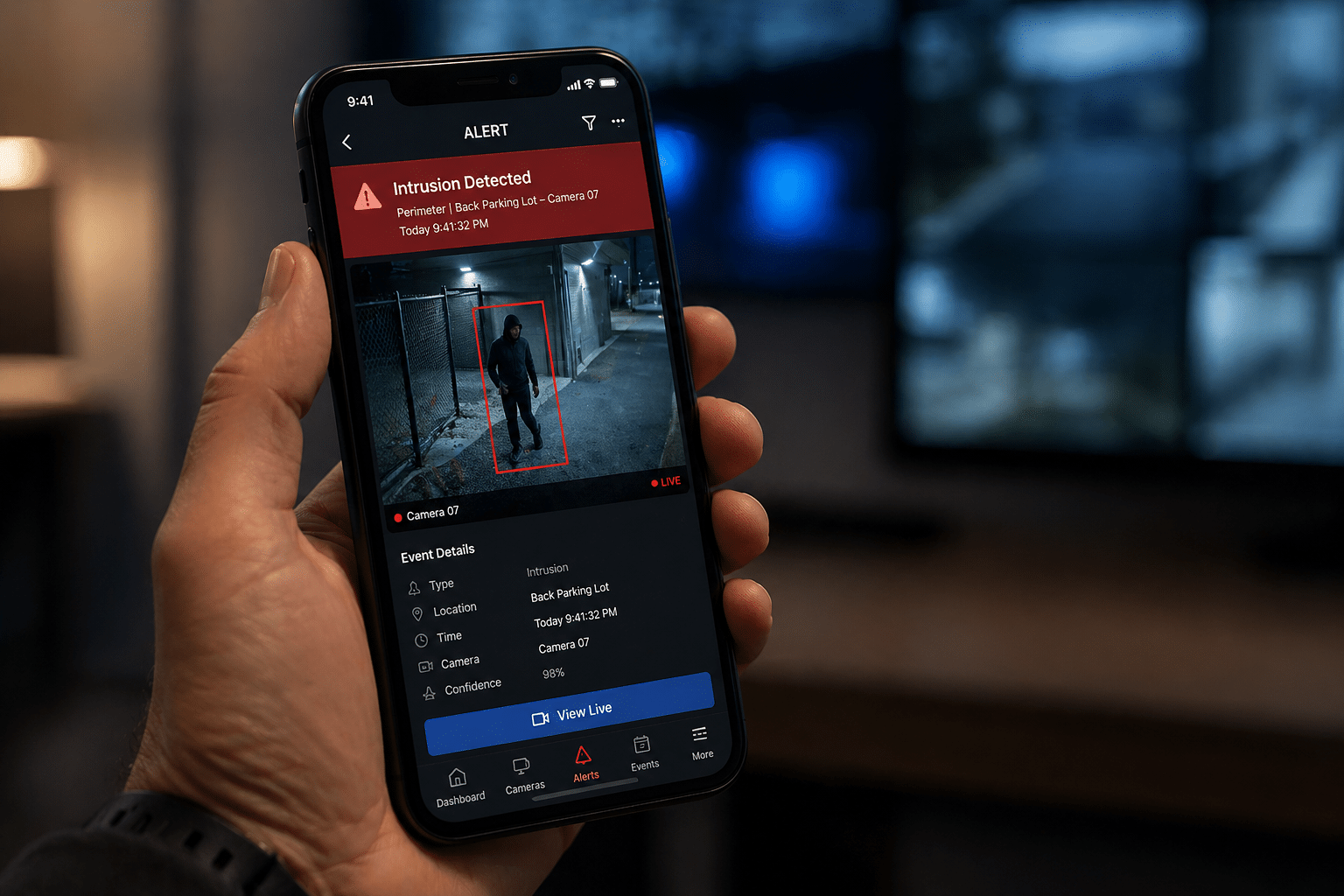
Real-Time Alerting
Modern video systems can help teams respond faster with event-based alerts, mobile access, and visual verification.
See How Modern Camera Systems Support Better Security Decisions
Modern commercial security camera systems are no longer just passive recording devices. In this short technology preview, Umbrella Security and Axis Communications show how today’s camera systems can support stronger visibility, faster investigations, smarter alerts, PTZ tracking, thermal detection, cybersecurity, and flexible system architecture.
For Chicago-area organizations comparing commercial video surveillance systems, the real question is not just which cameras to install. It is how the system will help your team detect activity, observe useful details, identify what happened, retrieve video quickly, and maintain long-term control over the platform.
- Camera analytics for faster event review
- PTZ tracking for larger outdoor areas
- Thermal detection for low-visibility conditions
- Open architecture for long-term flexibility
- Cybersecurity built into the camera ecosystem
- System design that supports real decisions
Should You Start With a Camera Manufacturer or a Local Security Integrator?
Manufacturer demos are useful, but a camera platform is only one part of the final system. Chicago-area buyers also need a facility-specific plan for camera placement, network architecture, storage, retention, integrations, serviceability, cybersecurity, ownership, and long-term expansion.
Compare Camera Platform Paths Before You Commit
Umbrella Security is not trying to force every buyer into the same product family. The right answer depends on evidence needs, retention, IT involvement, remote access, cybersecurity, integration goals, and how much long-term control the organization needs.
Cloud-managed video
Strong for multi-site visibility, remote access, health monitoring, and simpler administration.
- Watch recurring costs
- Review data policies
- Confirm bandwidth needs
Local recording
Strong when local retention, predictable storage, and IT-managed infrastructure matter.
- Plan server/NVR capacity
- Account for maintenance
- Define user access
Local plus cloud access
Useful when buyers need local control with remote management or selective cloud features.
- Balance bandwidth
- Clarify failover
- Design permissions carefully
ONVIF / flexible architecture
Useful when integration, future migration, and best-fit hardware selection are priorities.
- Requires design discipline
- Verify compatibility
- Understand ONVIF
Unified ecosystem
Useful when one interface, one support path, and simplified user experience outweigh flexibility concerns.
- Review lock-in risk
- Confirm exit path
- Model year-three costs
Cloud, On-Premise, or Hybrid Video Surveillance?
Storage architecture affects cost, retention, bandwidth, cybersecurity, access speed, scalability, and operational reliability. Instead of forcing one dense graphic, this section breaks the decision into three practical paths.
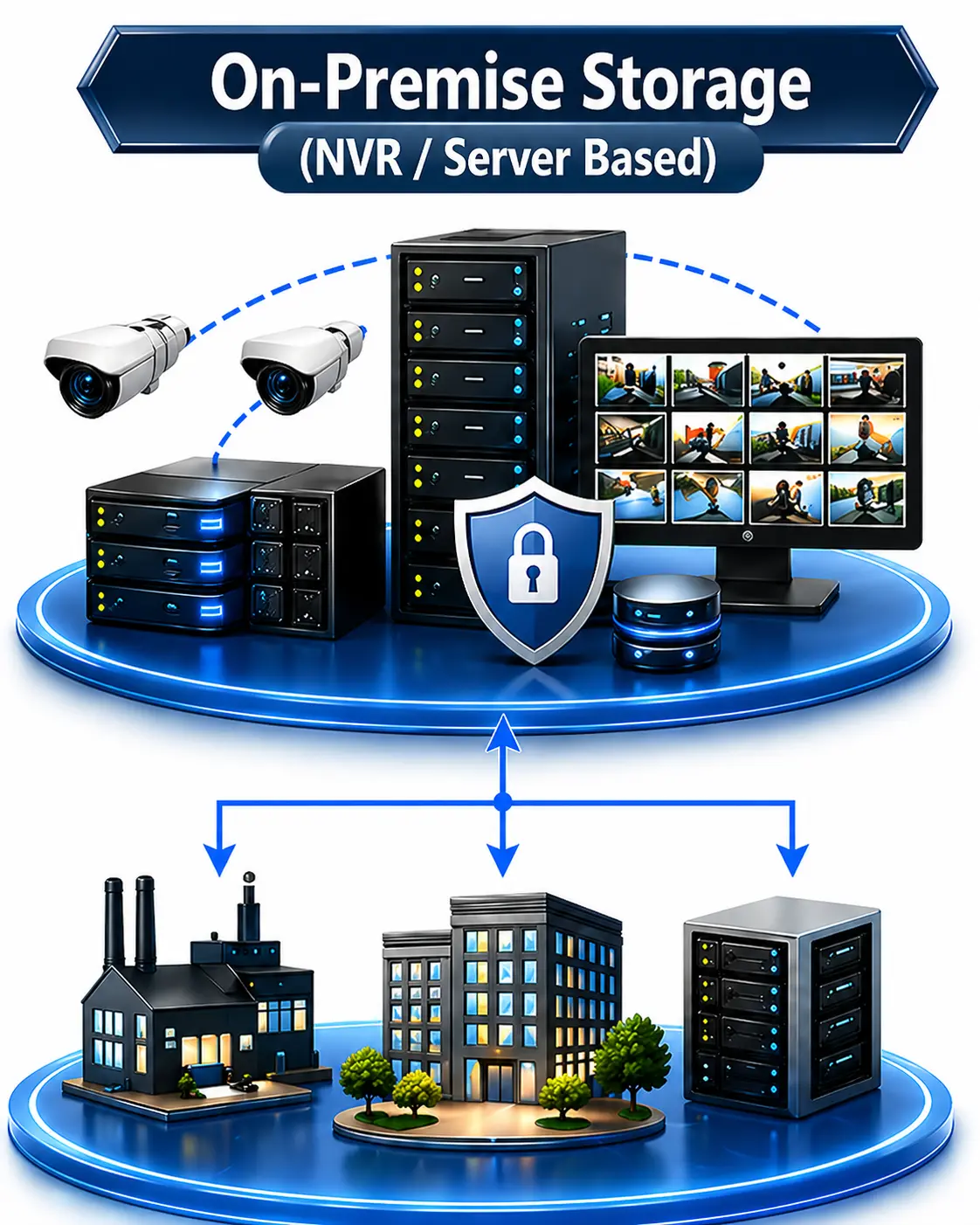
On-Premise Recording
Uses local recorders, servers, or appliances for stronger local control over retention, bandwidth, and storage ownership.
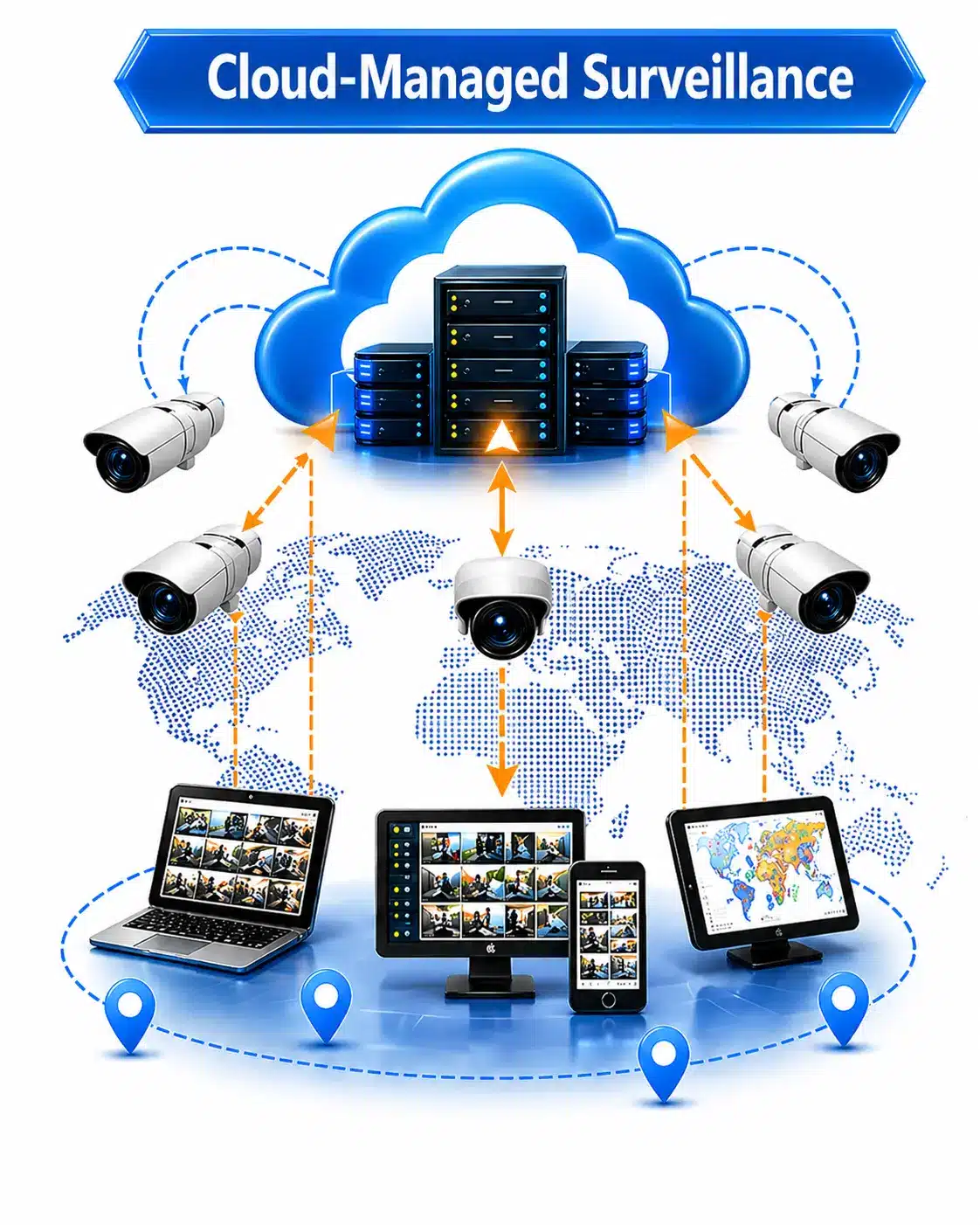
Cloud Video Surveillance
Useful for multi-site visibility, remote access, simplified updates, and teams comfortable with recurring software costs.
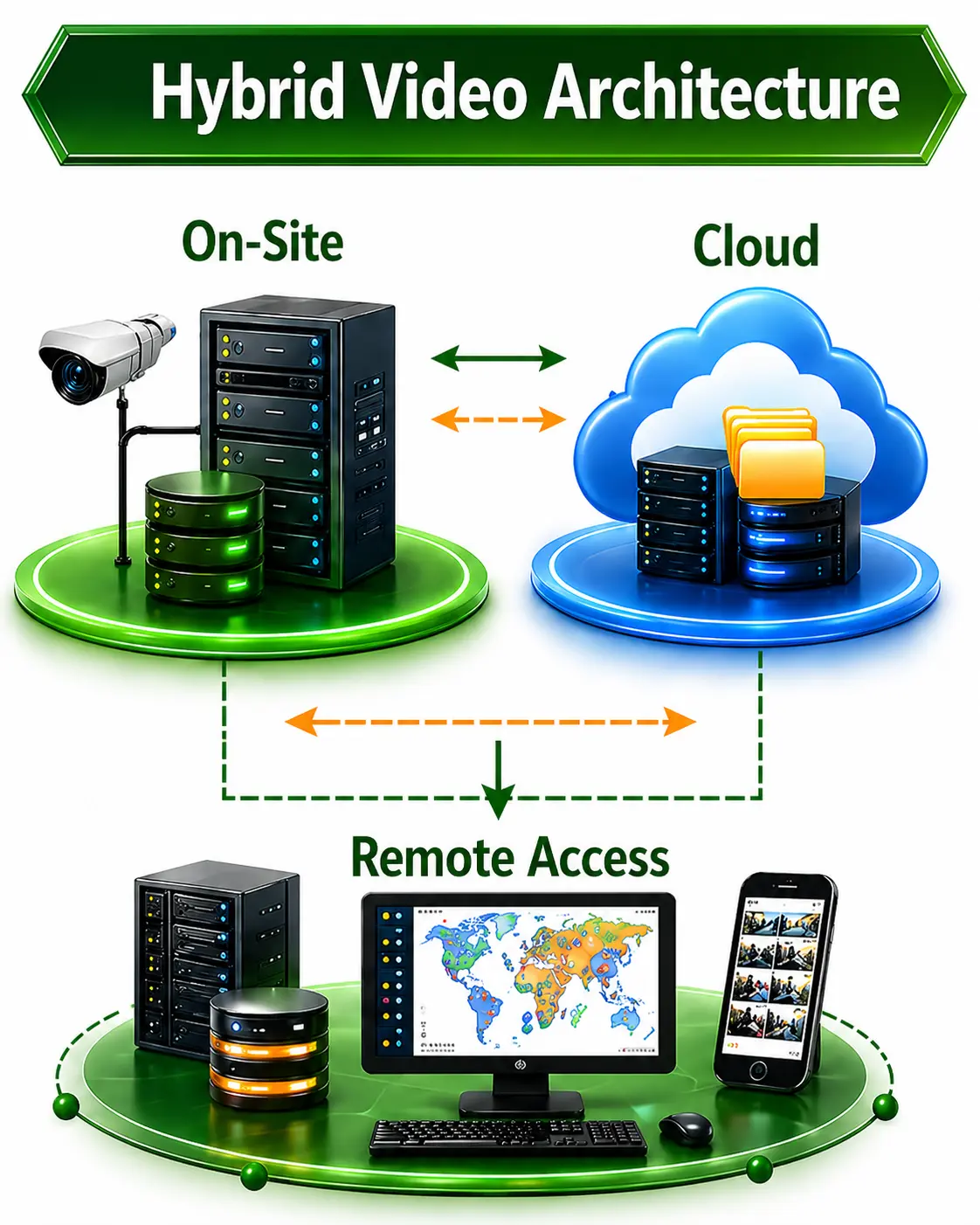
Hybrid Video Surveillance
Combines local recording with cloud access, alerts, backup, or management features where that balance fits the facility.
Camera System Planning Mistakes That Create Expensive Problems Later
Many camera system problems are created before installation starts. The system may look clean, record video, and still fail when a school, property manager, plant manager, IT team, or business owner needs usable evidence.
Commercial Security Camera Systems Chicago: Camera Types, Coverage, and Facility Use Cases
The right camera type depends on what the system needs to capture. Entrances, parking lots, warehouses, long corridors, open production areas, and vehicle gates all require different design decisions.
Choose the camera around the evidence you need.
Dome, bullet, fisheye, PTZ, LPR, and multi-sensor cameras each solve a different surveillance problem. Use the selector below to compare where each camera type fits best.
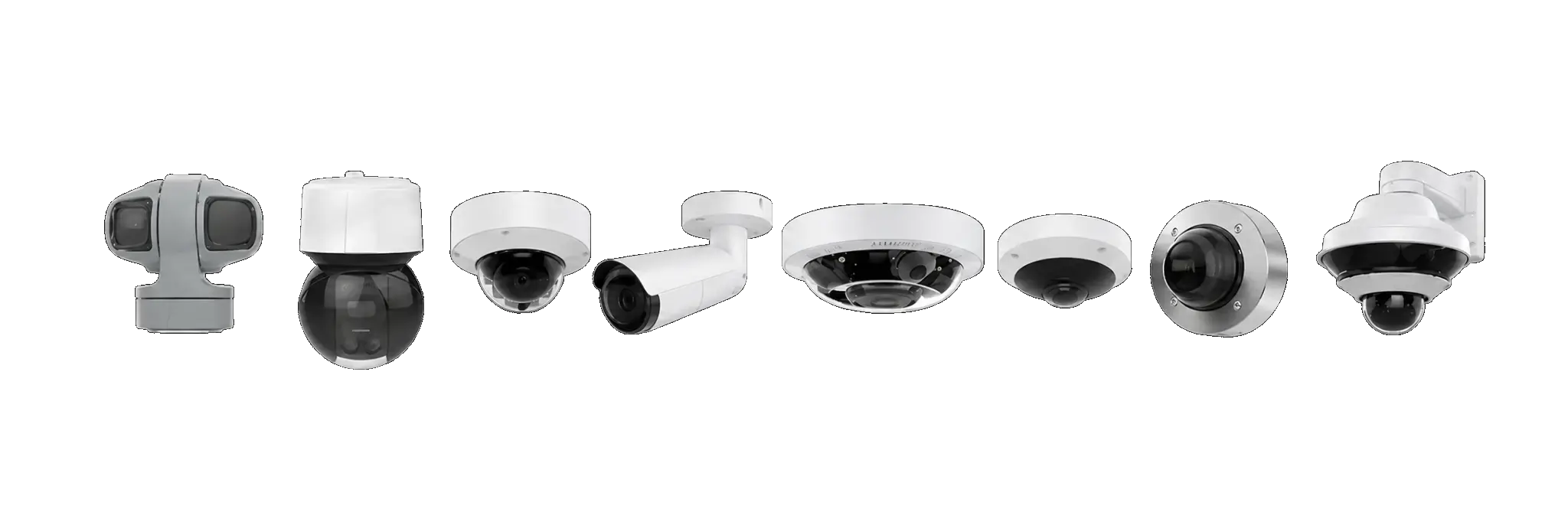
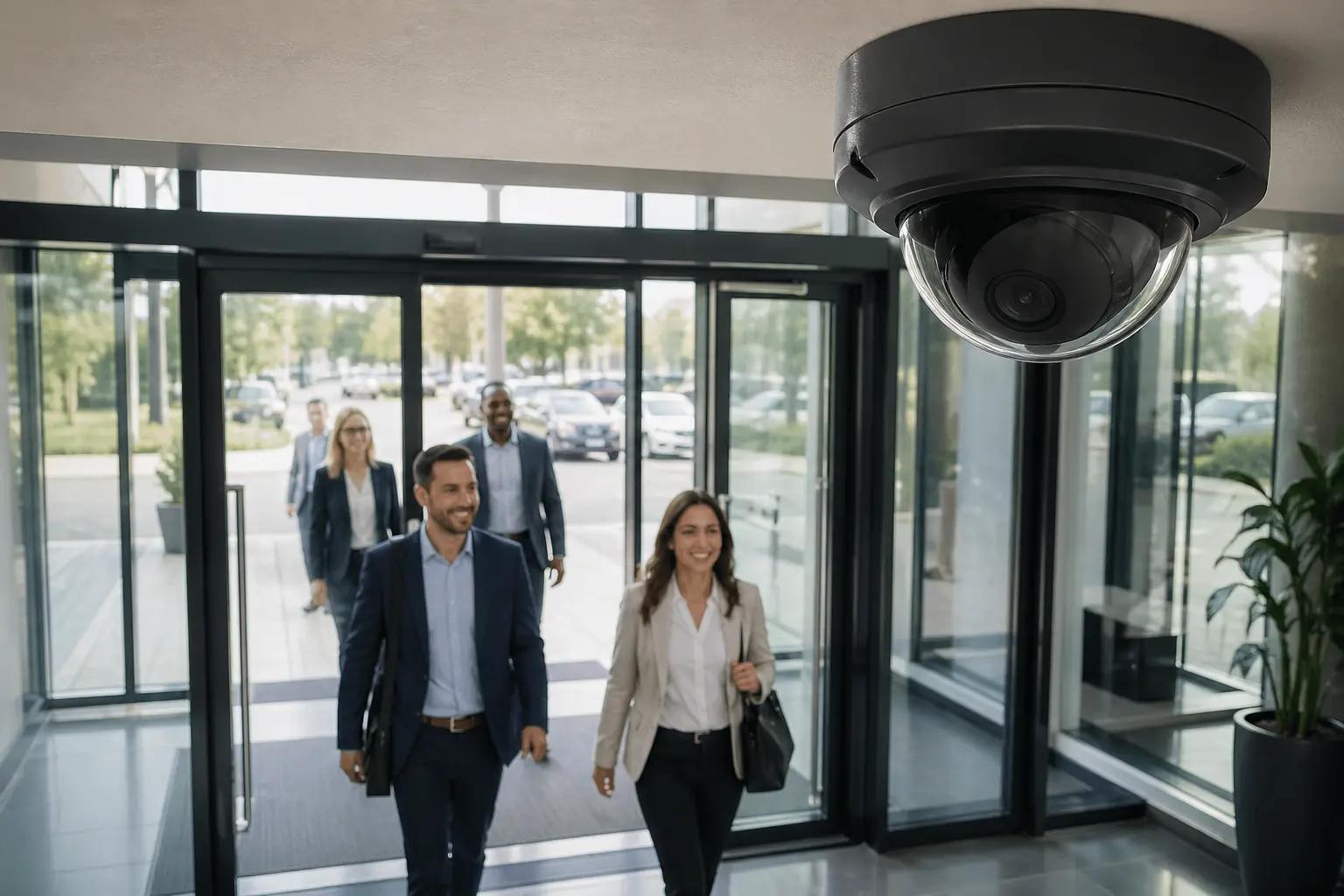
Dome Cameras
Dome cameras are commonly used at entrances, lobbies, offices, hallways, schools, and commercial interiors where the system needs a professional look and reliable coverage.
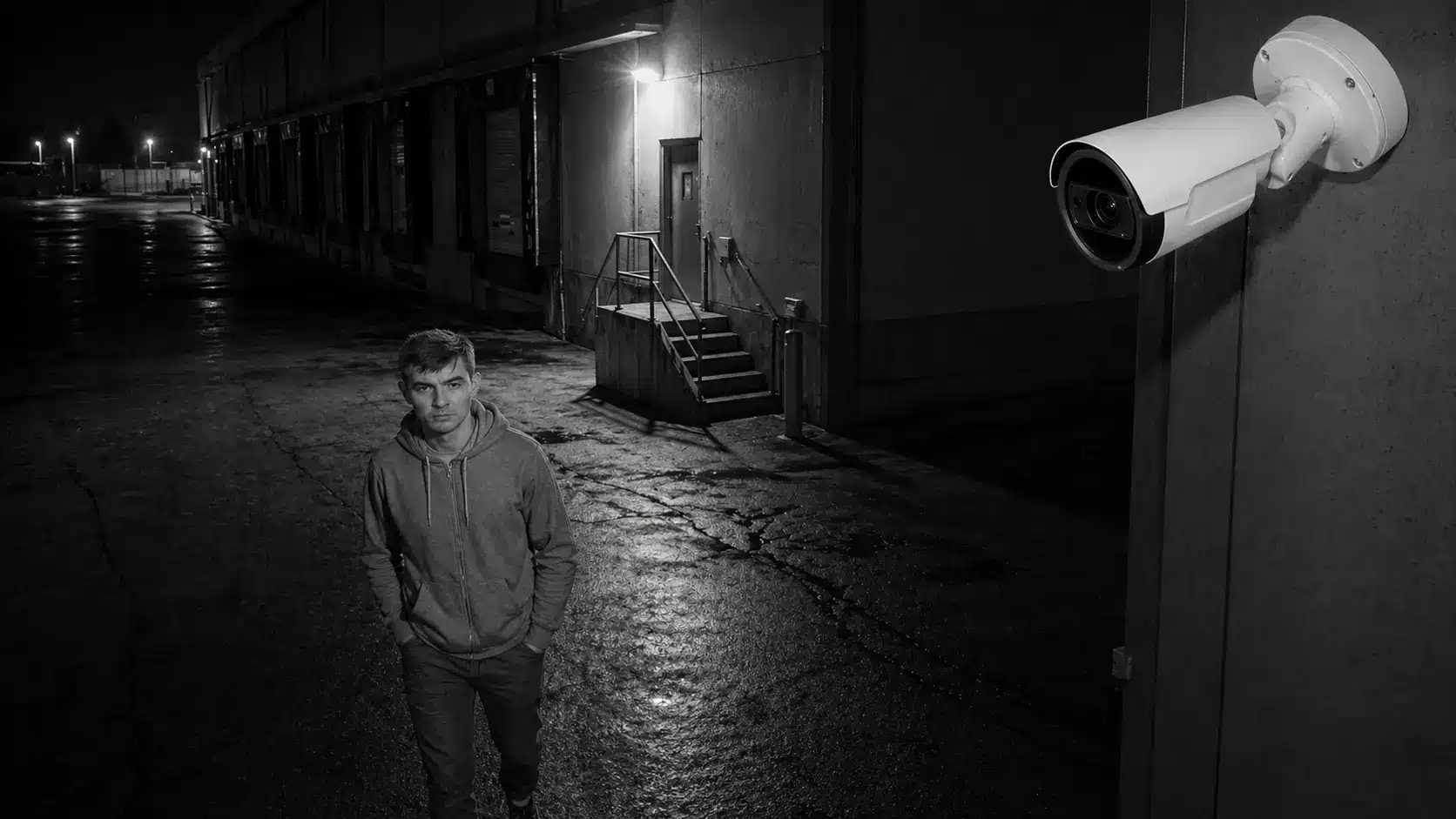
Bullet Cameras
Bullet cameras are useful for longer-range exterior coverage, parking lots, gates, alleys, yards, and perimeter areas where direction and deterrence matter.
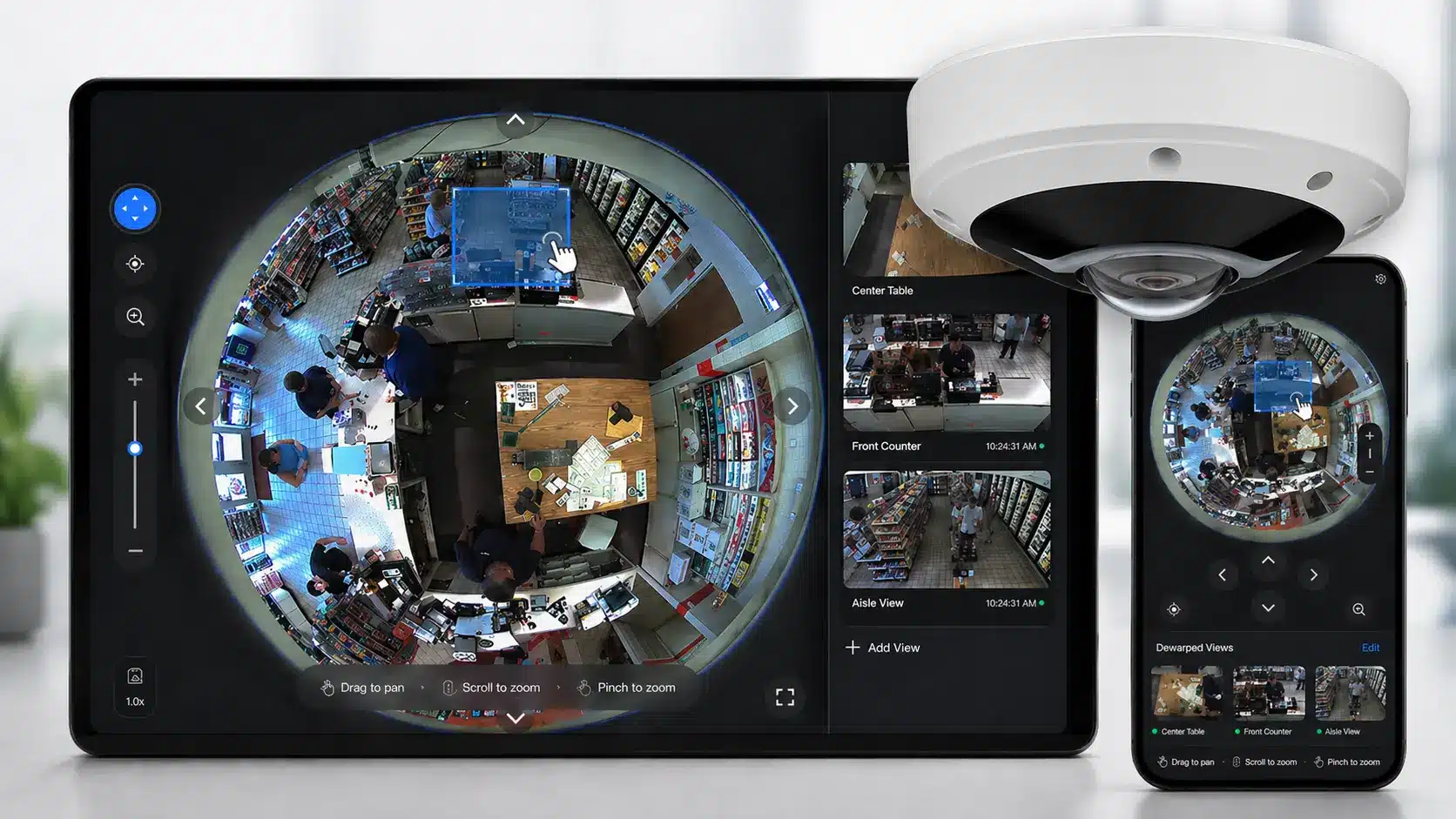
Fisheye and 360-Degree Cameras
Fisheye and 360-degree cameras help cover wide areas with fewer devices, especially when the goal is broad situational awareness rather than face-level identification at distance.
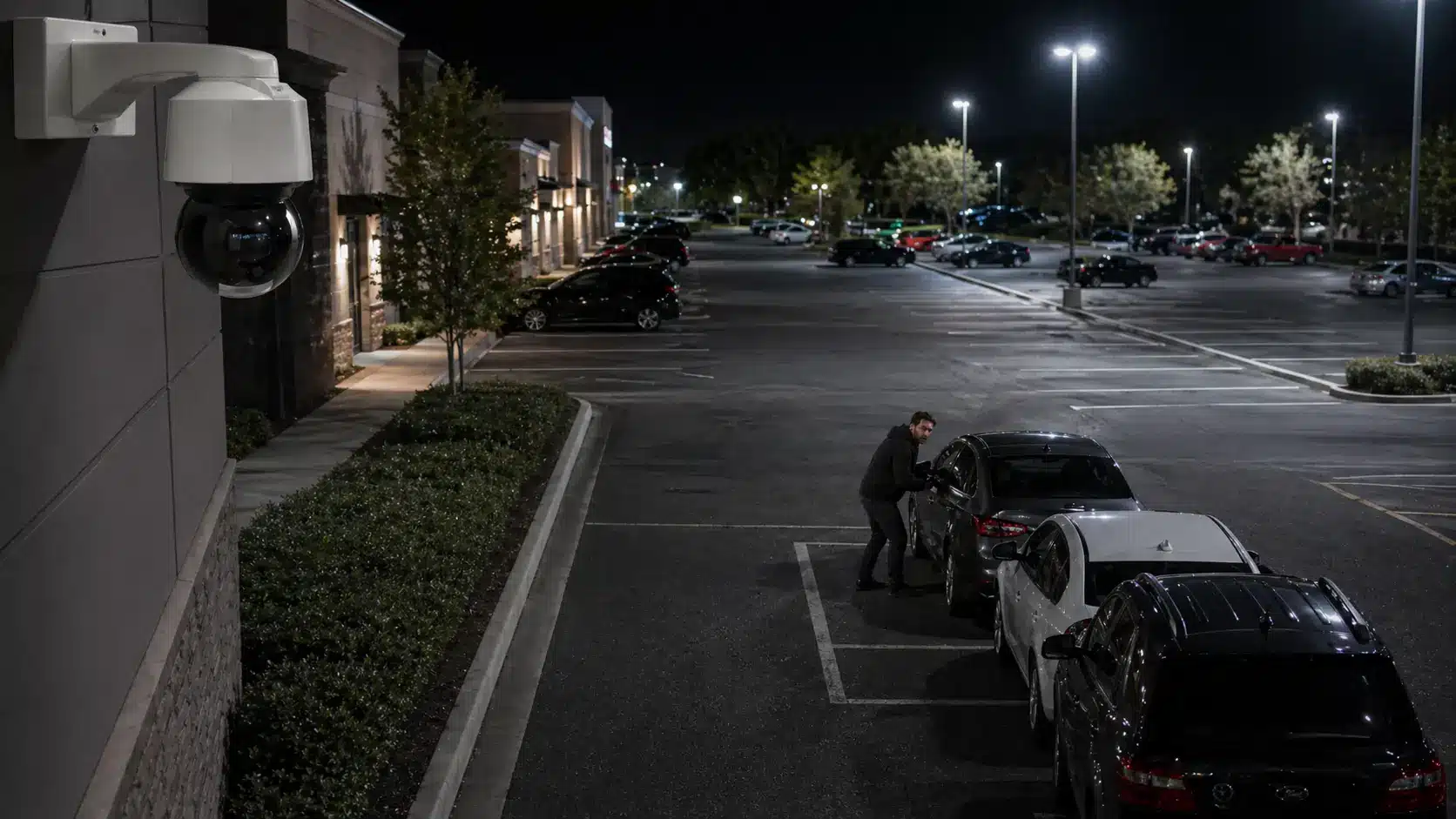
PTZ Cameras
Pan-tilt-zoom cameras can help teams actively monitor larger spaces, zoom into activity, and support guard stations or remote monitoring workflows.
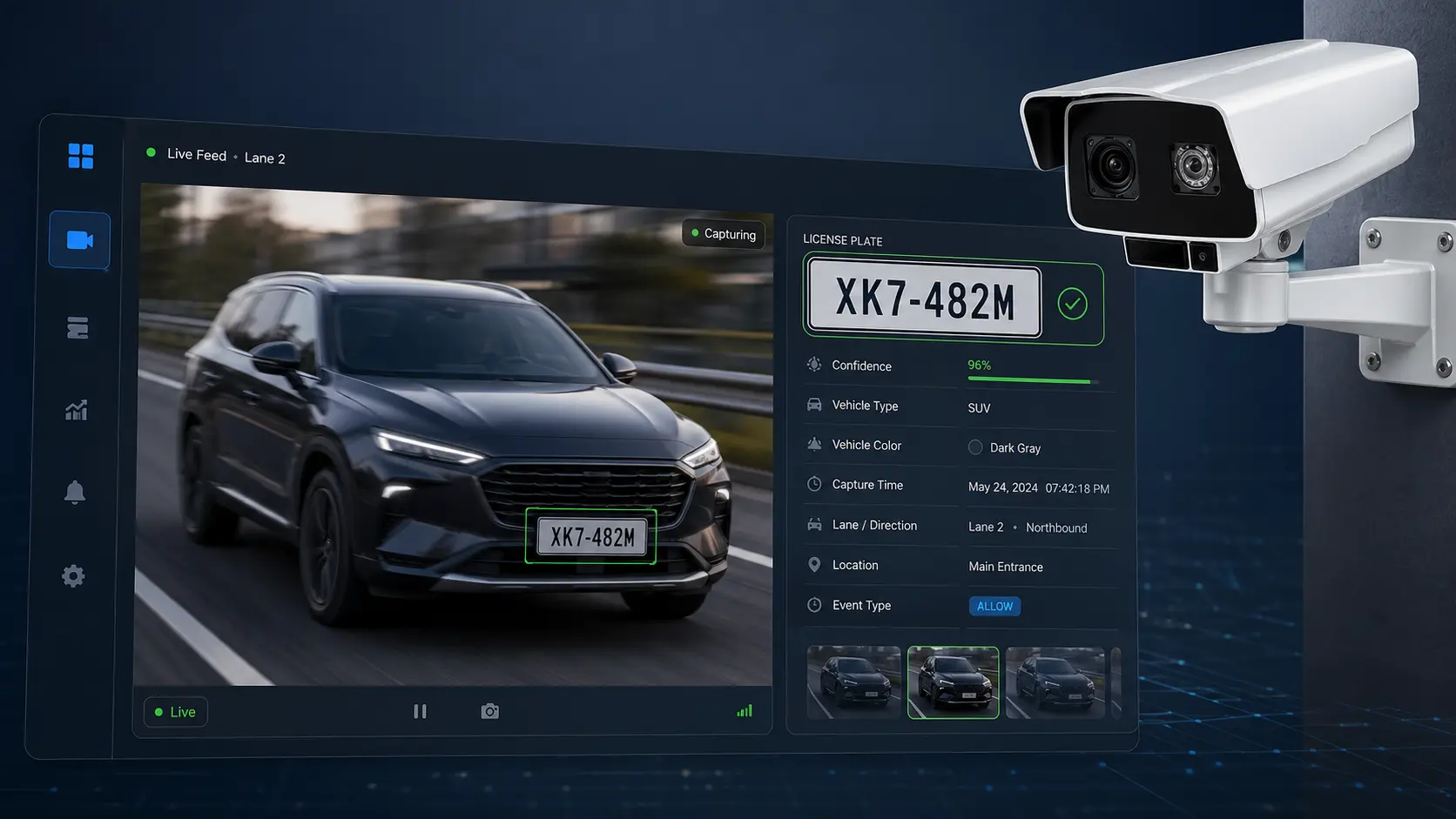
License Plate Recognition Cameras
LPR cameras are designed for vehicle evidence. They require careful placement, speed considerations, lighting planning, and lane-specific design.
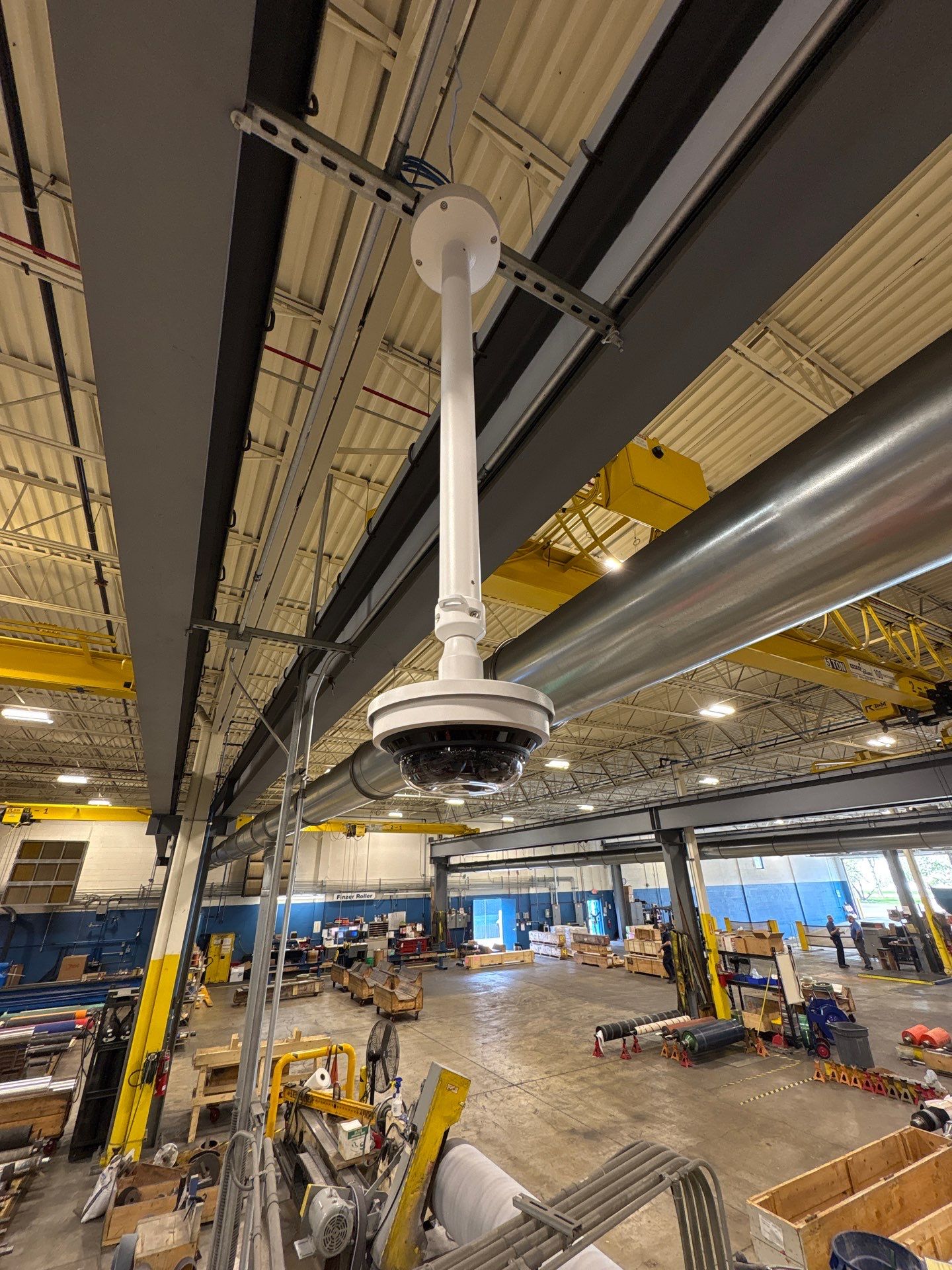
Multi-Sensor Cameras
Multi-sensor cameras provide multiple viewing angles from one mounting location, which can reduce blind spots and improve coverage in complex commercial spaces.
Dome Cameras
Professional, low-profile coverage for entrances, lobbies, hallways, and interior commercial spaces.
Bullet Cameras
Directional exterior coverage for parking lots, perimeters, alleys, yards, and building approaches.
Fisheye / 360 Cameras
Broad situational awareness for open interiors, retail floors, warehouses, lobbies, and wide spaces.
PTZ Cameras
Operator-driven zoom and movement for large properties, campuses, exterior lots, and monitoring workflows.
LPR Cameras
Vehicle evidence for gates, drive lanes, parking lots, logistics yards, and controlled access points.
Multi-Sensor Cameras
Multiple angles from one location for warehouses, manufacturing facilities, corners, and complex interiors.
Find Critical Video Evidence With Natural Language Search
Modern video systems can help authorized users search for events using plain-language descriptions instead of manually scrubbing through hours of footage.

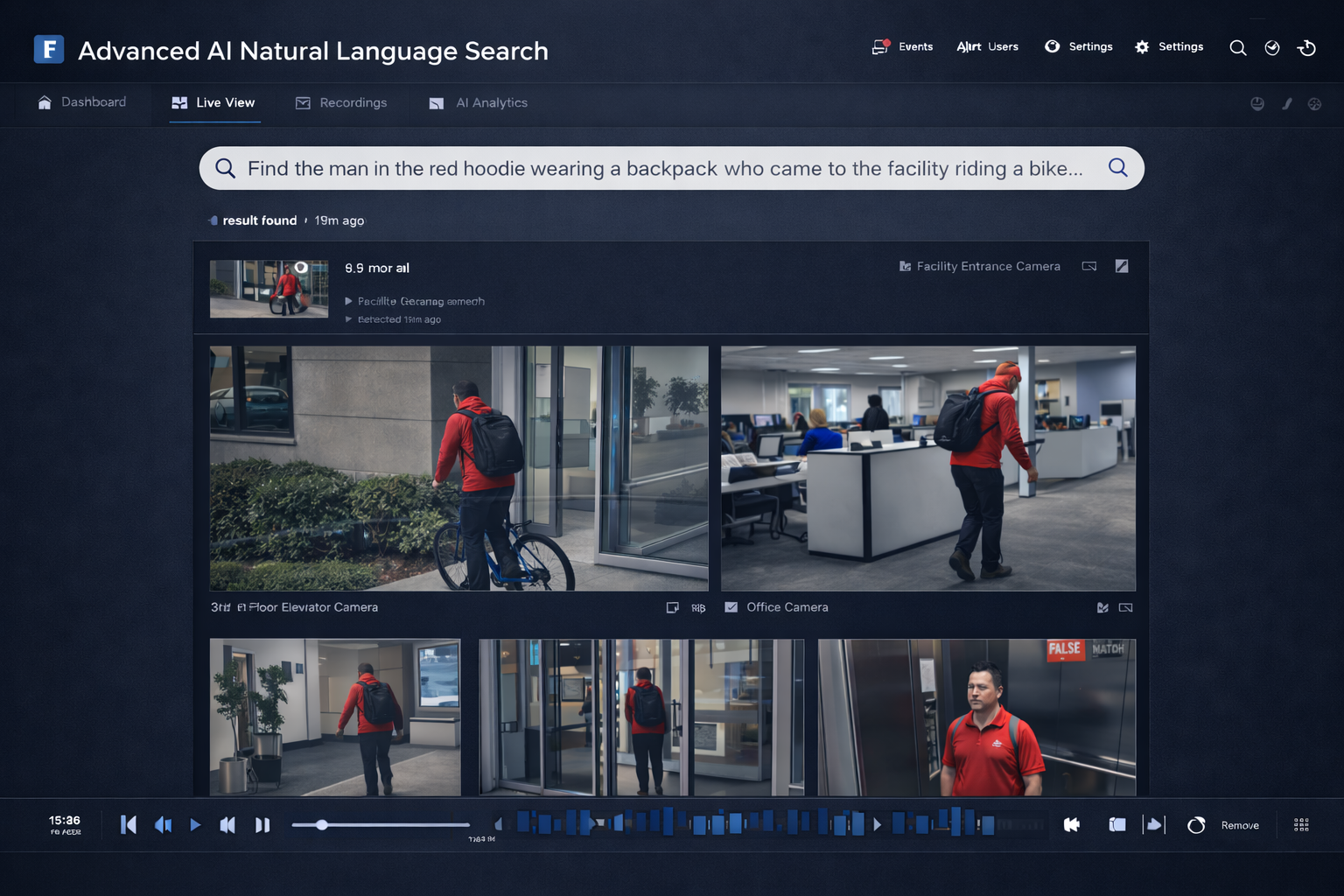
Search the incident, not the timeline.
Instead of asking an employee to review every camera one by one, AI-assisted video search can help narrow footage by object, clothing, vehicle, location, direction of movement, and time window when the system supports it.
- Find people, vehicles, objects, and activity faster
- Support investigations across entrances, lots, docks, and interiors
- Reduce wasted review time after an incident
- Protect access with permissions, roles, and audit-aware workflows
Industries We Serve With Commercial Video Surveillance Systems
Camera system design changes by environment. Schools, government buildings, manufacturing facilities, multi-family properties, venues, and places of worship all have different coverage needs, privacy expectations, access patterns, and evidence requirements.
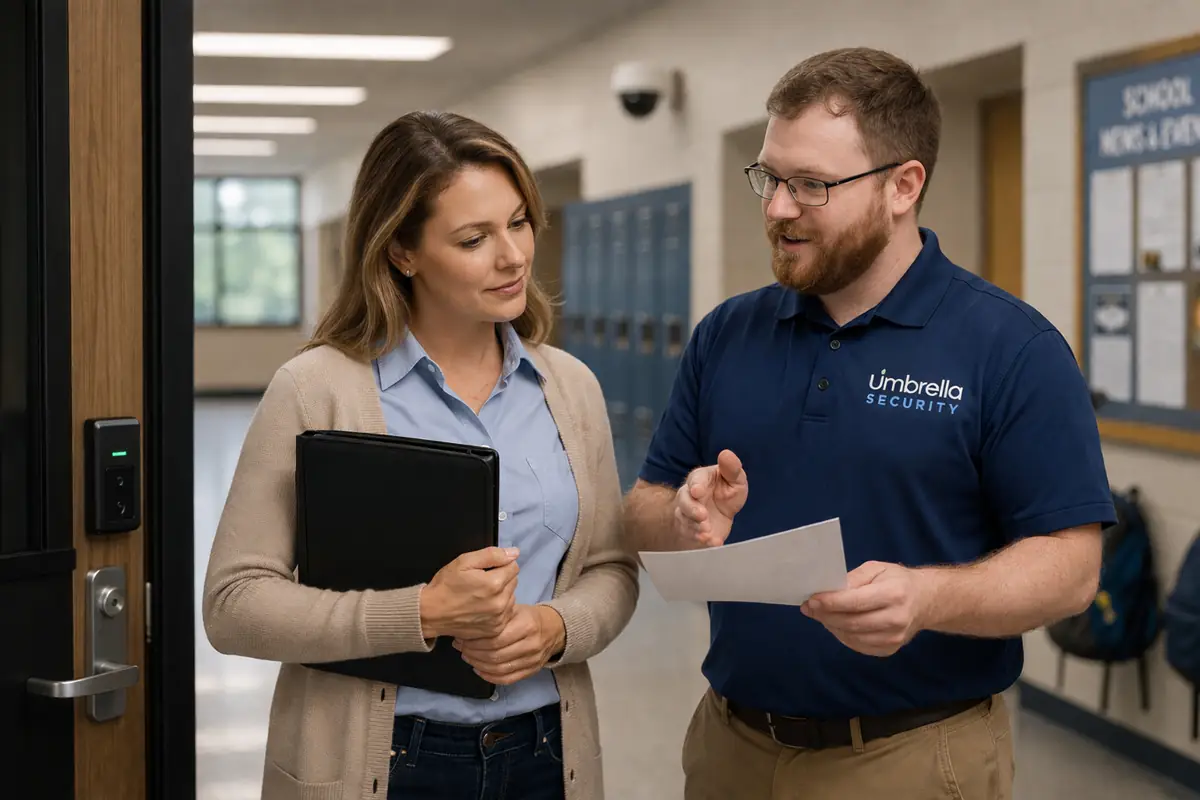
Schools & Campuses
Help superintendents, school resource officers, facilities teams, and administrators improve visibility across entrances, hallways, parking areas, visitor flow, and campus events.
Explore school security solutions →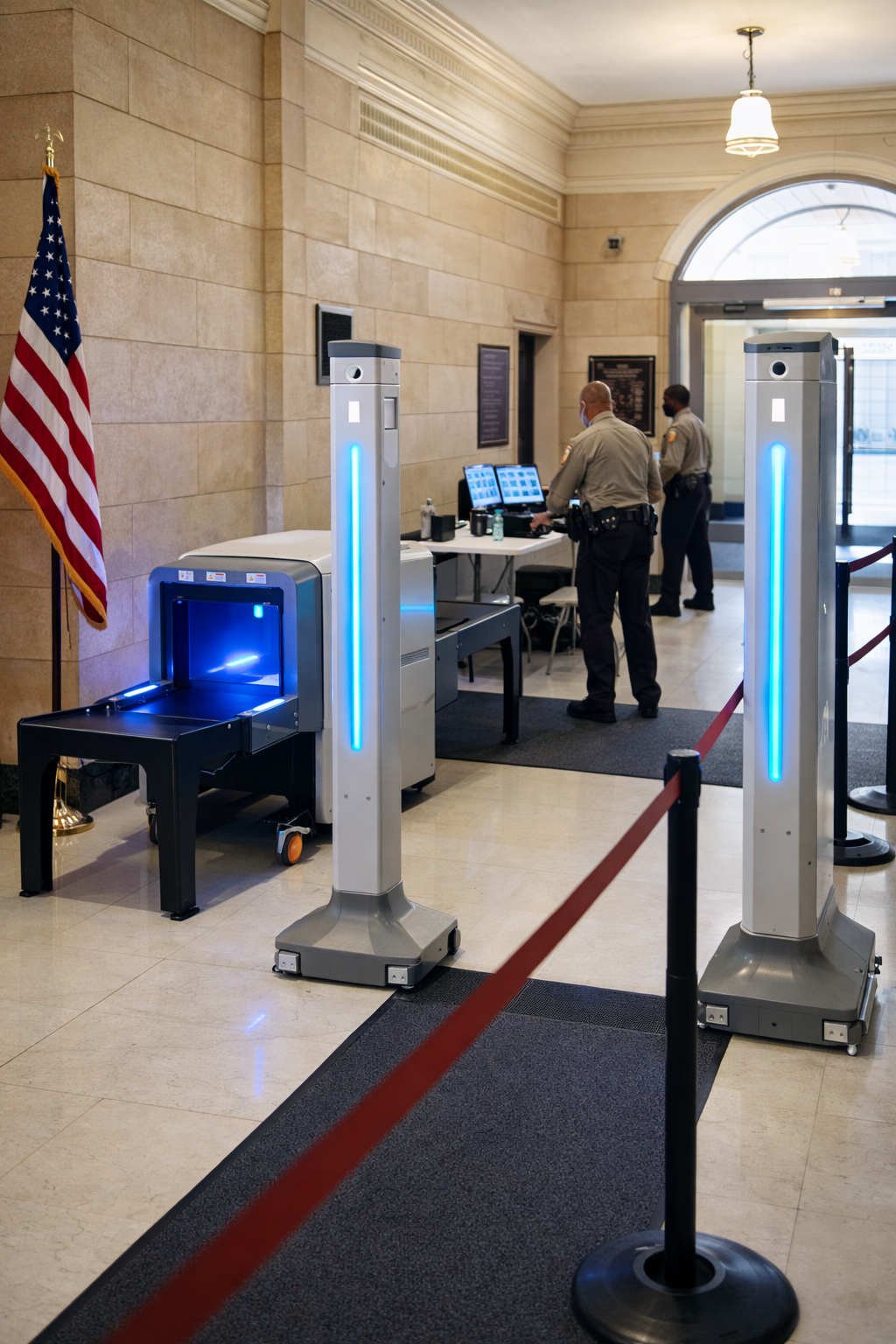
Public-Sector Facilities
Help administrators, facility leaders, IT teams, and security managers document activity across public entrances, service counters, restricted areas, parking, and shared government spaces.
Explore government security solutions →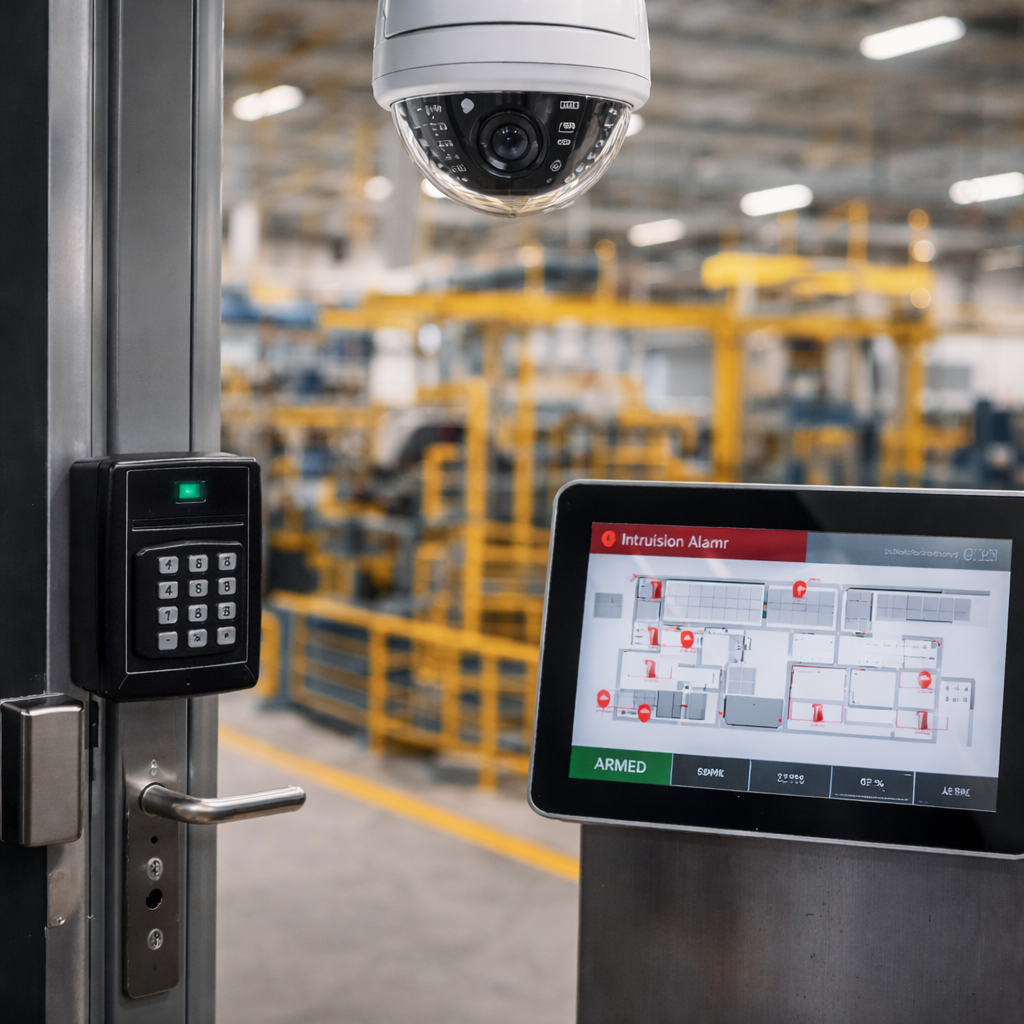
Industrial & Production Sites
Help plant managers, operations teams, HR, EHS, and ownership review incidents, monitor docks, support safety investigations, and understand activity across production and industrial spaces.
Explore manufacturing security solutions →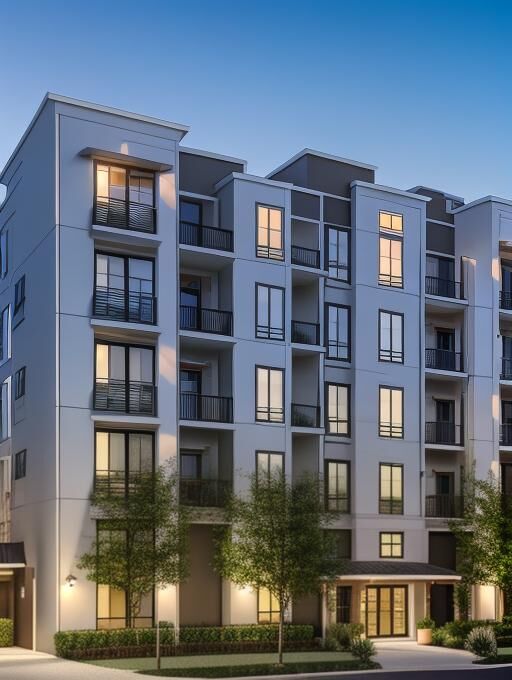
Residential Communities
Help owners, property managers, and regional teams review entrances, garages, package rooms, common areas, parking, and resident-impacting incidents with clearer video evidence.
Explore multi-family security solutions →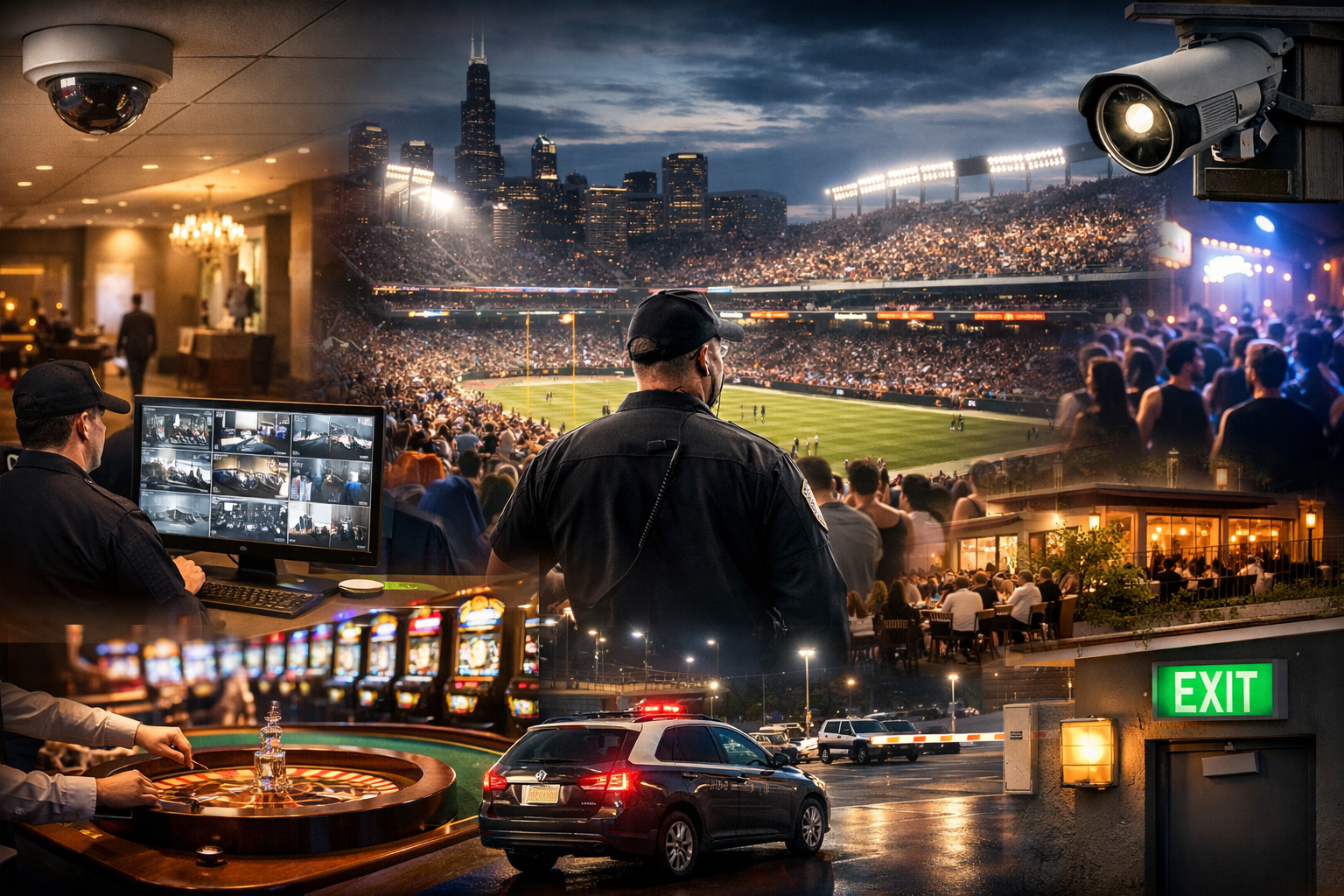
Sports & Entertainment
Help venue operators, event managers, security teams, and ownership improve visibility across crowd flow, parking, vendors, staff areas, and back-of-house operations.
Explore hospitality and venue security →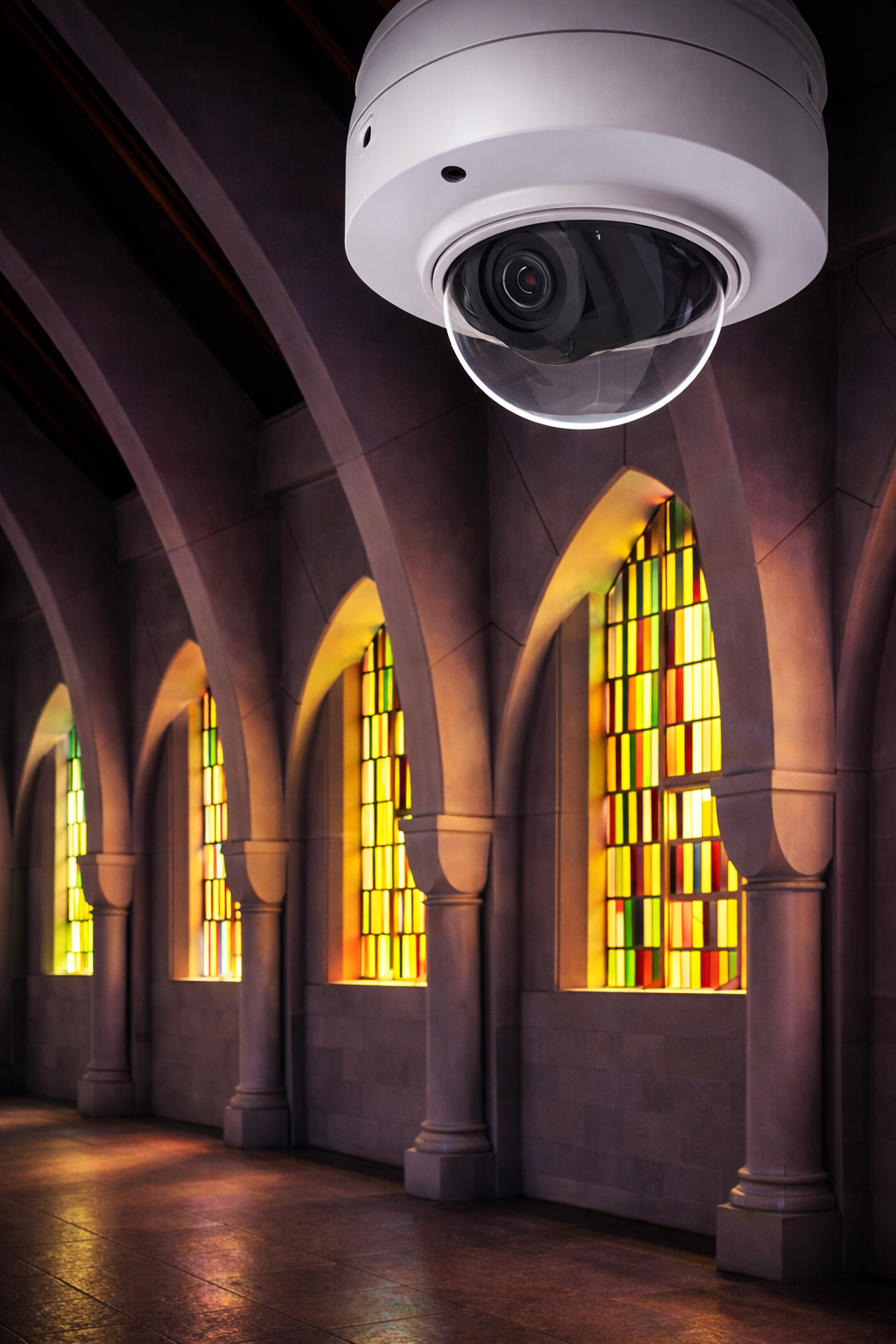
Places of Worship
Help pastors, administrators, safety teams, and nonprofit leaders balance hospitality with visibility at entrances, children’s areas, gathering spaces, parking lots, and after-hours activity.
Explore church security solutions →Get Advice Before Choosing a Camera System Platform
Before you commit to a cloud, on-premise, hybrid, subscription, or non-subscription camera system, talk through the facility, evidence needs, retention requirements, integrations, and ownership model with a security integrator who designs around the problem first. If you are comparing commercial security camera systems Chicago organizations will depend on for years, get advice before choosing the platform.
Integrate Cameras With the Security Systems That Already Protect Your Facility
Video becomes more valuable when it supports access control, alarm, intercom, vehicle, monitoring, and dashboard workflows your team already uses.

Access Control
Connect door activity with video verification.

Intercom Calls
Verify visitors before granting entry.
Alarm Systems
Pair intrusion events with video evidence.
License Plate
Support vehicle activity and gate visibility.

Remote Monitoring
Enable off-site visibility and response workflows.
Centralized Dashboards
Review multi-site activity from one interface.

Why Businesses Choose Umbrella Security for Commercial Security Camera Systems
Businesses choose Umbrella Security when they want a security camera system designed around the facility, not forced into a generic package. We help clarify system architecture, storage, camera placement, integrations, and ownership before installation.
Design-First Recommendations
We start with risk areas, business goals, evidence requirements, and system architecture before selecting cameras.
Commercial-Grade Planning
We account for pixel density, storage, network capacity, user permissions, remote access, and future expansion.
Open-Platform Options
When appropriate, we recommend ONVIF-compliant and open-platform options that reduce unnecessary lock-in.
Security Integration Experience
We understand how cameras interact with access control, intercoms, alarms, LPR, monitoring, and centralized dashboards.
Commercial Security Camera System Case Studies
See how Umbrella Security designs real-world commercial, industrial, manufacturing, hospitality, and multi-building security systems around the facility — not just the equipment.
Micron Metal Finishings: High-Heat Manufacturing Camera System
Umbrella Security installed a 23-camera system for a powder coating facility where heat, oven placement, and difficult wire routes required a custom industrial design.
- 23 total security cameras
- Heat-rated wire in high-temperature areas
- Exterior conduit routing for reliable coverage
Elegant Packaging: Integrated Security Upgrade in Cicero
A luxury rigid box manufacturer upgraded from unreliable Wi-Fi cameras to integrated access control, AI cameras, door alarms, and license plate recognition.
- Enterprise key card access control
- HD AI-enabled security cameras
- LPR and perimeter visibility
Nielsen-Massey Vanillas: Multi-Building Security and Monitoring
This multi-building project combined access control, video monitoring, alarm protection, humidity sensors, and mobile access for better visibility and risk control.
- Access control and video monitoring
- Humidity sensors for environmental risk
- Mobile app visibility across buildings
Lisle Township: Government Security Infrastructure Upgrade
Umbrella Security modernized Lisle Township facilities with HD IP video surveillance, government-grade alarm upgrades, and managed card access control.
- HD IP video surveillance upgrade
- Government alarm system modernization
- Card access control replacing mechanical keys
Our Commercial Camera System Design Process
A stronger result comes from a clearer process. Umbrella Security helps commercial buyers move from uncertainty to a planned camera system with defined coverage, architecture, integrations, ownership model, and implementation roadmap.
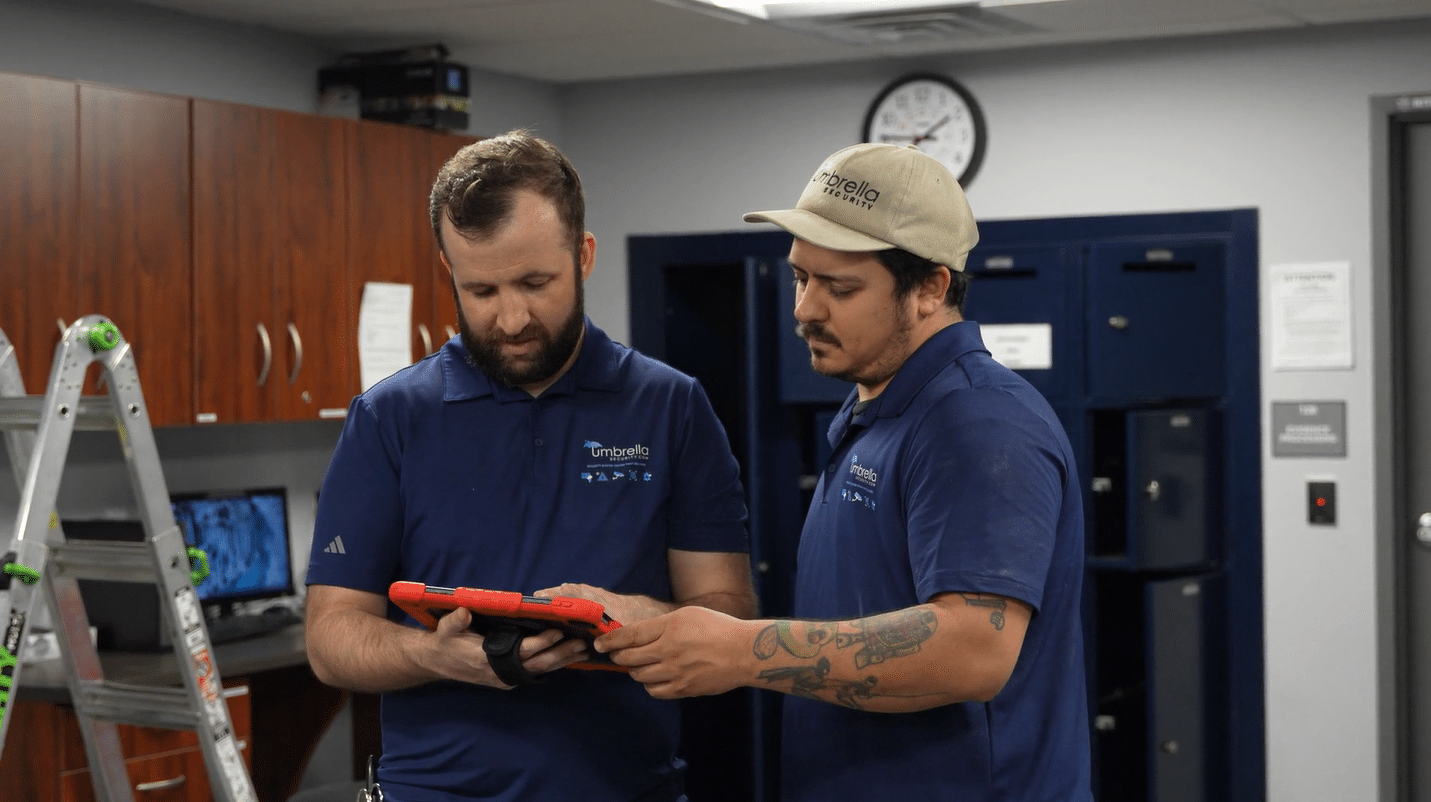
Discovery
We discuss your facility, concerns, current system, incident history, operational goals, and desired ownership model.
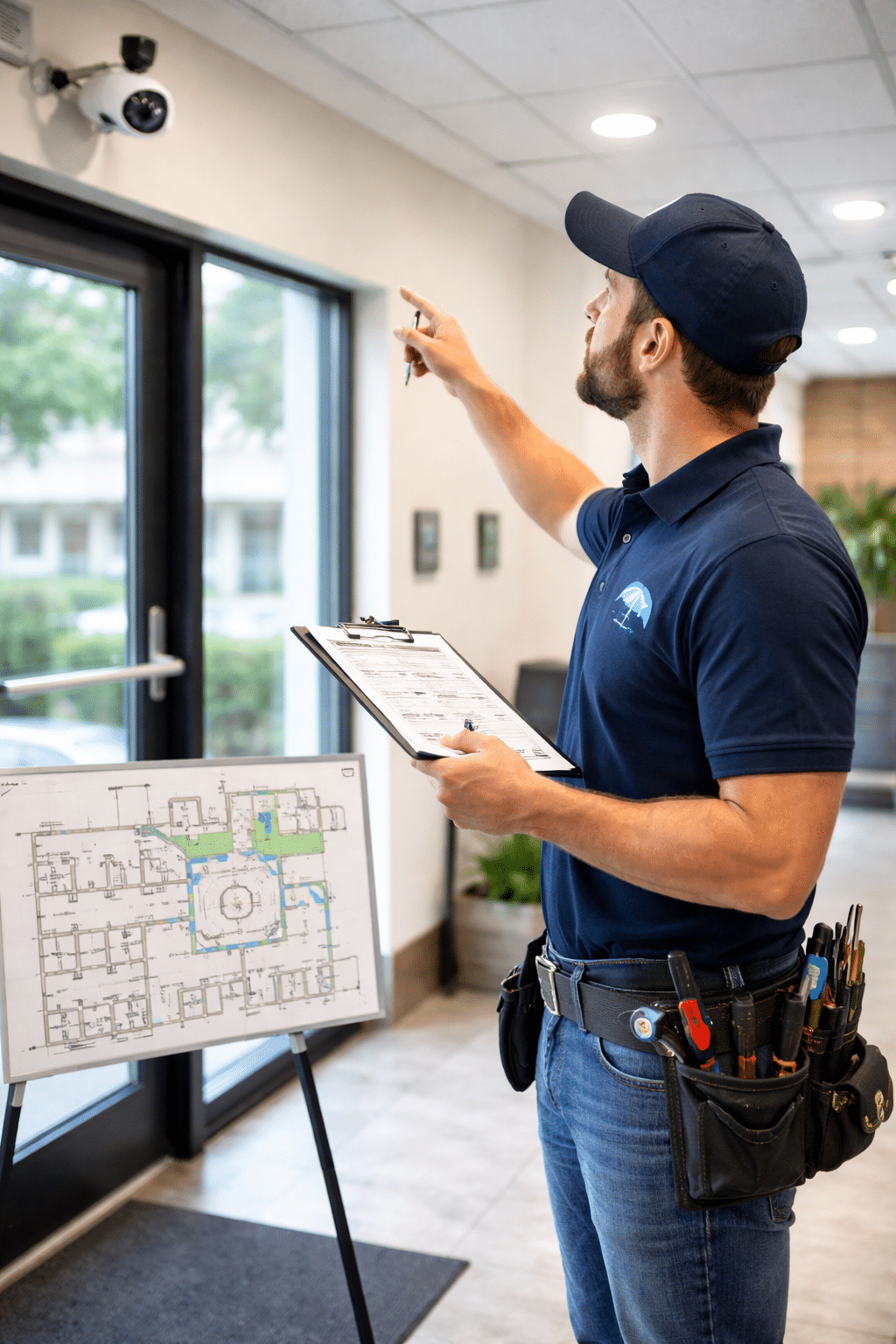
Site Evaluation
We review entrances, parking, docks, lighting, mounting points, network realities, and camera placement opportunities.
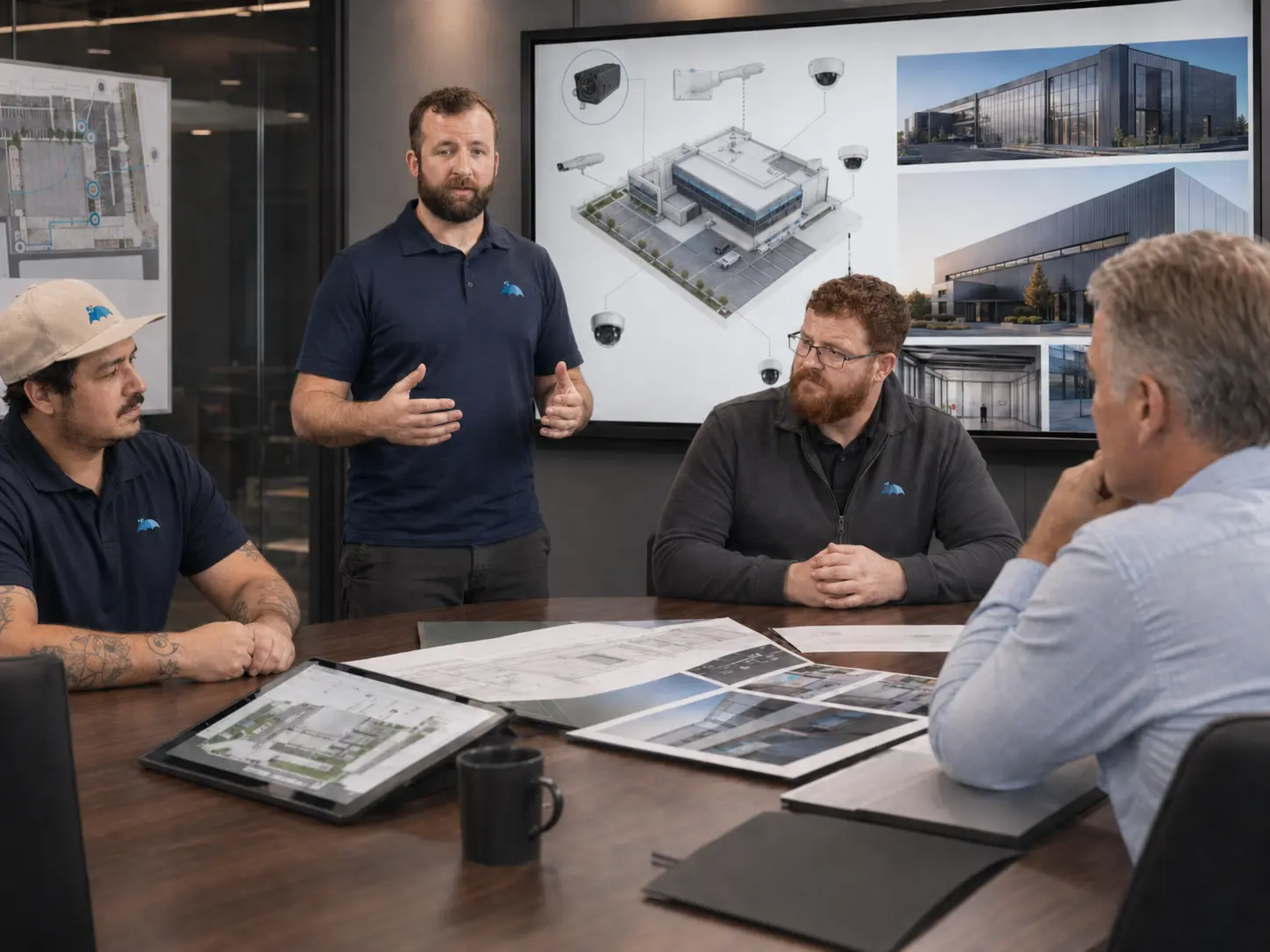
System Architecture
We define cloud, on-premise, or hybrid architecture along with VMS, storage, remote access, and permissions.
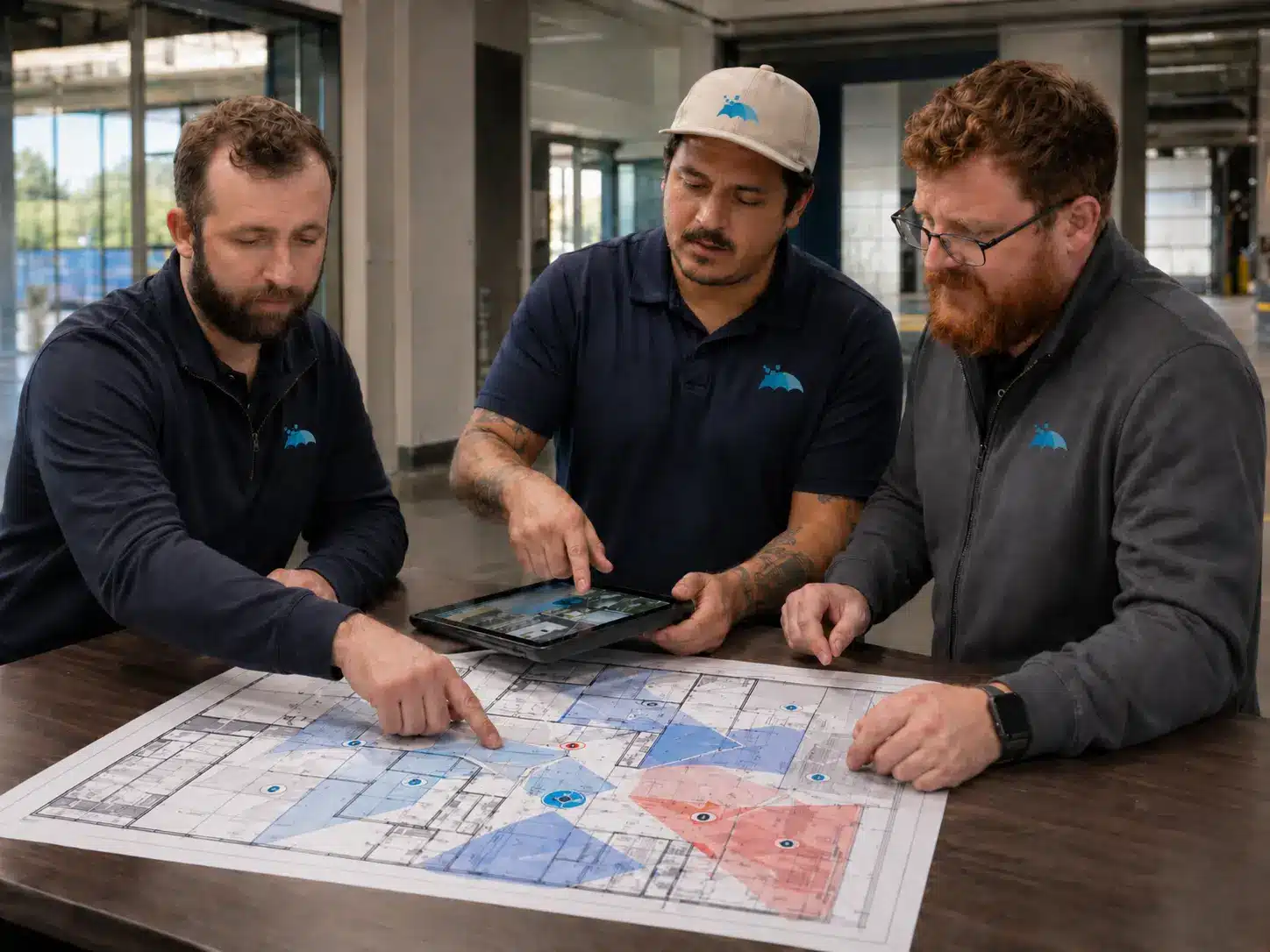
Coverage Planning
We plan field of view, camera type, lens selection, mounting height, pixel density, and evidence quality.
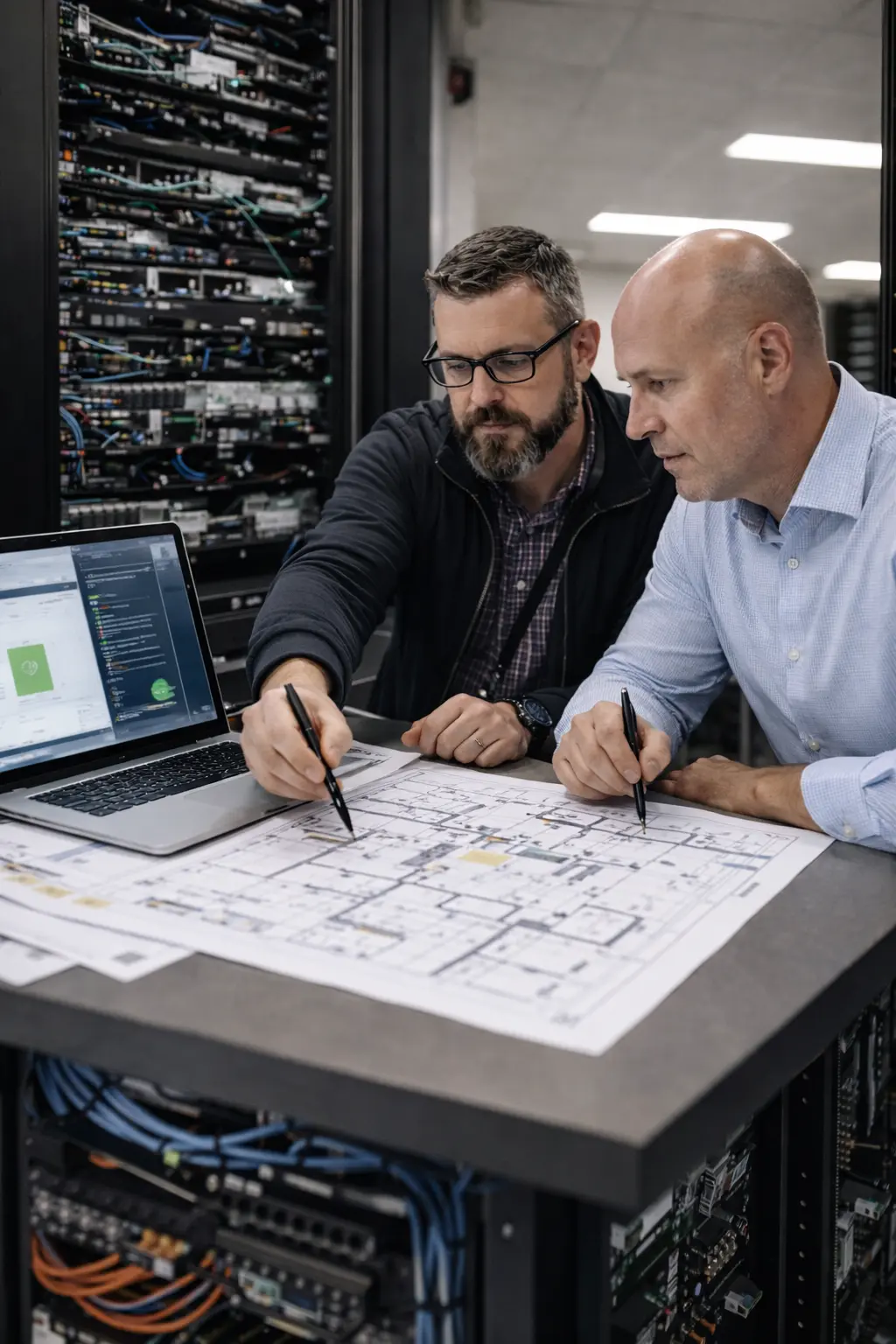
Access & Integration Planning
We consider doors, gates, alarms, intercoms, LPR, monitoring, and centralized dashboard requirements.

Proposal & Roadmap
We provide a clear recommendation, phased path when needed, and a practical roadmap for implementation.
What Umbrella Needs to Price or Design This Accurately
A useful camera system consultation should not start and end with “how many cameras?” The details below help turn a generic quote request into a practical system design conversation.
Incident and evidence goals
What needs to be proved after an event: person identity, vehicle activity, door activity, timeline, safety incident, or after-hours access.
Facility zones and camera locations
Entrances, docks, production areas, hallways, lots, gates, restricted rooms, lobbies, garages, and exterior blind spots.
Current system and pain points
Existing cameras, NVR/VMS, cloud tools, recurring costs, failed cameras, blind spots, bad exports, and hard-to-find footage.
Storage and retention expectations
How long video needs to be kept, who reviews it, how it is exported, and whether cloud, on-premise, or hybrid storage fits best.
Network, IT, and cybersecurity constraints
Bandwidth, switches, VLANs, remote access rules, user permissions, MFA, patching, and system ownership responsibilities.
Integration and expansion roadmap
Access control, alarms, intercoms, LPR, monitoring, dashboards, additional sites, future buildings, and phased implementation needs.
Questions Businesses Ask Before Choosing a Commercial Camera System
Ready to Design a Commercial Camera System Around Your Facility?
Tell us what you need to protect, what your current system is missing, and how your team needs to use video. We will help you think through coverage, storage, integrations, remote access, ownership, and the right system path.
Related camera system planning resources
Plan a Commercial Video Surveillance System That Produces Usable Evidence
A strong camera system starts with coverage goals, recording requirements, lighting conditions, camera placement, remote access, retention needs, and the way video will support investigations, operations, and emergency response.
- Commercial security camera installation cost guide
- Cloud-based commercial security camera systems
- Warehouse video surveillance systems guide
- Professional surveillance cameras vs. DIY consumer cameras
- Security camera systems with license plate recognition
Need help designing a camera system for your facility? Talk with Umbrella Security Systems.