

 Access Control System Solutions
Access Control Systems Chicago
Modern, scalable access control solutions for commercial facilities that need stronger visibility, cleaner credential management, integrated security workflows, and long-term operational control. Access Control Systems Chicago organizations choose today need to support compliance, scalability, and better operational visibility.
- Centralized management for single-site and multi-site operations
- Mobile credentials, modern readers, and secure authentication options
- Video, identity, alerting, and emergency workflow integration
- Designed for compliance, scalability, and real-world usability
Talk With a Security Specialist
Planning a modernization project, expanding locations, or evaluating a new platform? Start the conversation here.
Contact Us
"*" indicates required fields
What Chicago Buyers Need
What Chicago Organizations Need from Access Control Systems in Chicago
Modern access control is no longer just about locking doors. Organizations need systems that reduce friction, support compliance, improve incident response, and stay manageable as buildings, users, and risks change.
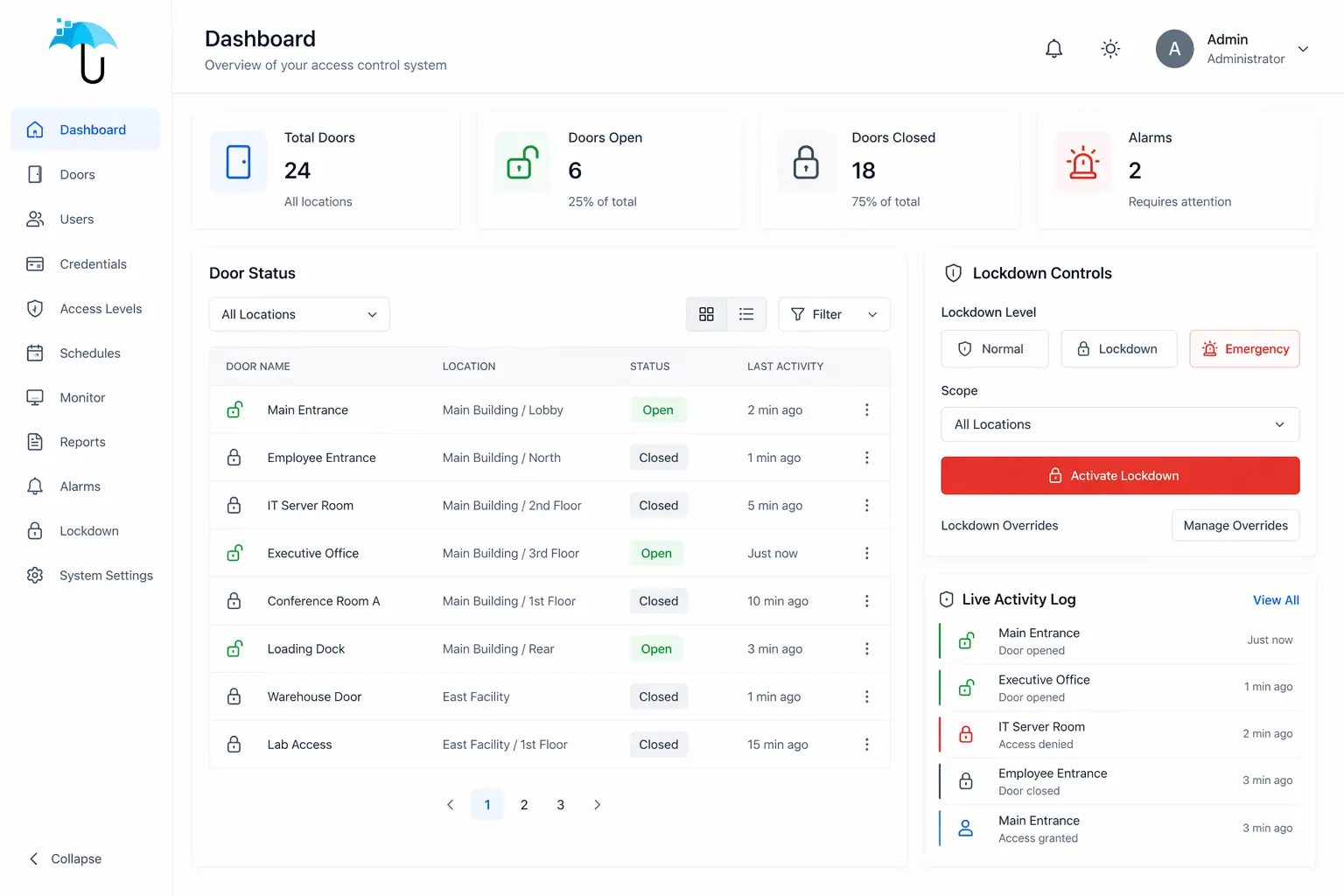
Centralized Visibility and Control
Security teams need to manage doors, users, schedules, events, and multiple locations from one platform instead of working across disconnected systems.
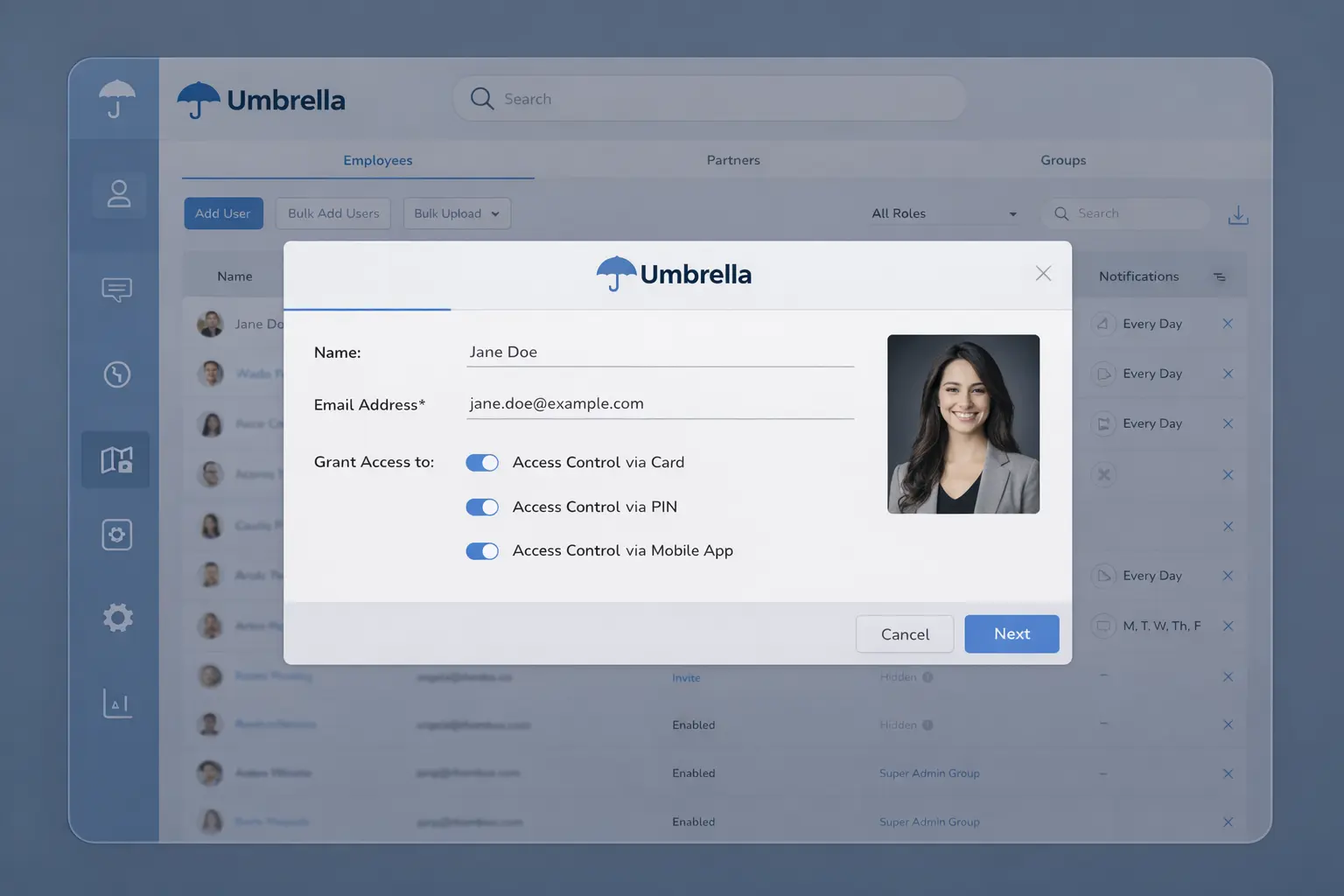
Sustainable Credential Management
Issuing, updating, and removing permissions has to be simple enough for HR, IT, operations, and security teams to maintain consistently over time.
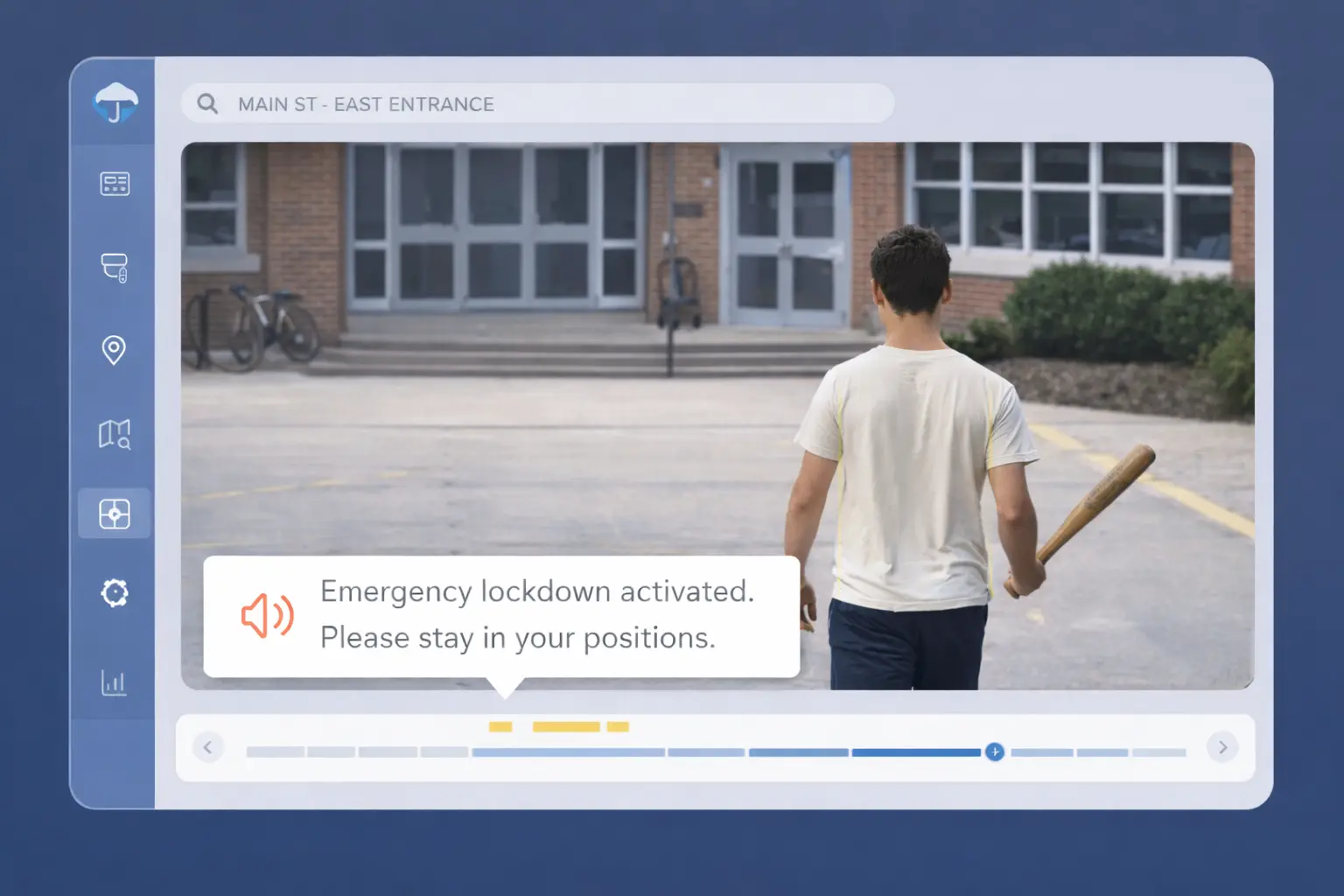
Faster Response During Incidents
Modern systems should support lockdown actions, zone control, real-time alerts, and stronger context when rapid decisions matter most.
Common Problems
Common Access Control Problems in Existing Systems
These are the most common issues we see when evaluating legacy or poorly designed access control environments. When evaluating Access Control Systems Chicago businesses can rely on, the goal is not just to secure doors — it is to improve visibility, reduce friction, and support long-term operational control.

Too Much Manual Credential Management
Manual provisioning, spreadsheets, and inconsistent processes lead to errors, delays, and security gaps.

No Centralized Visibility
Disconnected systems make it difficult to see who has access, where, and why across locations.

Poor Incident Context
Without video integration or alerts, teams rely on incomplete logs instead of real evidence.
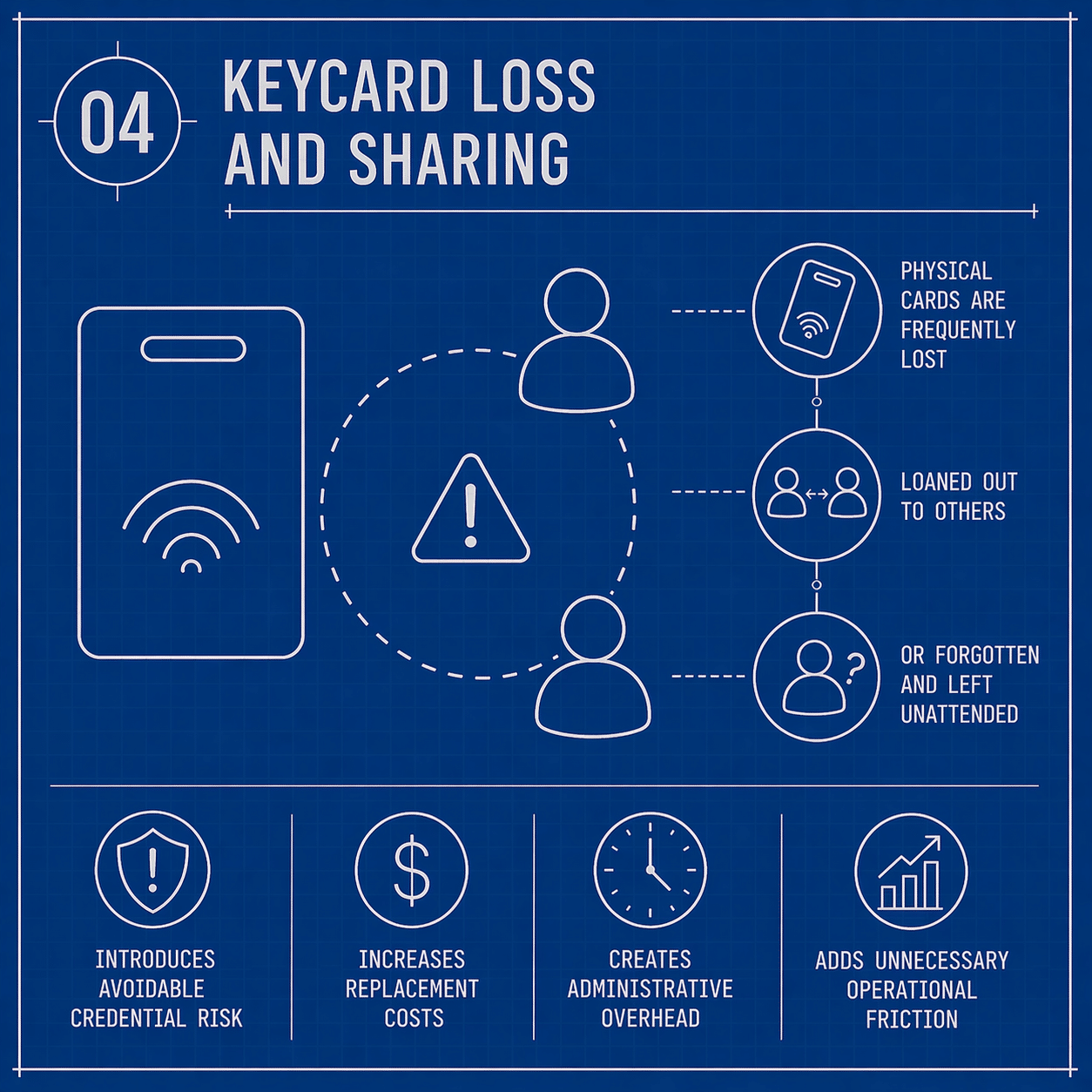
Lost or Shared Credentials
Traditional cards are easy to lose, duplicate, or share, increasing risk without visibility.

Weak Offboarding Controls
Former employees or vendors retain access longer than they should due to poor processes.
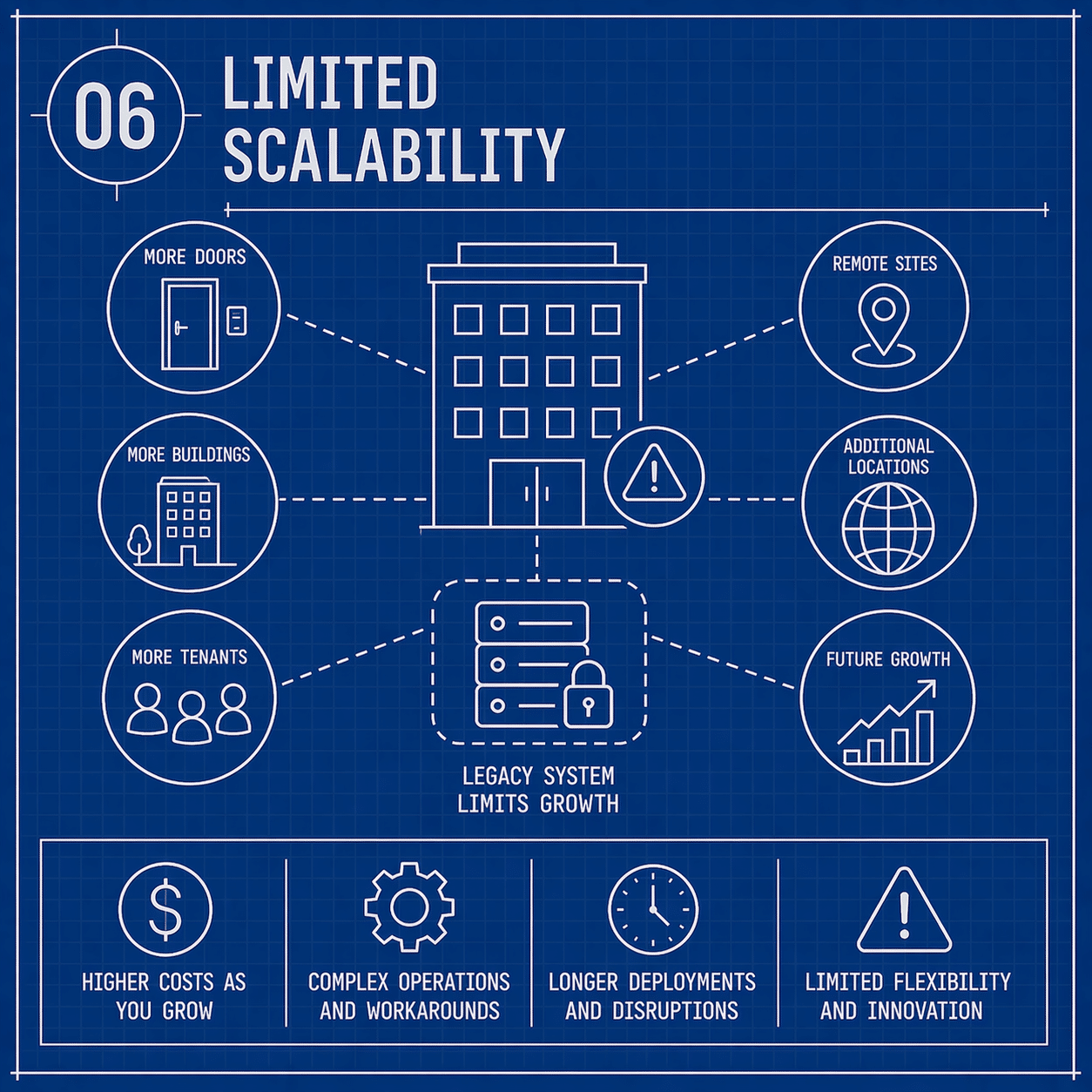
Limited Scalability
Older systems struggle to expand across buildings, users, and integrations without major rework.
Why Organizations Are Upgrading
Why Organizations Choose Access Control Systems in Chicago
Legacy systems create security gaps, slow down administration, and limit visibility. Modern platforms improve how organizations manage access, investigate incidents, support compliance, and scale operations.
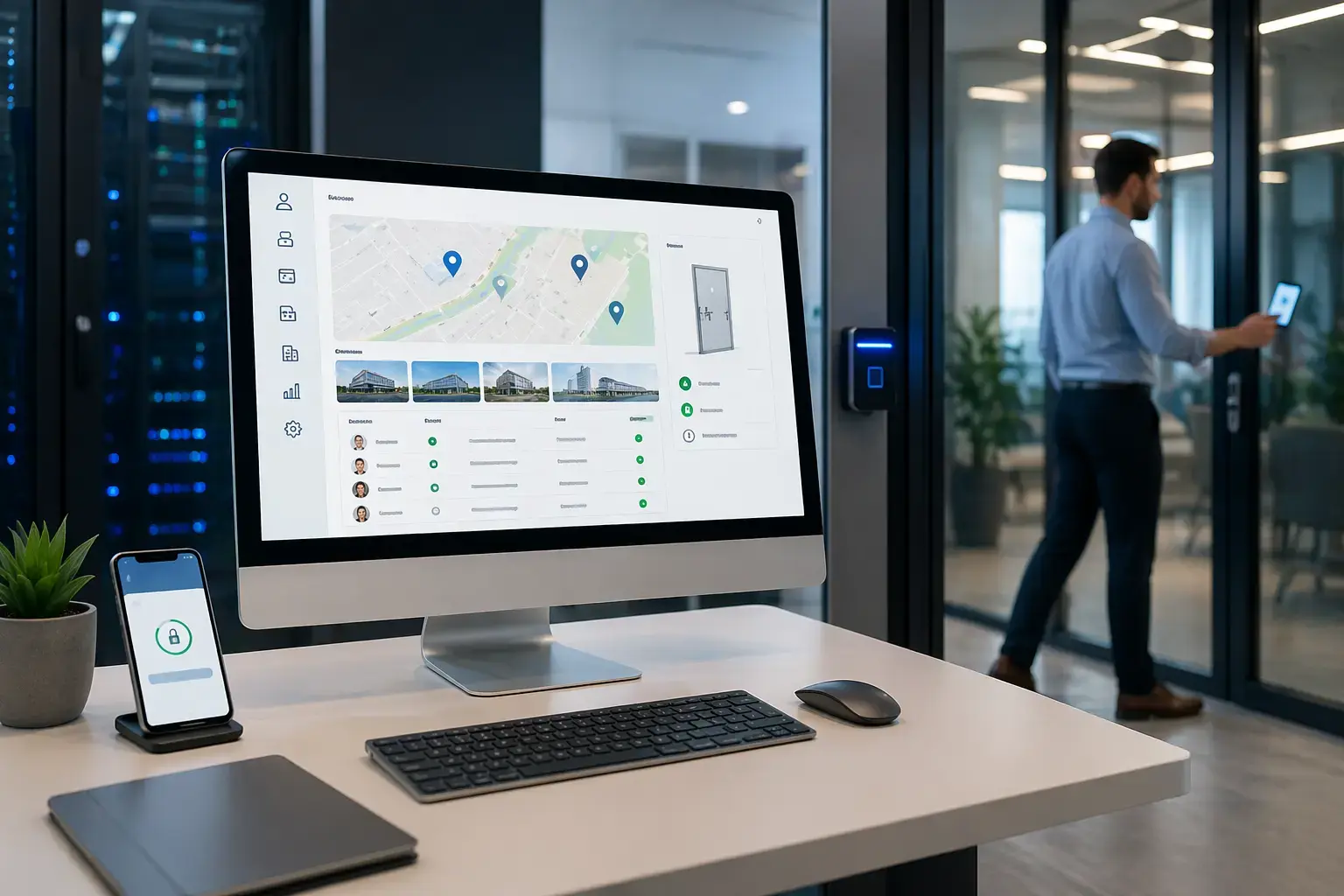
Cloud-Native Access Control Systems
Manage every door, user, and location from one secure platform without relying on on-site servers. Cloud-based access control systems reduce complexity while improving real-time visibility across facilities.
- Centralized control for single-site and multi-site operations
- Real-time updates and cleaner administrative oversight
- Scalable architecture that supports growth without rebuilding the platform
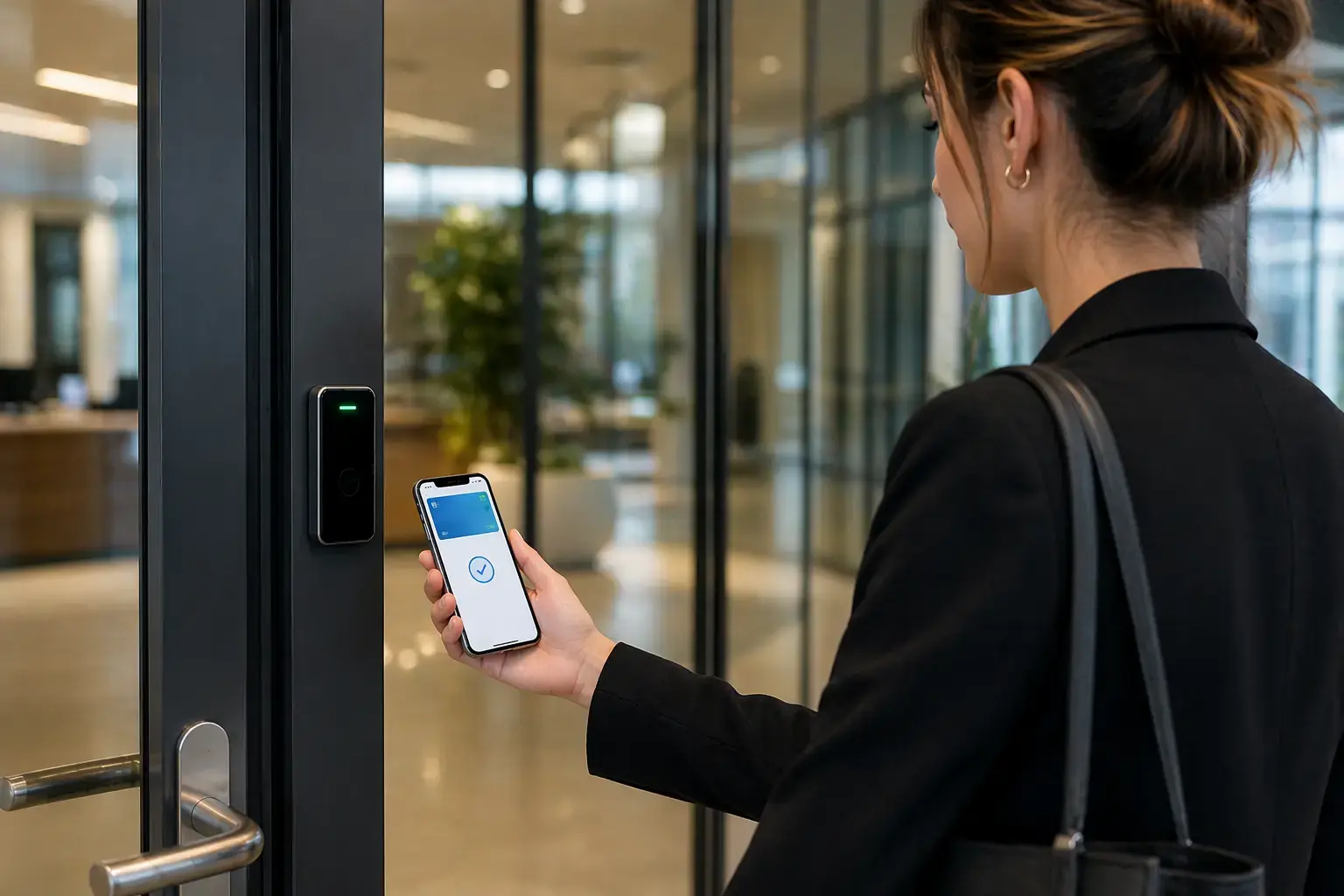
Mobile Credentials and Digital Wallet Access
Replace physical cards where it makes sense and give users secure, convenient access with smartphones, NFC, Bluetooth, and digital wallet options through mobile access control systems.
- Reduce lost-card friction and improve day-to-day user experience
- Speed up provisioning and revocation of access rights
- Support more flexible credential strategies across locations and user groups
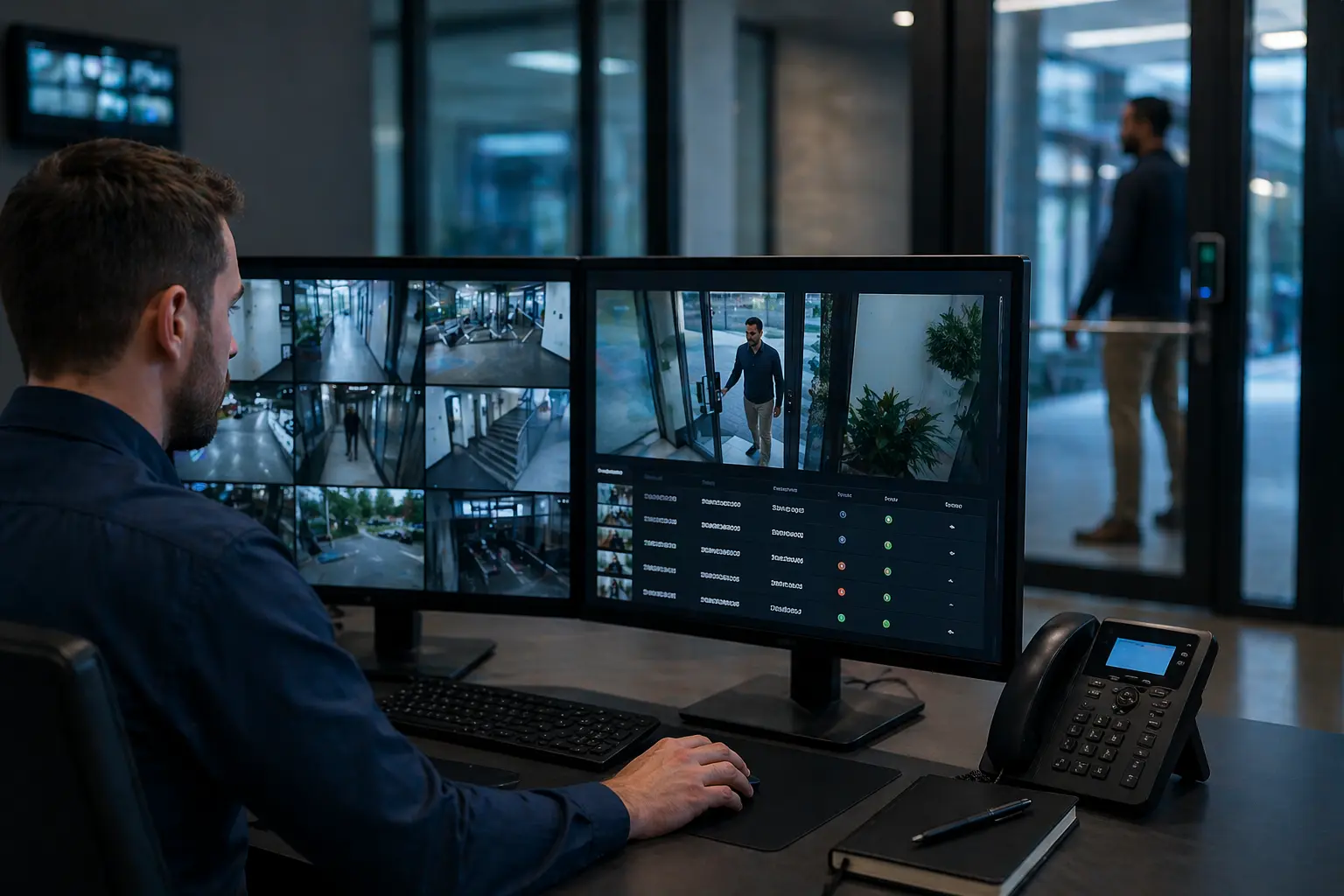
Access Control with Video Integration
When access events are tied to video, teams get context instead of isolated logs. Video verification tied to access events improves investigations, accountability, and response speed.
- Link access events directly to recorded video footage
- Improve incident review and audit-readiness
- Bring doors, users, and visual verification into one workflow
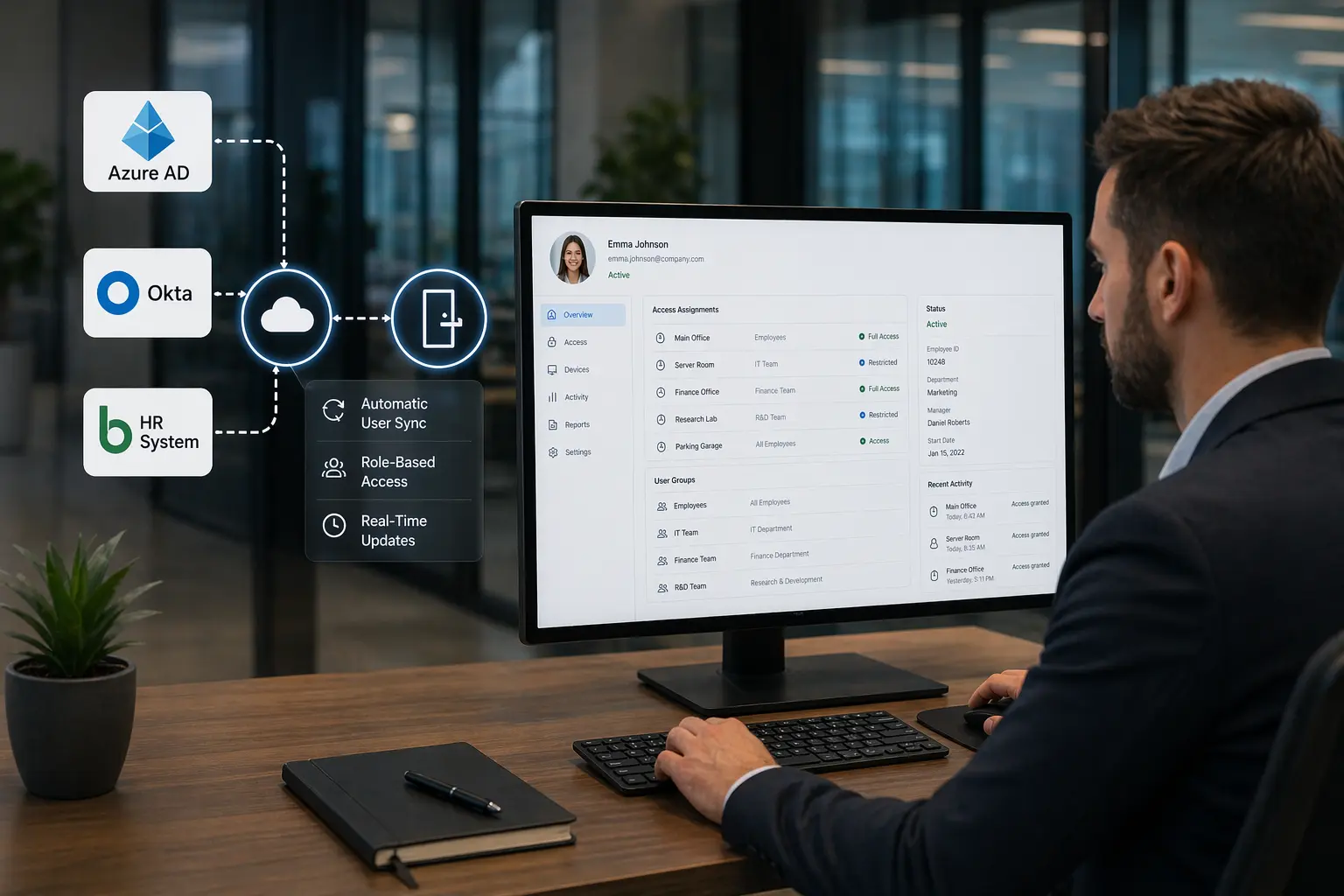
Open API and Identity System Integration
Access control becomes more efficient when it connects to identity providers, HR data, and existing business systems instead of operating in isolation through API-driven access control integration.
- Automate onboarding, role-based permissions, and offboarding
- Support integrations with directories and enterprise workflows
- Reduce manual errors while improving consistency across teams
Multi-Factor Authentication and Biometric Access
Higher-security areas often need stronger authentication than cards alone. Biometric access control systems and step-up verification reduce shared-credential risk and improve control over sensitive spaces.
- Support fingerprint, facial recognition, and mobile-based authentication
- Strengthen protection in restricted zones and critical areas
- Reduce exposure to cloned or shared credentials

Real-Time Monitoring and Security Automation
Modern systems do more than record door activity. They help organizations identify unusual behavior, trigger alerts, and support faster response through automated access control alerts.
- Real-time alerting for unusual activity and restricted-zone events
- Automated workflows for after-hours access and policy exceptions
- Better visibility across distributed facilities and security teams
 Solution Scope
What a Complete Access Control System Can Include
A complete access control solution is planned around how your facility actually operates — your doors, opening conditions, visitor flow, staffing needs, user groups, security priorities, compliance requirements, and future growth.
- Door hardware, electrified locking, readers, and opening-specific design choices
- Credential strategies including cards, mobile credentials, biometrics, and visitor access
- Access control software, permission groups, schedules, and centralized user management
- Video integration, event verification, alerts, and incident review workflows
- Identity, HR, and directory integrations that improve onboarding and offboarding
- Emergency lockdown planning, zone-based actions, and rapid permission changes
- Reporting, audit trails, and system visibility for accountability-heavy environments
- Scalable architecture for future doors, new buildings, and multi-site expansion
Modern access control systems often use secure communication protocols like OSDP (Open Supervised Device Protocol), which encrypt data between readers and controllers and reduce the risk of credential interception or cloning.
OSDP (Open Supervised Device Protocol) provides encrypted, supervised communication between readers and controllers — helping prevent credential interception and improving system integrity. Learn more about the OSDP standard.
 Operational Fit
What Makes an Access Control System Actually Work
A system only performs as well as the design behind it — hardware, workflows, and integrations must align with how your organization operates.

Credential Management Must Be Sustainable
Permissions must stay simple enough for HR, IT, and security teams to manage consistently.

Door Hardware and Openings Still Matter
Software only works as well as the locks, readers, and door conditions allow.

Future Scaling Should Be Planned Now
Adding doors, users, and locations should not require rebuilding your system.

Integrated Visibility Improves Response
Connecting access control with video and alerts gives teams real context during incidents.

Compliance Efficiency Depends on System Design
Reporting, controlled permissions, and access records need to hold up under scrutiny.

Emergency Readiness Cannot Be an Afterthought
Lockdown actions, zone control, and rapid permission changes must be planned into the system from the start.
Integrated Security Solutions
Access Control Works Better When It Connects to the Rest of Your Security Environment
For many organizations, access control is only one part of the operational picture. Stronger outcomes come from connecting doors, users, events, and response workflows across your broader security ecosystem.

Security Cameras
Pair access events with video verification to improve investigations, audits, and accountability around who accessed which doors and when.
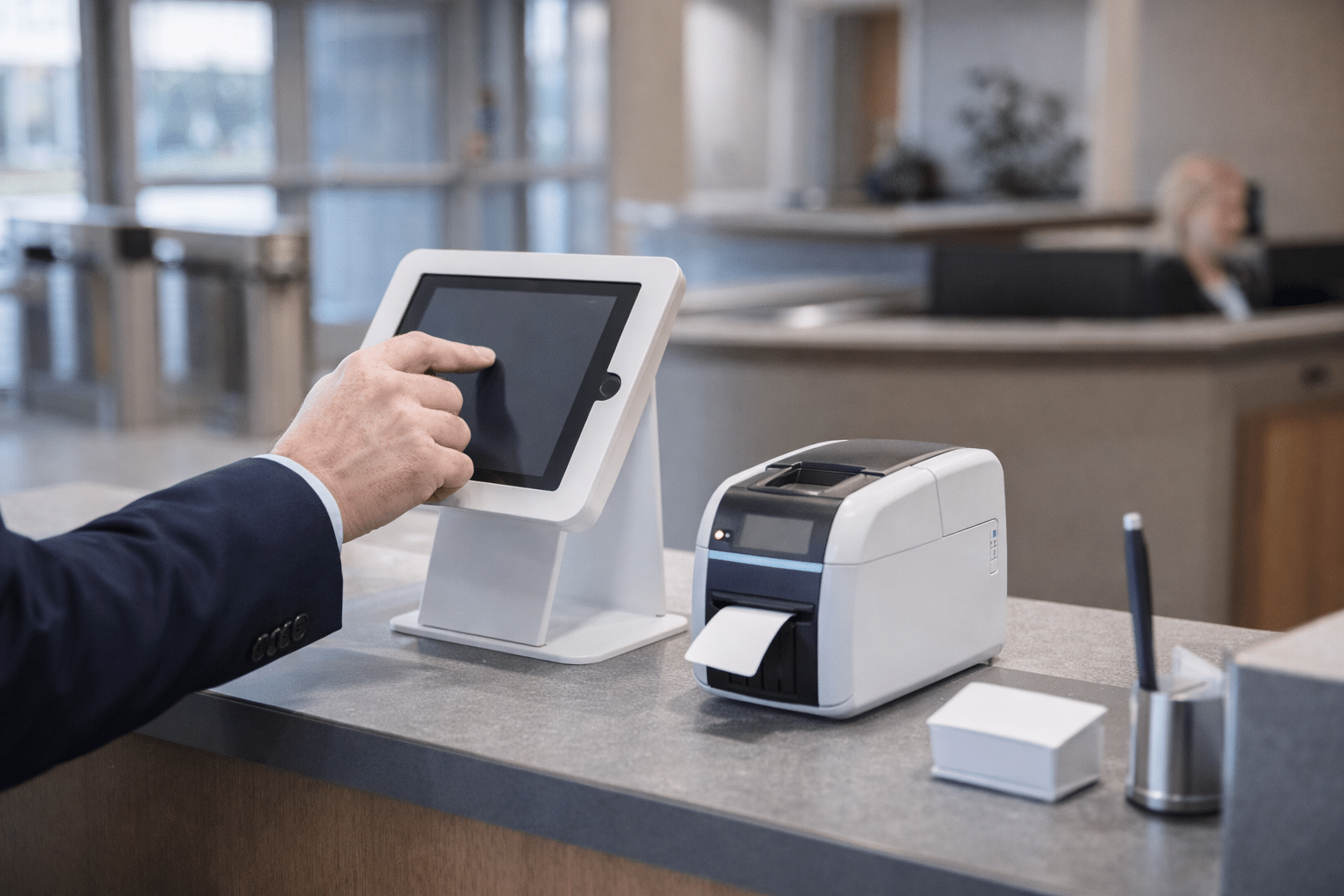
Visitor Management
Support a cleaner experience for guests, vendors, and temporary users while maintaining tighter control over entry workflows and records.
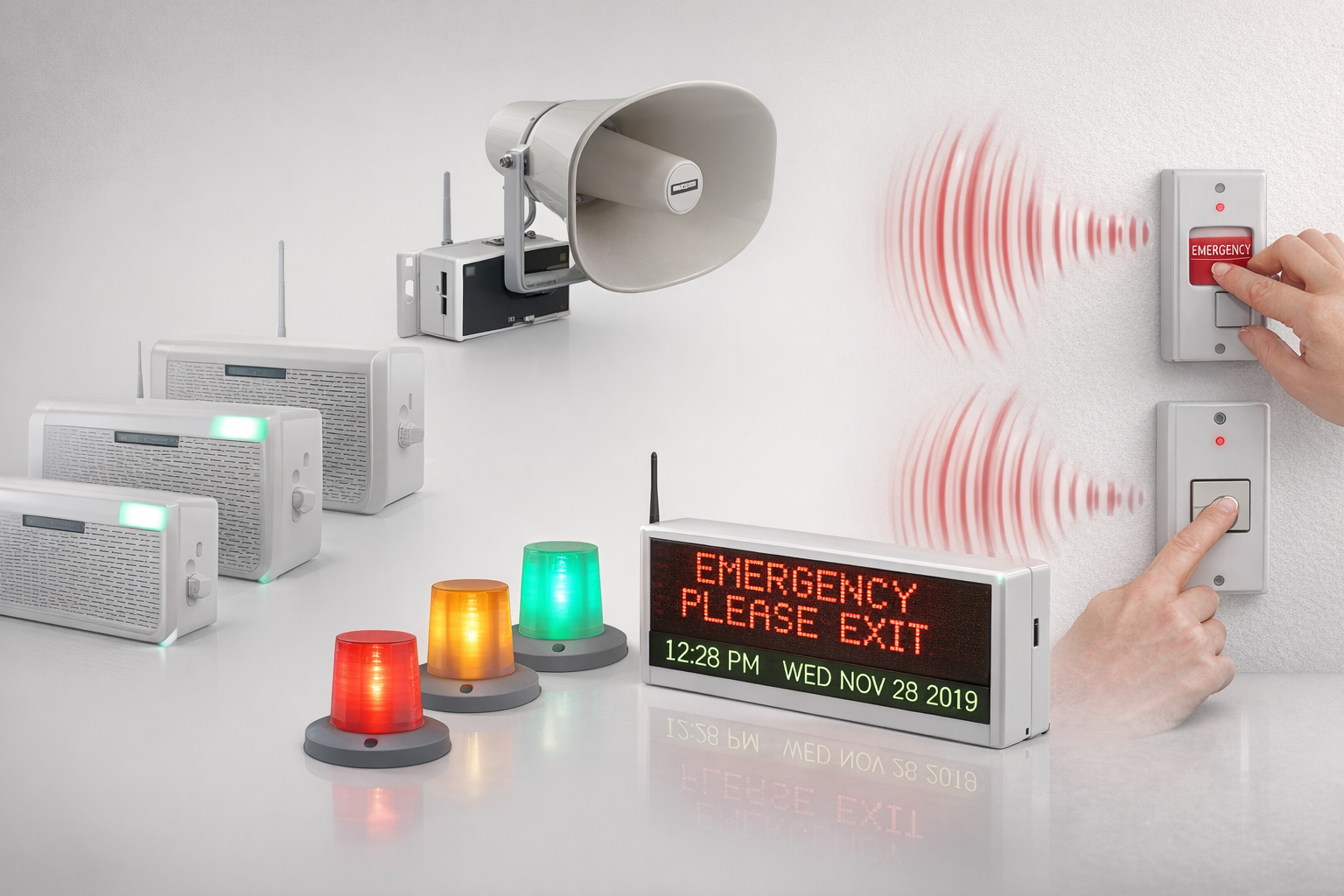
Emergency Notifications
Coordinate doors, alerts, and emergency communication so teams can respond faster when security conditions change.
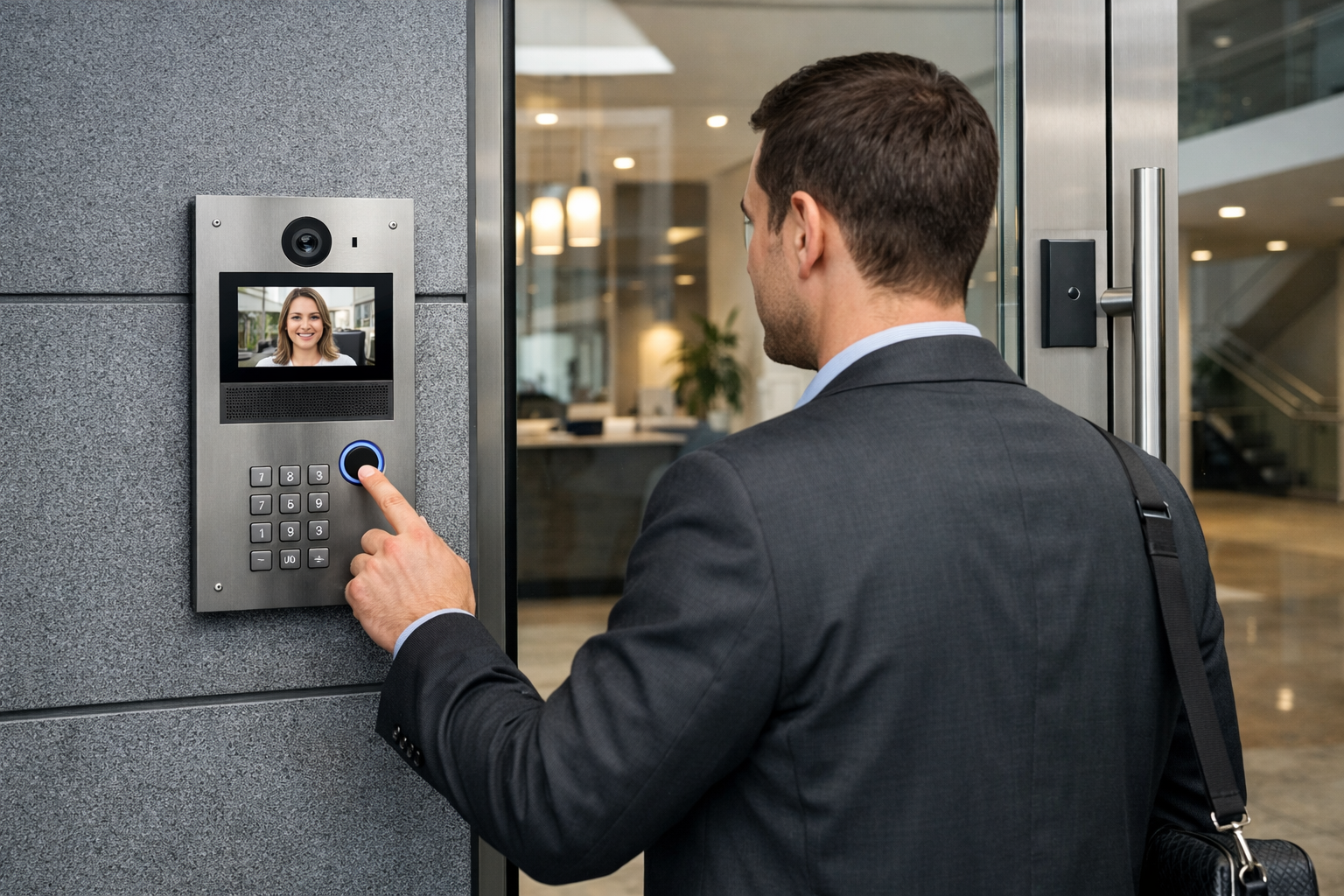
Intercom and Entry Verification
Add communication and verification at entry points where staff need more context before granting access.
Industries We Serve
Access Control Solutions for Different Facilities, Risks, and Operational Demands
The right system depends on the environment. We work with organizations that need commercial access control strategies aligned to how their buildings operate, who moves through them, and what accountability they carry.
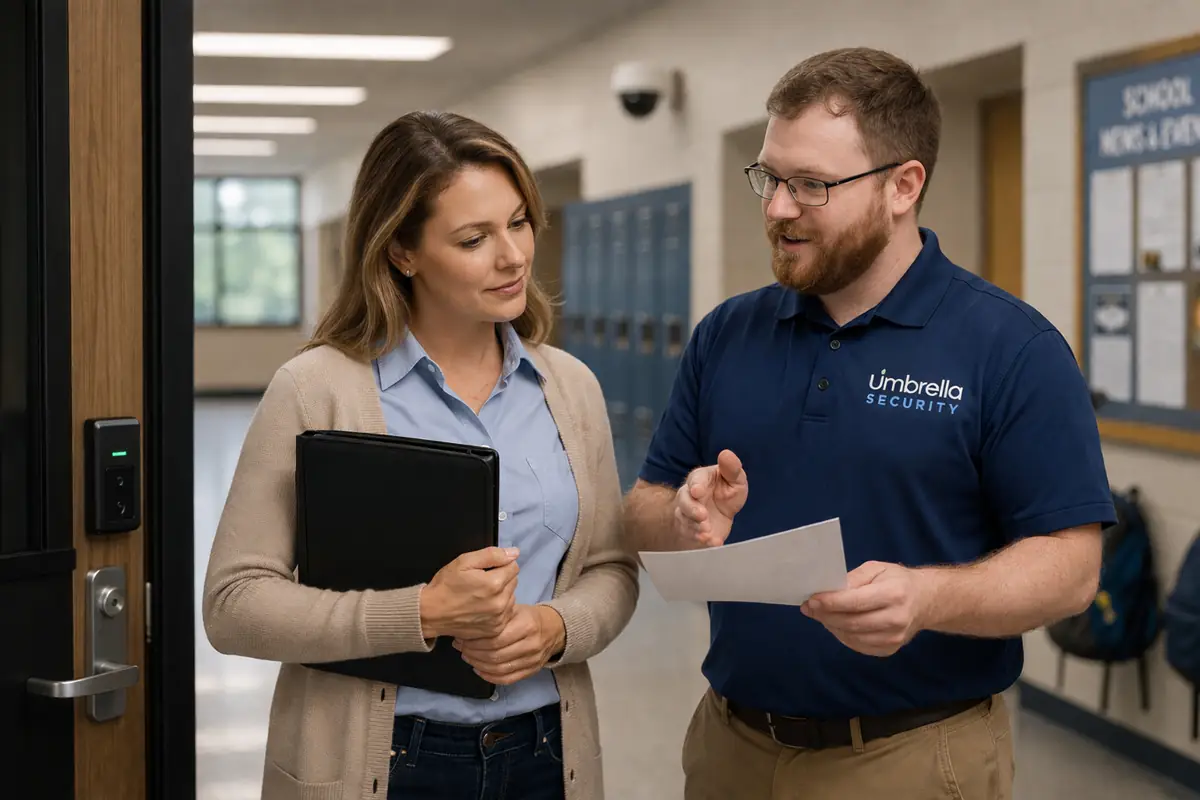
Education
Support safer campuses, cleaner visitor workflows, and more reliable building access across schools and districts.
Explore education solutions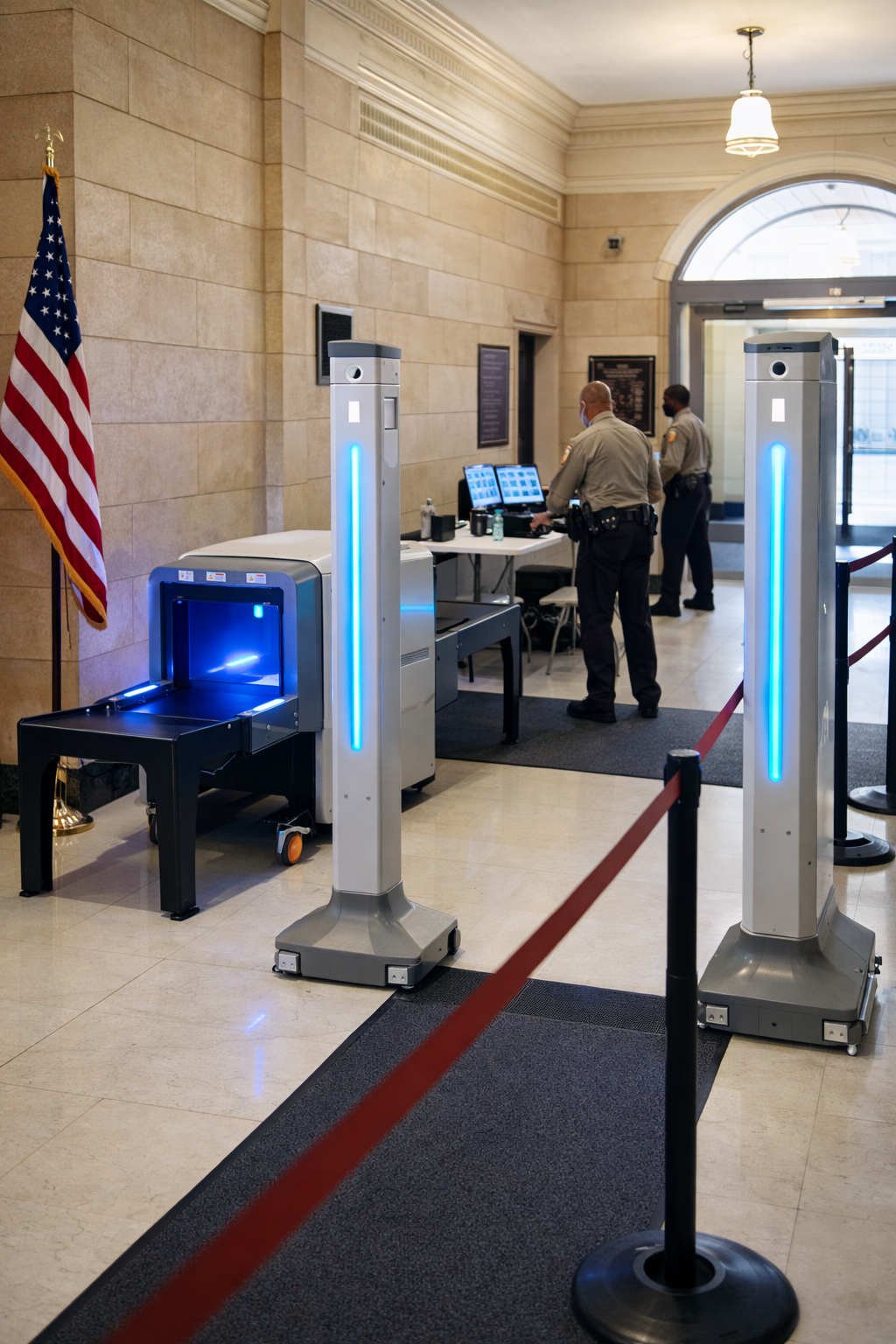
Government
Build defensible, controlled access environments for public-sector facilities and accountability-driven operations.
Explore government solutions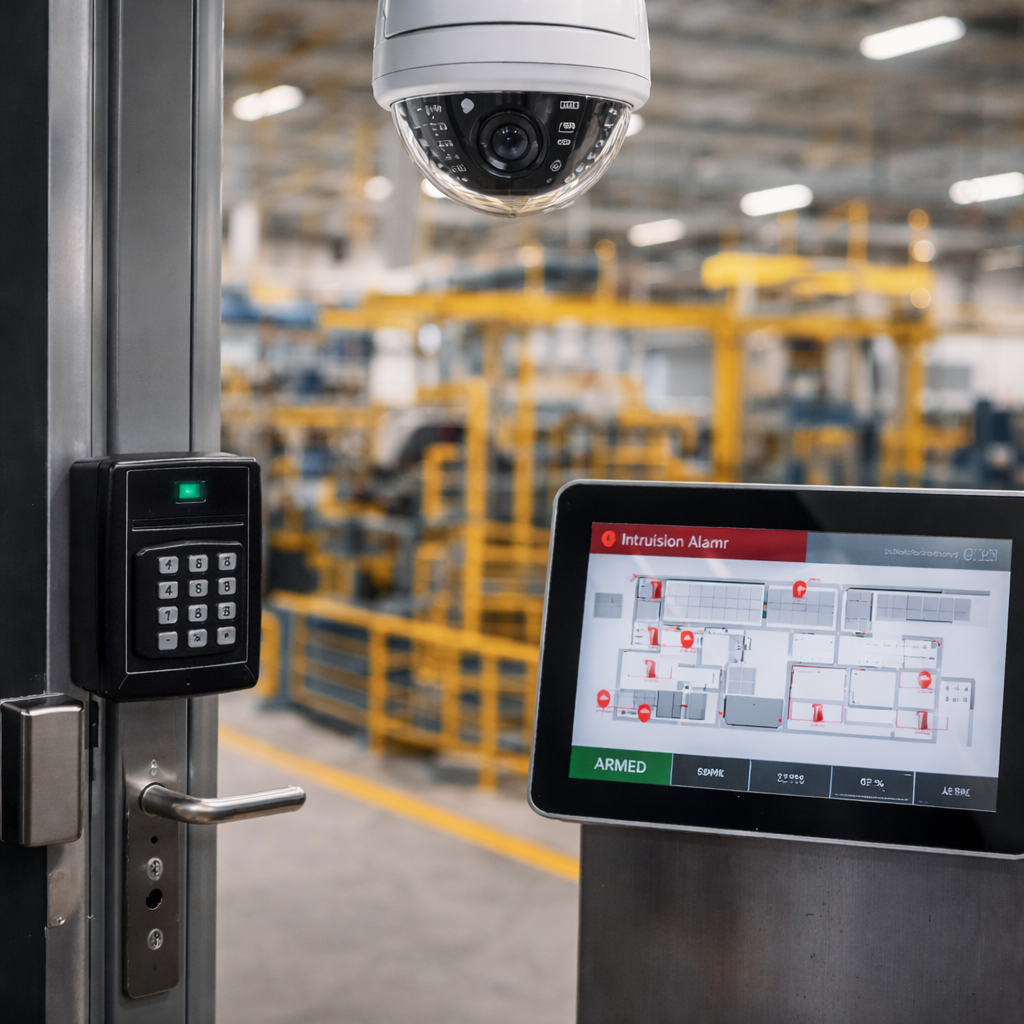
Manufacturing
Improve facility control, user accountability, and compliance readiness in production and industrial environments.
Explore manufacturing solutions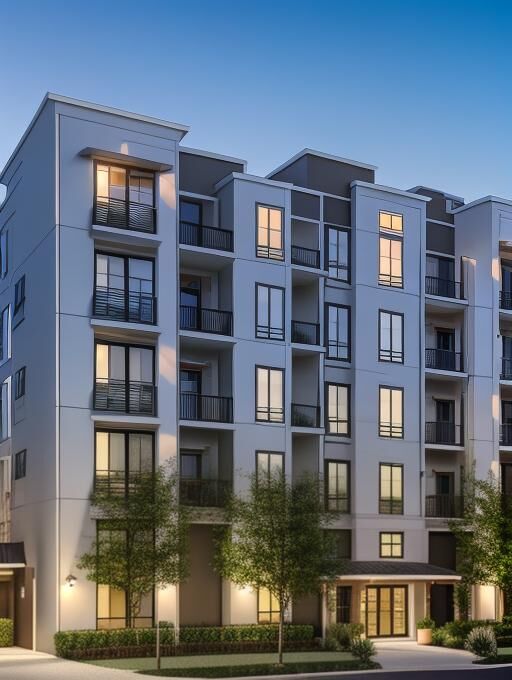
Multi-Family
Support property access, credential management, resident convenience, and common-area control across residential communities.
Explore multi-family solutions
Sports & Entertainment
Manage staff, vendors, back-of-house areas, crowd flow, and event-day access across fast-moving venue environments.
Explore sports and entertainment solutions
Places of Worship
Balance accessibility, hospitality, and stronger control over buildings, staff areas, and community safety priorities.
Explore worship solutions
Credentials and Trust
Licensed, Accredited, Government-Ready, and Continuously Trained
Organizations evaluating commercial access control solutions often need more than product capability. They need a regulated provider, a cyber-aware platform mindset, real-world experience, and proof that the team can support accountability-heavy environments.
20+ Years Serving Chicago and Chicagoland
Decades of real-world security integration experience across commercial, education, public-sector, and regulated environments where uptime, reliability, and accountability matter.
- Local Chicago and suburban market experience
- Designed for long-term operational performance
IDFPR Licensed Alarm Contractor
Work with a regulated provider. Umbrella Security is an Illinois licensed Private Alarm Contractor Agency.
- License: #127-001871
- Suitable for facilities that require documented accountability
BBB Accredited and A+ Rated
Third-party trust signals matter when internal stakeholders need confidence in the security partner they choose.
- Public-facing accreditation
- A+ BBB rating
Federal Vendor Identifiers in Place
Procurement-ready identifiers help support public-sector and regulated organizations that need a clearer purchasing path.
- UEI: ER57FHAVC634
- CAGE: 16U24
Mandatory IPVM Training and Enterprise Certifications
Technicians stay current on modern video, access control, infrastructure, and integration standards to support more defensible system design decisions.
- Ongoing technical development
- Built for evolving enterprise security requirements
Featured in ABC and NBC Coverage
Recognized for practical insight on surveillance, compliance, and security technology in real-world applications.
Case Studies
Real Modernization Projects, Real Operational Outcomes
These examples show how access control modernization affects real facilities — from multi-site manufacturing environments to complex school campuses that need better reliability and long-term maintainability.
Nielsen-Massey — Multi-Site Modernization for a Food Manufacturer
Nielsen-Massey needed to replace aging access control infrastructure across multiple locations with a more secure, scalable system. The modernization included OSDP protocol upgrades, mobile credential support, video intercom capabilities, and stronger centralized management.
- Improved multi-site visibility and administrative control
- Cleaner onboarding and offboarding through database-aligned credential workflows
- Stronger security posture for a compliance-sensitive manufacturing environment
Leyden High School District 212 — Building Security Infrastructure That Lasts
Leyden needed to move beyond unreliable wireless, battery-operated readers and toward a hardwired, open-platform system that could support long-term reliability, integration, and campus-wide control.
- Replaced failure-prone wireless devices with hardwired readers
- Integrated access control with BluePoint and fire alarm workflows
- Improved maintainability, speed, and day-to-day confidence for district staff
FAQs
Access Control System Questions Organizations Ask
These are some of the most common questions organizations ask when evaluating access control modernization, technology fit, integrations, and long-term manageability.
How much does a commercial access control system cost?
Costs for Access Control Systems Chicago organizations need can vary based on door count, hardware requirements, credentials, integrations, and platform selection. Most systems should be designed around operational needs instead of flat per-door assumptions.
What is the difference between cloud and on-premise access control?
Cloud systems provide centralized management, remote visibility, and easier software maintenance. On-premise systems rely on local servers and usually require more direct maintenance and infrastructure oversight.
Can access control integrate with video surveillance?
Yes. Modern systems can tie door activity to video footage so teams can investigate events with actual context instead of relying only on door logs.
What is OSDP and why does it matter?
OSDP is an encrypted communication protocol used between readers and controllers. It helps protect credential data and reduces the risk of interception or credential cloning.
Can access control scale across multiple locations?
Yes. Modern platforms support centralized multi-site management, which makes it easier to manage users, permissions, alerts, and audit visibility across multiple buildings or campuses.
Next Step
Talk Through Your Access Control System Options
Whether you are upgrading a legacy platform, planning a new system, improving credential workflows, or evaluating access control technologies across multiple facilities, we can help you map out the right approach. If you are evaluating Access Control Systems Chicago for one facility or multiple locations, we can help you compare the right technologies and plan the right approach.
- Evaluate modern access control platforms, credential options, and integrations
- Discuss compliance priorities, incident visibility, and emergency workflows
- Plan for current needs without making future expansion harder
Request a Consultation
Tell us what you are evaluating — cloud management, mobile credentials, video integration, multi-site visibility, modernization, or a full platform replacement.
Contact Us
"*" indicates required fields
Related access control planning resources
Plan a Commercial Access Control System Around Your Facility
If you are comparing access control systems, replacing an older key card platform, planning credential management, or evaluating multi-site access control, these resources can help you understand cost, system design, user workflows, and long-term support requirements.
- Access control system pricing and cost factors
- Biometric access control cost guide
- Access control system upgrade planning
- Multi-site access control systems guide
- Access control system manufacturer reviews
Need help deciding which platform fits your building, users, doors, credentials, and security workflows? Talk with Umbrella Security Systems.