
Commercial Intercom Systems
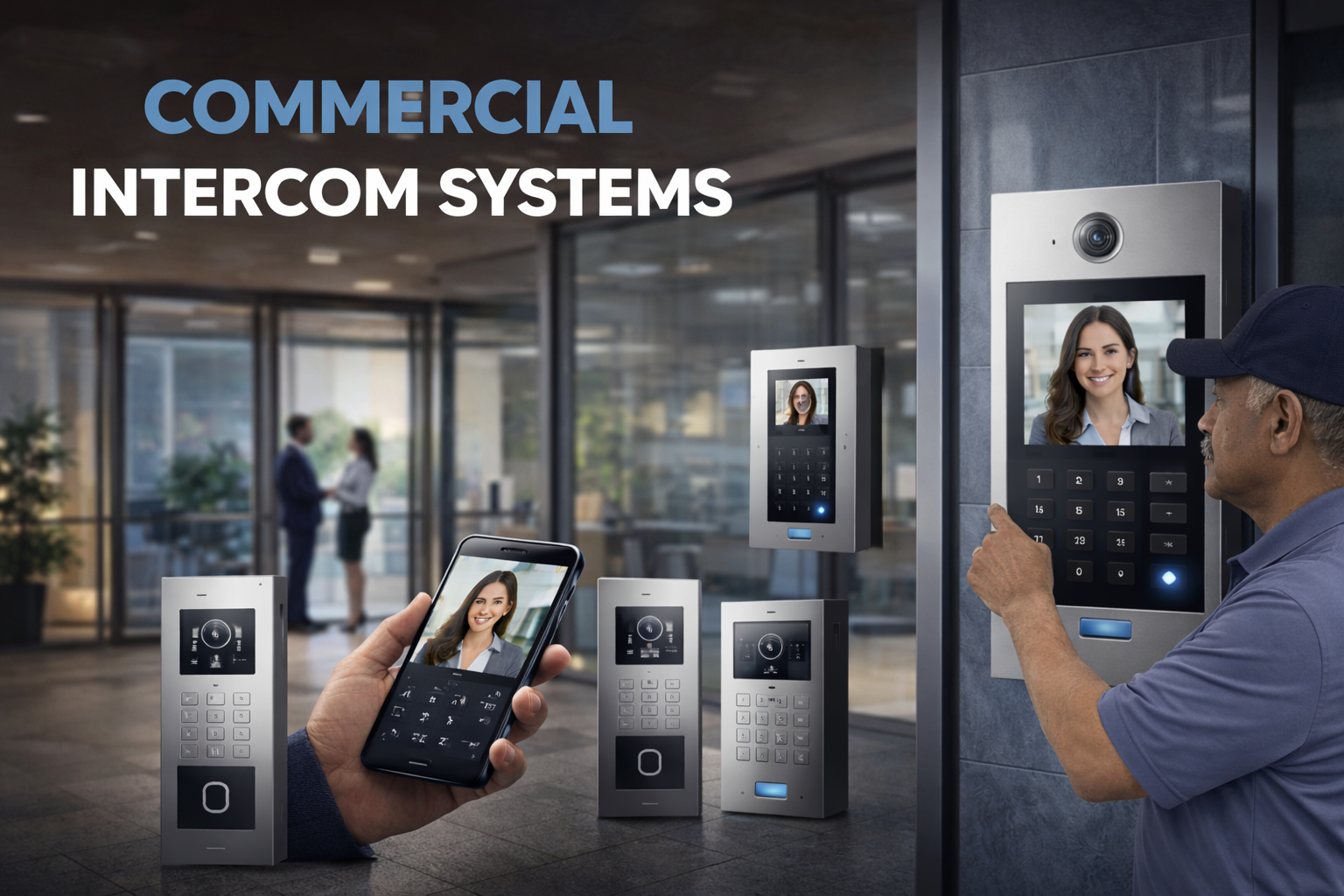
Modern businesses need more than a basic door buzzer. They need a reliable way to manage visitors, secure entrances, support staff, and control access across one or multiple entry points.
Umbrella Security designs and installs commercial intercom systems for businesses and commercial properties that need stronger security, better visibility, and smoother day-to-day operations. From front office entrances to gates, delivery doors, and restricted-access areas, the right intercom solution helps your team verify visitors, communicate clearly, and manage access with confidence.
Whether you operate an office building, school, warehouse, manufacturing facility, retail location, or multi-family property, a professionally designed intercom system can become a key part of your overall security strategy.
Umbrella Security Systems · commercial entry technology
Explore the Primary Options for Commercial Intercom Systems
Commercial intercom systems help businesses manage visitor access, verify entry requests, and improve building security at doors, gates, lobbies, delivery entrances, and shared access points. Explore the primary options below to compare commercial video intercom systems, app-based entry management, and integrated access control solutions for offices, schools, warehouses, retail properties, and multi-family buildings.
Commercial video intercom systems are often the practical sweet spot for businesses that want better visitor verification, cleaner entry management, stronger front-door security, and a more modern app experience.
App Experience
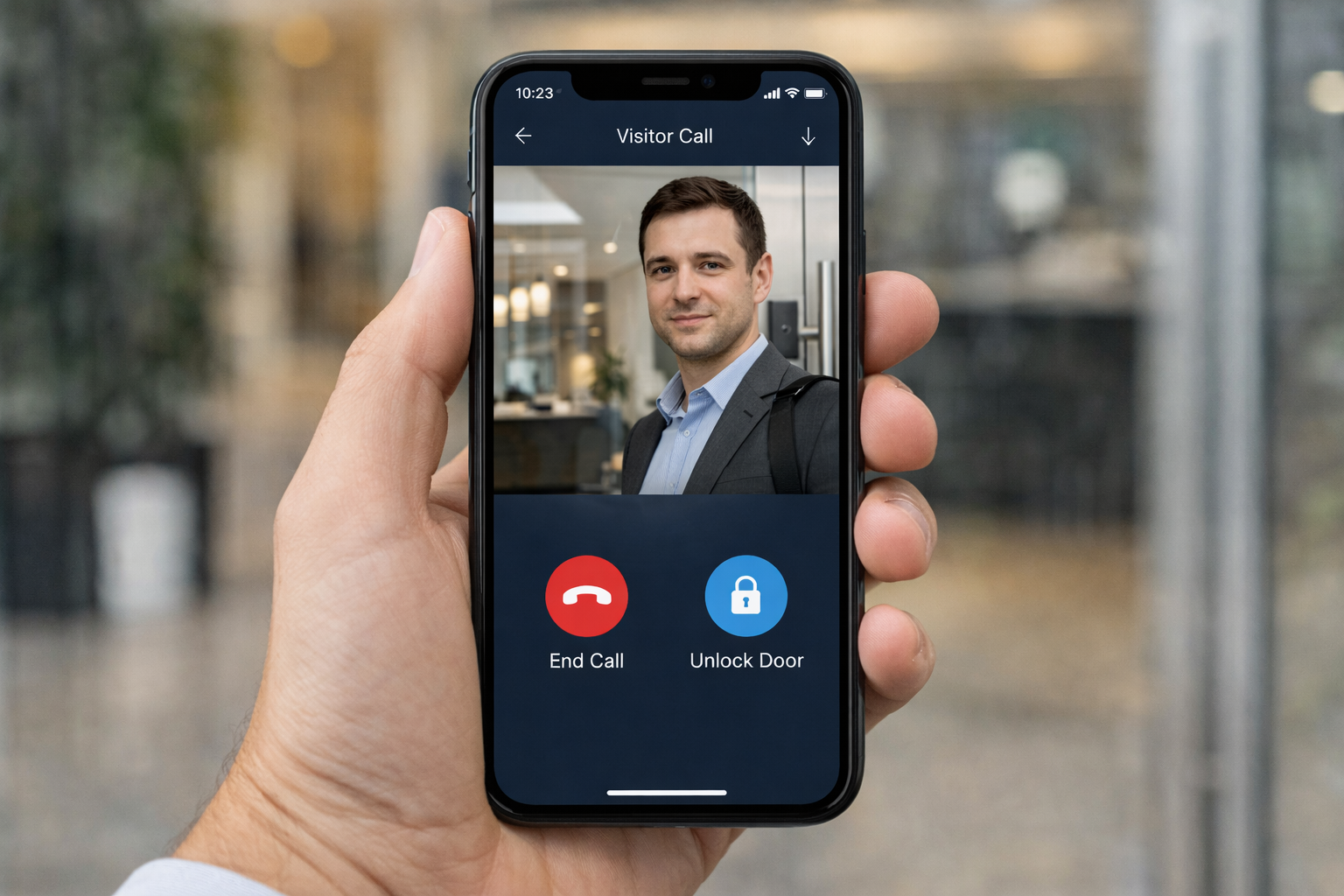
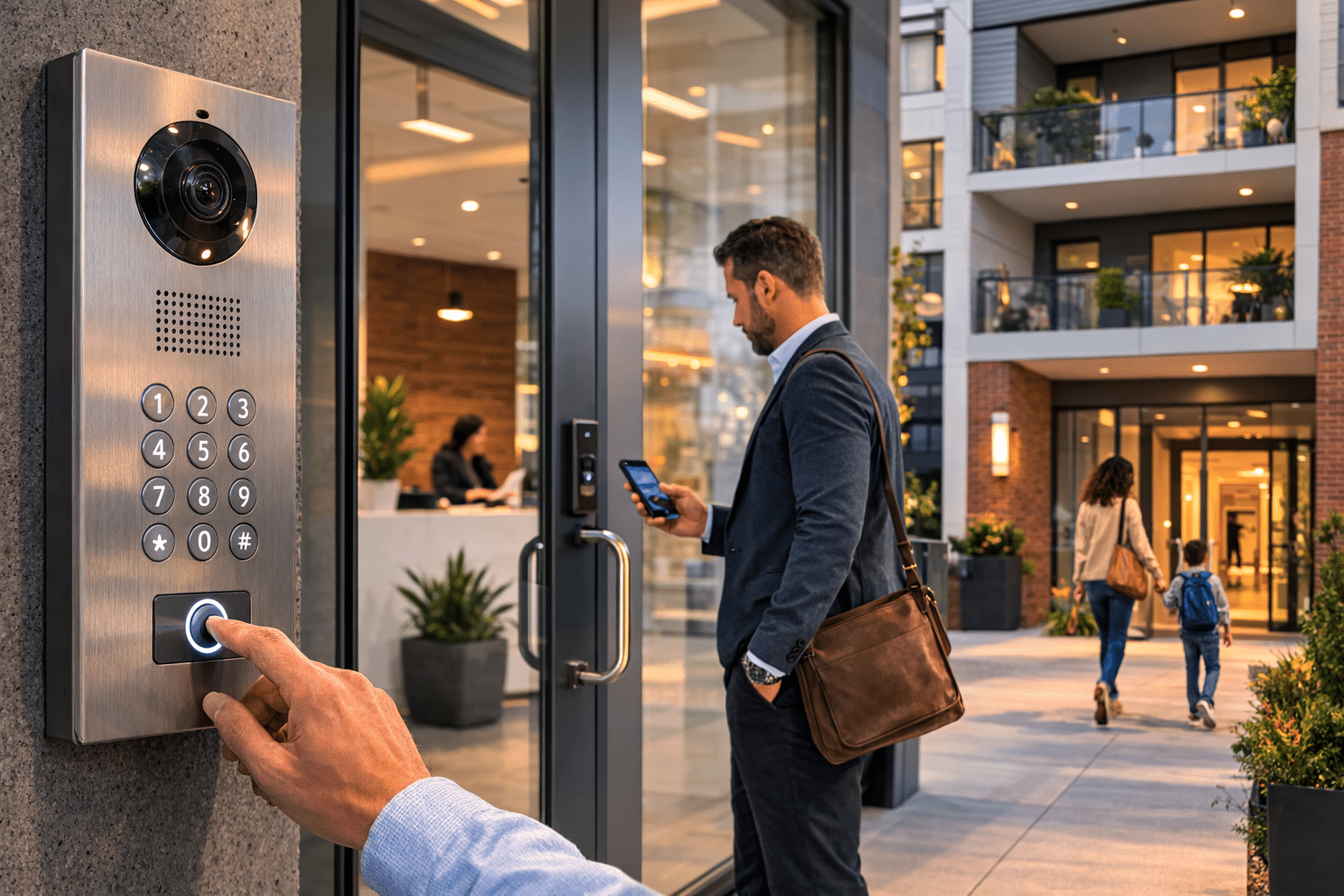
Modern commercial intercom systems can give authorized users a faster way to see visitors, answer calls, and unlock doors without staying tied to a front desk.
- Receive visitor calls instantly on a mobile device
- View live video before granting access
- Unlock doors remotely for approved guests
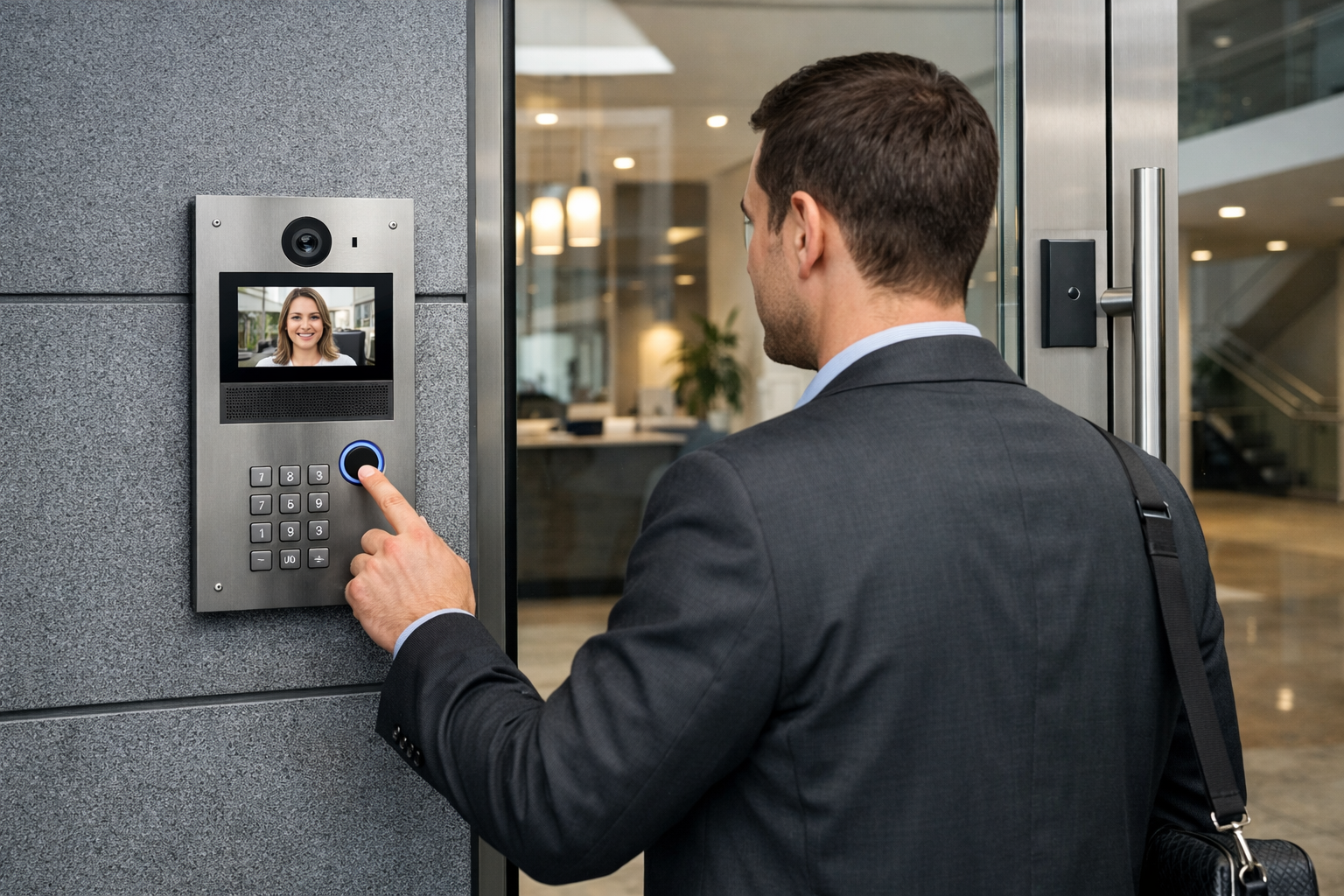
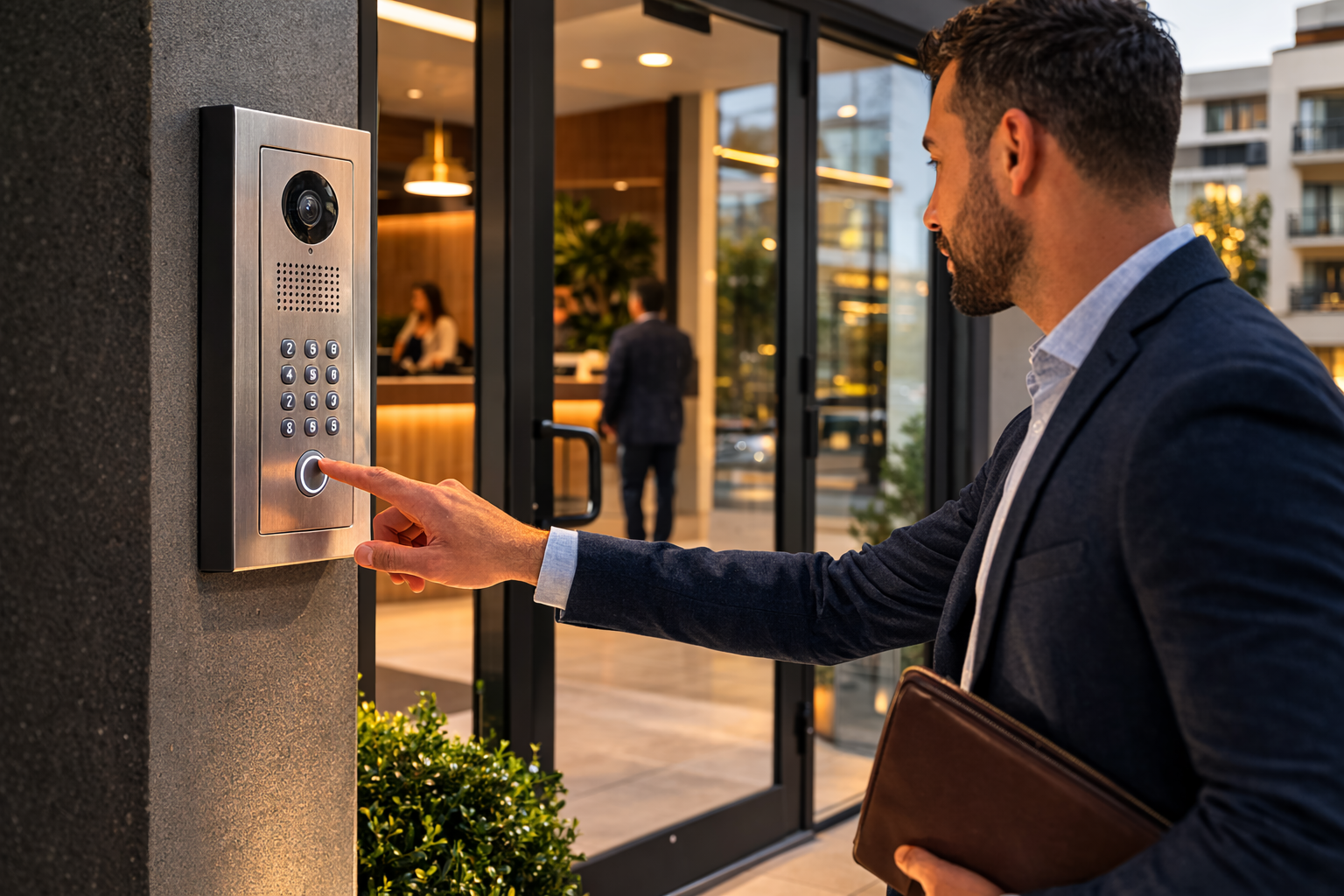
Commercial video intercom systems give businesses the ability to see who is requesting access before unlocking a door or gate. This improves visitor screening, supports better front-entry control, and helps offices, schools, retail properties, and multi-tenant buildings create a more secure and efficient entry experience.
- Lets staff visually verify visitors before granting access
- Helps improve front-door security in offices, schools, and shared buildings
- Creates a better experience for deliveries, vendors, and scheduled guests
Businesses choose this type of commercial intercom system when they want stronger visitor verification, simpler entry management, and better visibility at the door without relying on outdated audio-only communication or manual entry workflows.
What Are Commercial Intercom Systems?
A commercial intercom system is a communication and entry management solution that allows businesses to control who enters a property and how visitors, staff, and vendors communicate at access points.
These systems can include:
- audio communication
- video verification
- remote door or gate release
- mobile access management
- directory calling
- integration with access control and surveillance systems
Unlike residential products, commercial intercom systems are designed for heavier daily use, more complex building layouts, multiple users, and stronger security requirements.
Commercial Security Solutions
Key Features to Look for in Commercial Intercom Systems
Not all intercom systems are built for commercial environments. The right commercial intercom system should support your security goals today while giving your business room to grow. Whether you are evaluating commercial video intercom systems for an office building, school, warehouse, retail location, or multi-tenant property, the strongest solutions combine security, usability, and long-term flexibility.
A modern business intercom system should do more than answer the door. It should help your team verify visitors, manage multiple entry points, support mobile access, maintain a clear audit trail, and integrate cleanly with your broader access control strategy.
Video Capability
Video verification adds a stronger layer of protection by allowing staff to see who is requesting access before unlocking a door or gate. For many commercial video intercom systems, this is one of the most valuable features because it improves visitor screening, delivery handling, and front-entry security.
Two-Way Communication
Clear two-way audio is essential for screening vendors, guests, service personnel, and deliveries. A commercial intercom should provide reliable communication at the door so your staff can respond quickly and make informed access decisions without leaving their desk.
Mobile App Access
Many modern office intercom systems and commercial entry platforms allow authorized users to answer calls, view visitors, and grant access from a smartphone or browser. This makes mobile app access especially valuable for distributed teams, property managers, and after-hours entry control.
Multi-Door Management
Commercial properties often need one system that can support several entrances, gates, lobbies, suites, or access zones. Strong commercial intercom systems make it easier to manage multiple doors from one platform without creating extra complexity for staff.
Directory and Call Routing
Directory and call routing features are useful in office buildings, schools, and multi-tenant properties where visitors need to reach a specific person, suite, or department. This improves the user experience and helps ensure that calls reach the right destination quickly.
Remote Unlock Capability
Remote unlock capability allows authorized staff to grant entry without physically walking to the door or gate. This is a must-have feature for busy offices, managed properties, and commercial facilities that want faster entry decisions and smoother daily operations.
Event History and Audit Trail
A searchable log of calls, unlocks, and user actions improves accountability and simplifies system management. For businesses that need better visibility into who accessed a building and when, event history is an important feature to evaluate early.
Integration with Access Control
The best commercial building intercom systems work alongside card readers, mobile credentials, PIN access, and electronic door hardware. Integration with access control creates a more connected security environment and gives businesses better control over both visitors and staff entry.
What the Best Commercial Intercom Systems Have in Common
The strongest systems are built for real-world business use. They help teams verify visitors, respond faster, manage multiple entry points, and support a cleaner security workflow across offices, schools, warehouses, retail properties, and multi-tenant environments.
- They improve security without slowing down daily operations.
- They support growth across additional doors, users, and locations.
- They create a better experience for visitors, deliveries, tenants, and employees.
- They fit into a larger strategy that includes surveillance, access control, and visitor management.
Related Search Topics This Section Supports
This section helps strengthen the page around commercial buyer intent while keeping the copy useful, readable, and relevant to businesses evaluating commercial entry technology.
Commercial Intercom Planning
How to Choose the Right Commercial Intercom System for Your Property
The best commercial intercom system is not just the one with the most features. It is the one that fits your property type, entry workflow, staffing model, security goals, and future growth plans. While manufacturers such as Axis network intercoms and 2N intercoms offer strong hardware ecosystems, businesses still need the right design, integration strategy, and installation approach to make those platforms work effectively in the field.
Start with the Property and Entry Workflow
Different buildings need different intercom strategies. A front lobby in an office building, a secure school vestibule, a warehouse service entrance, and a multi-tenant property all create different communication, access, and visitor-management requirements.
- Office buildings often need directory routing, reception workflows, and visitor verification.
- Schools usually need controlled entry, fast staff response, and stronger screening at main entrances.
- Warehouses and service entrances benefit from durable hardware, simple workflows, and reliable communication.
- Multi-tenant properties often need call routing, shared entry management, and mobile access support.
Choose the Right Level of System Integration
A standalone intercom may be enough for some sites, but many businesses need a more connected solution. The strongest commercial deployments often tie intercoms into access control systems, mobile credentials, electronic door hardware, and commercial security cameras for better visibility and control.
- Video intercoms help staff verify visitors before granting access.
- Mobile app access improves response times for distributed teams and after-hours workflows.
- Access control integration creates a cleaner experience for both visitors and employees.
- Connected surveillance improves visibility at the door, gate, or vestibule.
Plan for Retrofit, Expansion, and Long-Term Support
One of the biggest mistakes in commercial intercom planning is choosing a system that solves only the current problem. The better approach is to evaluate how the system will perform as your building, staffing, or security requirements change over time.
- Can the system support additional doors, gates, or suites later?
- Will it work with your existing cabling, network, or door hardware?
- Does it allow mobile management, credential expansion, or software-based changes?
- Will the manufacturer platform and local integrator both support it well after installation?
Work with an Integrator, Not Just a Product Catalog
Manufacturer sites are useful for understanding device families, categories, and available features. But businesses still need an integrator who can assess the property, recommend the right architecture, coordinate installation, and align the intercom with broader building security goals.
Comparing hardware? Our independent roundup of the best door intercom systems for business covers the platforms we see most in Chicago installs.
- System design matters as much as hardware selection.
- Device placement, door hardware, and network planning all affect performance.
- The right installer helps avoid mismatched products and under-scoped deployments.
- Local service and support matter when issues affect business operations.
Why This Matters for Search Intent and Buyer Intent
Searchers looking for “commercial intercom systems” are not always ready to choose a specific model. Many are still comparing options, trying to understand how intercoms fit into access control, evaluating retrofit concerns, or figuring out which system type best fits their building. That is where Umbrella Security can provide more value than a pure product-category page by translating hardware options into a practical, property-specific recommendation.
Need Help Choosing the Right Commercial Intercom System?
Umbrella Security helps businesses evaluate property requirements, compare intercom strategies, plan integrations, and deploy the right solution for offices, schools, warehouses, retail spaces, and multi-tenant properties. We can help you move from product research to a system that is designed to work in the real world.
Types of Commercial Intercom Systems
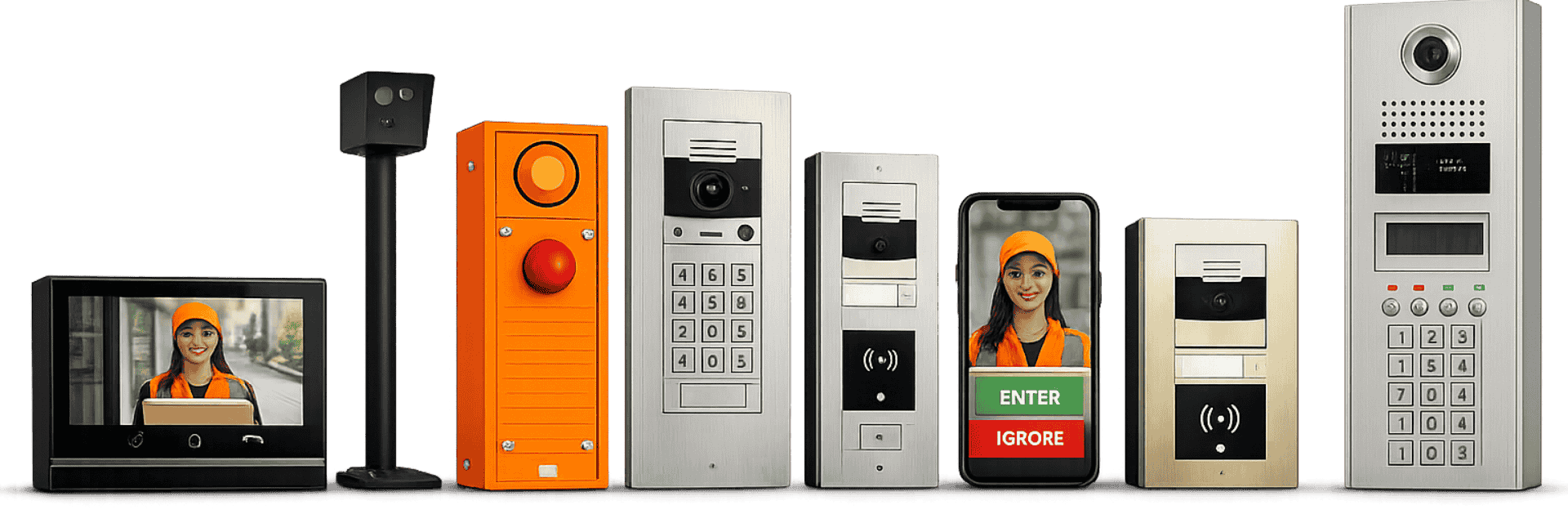
Different facilities require different types of intercom solutions. Umbrella Security helps businesses choose systems based on building layout, traffic flow, and operational needs.
Audio intercom systems
Audio-only intercom systems allow two-way communication at a door, gate, or entry point. These are often used in lower-risk or simpler access environments.
Commercial video intercom systems
Commercial video intercom systems add live visual verification so staff can see who is requesting access before granting entry. These systems are ideal for businesses that want stronger visitor screening and a higher level of control.
IP intercom systems
IP-based intercom systems use network infrastructure to support advanced communication, remote management, and integrations with other building systems.
Office Intercom buying checklist
There are numerous things that you must consider before you buy a system that has a vast variety of features, styles, and sizes. Therefore, instead of picking the first intercom, you find on the market, here is a checklist of some of the things you must keep in mind. (side note: you may have to take a screenshot for future references)
- Price
- Remote door unlock
- Is it able to set up multiple admins?
- One -way or two-way video
- Doorbell
- Installation costs
- Ability to manage multiple doors
Video Intercom System Integrations
Access Control Integrations
The most solid intercom integration has got to be the access control system. With its unique features to control the gate with face recognition and app unlock, you can enable access to authorized visitors and employees all by simply sitting at your desk.
Security Camera Integrations
To level up your security game, opt for security cameras that are high in definition, and uses infrared night vision technology to keep your nights as secure as your days. During camera installation, make sure you consult an expert and get the camera installed in the right positions that cover the maximum area on the entrances.
Visitor Management System Integrations
To make sure you don’t miss to attend any visitor, make sure you select the intercom that sends you notifications on your connected devices to alert you of any visitor arrival.
Signs It’s Time to Upgrade Your Intercom System
Your current system may need an upgrade if it:
🔊 Has poor audio quality
📹 Lacks video verification
📱 Cannot be managed remotely
🔐 Does not integrate with access control
⏱️ Causes delays for staff or visitors
🚪 Cannot support multiple doors or users
🛠️ Is unreliable or difficult to maintain
Older intercom systems often create daily frustrations long before they completely fail.
If your team is working around the system instead of relying on it, that’s a clear sign it’s time to upgrade.

Why Professional Design and Installation Matter
Commercial intercom systems only perform as well as they’re designed and installed.
Device placement, camera angles, network setup, door hardware integration, and user configuration all directly impact reliability, security, and day-to-day usability.
Umbrella Security helps businesses:
📍 Assess entry points and workflow needs
🧩 Recommend the right intercom solution
📈 Design for today’s needs and future growth
🔐 Integrate with access control and surveillance
🛠️ Install and configure equipment correctly
🤝 Support long-term system performance
A properly designed solution helps reduce security gaps, improve usability, and protect the value of your investment.
Commercial Intercom Systems for Businesses and Multi-Family Properties
If your business or property needs a better way to manage entry, a commercial intercom system can provide stronger control without slowing down operations.
Umbrella Security helps organizations choose and install systems that fit the way their properties actually function, whether that means securing a single front entrance, managing multiple office suites, controlling warehouse access points, or supporting multi-family resident entry.
Benefits of Video Intercom Systems




Complete Remote Access Control
By switching to video intercom systems, you eliminate any extra time wasted in traveling through your large commercial residents only to open gates for your visitors – giving you and your employees more time to focus on actual work.
Better Guest Management
Gone are days when you have to rely on visitor’s voices to buzz them into your building. Thanks to video intercom services you can not only speak to your guests but can see them on your indoor monitors as well.
Improved Security
Video intercom gives superiority over all the rest of security entrance systems since your pins can be forgotten, fingerprints can be faked, and cards can be lost or stolen. However, with video intercom systems, all you have to do to keep your premises safe is actually see the person and signal your system to open or close gates.
More Intuitive
Since video intercom systems send a notification to the admin whenever there is a visitor at the door, it gives an overall peace of mind that you can be sure no guest leaves your office unattended.
More Secure Package Delivery
You never know the delivery boy at your gate can be your biggest threat. With this, you can rest assure you are getting all of your deliveries by authorized delivery personnel.
Reduced Lockouts
Some intercoms allow employees to have virtual keys and PINs which can be used during a lockout or when an office delivery needs to be made in the absence of the boss or security guard.
Contactless Entry & Contract Tracing
This intercom system uses contactless entry via waving hand, scanning your mobile phone, facial recognition, or entering a code in your smartphone, which is especially useful during the outbreak of coronavirus. What’s more? The video intercom system tracks all its guests you have entered in your building – heightening the level of security in your building.
Commercial Security and Communication
Not only video intercom systems useful for commercial office purposes, but the functions can be altered to suit any industry or personal residence, for that matter. Here are some of the examples of how intercom is making our lives better.
Industry-Specific Intercom Solutions
Video intercom systems are being designed for various industries like schools, offices, the manufacturing sector, and the public sector. They come with specialized features suitable for these industries and offer tailored services. Let’s look at some of the sectors where video intercoms are quite successful.
School Intercom Systems
Among the many ways intercom can be used in school, it is most helpful to send messages to teachers during emergency instances and restrict unauthorized individuals from entering the school building.
Office buildings
Visitors can contact the employees at the entrance and ask for specific department directions before entering the building. Some offices have compact lift intercom stations that let visitors communicate with the technical support team outside life.
Commercial warehouse
All commercial warehouses need intercom systems for the following:
- alert the headquarters during any mishaps
- communicate with the warehouse personnel regarding inventory queries.
Manufacturing
Video intercoms make it completely effortless to communicate in manufacturing areas with high noise levels and/or send deadlines reminders to make the production process smooth and profitable.
Retail
Installing video intercom has proven to improve customer satisfaction levels and increases not only workers’ protection but your guest safety as well. Furthermore, when you add your IP intercom and speakers to your services, it adds an extra layer of freedom to talk and listen to your potential customers.
Professional Security Designer & Installer
Any equipment not installed right is futile. It is not surprising that you will waste away your expensive intercom system by installing it the wrong way. Therefore, either seek professional advice or let an expert take over to properly link each component in its right place and install it in a way to make the most out of its network coverage.
In this article, we looked at some of the top brands that provide the latest video intercoms available out there. You can check out their specifications and then choose one according to your requirements and budget.
Need Help with your Intercom System Upgrade?
Umbrella Security Systems is an independent security consultant with more than 20 years of experience and an expert in commercial video intercom systems. Contact you today and we will choose the right commercial video intercom system for your business.

Frequently Asked Questions About Commercial Intercom Systems
What is the difference between a commercial intercom system and a residential intercom?
Commercial intercom systems are built for higher traffic, more users, stronger security, and integration with business systems like access control and surveillance.
Are commercial video intercom systems better than audio-only systems?
For many businesses, yes. Video adds visual verification, which improves visitor screening and gives staff more confidence before granting access.
Can a commercial intercom system integrate with access control?
Yes. Many systems can integrate with card readers, mobile credentials, electronic locks, gates, and other access control hardware.
Can employees answer intercom calls from their phones?
Many newer commercial intercom systems support mobile apps that allow authorized users to receive calls, view visitors, and unlock doors remotely.
What types of properties use commercial intercom systems?
Office buildings, schools, retail stores, warehouses, manufacturing facilities, mixed-use buildings, and multi-family properties all commonly use commercial intercom systems.
Related entry and visitor management resources
Connect Intercoms, Visitor Communication, and Access Control
Commercial intercom systems are most effective when they support the way people actually enter, verify, and move through a facility. For many organizations, that means tying intercoms into access control, video verification, visitor workflows, and front-desk or remote response procedures.
- Commercial access control systems
- Access control installation for commercial doors
- Visitor management systems
- Video verification with commercial security camera systems
Need help deciding what entry communication setup fits your building? Talk with Umbrella Security Systems.