
School Security Systems: A Practical Guide for K–12 and Campus Safety
School security systems are a critical part of K-12 infrastructure, combining surveillance, access control, and emergency response into a unified safety environment. Most schools do not struggle because they lack equipment. They struggle because school surveillance systems, doors, alerts, and policies are often added in pieces instead of designed as one system. This guide explains how to choose a school security system that still makes sense years from now.
Schools evaluating long-term infrastructure should also consider interoperability standards such as ONVIF, current school safety guidance from CISA, and student privacy expectations outlined by the U.S. Department of Education.
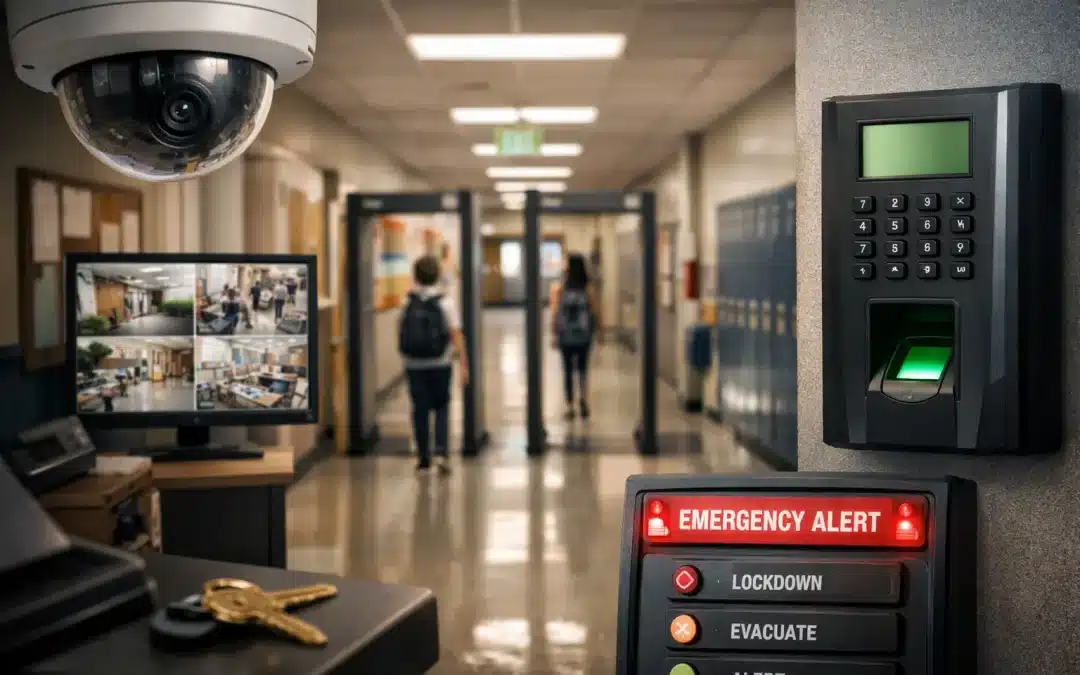
What a School Security System Actually Is
A school security system is not one product and it is not one screen on a dashboard. It is a working environment made up of multiple layers that are supposed to support each other: cameras, access control, alarms, emergency communication, and the policies behind them.
That matters because schools do not experience security in pieces. They experience it as one daily reality — who can enter, what staff can see, how quickly incidents are understood, and whether the school security system helps people respond with clarity instead of confusion.
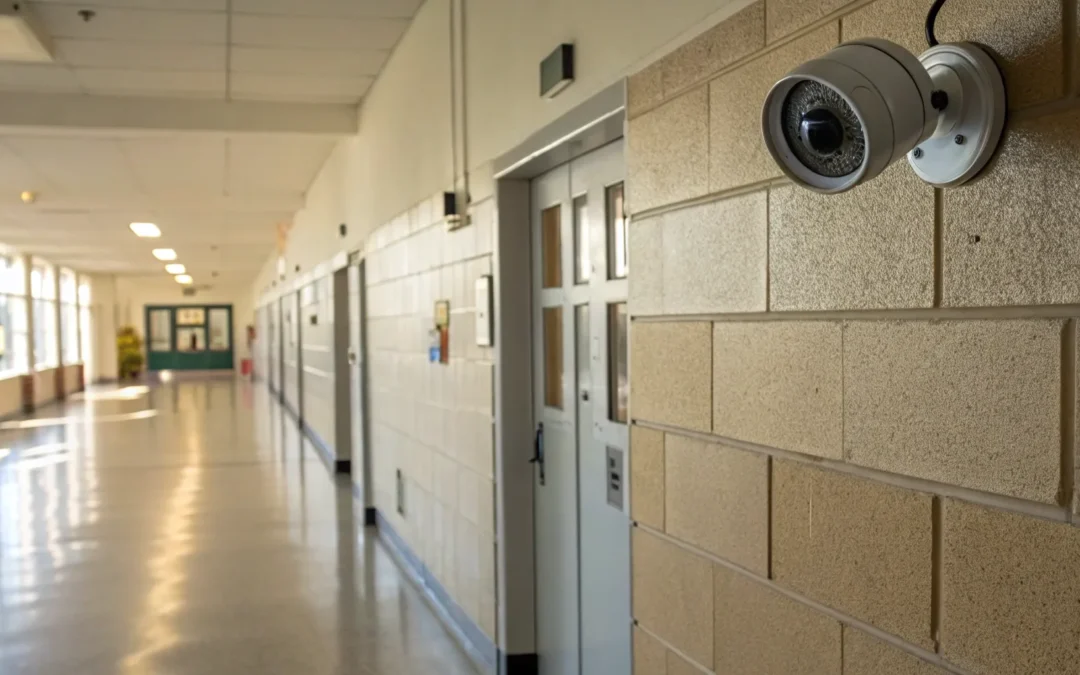
Video Surveillance
Helps schools see what is happening, review incidents, and improve awareness. Cameras matter, but by themselves they are often reactive tools.
Access Control
Controls who gets in, where they can go, and what happens during emergency conditions. This is one of the most important layers in campus security.
Detection & Alerts
Intrusion systems, sensors, and real-time notifications help schools identify unauthorized activity and reduce the gap between event and response.
Emergency Response Tools
Lockdown workflows, communications, and integrated actions determine how quickly staff can move from awareness to action when something goes wrong.
The question is never just whether a school has cameras or door control. The better question is whether the full school security system was designed to hold up under real-world use — across daily operations, emergencies, and the years that follow installation.
The Core Components of a Modern School Security System
The strongest school security systems do not rely on one technology to do everything. They combine visibility, control, detection, and response in a way that supports how campuses actually operate day to day. For many K-12 security systems, that means treating cameras, alerts, and access control as one coordinated environment instead of separate purchases.
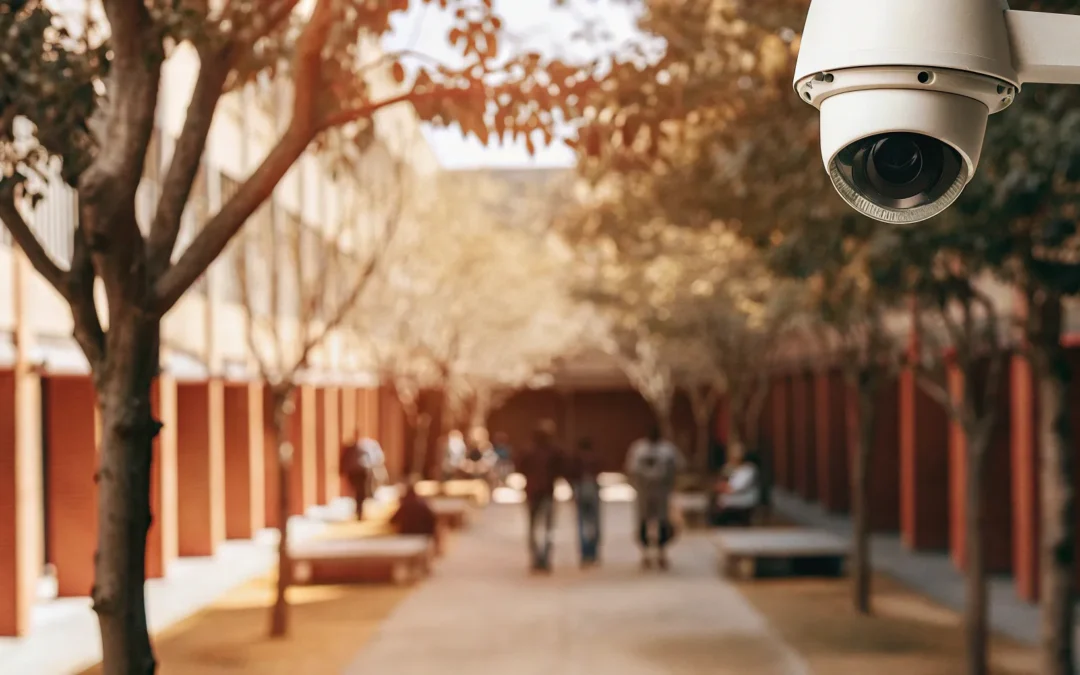
Video Surveillance
School security camera systems give campuses visibility. They help staff verify what happened, understand timelines, and improve awareness around entrances, hallways, parking lots, and common areas.
But cameras alone do not create a complete school security system. In most environments, they are strongest when paired with access control, alerts, and a clear response plan.
Access Control
Access control determines who can enter, where they can go, and what happens when a school needs to secure space quickly. For many campuses, this is where proactive protection really begins.
Exterior doors, staff credentials, lockdown workflows, and event logging all live here. When designed correctly, access control reduces risk before it becomes an incident.
Intrusion Detection & Alerts
Intrusion systems, perimeter sensors, and real-time alerts help schools identify unauthorized activity, especially during off-hours or in parts of campus that are not constantly staffed.
This layer is often underestimated until something goes wrong. The faster a school knows an event is happening, the faster the response can begin.
Emergency Response & Communication
Emergency tools connect the system to action. This includes lockdown triggers, notifications, communication workflows, and the ability to move staff from awareness to coordination quickly.
In a real incident, speed matters. The right emergency layer helps staff respond with less confusion and more control.
Why School Security Systems Fail Over Time
Most school security systems do not fail the day they are installed. They fail later — when campuses grow, workflows change, budgets tighten, and the original design no longer fits how the school actually operates.
Most failures do not come from a lack of equipment. They come from disconnected decisions, weak integration, and systems that were never designed to hold up over time.
Siloed Systems
Cameras, access control, alarms, and emergency tools often get purchased at different times, from different vendors, for different immediate problems. The result is a campus full of technology that does not actually behave like one school security system.
Short-Term Buying Decisions
Schools are often pressured to solve the visible problem in front of them right now. That can create decisions based on demos, urgency, or price alone — instead of architecture, interoperability, and how the school security system will perform five years from now.
Vendor Dependence
Some platforms make schools increasingly dependent on one vendor for software, licensing, analytics, and future expansion. That may feel simple at first, but it can reduce flexibility later and make the real cost of change much higher than expected.
Weak Operational Fit
A school security system can look impressive on paper and still fail in real use if it does not fit how staff move through the day, how emergencies are handled, or how the campus actually needs to respond.

The biggest mistake schools make is assuming that more equipment automatically means better protection. In reality, school security systems break down when they are layered without a long-term plan, when integration is treated as optional, or when the school loses practical control over how the system evolves.
That is why lifecycle planning matters. The right school security system should not just solve today’s problem. It should still make operational and financial sense years from now.
Integrated School Security Systems
Integration is where a school security system stops being a collection of products and starts acting like a real operating environment. It is what allows cameras, access control, alerts, and response tools to support each other instead of working in isolation.
Schools often hear the word integration, but it gets used loosely. In practice, integrated school security systems mean that the important parts of the campus security environment can share context, support faster decisions, and reduce the amount of switching staff have to do during normal operations or emergencies.
That matters because real incidents do not happen inside one software screen. A door event may need to trigger video verification. A lockdown may need to affect access control, notifications, and response procedures at the same time. A school that owns these systems separately may still not have a school security system that truly works together.
The value of integration is not convenience alone. It is clarity, speed, and a lower chance that critical steps get missed when pressure is high.
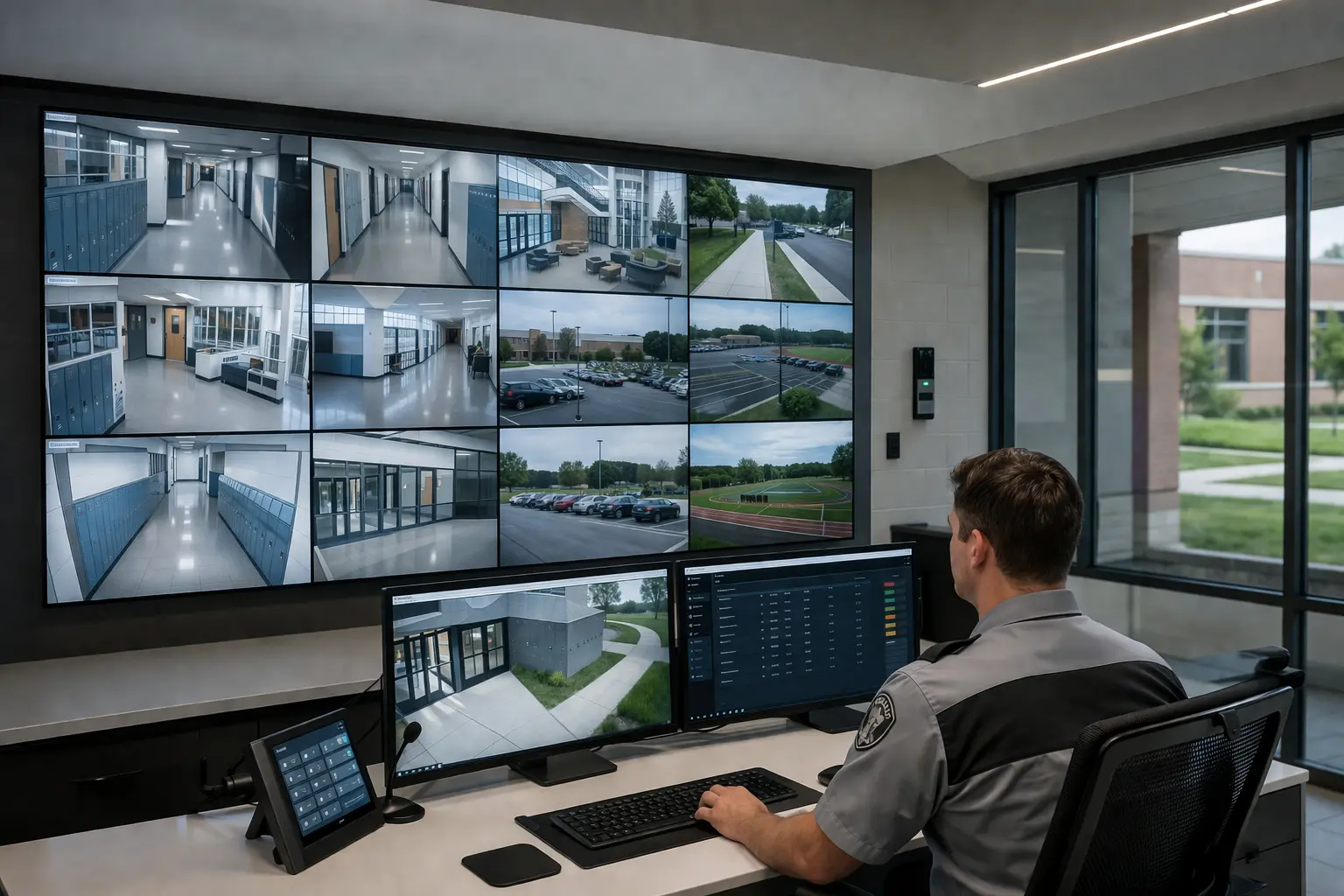
What integration looks like in the real world
Faster Response
Staff spend less time switching between systems and more time understanding what is happening and what to do next.
Better Operational Fit
A school security system runs better when the security environment reflects how entrances, classrooms, offices, and emergency procedures actually function.
Clearer Long-Term Planning
Integration helps schools expand with more discipline because new decisions can be measured against the full system instead of one isolated product.
If you want to see how this looks at the solution level, explore our school security system solutions in Chicago and our integrated school security systems for K-12 districts.
See School Security SolutionsOpen vs. Proprietary School Security Systems
One of the most important decisions a school will make is not which camera or door controller to buy — it is whether the school security system is built on an open architecture or a closed, proprietary ecosystem. That decision affects how school surveillance systems expand, integrate, and hold up over time.

Open Architecture Systems
Open school security systems are designed to work across multiple manufacturers and platforms. They typically support standards like ONVIF and allow schools to evolve their systems over time.
- Greater flexibility when upgrading or expanding
- Reduced dependence on a single vendor
- Better long-term interoperability
- More control over system design and evolution
Proprietary Systems
Proprietary school security systems are controlled by a single vendor ecosystem. They often provide a simplified experience upfront but may introduce long-term dependency.
- Limited compatibility outside the ecosystem
- Greater reliance on ongoing licensing
- Reduced flexibility when changing vendors
- Integration may be restricted or controlled
Schools comparing open and proprietary platforms should also review trusted standards and sector guidance, including ONVIF interoperability standards and CISA school safety guidance.
Explore school surveillance architecture and vendor lock-in →Cost, Licensing, and Lifecycle Planning
The real school security system cost is rarely limited to the first proposal. Hardware matters, but schools also need to understand licensing, maintenance, upgrades, and how much control they will still have over the system years from now.
What Schools Usually Count
Most school security system buying discussions start with visible costs:
- hardware
- installation
- software setup
- initial training
What Schools Often Miss
Long-term cost usually comes from the things that are easier to overlook at the beginning:
- licensing renewals
- feature dependency
- future expansion costs
- integration limitations
- migration friction if the school wants to change direction later

The biggest cost is often not what a school pays upfront. It is what the school is required to keep paying — or keep depending on — in order to maintain the usefulness of the school security system over time.
Why Lifecycle Planning Matters
A strong school security system should make sense over a five-to-ten-year window, not just during procurement. That means schools need to ask how the platform will expand, what upgrades will look like, and whether the system still works financially if campus needs change.
How VMS Decisions Affect Long-Term Cost
Video management software plays a major role in storage, search, retention, user access, and future interoperability. It is one of the clearest places where school security system architecture decisions influence both cost and flexibility.
Explore our video management software guide →How to Choose the Right School Security System
The best school security system is not the one with the flashiest demo or the longest feature list. It is the one that fits how the campus actually operates, works well across the full environment, and still makes sense years after the initial installation.
Start with the Campus, Not the Product
Before comparing platforms, schools should get clear on entrances, staff workflows, emergency procedures, visitor expectations, after-hours use, and where the current school security system is creating friction or risk.
A school security system should be chosen to support the environment — not the other way around.
Think Beyond the First Install
Buying the wrong school security system can create years of avoidable dependency. Schools should evaluate interoperability, upgrade paths, licensing, and how easily the system can adapt if needs change.
That is often where the real difference between school security systems shows up.
Does it support integration?
Cameras, access control, alerts, and emergency workflows should support each other. If the school security system cannot work well with the rest of the environment, it will create friction later.
Is it built for flexibility?
Ask whether the school can expand, replace, or upgrade parts of the school security system without starting over. Flexibility is one of the clearest signs of a healthy architecture.
What happens over time?
Evaluate long-term licensing, support, storage, retention, and migration implications. The right school security system should still make sense in five to ten years.
Does it fit real operations?
A school security system can look great in a demo and still fail in a real school environment if it does not align with how staff, students, and administrators actually move through the day.
Can the school keep control?
Schools should understand how much control they retain over their school security system, data, integrations, and future decisions — especially if the system depends heavily on one vendor ecosystem.

The best next step is not guessing. It is understanding what the school already has, where the gaps actually are, and which path forward makes operational and financial sense.
Request a Security AssessmentA Real-World School Security Example
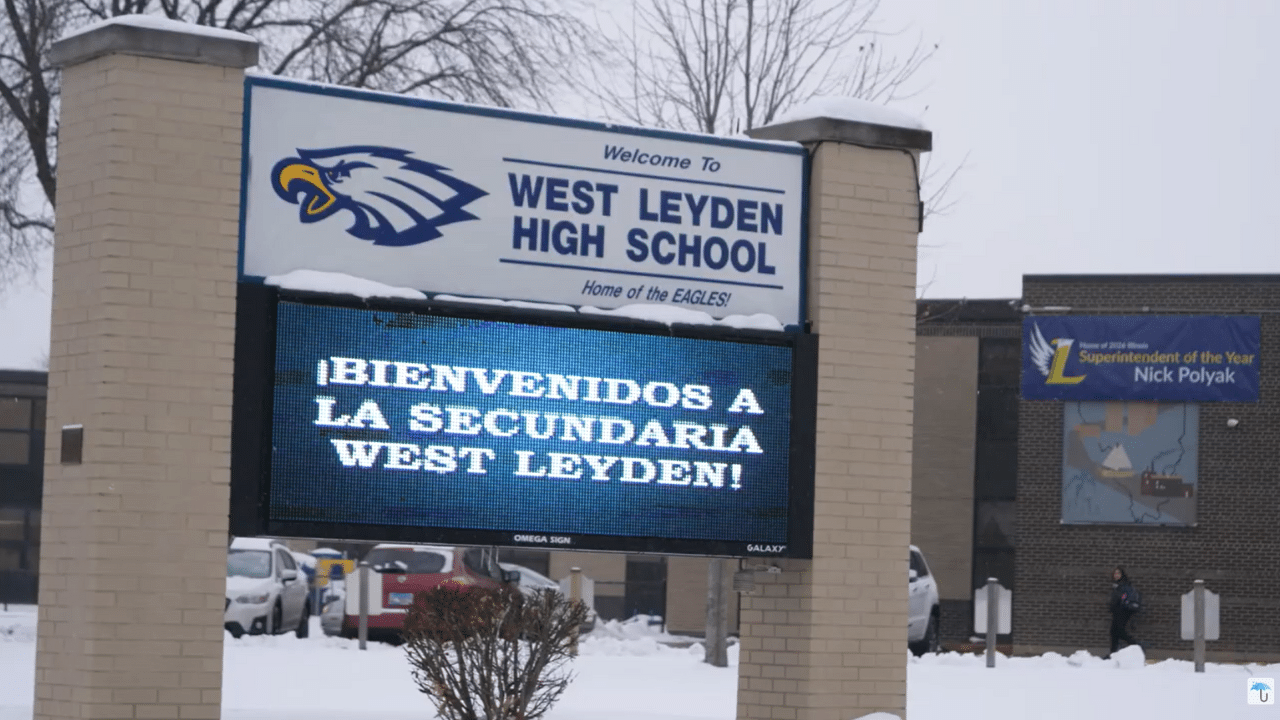
School security systems are easier to evaluate when you can see how they perform in a real campus environment. West Leyden High School District 212 is a strong example of what happens when reliability, integration, and long-term control are treated as priorities instead of afterthoughts.
West Leyden High School District 212 needed to move away from aging, battery-powered wireless door hardware that had become unreliable, difficult to maintain, and harder to trust in critical moments. The district needed a school security system that could support daily operations, improve lockdown readiness, and reduce long-term maintenance strain.
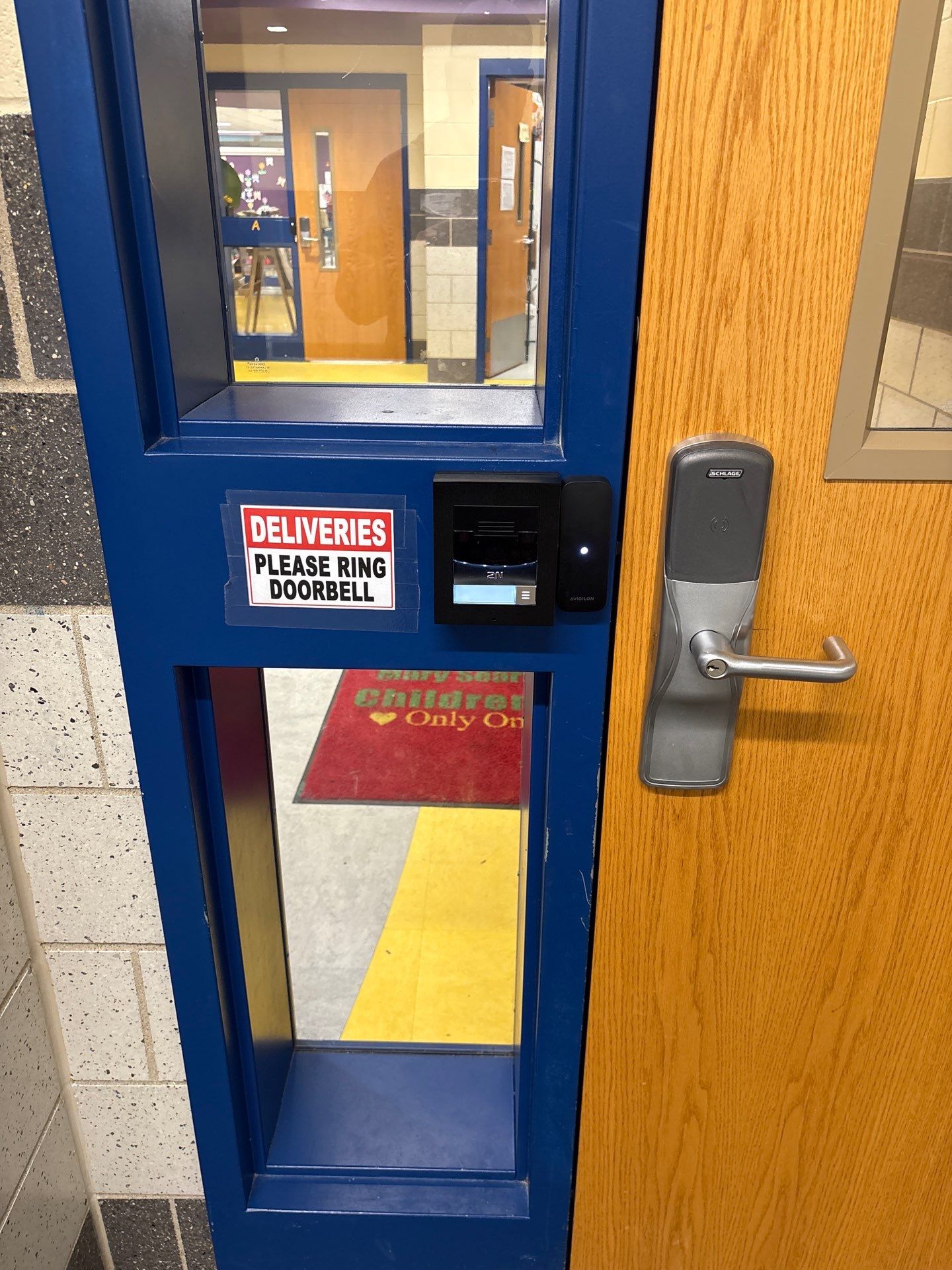
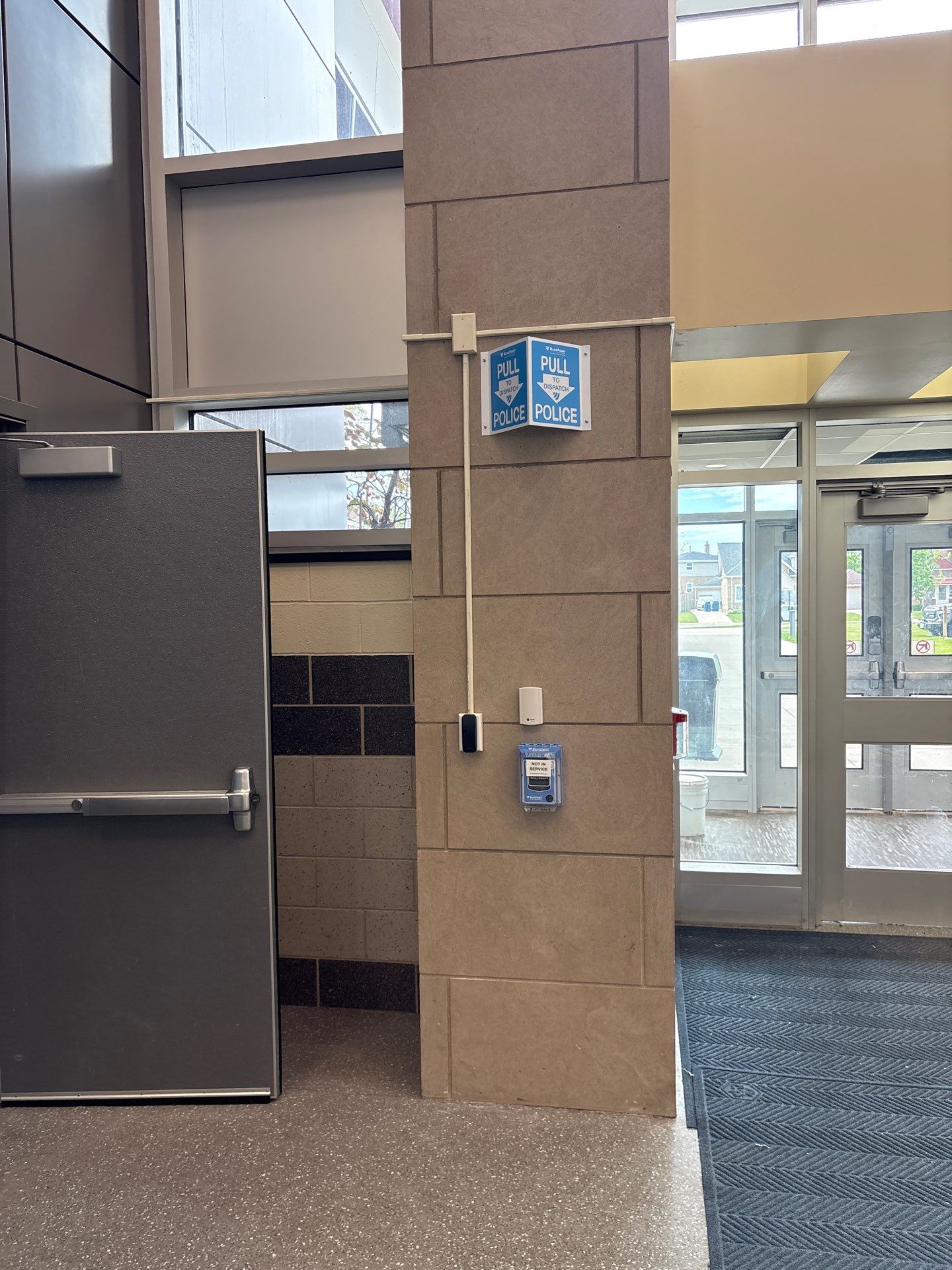
Umbrella Security designed and installed a hardwired, open-platform access control system that integrated with existing safety systems, supported district-wide credential use, and improved both reliability and emergency response capability.
The result was not just new hardware. It was a stronger operational foundation for the campus.


Watch the Leyden Case-Study Video
Umbrella already features this case-study video through the site’s video content. If you want to reinforce trust and increase dwell time on this page, this is the right place to embed it.
If you want to see the full Leyden project details, proof points, and installation context, explore the complete school access control case study.
View the Full Leyden Case StudyCommon Questions About School Security Systems
These are some of the most common questions schools ask when evaluating cameras, access control, integration, lifecycle costs, and the long-term fit of a school security system.