

Education / Leyden District 212
Door access control for schools: Leyden’s upgrade.
Battery-powered door hardware was creating daily maintenance problems. See how Leyden approached a hardwired upgrade, connected its security systems, and worked with Umbrella through installation.


- The challenge
- Battery & connection issues
- The upgrade
- Hardwired readers & strikes
- The evidence
- Interview & installation photos
On this page

The customer’s perspective
Hear from the facilities team.
Start with the full case study, or watch a Short for a quick look at the district’s approach.

The West Leyden case study
Hear the facilities team’s perspective on the access control upgrade and working with Umbrella Security.
The player could not start. Please use the YouTube link above.

One access control system
The player could not start. Please use the YouTube link above.
Systems designed to work together
The player could not start. Please use the YouTube link above.
Select a video to load the YouTube player. Captions and playback controls are available in the player when provided by YouTube.
“Umbrella Security has always done right by us.”
Leyden School District 212
The project
A practical upgrade to everyday access.
The district’s existing wireless door hardware had become a recurring maintenance concern. Battery replacement, cold-weather failures, and inconsistent connections were taking time away from the facilities team.
Leyden needed an approach that addressed the doors themselves and how access worked alongside the school’s other security systems. For the broader options schools can evaluate, see our guide to access control for schools.
- Move away from battery-dependent hardware at the upgraded doors.
- Connect access control with existing emergency and fire alarm systems.
- Keep staff access straightforward with a single credential.
A hardwired approach
Umbrella replaced wireless hardware with hardwired card readers and electric strikes, addressing the battery and connection problems described by the district.
Explore access control optionsConnected systems
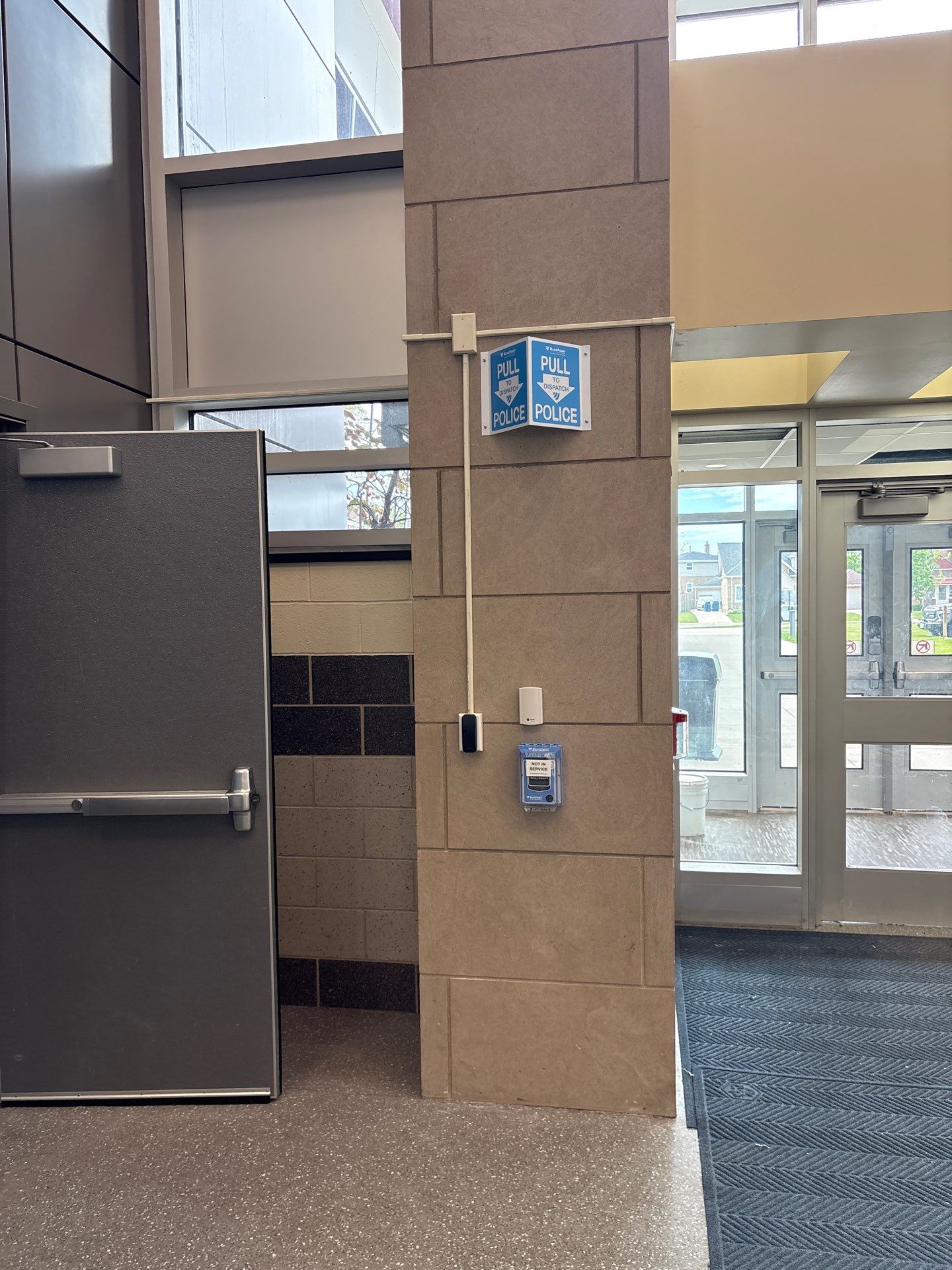
The project brought access control together with existing fire alarm and BluePoint emergency notification systems so these functions could be managed as part of a coordinated design.
Read about school security integrationOne staff credential
A shared badge credential supported staff access across the connected doors and schedules, simplifying the day-to-day experience for the facilities team.
Plan doors, users, and credentialsInside the installation
The work behind the wall matters.
Upgrading an older school building takes more than selecting new readers. The installation team worked around multiple ceiling layers and limited cable pathways to connect the new door hardware.
- Work with the existing building
Plan wiring routes around the structure, ceiling conditions, and available pathways.
- Connect the door to the system
Bring readers, control hardware, and wiring into one installation plan.
- Keep the facilities team involved
Understand daily access needs and the systems the school already operates.
Watch an on-site installation clip
A field clip from the installation. Open the original clip in a new tab

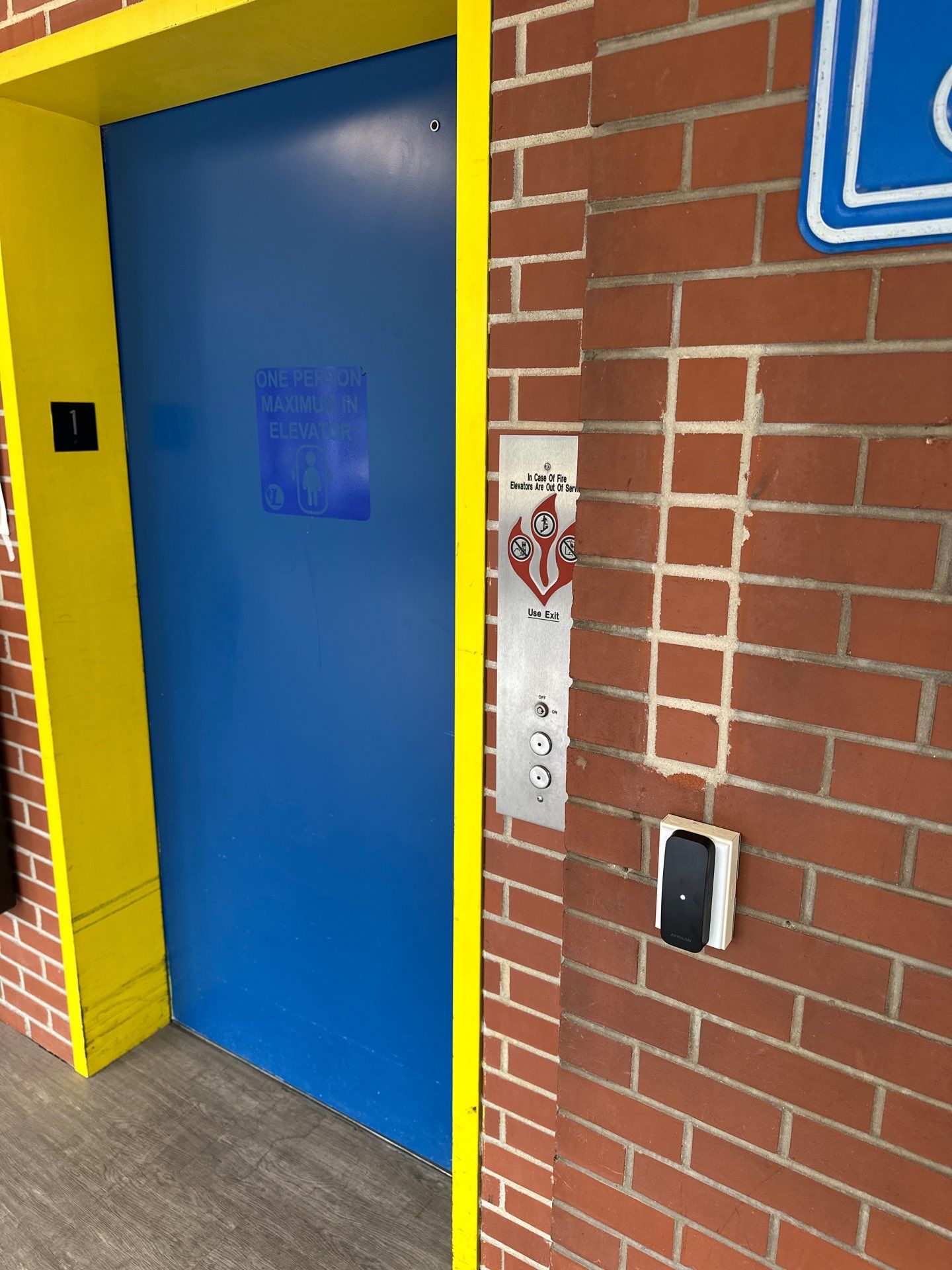
See the details
Real work. Door by door.
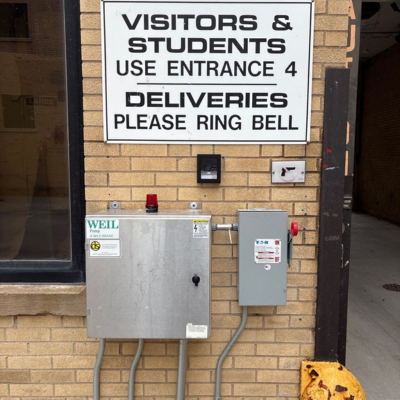
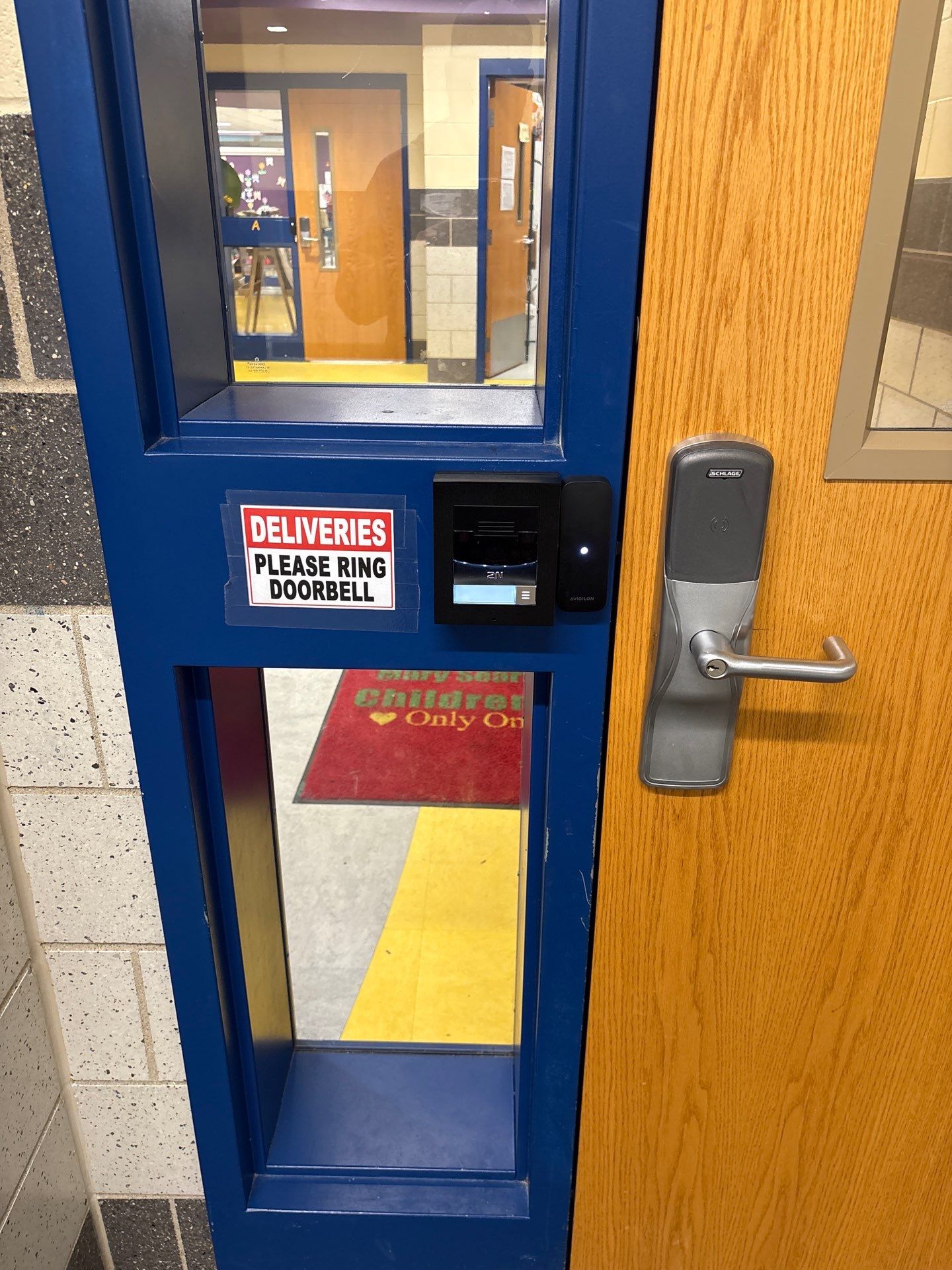
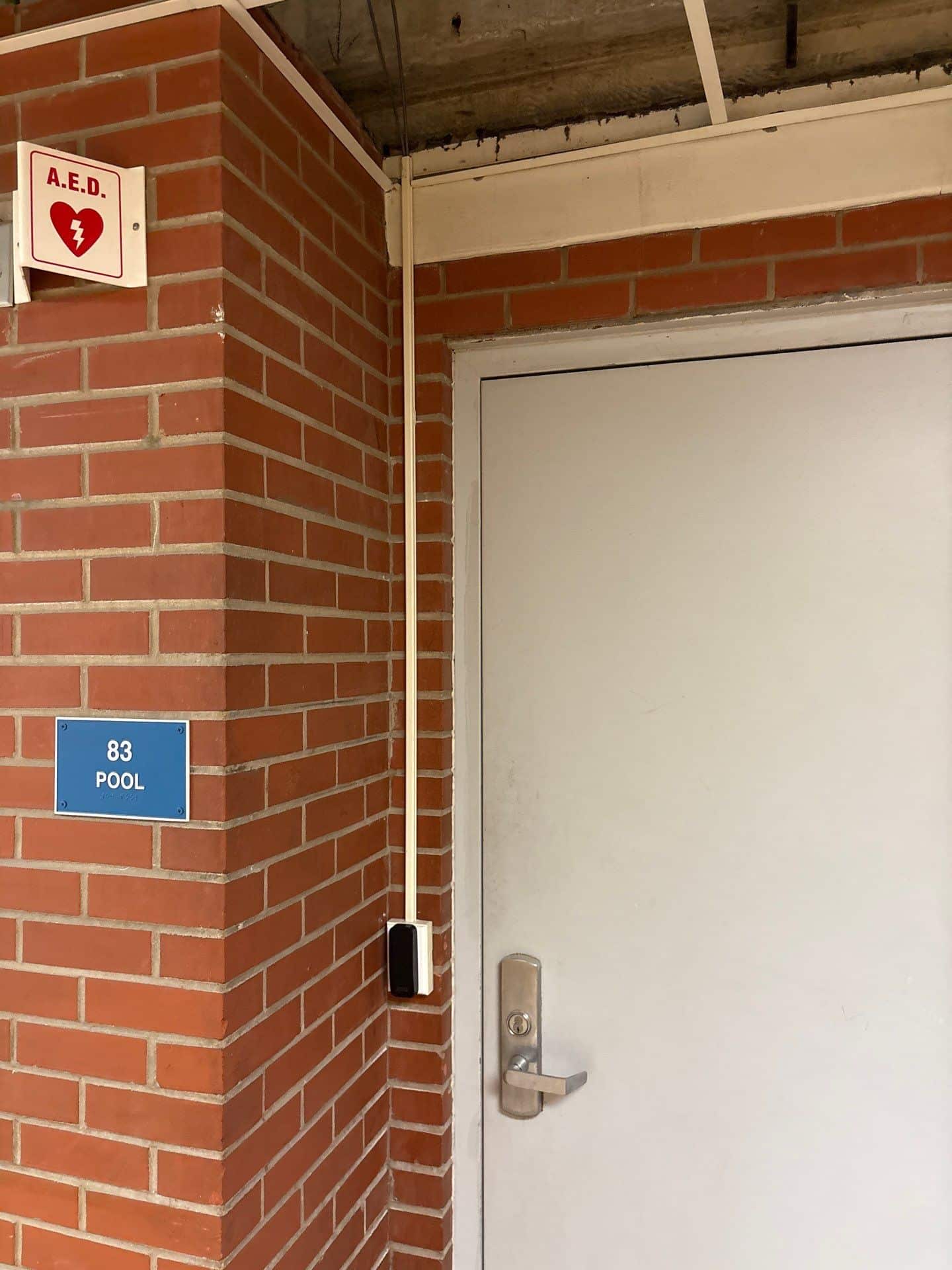
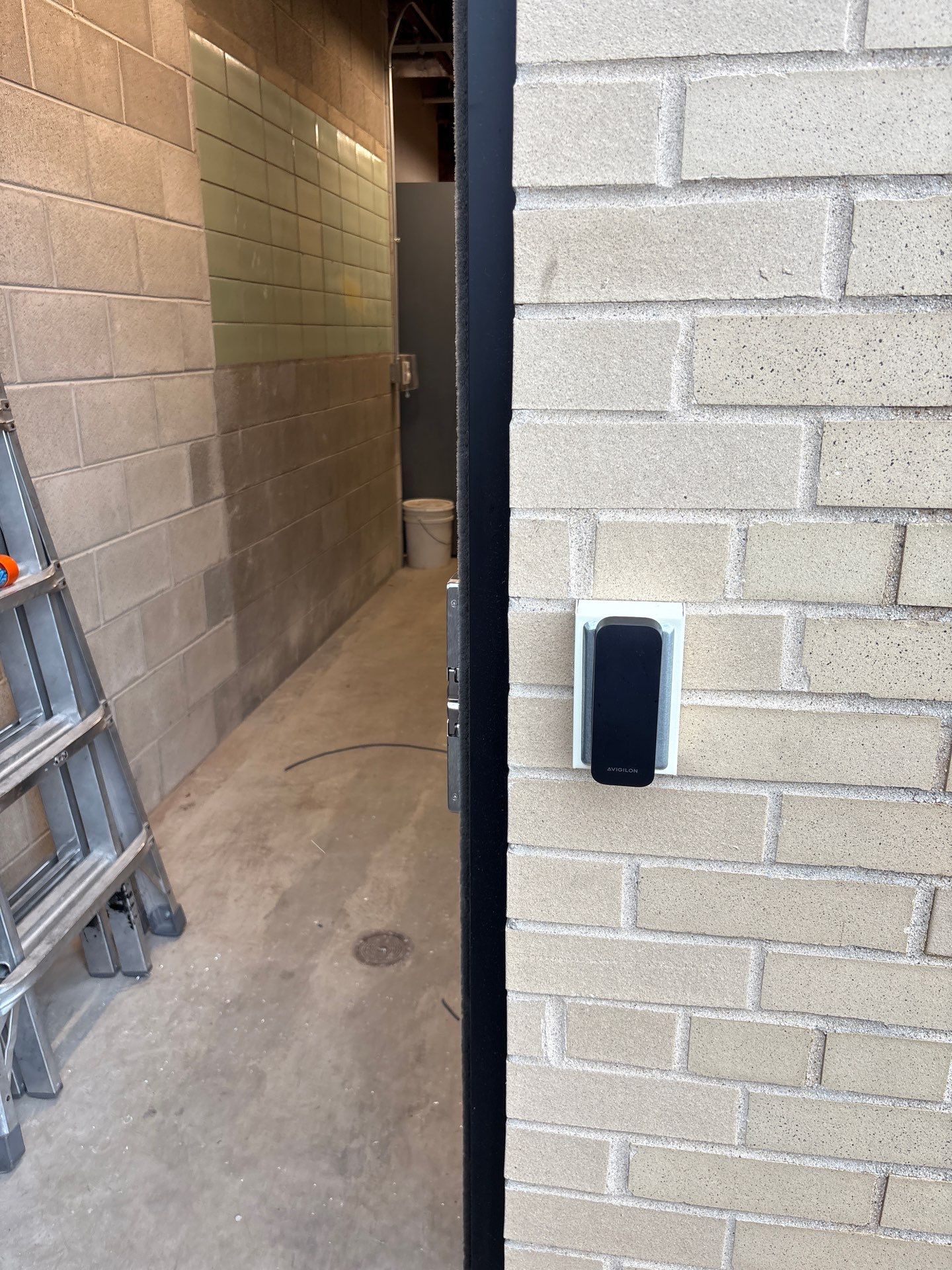
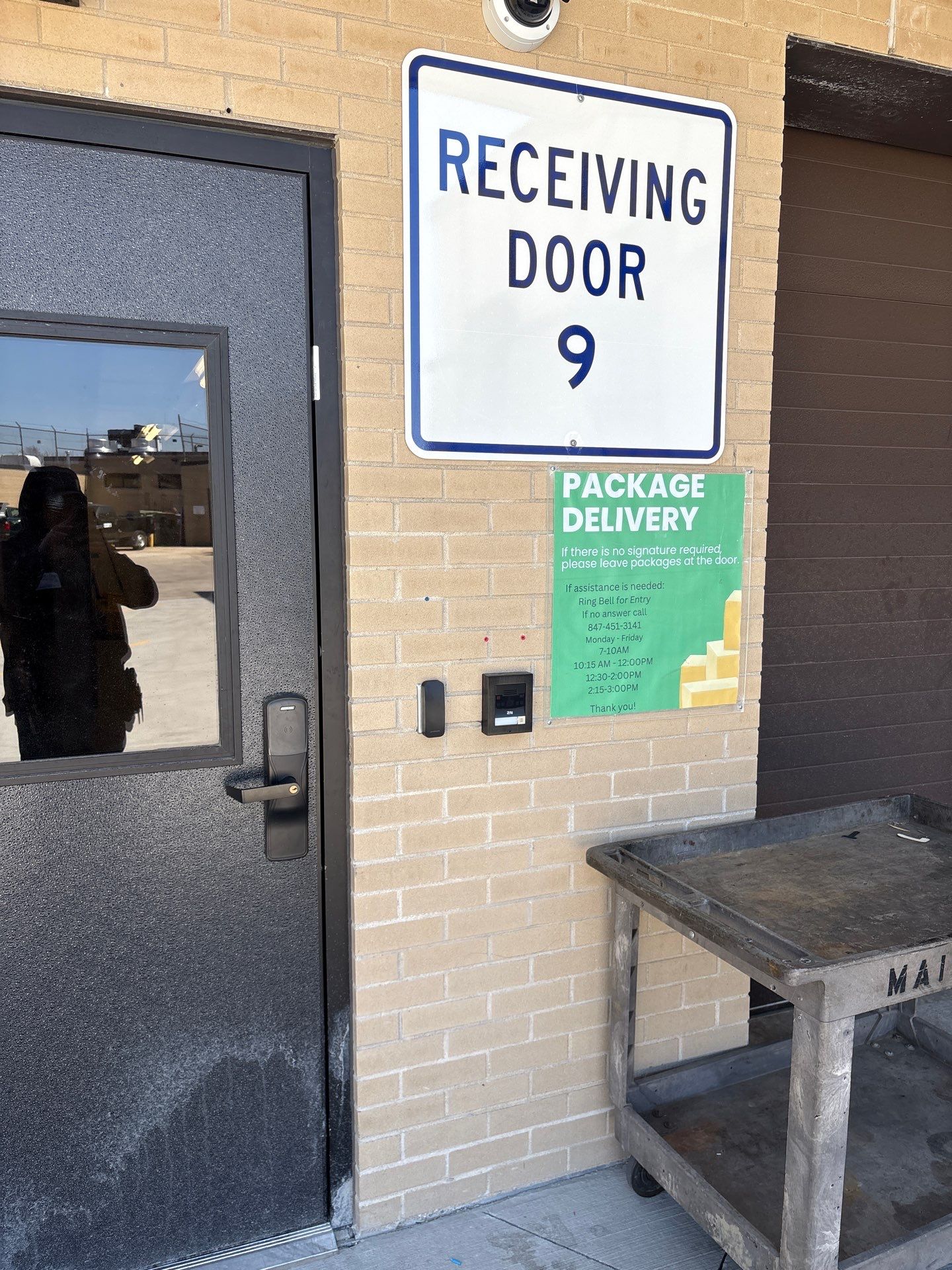
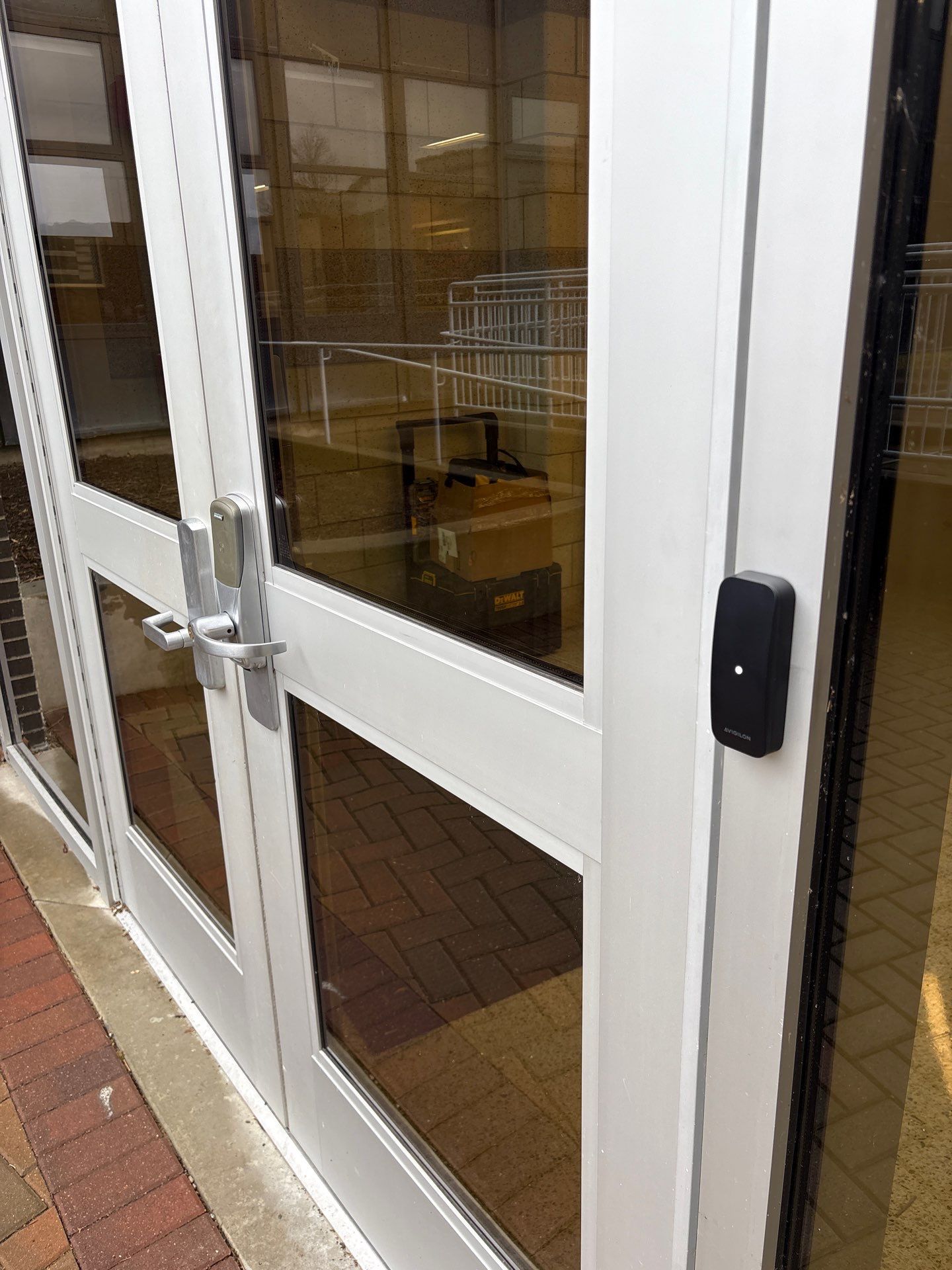
Explore the project’s readers, entry points, conduit, and control hardware. Select any photo for a closer look.


Planning a similar upgrade?
Start with your doors and your daily routine.
These are useful questions for facilities leaders considering a school access control project.
Talk through your requirementsPreparing for a project meeting? Use the access control planning guide and worksheet to organize your requirements.
Why was hardwired access selected for this project?
The district reported battery failures, connectivity issues, and recurring maintenance with its existing wireless door hardware. A hardwired approach addressed those project-specific concerns. The right design for another school depends on its doors, infrastructure, and operating requirements.
Can we keep our existing badges and security systems?
Compatibility should be checked before equipment is selected. This project connected staff credentials, access control, and existing emergency systems. For your school, Umbrella can review the current hardware, credential technology, and integration requirements.
Can an older school building be upgraded?
An older building can be evaluated for an access control upgrade. Cable routes, door and frame conditions, ceiling access, and the school’s daily schedule all affect the installation plan. Leyden’s project involved working through multiple ceiling layers and limited wiring pathways.
What should we bring to the first conversation?
Start with the doors you want to address, the problems your team is seeing, and the systems or badges you already use. Photos of the doors, a floor plan if available, and your preferred project timing help make the conversation more useful.

Your school. Your requirements.
Let’s talk about the doors you need to improve.
Tell us which access issues your facilities team is trying to solve. We can review your existing hardware, wiring, and day-to-day requirements together.