

Chicago and Northern Illinois
Commercial access control systems
Control who can enter your facility, which doors they can use and when. Umbrella helps you compare access control brands and see how they’d work for your building before you choose.
What you’ll see in a demoWhat are you planning?
See what each access control system can actually do
Will it work with our readers? Can it connect to our cameras? Is the hardware in stock? A manufacturer’s sales rep is quick to say yes. Umbrella checks what that yes means for your project.
We’ll demo more than one brand, show you how the features and integrations you need actually work, and check what’s available. Then we’ll recommend what fits your building, your team and the equipment you want to keep.
Request a multi-brand demo →
What to look for in the demo
Give someone temporary access
See how your staff can let someone in for a shift and how access expires when it’s over.
Check a door left open
See where a propped-door alert appears and how your team would pull up the matching clip if video is connected.
Know what happens if the internet goes down
Find out whether badges still work, whether staff can make changes and how activity is recorded during an outage.
Find out what you can reuse
We’ll explain which readers, locks, wiring or badges might carry over and which ones we need to check at the building.
How customers use access control
See how Umbrella added phone access, worked with existing doors and kept entrances in service during a system change.

Add phone access alongside cards
At The Night Ministry, Umbrella added mobile credentials so staff could use a phone or a card. Hear from IT manager Darreck Blackwell about the upgrade.
See The Night Ministry project and interview →
Work with the doors already in place
At Leyden District 212, Umbrella designed wired access control around the school’s existing doors and coordinated it with the emergency systems.
See the Leyden school project →
Keep entrances in service during an upgrade
In Wilmington, Umbrella kept both systems running while the crew switched and tested one door at a time.
See how Wilmington changed systems →
Update access and video across two buildings
Nielsen-Massey Vanillas brought access control and video into the same security upgrade across two buildings.
See the Nielsen-Massey project →Compare door access control software
Your team will use this software to add people, change door schedules and see who used an entrance. Where it runs affects who maintains it and what your staff can do if the internet goes down.
 Why Organizations Are Upgrading
Compare the options around your building.
Compare what each platform can actually support: which doors keep working during an outage, how credentials are issued and revoked, which integrations are included, and who controls the configuration and recurring costs.
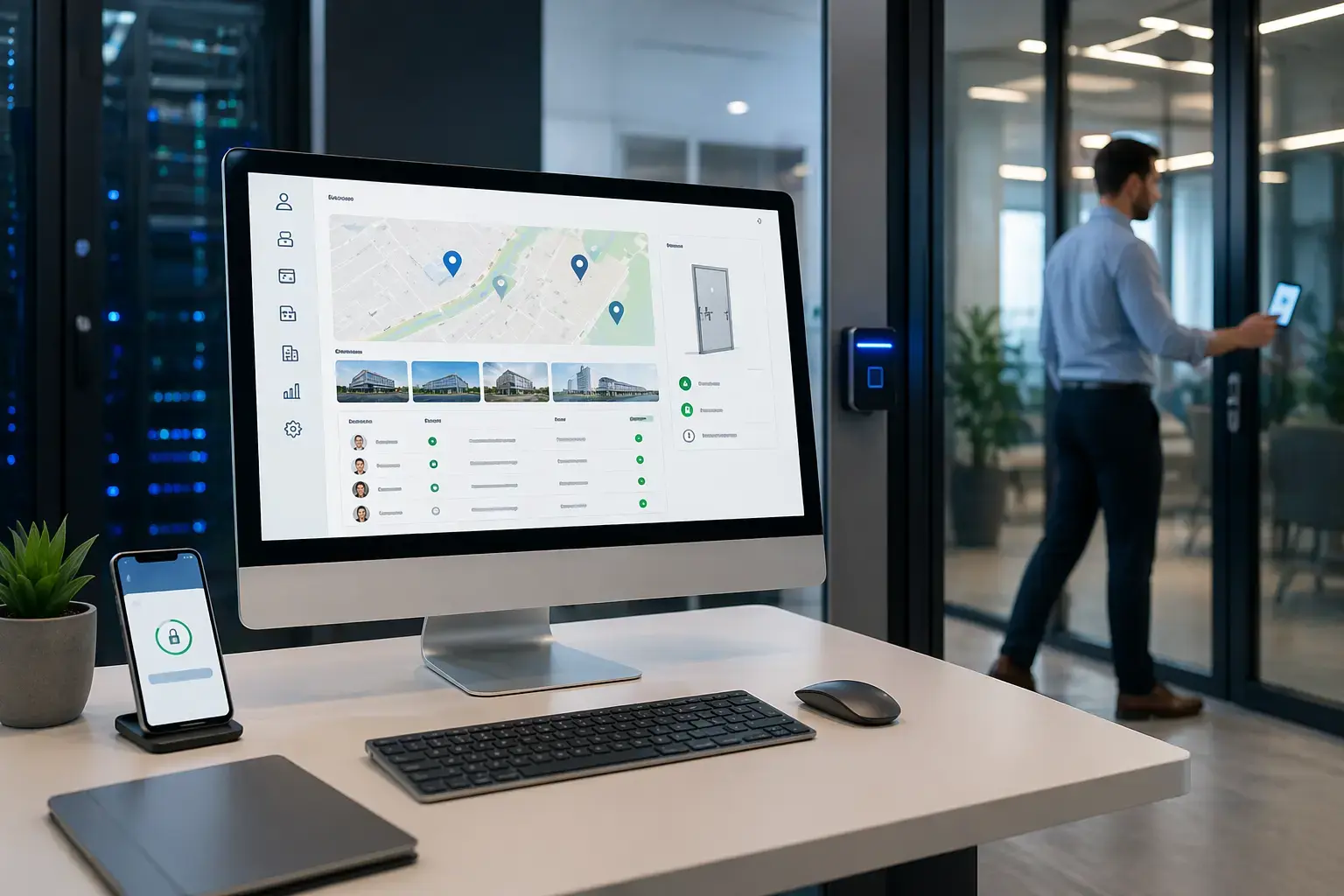
Cloud-Native Access Control Systems
Cloud-based platforms can provide centralized administration. Door behavior during network outages, recurring fees and the equipment that must remain on site depend on the controller and platform.
See how cloud access control works for a business, including administration, connectivity and ongoing support.
- Centralized control for single-site and multi-site operations
- Real-time updates and cleaner administrative oversight
- Scalable architecture that supports growth without rebuilding the platform
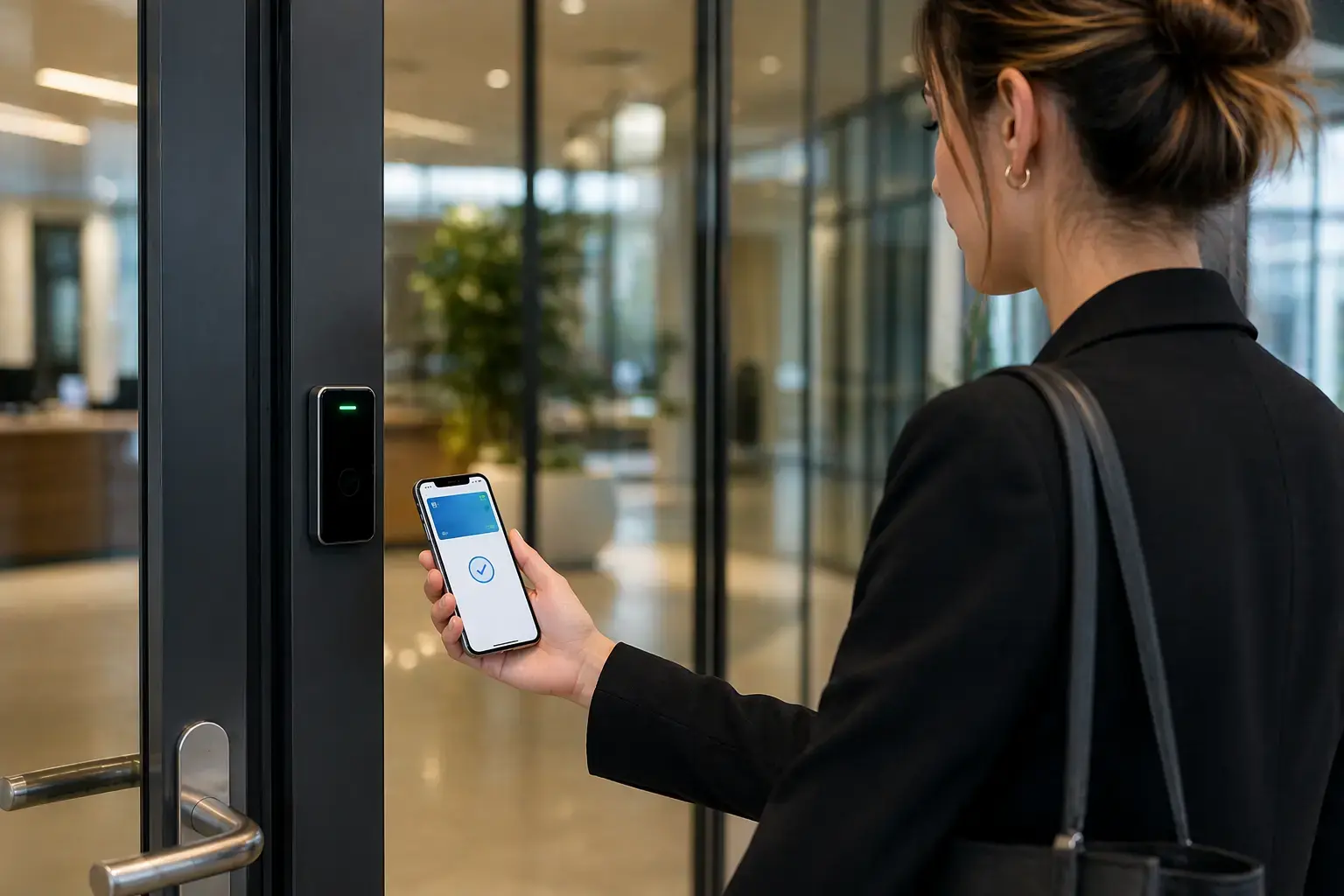
Mobile Credentials and Digital Wallet Access
Mobile credentials depend on the supported phone, wallet service, reader, and platform. When comparing mobile access control systems, include credential fees, revocation, and entry when a phone or network is unavailable. Credential choice is separate from cloud or on-premises management; compare both decisions against your administration and continuity requirements.
- Reduce lost-card friction and improve day-to-day user experience
- Speed up provisioning and revocation of access rights
- Support more flexible credential strategies across locations and user groups
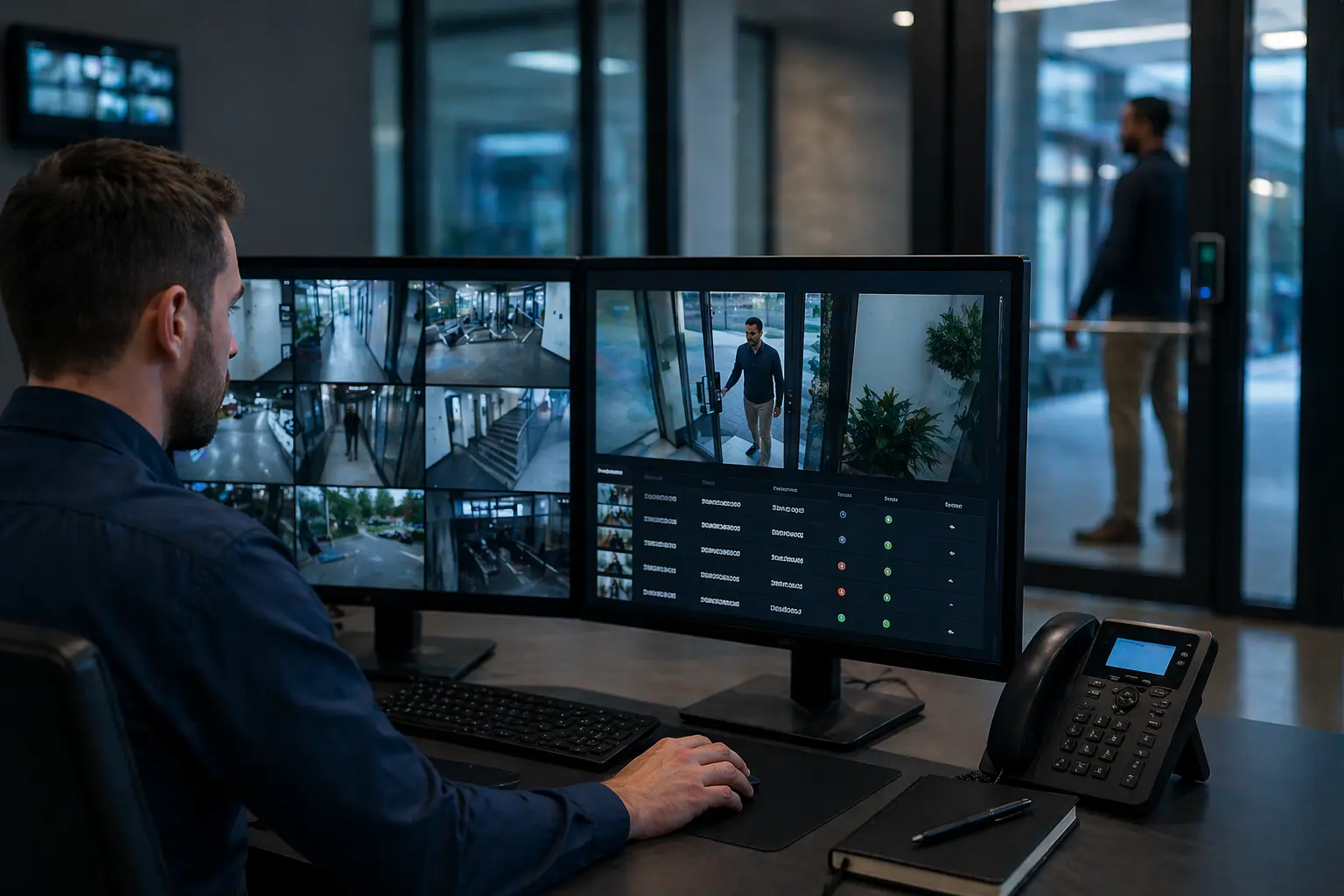
Access Control with Video Integration
Reviewing a door event is easier when the associated video is available alongside it. Confirm the supported video and access-control connection, then try these dashboard checks for door events and staff permissions.
- Link access events directly to recorded video footage
- Improve incident review and audit-readiness
- Bring doors, users, and visual verification into one workflow
Open API and Identity System Integration
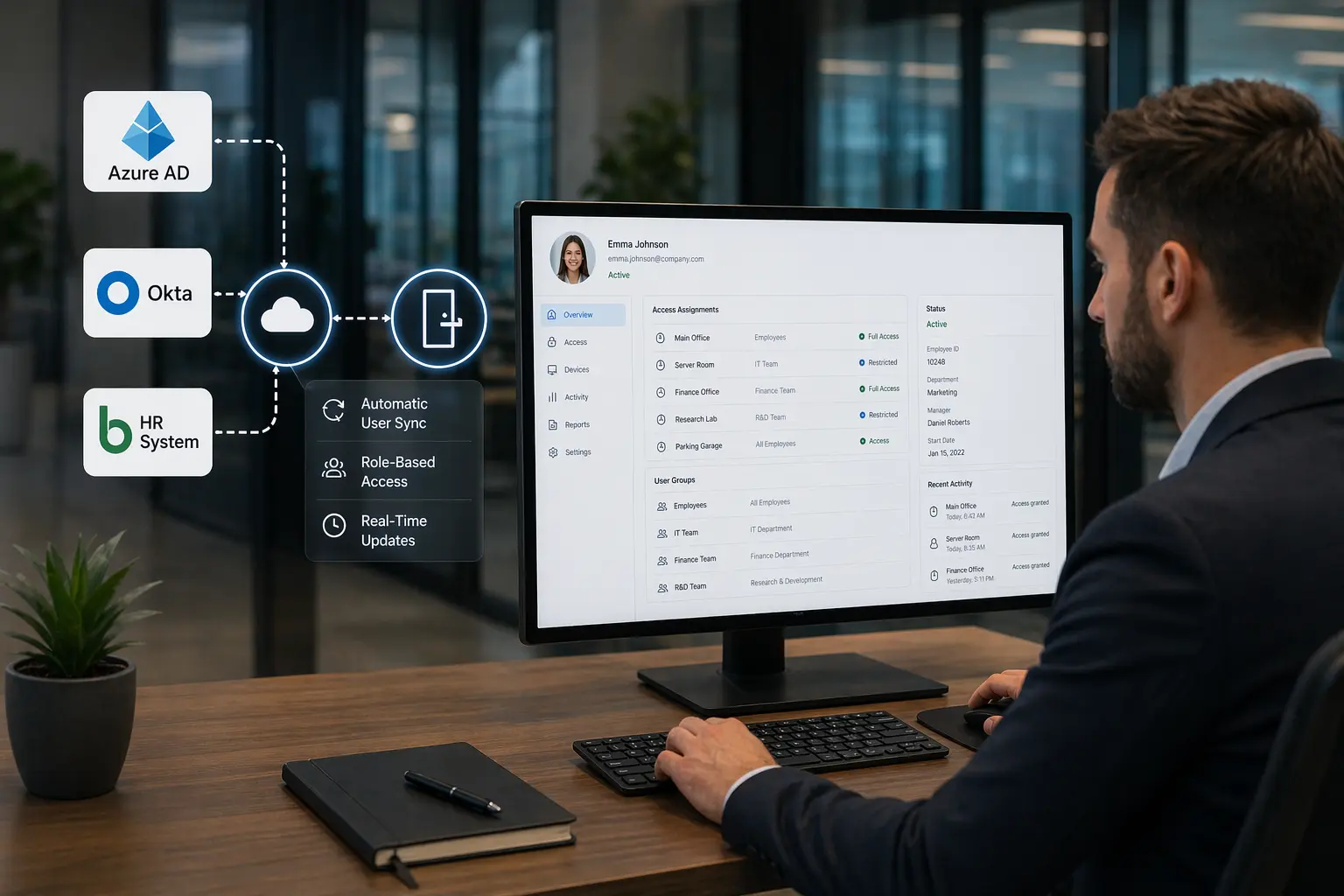
Access control becomes more efficient when it connects to identity providers, HR data, and existing business systems instead of operating in isolation through API-driven access control integration.
- Automate onboarding, role-based permissions, and offboarding
- Support integrations with directories and enterprise workflows
- Reduce manual errors while improving consistency across teams
Multi-Factor Authentication and Biometric Access
Higher-security areas often need stronger authentication than cards alone. Biometric access control systems and step-up verification reduce shared-credential risk and improve control over sensitive spaces.
- Support fingerprint, facial recognition, and mobile-based authentication
- Strengthen protection in restricted zones and critical areas
- Reduce exposure to cloned or shared credentials

Real-Time Monitoring and Security Automation
Modern systems do more than record door activity. They help organizations identify unusual behavior, trigger alerts, and support faster response through automated access control alerts.
For a door that is regularly left open, start with the opening, staff access and the person who will respond. Our facility manager's guide to propped doors explains what to check before adding a door-held-open alert.
- Real-time alerting for unusual activity and restricted-zone events
- Automated workflows for after-hours access and policy exceptions
- Better visibility across distributed facilities and security teams

Which access control hardware fits your doors?
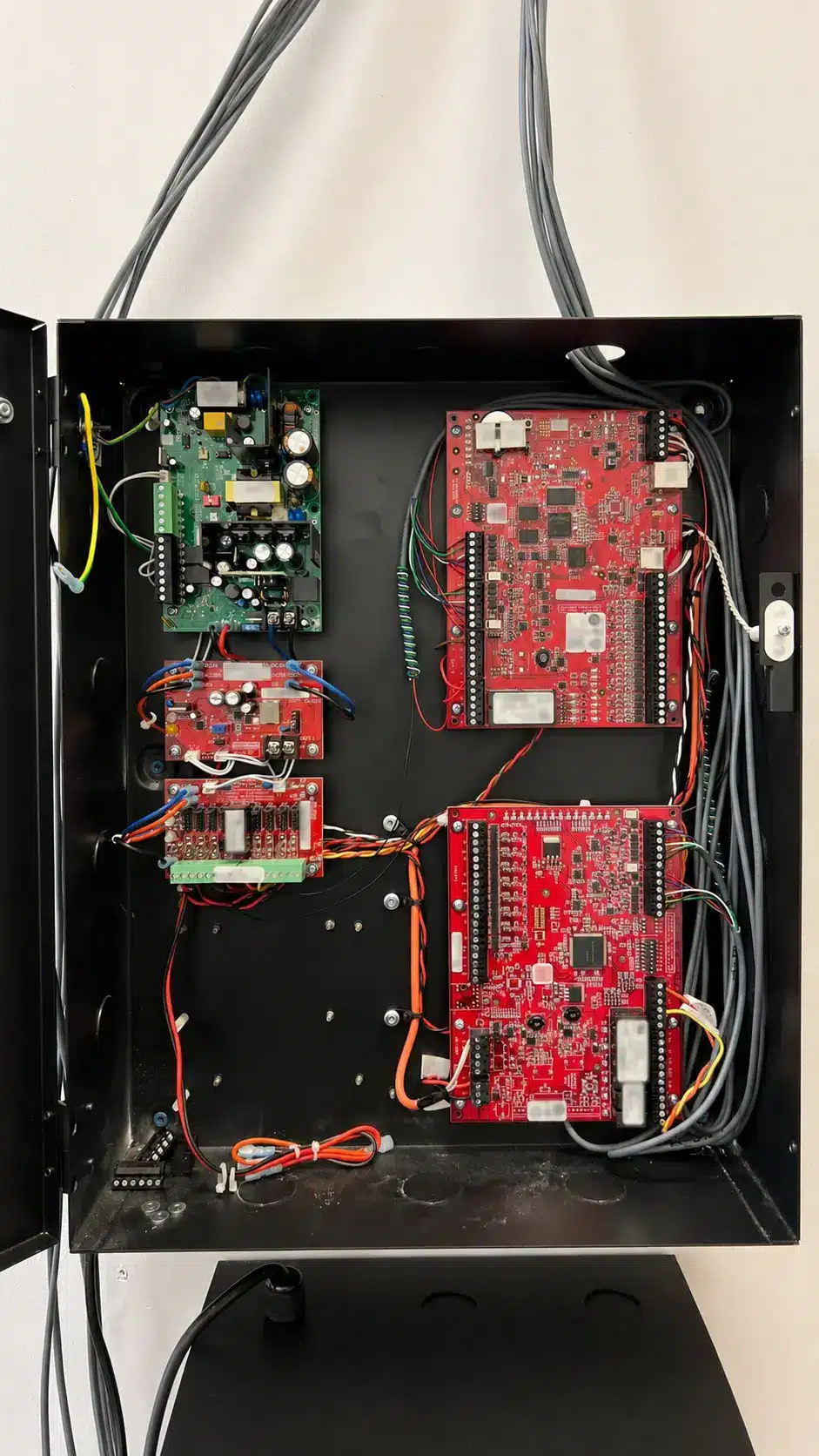
You may be able to keep some of your locks, readers or wiring when you upgrade. Umbrella checks each door to see what can stay. A glass lobby entrance and a warehouse staff door can need different hardware even when they share the same software.


Five ways to lock a commercial door
Electric strike or maglock?
If the existing lock and latch are in good shape, a compatible strike may save you from replacing them. A maglock is a different design. Your project team needs to check whether it’s allowed at that door and how people would exit before choosing it.
What else belongs in the quote?
- Readers and credentials
- Compare cards, fobs, phone access and keypads. If visitors use an intercom or staff already carry badges, check what works with the new system.
- Door sensors and exit devices
- A door-position switch tells the system whether the door closed. A request-to-exit device can signal that someone is leaving or help release the door where the design calls for it.
- Power, cable and batteries
- The quote should show what each door needs, what has backup power and what happens if power or the network goes down.
- Reader compatibility
- For Open Supervised Device Protocol (OSDP), verify both devices and the configuration. Encryption depends on Secure Channel being enabled. See SIA’s OSDP checklist.
Integrated Security Solutions
Access Control Works Better When It Connects to the Rest of Your Security Environment
For many organizations, access control is only one part of the operational picture. Stronger outcomes come from connecting doors, users, events, and response workflows across your broader security ecosystem.

Security Cameras
Pair access events with video verification to improve investigations, audits, and accountability around who accessed which doors and when.
Visitor Management
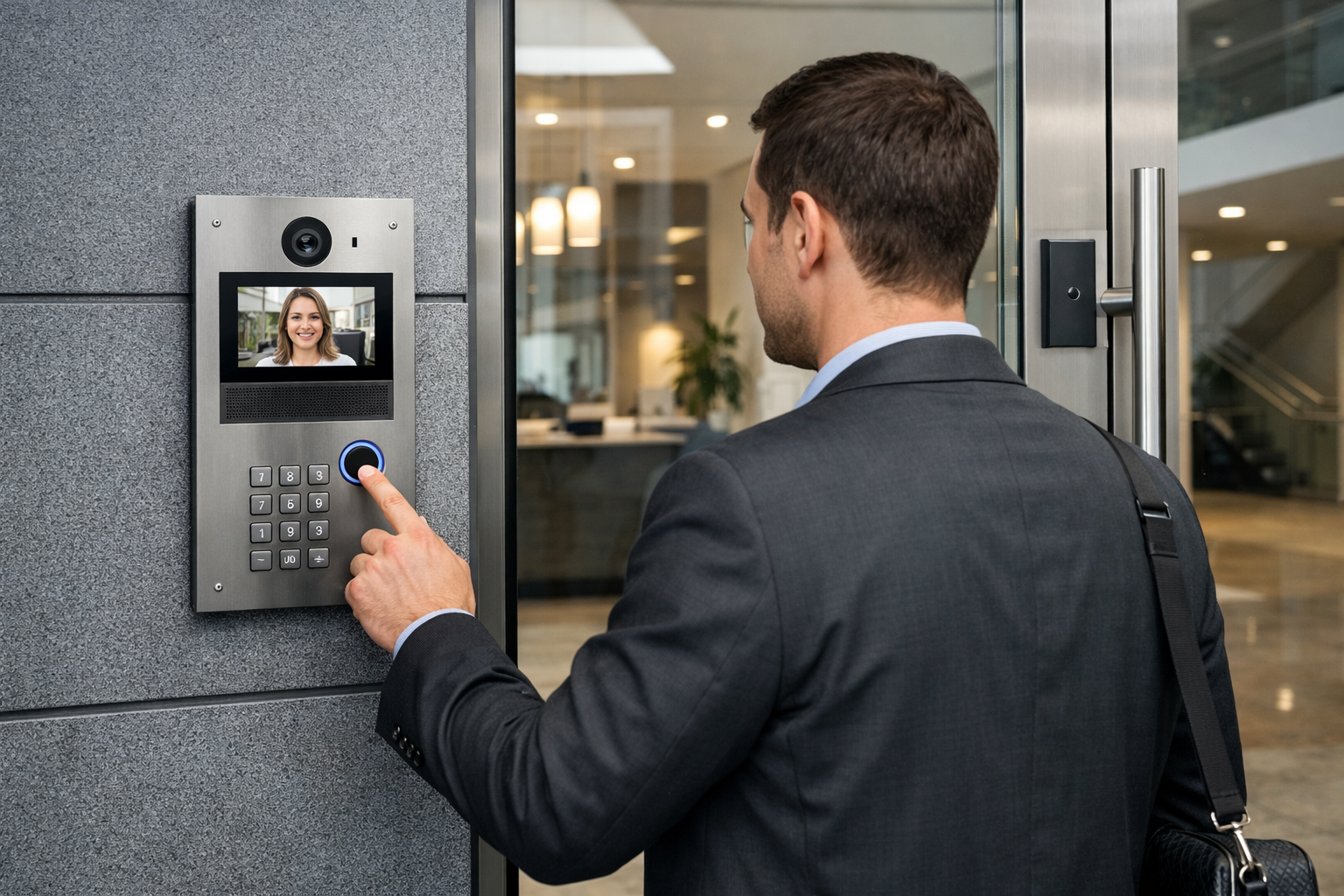
Support a cleaner experience for guests, vendors, and temporary users while maintaining tighter control over entry workflows and records.
Emergency Notifications
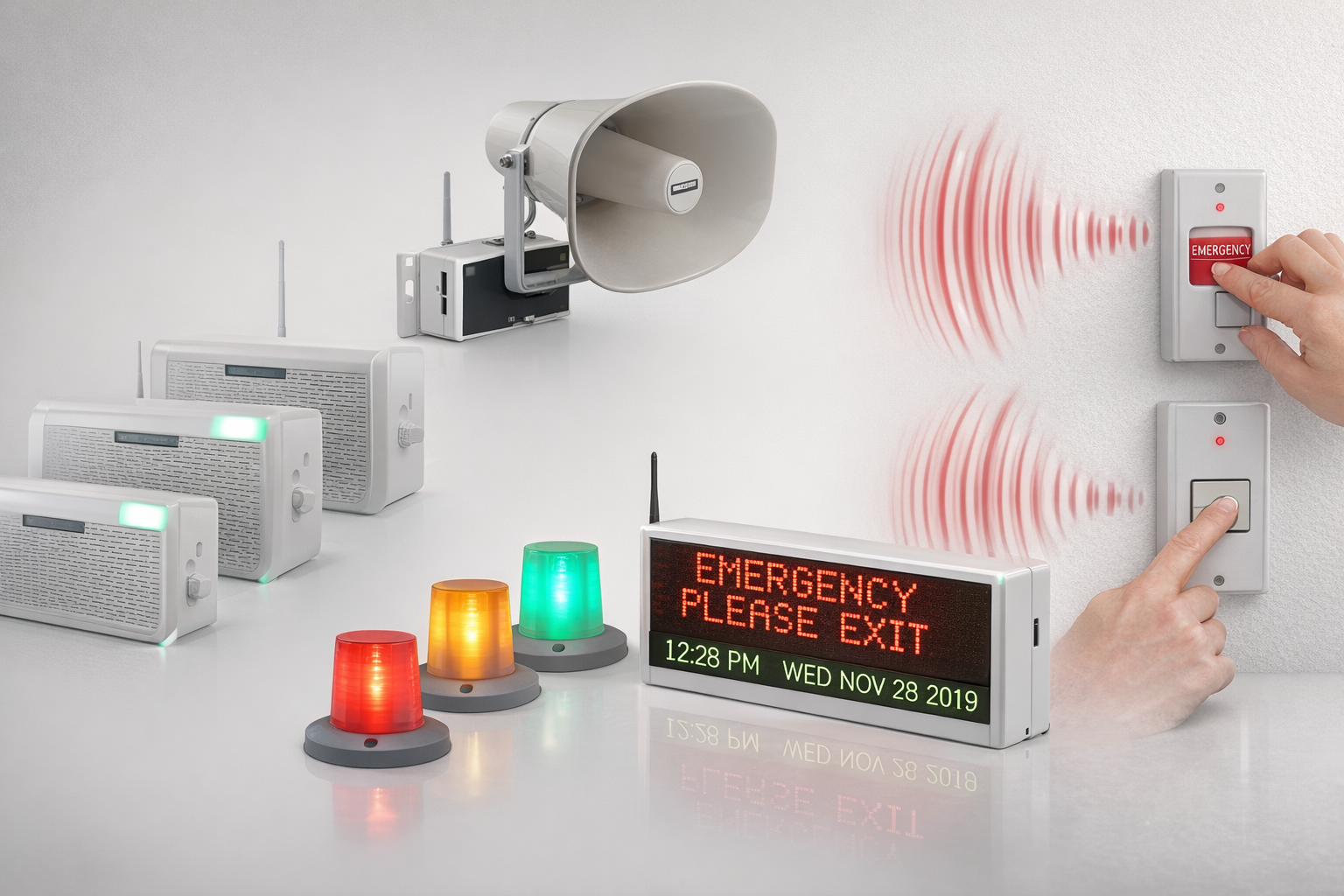
Coordinate doors, alerts, and emergency communication so teams can respond faster when security conditions change.
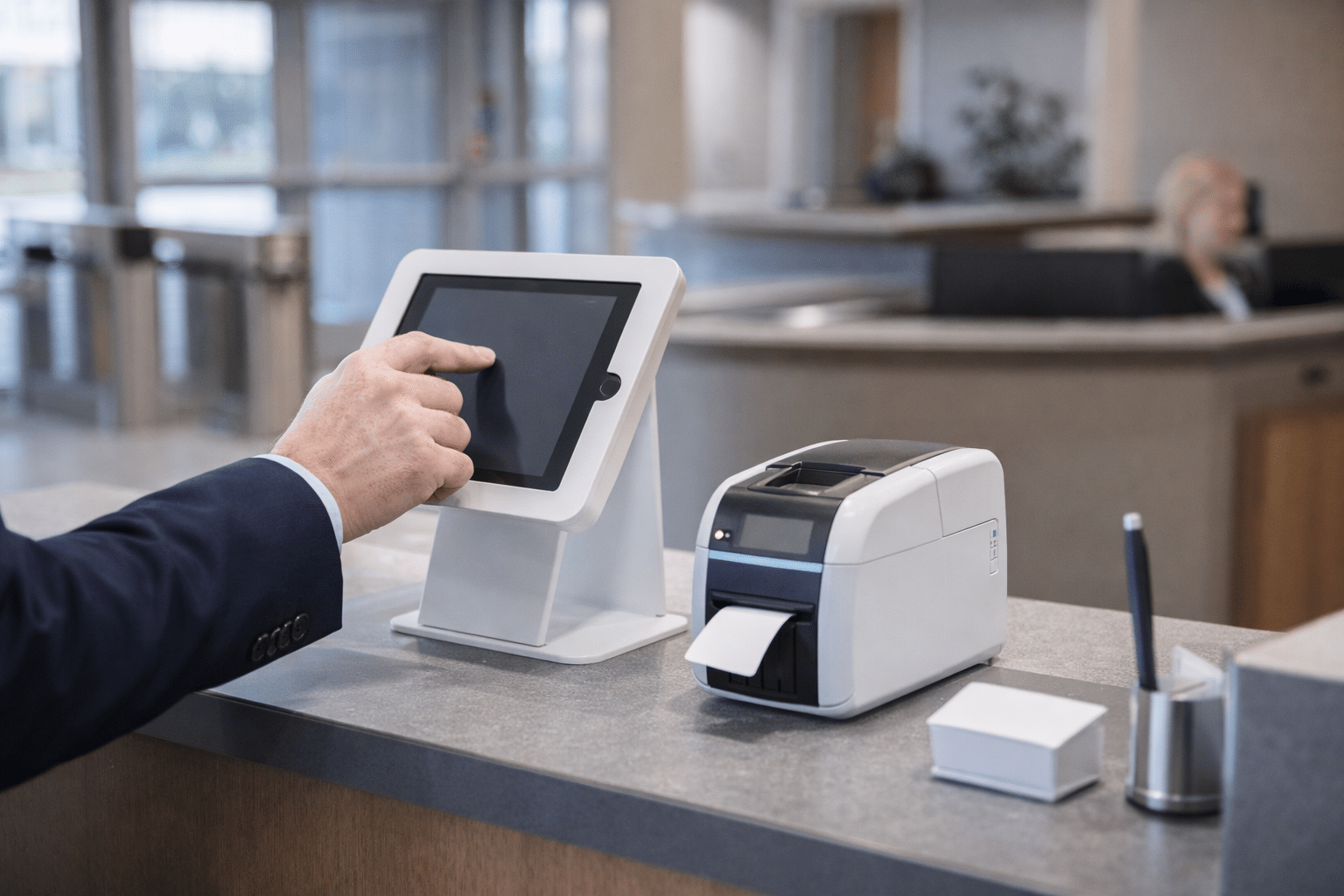
Intercom and Entry Verification
Add communication and verification at entry points where staff need more context before granting access. Review commercial intercom and entry options.
Industries We Serve
See how access control fits your facility.
The right system depends on the environment. We work with organizations that need commercial access control strategies aligned to how their buildings operate, who moves through them, and what accountability they carry.
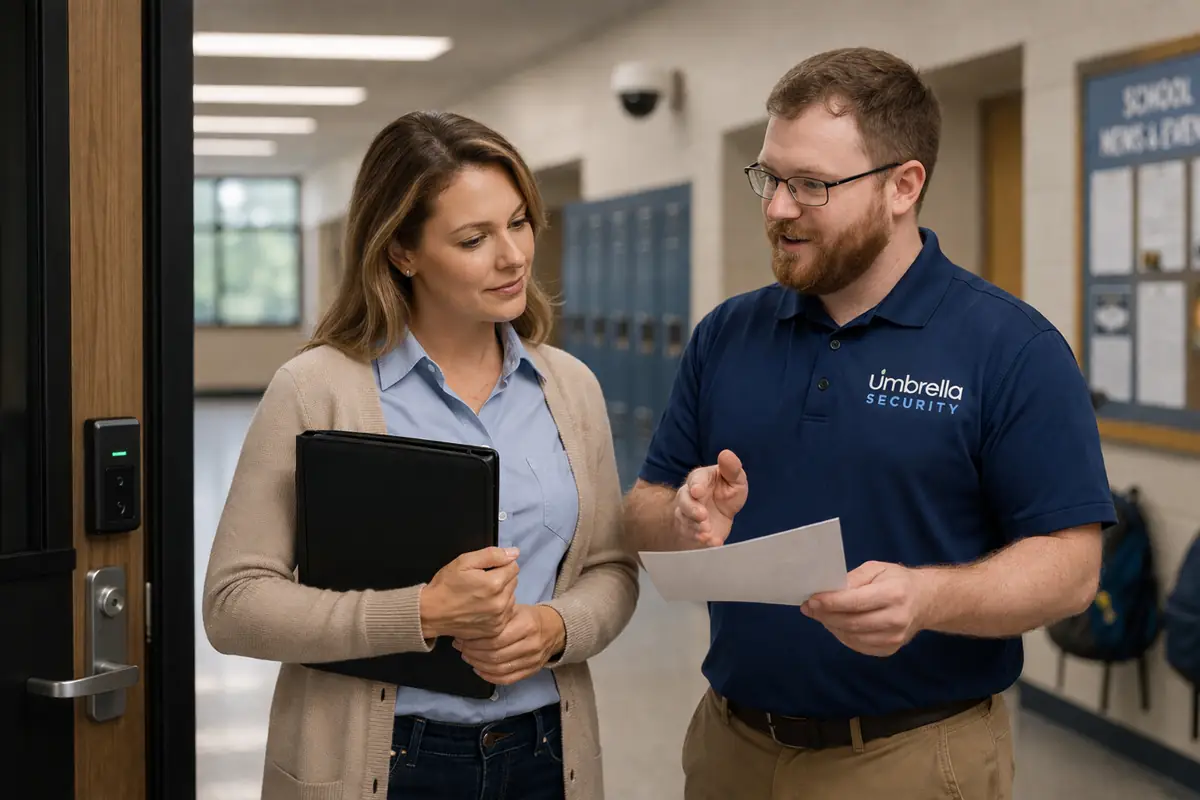
Education
Support safer campuses, cleaner visitor workflows, and more reliable building access across schools and districts.
Explore education solutions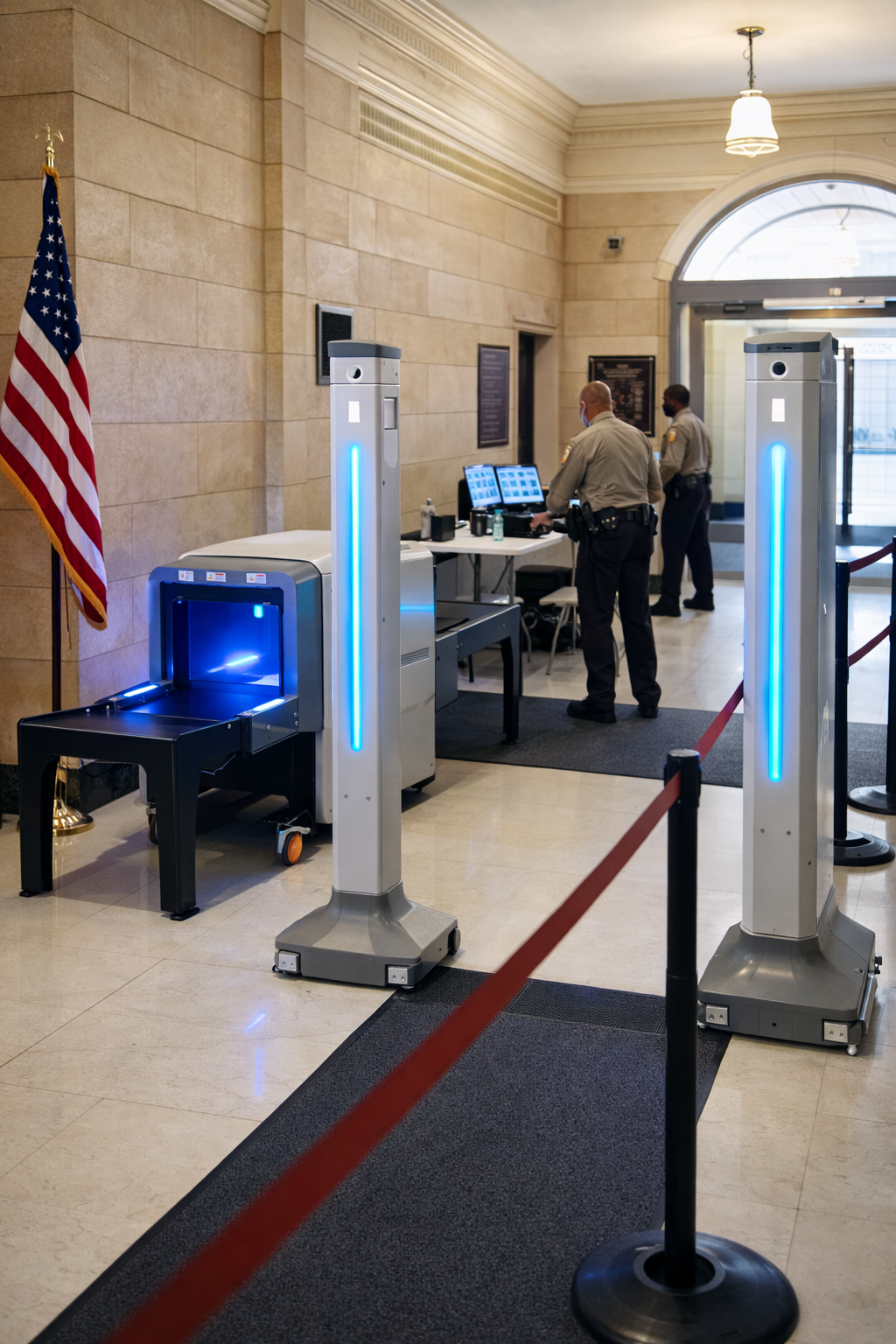
Government
Build defensible, controlled access environments for public-sector facilities and accountability-driven operations.
Explore government solutions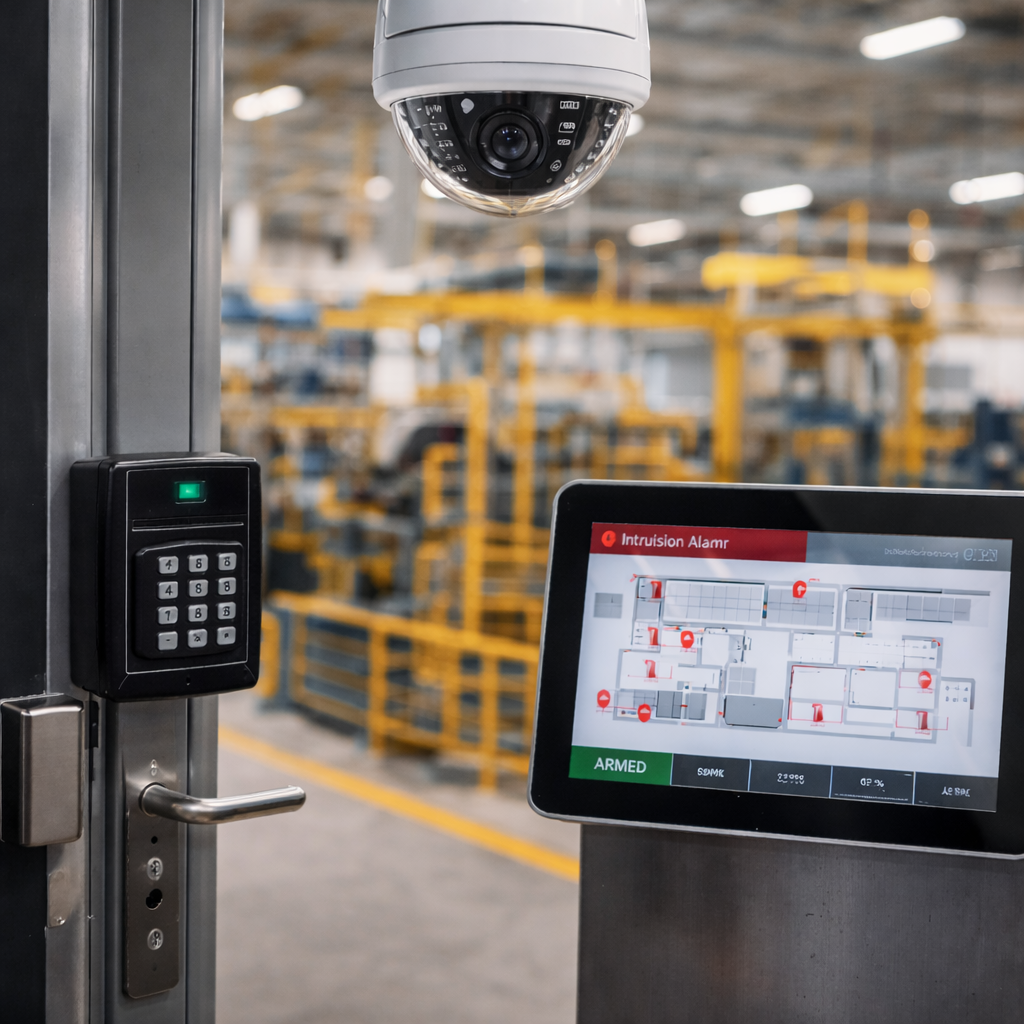
Manufacturing
Improve facility control, user accountability, and compliance readiness in production and industrial environments.
Explore manufacturing solutions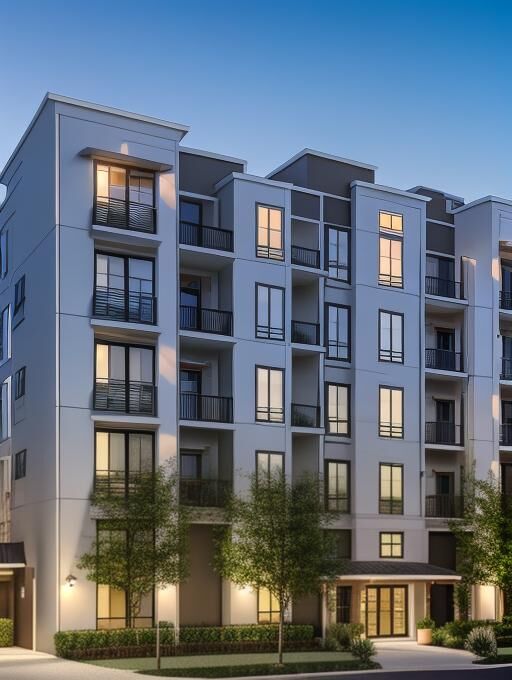
Multi-Family
Support property access, credential management, resident convenience, and common-area control across residential communities.
Explore multi-family solutions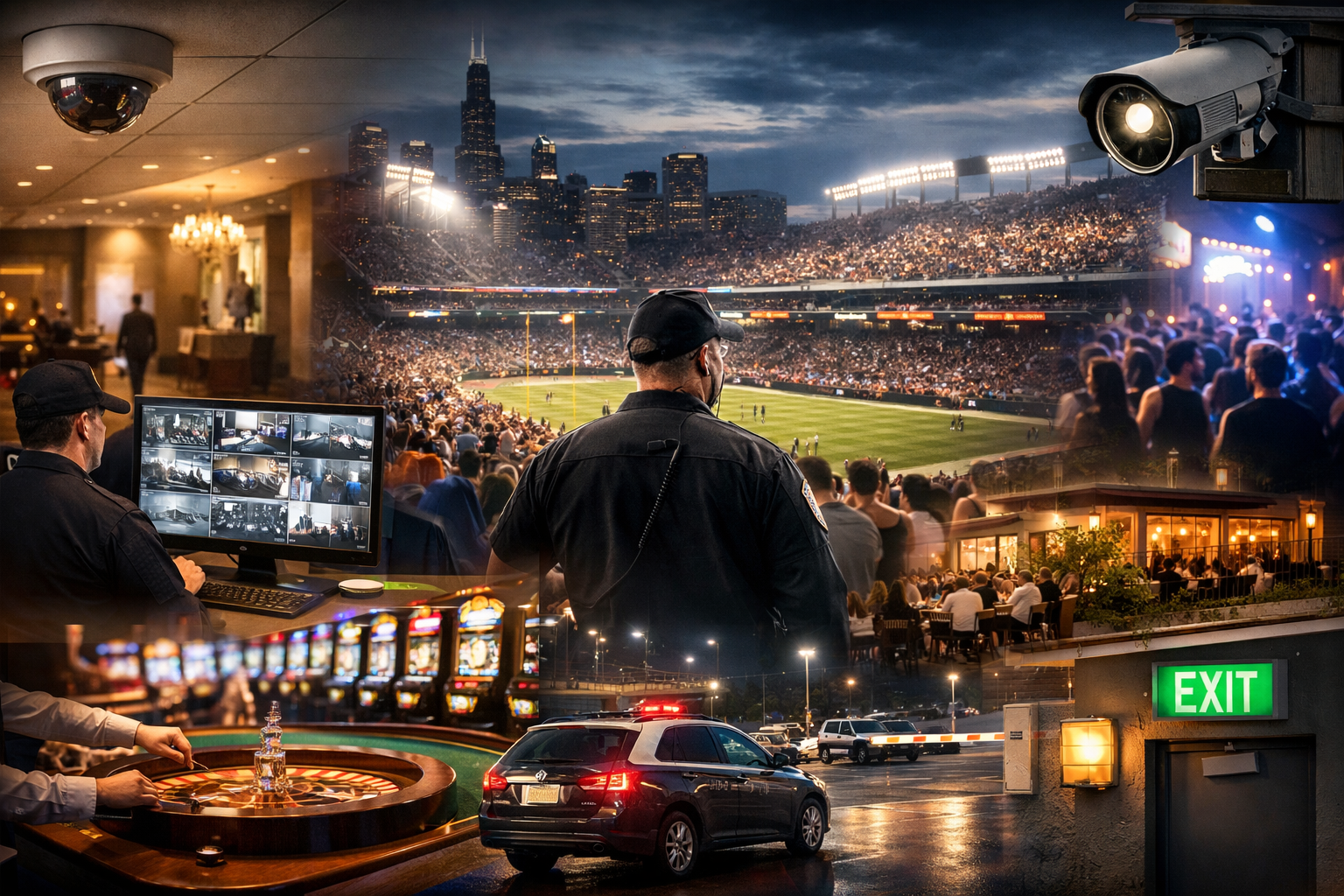
Sports & Entertainment
Manage staff, vendors, back-of-house areas, crowd flow, and event-day access across fast-moving venue environments.
Explore sports and entertainment solutions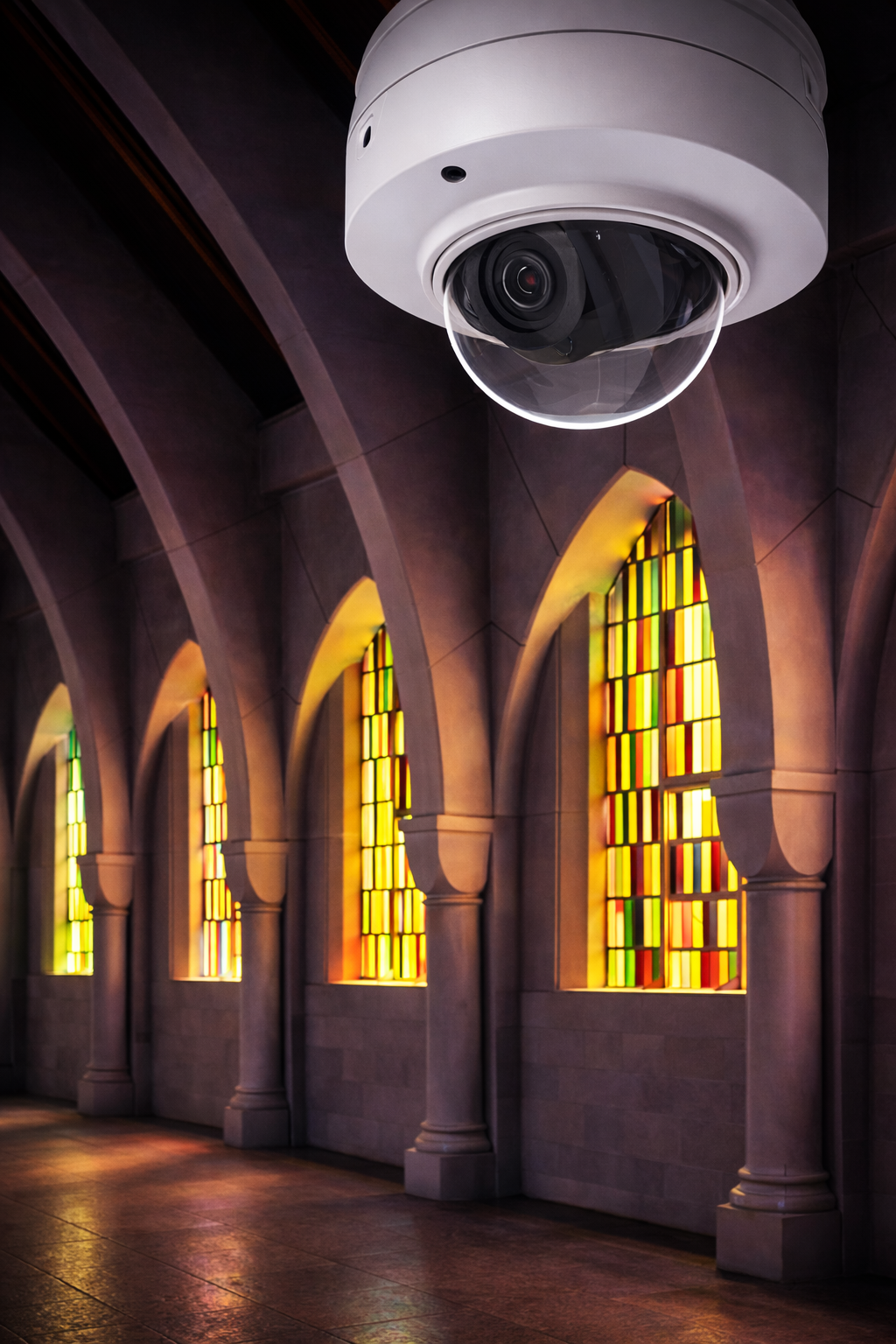
Places of Worship
Balance accessibility, hospitality, and stronger control over buildings, staff areas, and community safety priorities.
Explore worship solutionsWho will install and support your system?
“We care about the reality of good, not the perception of it.”
These are Umbrella technicians working at customer sites. Our team surveys the doors, tests the system with your staff and explains what support is available after installation.

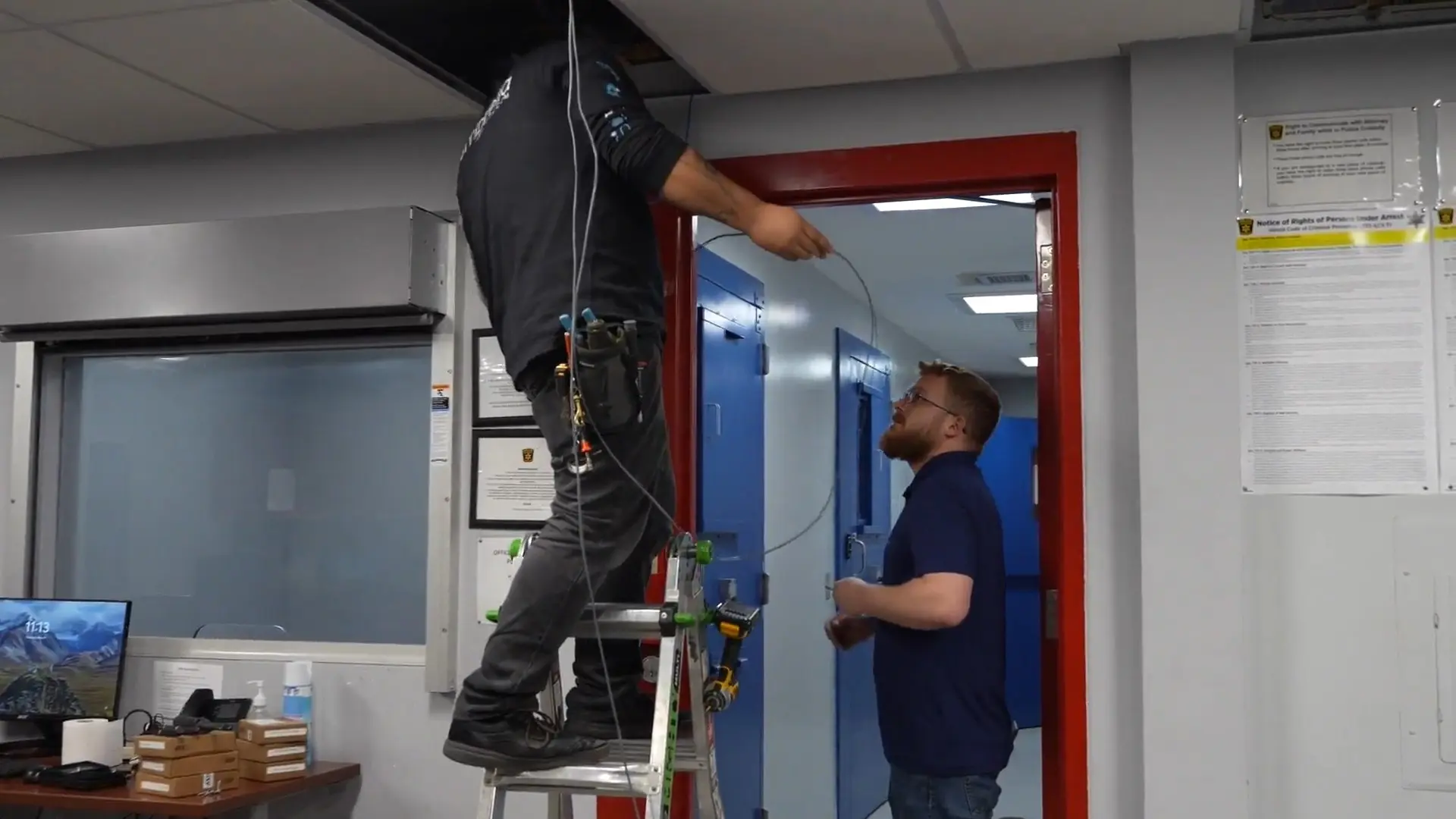
Before installation
We review the hardware and cable routes with you and plan the work around entrances you need to keep in service.
See how installation works →When your staff takes over
We agree on who needs administrator access and what your staff should practice, such as removing a lost badge or changing a door schedule.
Use the planning worksheet →After installation
We’ll explain who to call if a door stops latching or the software needs attention, and what your support agreement covers.
Talk to Umbrella about support →
FAQs
Access Control System Questions Organizations Ask
These are some of the most common questions organizations ask when evaluating access control modernization, technology fit, integrations, and long-term manageability.
How much does a commercial access control system cost?
Costs vary based on door count, hardware requirements, credentials, integrations, and platform selection. Most systems should be designed around operational needs instead of flat per-door assumptions.
For current pricing benchmarks, see our access control system cost breakdown — updated for 2026.
What is the difference between cloud and on-premise access control?
Compare administration, local hardware, recurring fees, maintenance responsibilities and door behavior during an outage. Cloud and on-premise labels alone do not establish those details; confirm the supported controller, software and configuration.
Can access control integrate with video surveillance?
Yes. Modern systems can tie door activity to video footage so teams can investigate events with actual context instead of relying only on door logs.
What is OSDP and why does it matter?
OSDP is a communication standard for readers and controllers. Its Secure Channel mode encrypts their communication. Confirm compatible devices, firmware, and that Secure Channel is configured and working; the OSDP label alone does not establish encryption.
Can access control scale across multiple locations?
Yes. Modern platforms support centralized multi-site management, which makes it easier to manage users, permissions, alerts, and audit visibility across multiple buildings or campuses.
Next Step
See the system or talk through your options
Bring your questions to a demo or call. Start with what you need to know before you can compare quotes.
- Which software features and subscriptions are included? What costs recur?
- Which readers, locks and wiring can stay, and how will they be tested?
- What still works at the door if the network goes down?
- Who trains your team and handles hardware and software support?
Request a Demo or an Expert Call
Tell us where your facility is and what you’d like the system to do. If you’re replacing a system, let us know what you use now. We’ll follow up to arrange your demo or call.
In your message, tell us whether you’d prefer a demo or an expert call.
Contact Us
"*" indicates required fields
Related access control planning resources
Plan a Commercial Access Control System Around Your Facility
If you are comparing access control systems, replacing an older key card platform, planning credential management, or evaluating multi-site access control, these resources can help you understand cost, system design, user workflows, and long-term support requirements.
- Access control system pricing and cost factors
- Biometric access control cost guide
- Access control system upgrade planning
- Multi-site access control systems guide
- Access control system manufacturer reviews
Need help deciding which platform fits your building, users, doors, credentials, and security workflows? Talk with Umbrella Security Systems.
For manufacturer-specific planning, see our Keyscan access control system field review covering Aurora, controllers, readers, credentials, and migration considerations.