
Retail video analytics solutions See the line.
Find the receipt.
Give the floor lead a heads-up when the line grows. Open a disputed refund at the right till, or find out why someone was at receiving after close. Try each workflow with sample store records.
Umbrella designs, installs and supports these systems in Chicago and Northern Illinois. See what we test at your store.

Assigned to the floor lead. Check the lane view, then send a cashier if another till can open.


No matching receipt.

View hourly counts
| Hour | Entries | Receipts |
|---|---|---|
| 8 am | 42 | 10 |
| 9 am | 58 | 15 |
| 10 am | 66 | 20 |
| 11 am | 74 | 15 |
Retail teams we’ve supported
Partner projects include Costco Addison cabling via MTG and Removery Naperville alarm service via Hero.


Retail loss prevention
An alert came in. What happens next?
The closing manager needs a door and a time. Loss prevention needs a record they can review tomorrow. Choose a sample incident to see what triggers it, who receives it and what goes into the case.
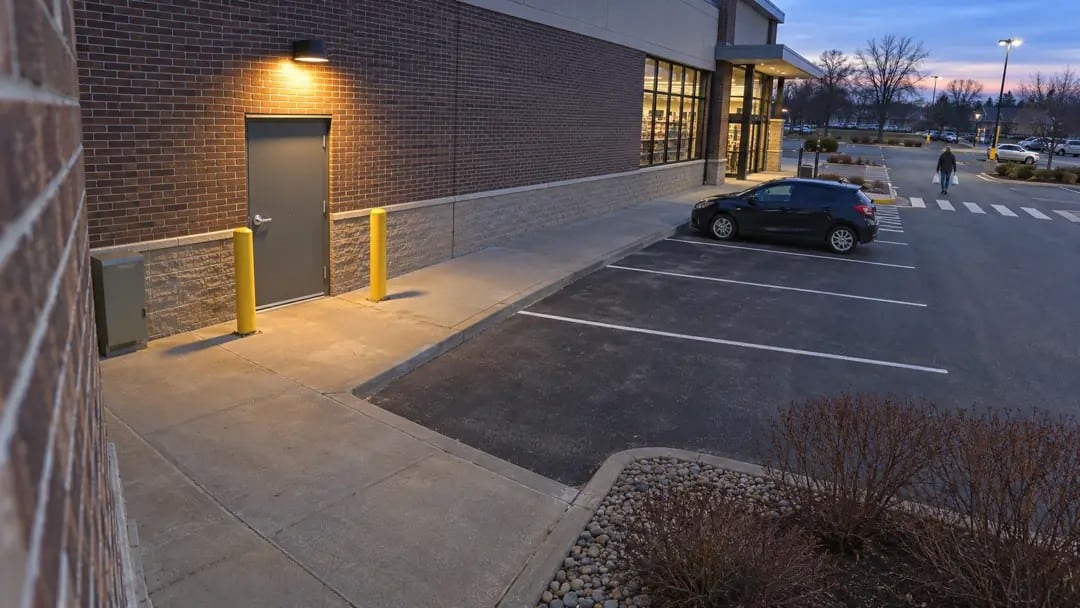
Event marker · 21:14:08
Someone is at receiving after close.
- Trigger
- A person entered the receiving zone after the store closed.
- Check first
- The delivery schedule ended at 20:30. Check the door camera and the keyholder log before making a call.
- Route to
- Closing manager
Try the after-hours delivery filter
District review
What changed across my stores?
Ask about this week’s alerts, open cases or repeat activity. Open a record to see the camera and decision behind the answer.
Two fictional stores across two sample weeks. The answers use the records in this demo.North and West each recorded four alerts this week.
Which cameras, events and rules does each example need?
- After-hours activity
- Person detection, a marked zone and the store schedule. The delivery schedule ended at 20:30. Check the door camera and the keyholder log before making a call.
- Cash drawer exception
- A supported POS or exception-reporting feed, synchronized clocks and a mapped register camera. Receipt event N-1842 has a register ID and time. Review the till view alongside the cash-count sheet. An exception alone cannot establish theft.
- Possible vehicle break-in
- A usable parking view, sufficient light and a report or a validated behavior-specific analytic. Open the minutes around the report. Check the vehicle and activity in context before labeling an incident. A general person detector cannot establish a break-in.
- Extended dwell near closing
- A timed dwell rule, a defined area and an appropriate store schedule. Check the pickup board and recent arrivals. A customer waiting on an order and a person who needs assistance can trigger the same rule.
- Listed vehicle returns
- A plate-reading camera, capture angle, authorized event list and restricted access. An authorized reviewer checks the plate image, vehicle description and current list entry. A plate read identifies a vehicle, not the driver or their intent.
- Restricted door entry
- Door position or access events, a mapped camera and consistent timestamps. Compare the door contact, credential log and camera time. Confirm with the keyholder if the access system was offline or the door was being serviced.
- Possible smoke or flame
- A supported fire or smoke video detector and a site-specific response plan. Video gives the duty team another view. The store follows its established fire response immediately. Use the required fire alarm and notification systems independently.
- Unattended checkout
- Clearly separated customer and staff zones, a hold time and an open-lane rule. Check both zones, the lane-open sign and the staffing schedule. A long line by itself cannot tell you whether a cashier is present.
How it works
What makes the right event show up?
Retail video analytics turns a camera signal or register event into a count, alert or searchable video record. A queue starts with people in a marked area. A refund starts with the register. Each calls for a different check.
Count the line. Start a timer.
Draw a zone around the waiting line and leave the cross aisle out. A compatible camera or analytics server estimates how many people stay inside it. A sustained count can trigger a message to the floor lead. It tells you the line stayed busy. Measuring each shopper’s wait takes a separate wait-time analytic.
Change the alert ruleJoin a receipt to its camera.
A supported point-of-sale (POS) connector sends receipt lines, till IDs and timestamps to the video management system (VMS). Map each till to its camera and synchronize the clocks. An authorized reviewer can open the event, watch the exchange and decide whether a refund needs follow-up.
Look up a refundMatch door counts to sales.
A directional counter records crossings at the entrance. Match inbound counts to completed in-store purchases for the same location and trading hours. A family can enter together and pay once. Check counts against a manual tally before using the report to move a shift.
Compare store reportsCamera & POS integration
What can you keep in your stores?
Start with the installed equipment. A camera may record a clear picture yet lack the angle, metadata or application support a counter needs. A register that prints a receipt may still need a connector to make that receipt searchable.
What Umbrella checks on site Camera and recorder models, lens position, POS version, time sync and who should receive each alert. Then we can distinguish a settings change from a new license, connector or camera.
Compare commercial camera and recorder options before replacing a working system.
Read our Milestone integration field notesCheck your setup
Check whether the camera can run the analytic or whether your recorder or an analytics server can process its stream.
Ask the POS provider for the exact version and supported transaction integrations. Test one refund before specifying receipt search.
System design
Where should the analytics run?
The right design depends on the camera view, store bandwidth and what the manager needs if the internet connection goes down.
| Processing location | When it fits | What to verify |
|---|---|---|
| On the camera Edge analytics | When it fitsA supported camera can count crossings or report zone occupancy at the store. | What to verifyModel, firmware, mounting angle, event output and whether the recorder can use it. |
| In the store Recorder or server | When it fitsYou need to process several compatible streams or join POS activity to recorded video locally. | What to verifyStream compatibility, compute capacity, recording retention and per-channel or till licenses. |
| Across locations Cloud or hybrid | When it fitsA district team needs search, alert routing or comparable reports across multiple stores. | What to verifyWhich video and events leave the store, uplink use, access by role, offline operation and what gets replayed after reconnection. |
Chicago and Northern Illinois
Prove it at one store.
Start with an entrance, one till and the person who gets the alert. Umbrella can check what your existing cameras, recorder and registers can support before you commit to more sites.
Count a real rush.
Compare the door counter with a hand tally during a busy period. Flag staff doors and groups. Record which entrance and trading hours the district report uses.
Run the shift checksFind one test refund.
Check the POS version and connector. Match the receipt ID, local time and till to the clip. Have a second manager find the same refund and confirm what can be exported.
Try a receipt lookupSend an alert to the right person.
Verify who gets a queue or after-hours alert and who can open its footage. Test the rule again when a camera or data feed is unavailable.
Review a sample incidentBefore you specify a system
Questions to bring to a demo.
Can we search refunds on registers we already own?
It depends on the exact POS version, the connector and which transaction fields the store is allowed to export. Ask to see a real test refund from one of your tills open the matching camera view. Check the register ID, date, time zone and the transaction detail.
What happens if the queue briefly swells or the camera stops reporting?
Use a minimum count and a hold time to filter short bursts. Ask where the rule runs and who sees a camera-health warning. A reporting gap should appear as unavailable. Counting it as zero would make a closed feed look like an empty store.
Can district managers see comparisons without opening every store’s video?
Some platforms can share aggregated counts separately from the recorded footage. Verify each role in the actual system. Give the district view comparable trading hours, door definitions and POS rules, then test whether store-level clips stay within the intended permissions.
What should we test before rolling this out to more stores?
Use a real busy period, one representative till and the installed camera views. Compare the count to a manual tally, time the alert reaching its recipient, and find a test return. Check subscription scope, bandwidth, retention, exports and how failures appear to a manager.
How does exception-based reporting connect to the video?
Exception-based reporting (EBR) flags events such as no-sale drawer openings or high-value voids. A supported POS feed supplies the store, register and time. Test whether the exception opens the correct video and what happens when a field is missing.
Which alerts can the system clear automatically?
A scheduled delivery with a valid badge might be logged without paging the keyholder. A schedule without a badge needs review. Test each rule after close, at shift change and when a camera or data feed is unavailable.
Will a case include video, stills and a written account?
A compatible video management system can group clips, stills and notes. Check the review interval, retention and who can export. Verify any generated narrative against the recording before sharing. Cross-store search needs indexed records and the right permissions.
Chicago & Northern Illinois
Show us one camera and one receipt.
Tell us which Chicago-area store and which workflow you want to test. Bring a camera model, a POS version and the name of the role that handles the alert.