
Commercial Access Control Pricing Guide
Biometric Access Control Cost Guide: Pricing by Door, Reader Type, and Facility
This biometric access control cost guide breaks down pricing by reader type, door count, installation complexity, software, compliance requirements, and facility type. Biometric access control systems usually cost more than standard card readers, but they can reduce credential sharing, lost-card replacement, unauthorized access risk, and manual security administration.

Choose Your Path
Jump to the part of the guide that matches your decision
Biometric access control pricing depends on what you are trying to solve: rough budgeting, reader comparison, Illinois privacy risk, alternatives to biometrics, or a site-specific quote.
Fast Answer
How much does biometric access control cost?
Biometric access control cost depends on reader type, number of doors, locking hardware, software, labor, wiring complexity, and integration needs. The biometric reader is only one part of the total installed cost.
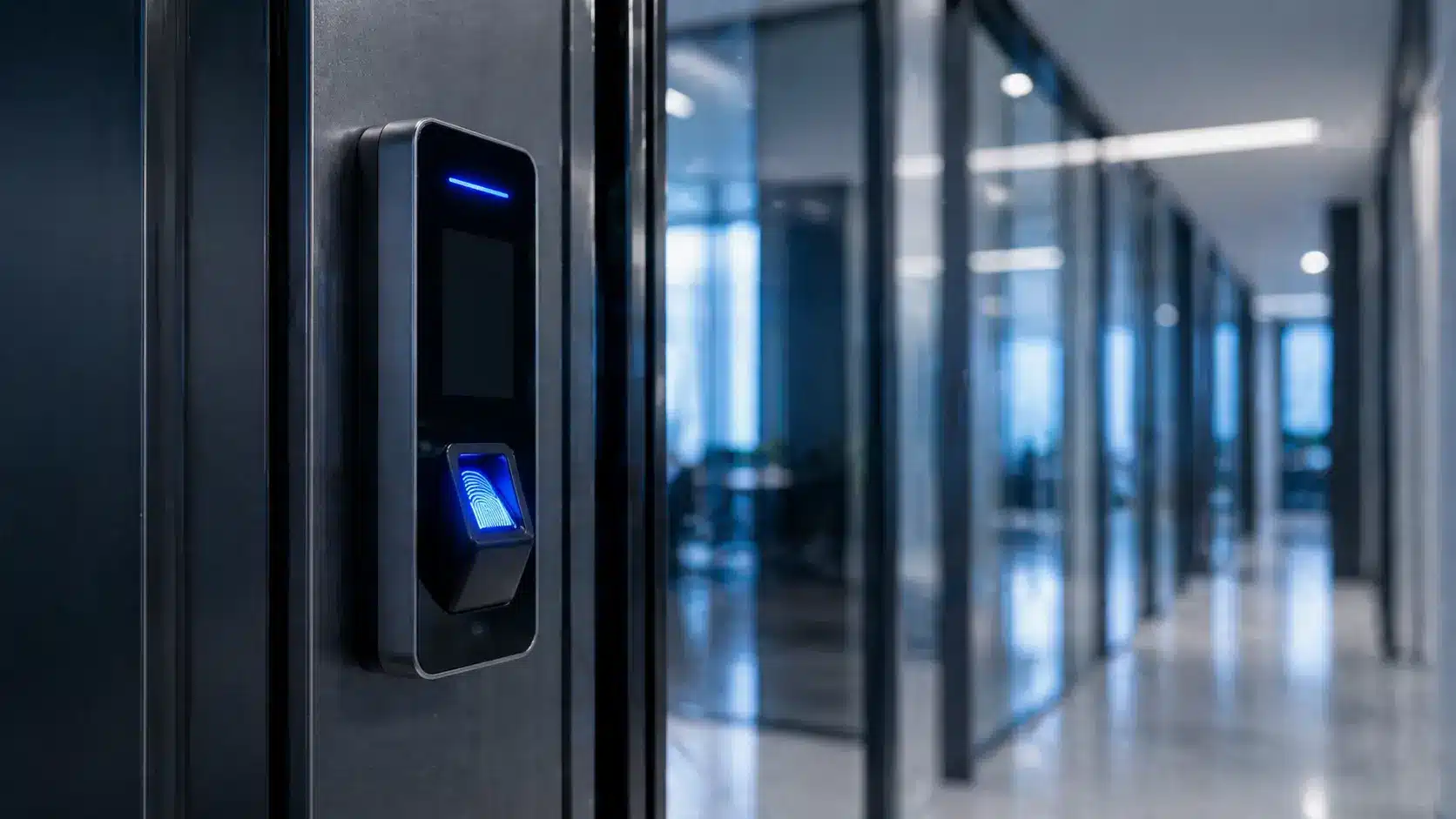
Fingerprint Readers
Best for offices, staff-only doors, and interior restricted areas where cost control matters.
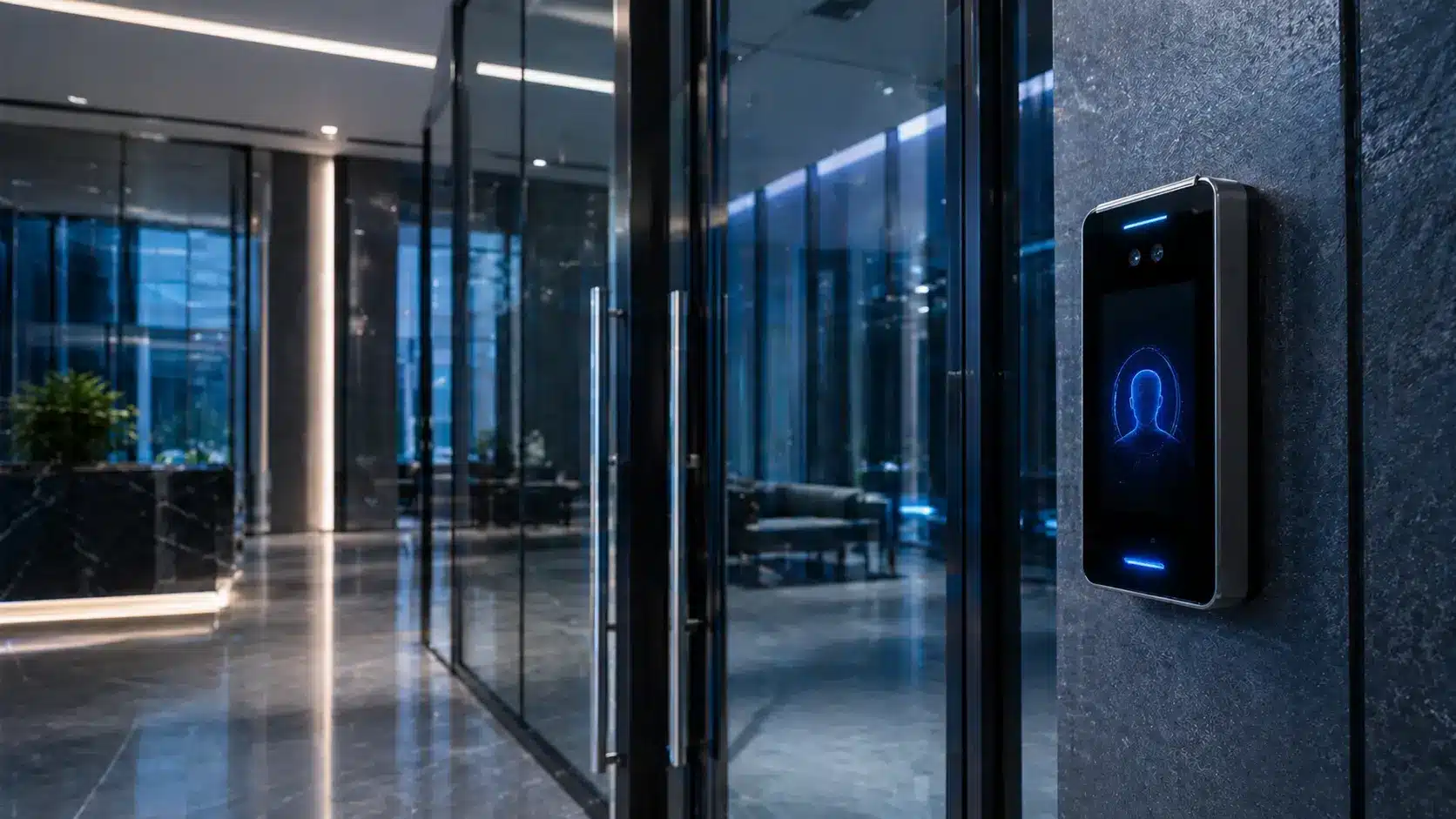
Facial Recognition
Best for touchless access, lobbies, and high-traffic commercial entry points.
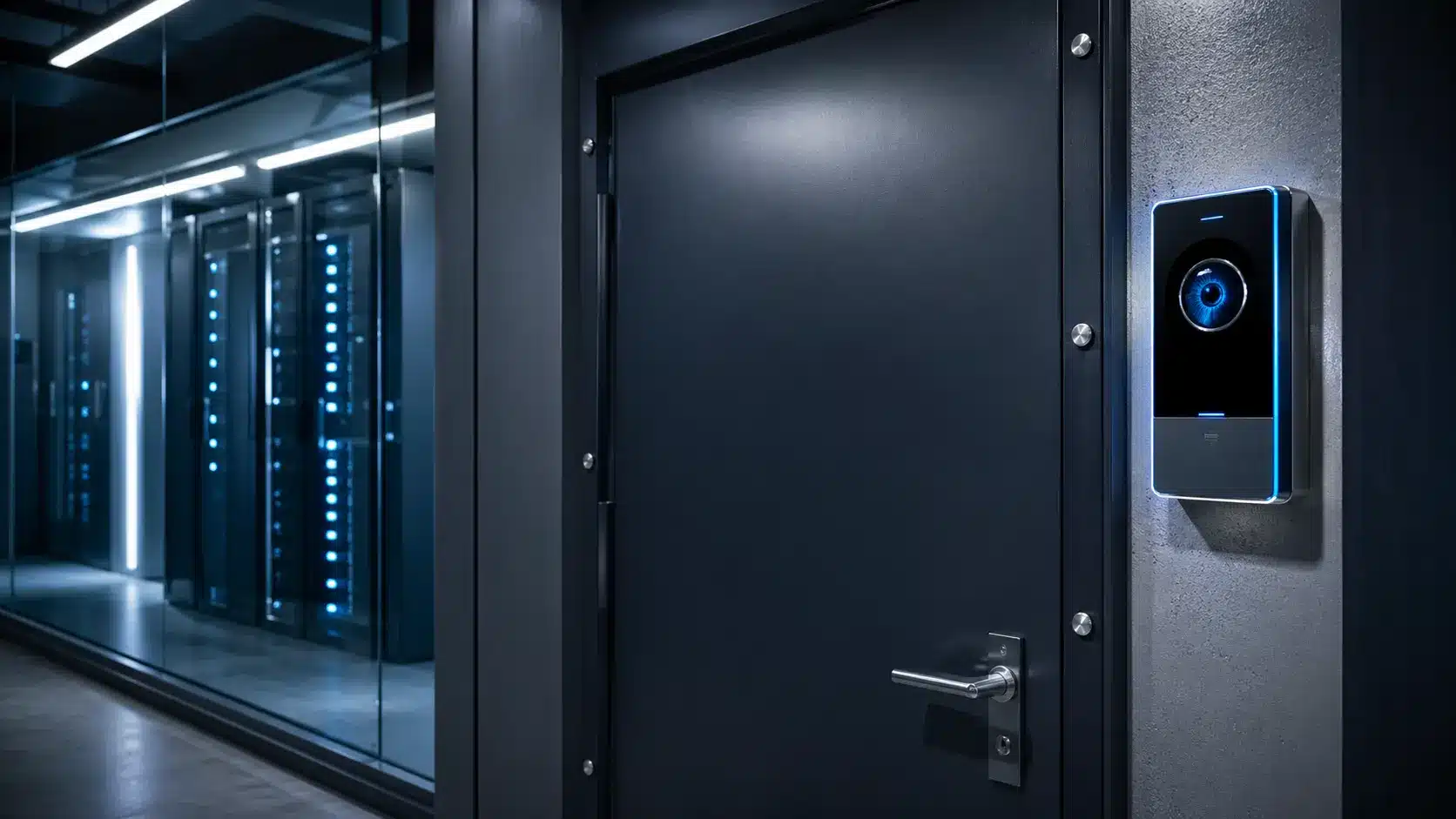
Iris Recognition
Best for labs, data rooms, server rooms, and higher-security areas with controlled traffic.
Multi-Modal Biometric
Best for government, critical infrastructure, and high-risk facilities that require stronger authentication.
Why one biometric access control quote lands low and another lands high
Reader pricing is only the starting point. The installed budget moves up or down based on doors, wiring, software, privacy exposure, and whether biometrics are the right access method for the users involved.
You are more likely to be near the low end when:
- The existing access control platform can support the reader strategy.
- Door hardware, power, and cabling are already in usable condition.
- The deployment is staff-only and limited to controlled interior doors.
- Fingerprint readers or non-biometric credentials solve the operational problem.
- Consent, enrollment, and administration workflows are simple.
You are more likely to be near the high end when:
- New lock hardware, controllers, power supplies, or cabling are required.
- The system needs cloud migration, enterprise software, or multi-site integration.
- The user population includes visitors, tenants, students, contractors, or the public.
- Facial, iris, multi-modal, or multi-factor authentication is required.
- Illinois biometric privacy planning, policy review, and vendor controls need extra attention.
Interactive Budget Tool
Estimate your biometric access control cost
Use this biometric access control cost calculator to estimate a planning budget. Final pricing depends on site conditions, door hardware, wiring, software, integrations, and compliance requirements.
Proof Before Pricing
Why budgeting needs a site walkthrough
Why a biometric access control budget needs a walkthrough
Umbrella has helped schools, manufacturers, offices, and multi-building operations plan access control around door hardware, emergency response, video verification, credentials, software permissions, and long-term maintenance — not just reader cost.
That matters because the lowest reader price can become the wrong investment if the doors, wiring, software, privacy process, or user workflow are not understood first.
Cost Overview
Understanding biometric access control costs at a glance
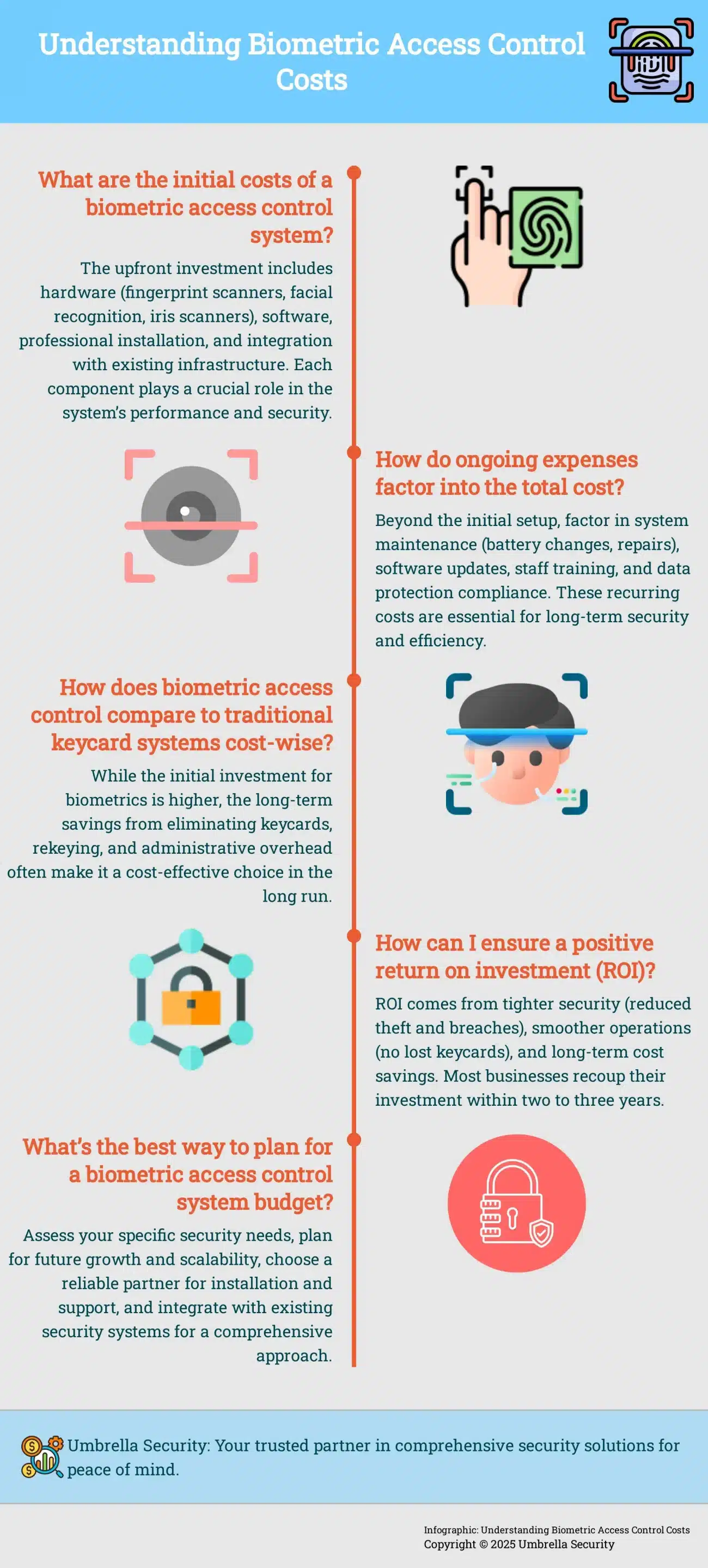
Biometric access control cost is not just the scanner. A realistic budget should include the reader, door hardware, software, professional installation, integration work, maintenance, staff training, and privacy/compliance planning.
Use this overview with the calculator above to pressure-test your biometric access control cost estimate before choosing fingerprint, facial recognition, iris, or multi-modal biometric readers.
Cost Drivers
What actually drives biometric access control cost?
The biometric reader is only one part of biometric access control cost. In most commercial projects, pricing is shaped by hardware, wiring, software, integrations, labor, and privacy requirements.
If you’re still comparing platforms and features, our guide to commercial access control systems covers the options most Chicago facilities evaluate before pricing an installation.
Biometric Reader
This includes the fingerprint, facial recognition, iris, or multi-modal reader hardware installed at each opening.
Door Hardware
Electric strikes, maglocks, request-to-exit devices, door position switches, power supplies, and lock prep often add more cost than expected.
Controller / Panel
This includes the access control panel, reader interfaces, network communication, and door control architecture.
Wiring & Labor
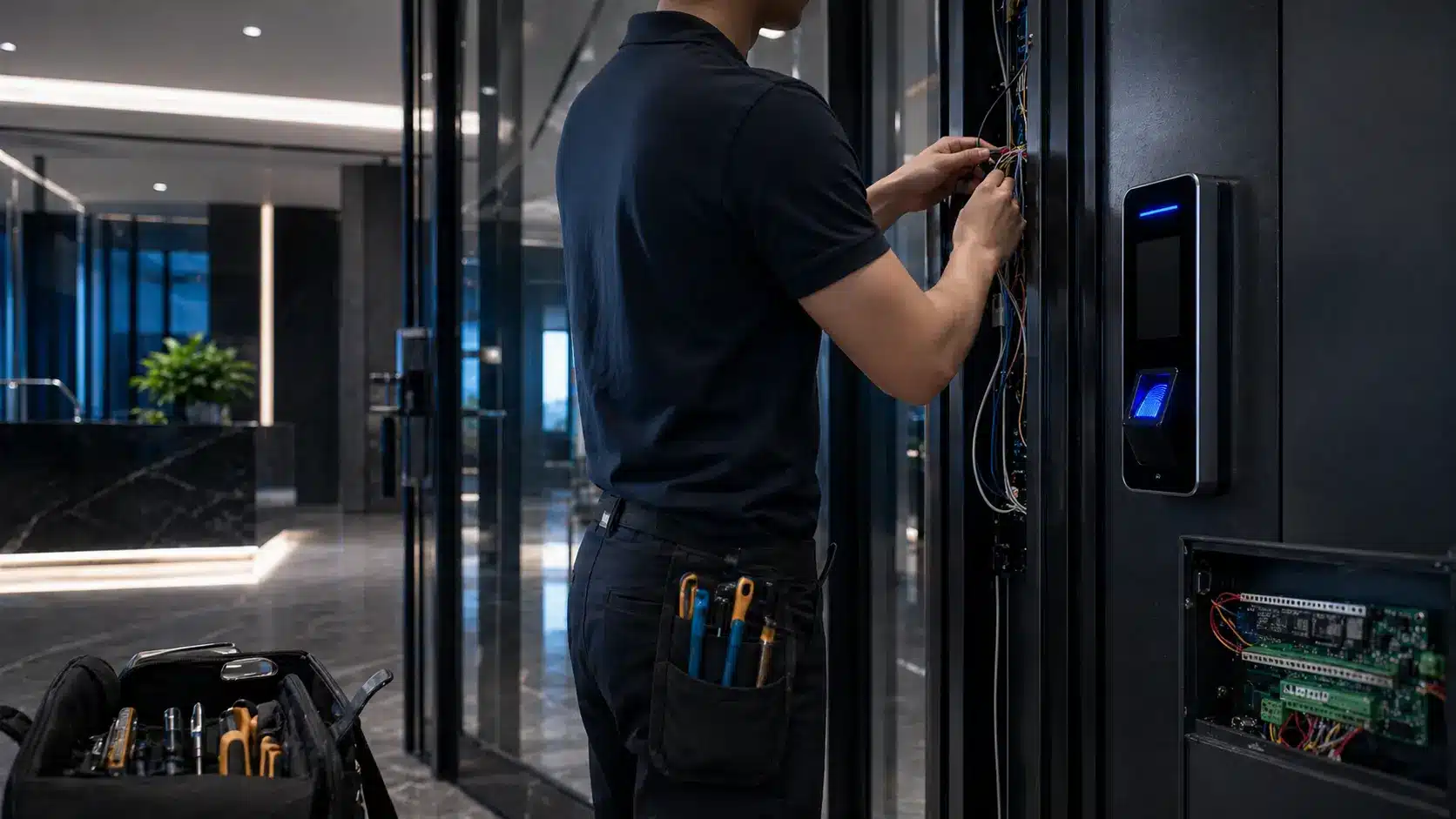
Low-voltage cabling, terminations, mounting, programming, testing, and commissioning are often major parts of the final price.
Software
Software can include cloud management, user permissions, audit logs, alerts, reporting, and enterprise-level administration tools.
Integrations
Connecting biometrics with cameras, alarms, visitor management, elevators, HR platforms, or analytics adds value but also increases scope.
Privacy & Compliance
Consent process, policy planning, data retention, vendor review, and legal/privacy requirements are critical when biometrics are involved.
Reader Comparison
Fingerprint vs. facial recognition vs. iris access control
The right biometric reader depends on the facility, environment, privacy requirements, user population, and risk level. Cheaper is not always better, and stronger authentication is not always the best user experience.
Fingerprint
Lower CostOffices, staff entrances, interior restricted areas, and equipment rooms.
Can be affected by gloves, dirty hands, cuts, outdoor conditions, or high-volume use.
You need biometric accountability without moving into higher-cost recognition hardware.
Facial Recognition
Medium–HighTouchless lobby access, executive areas, clean environments, and high-traffic doors.
Lighting, camera position, privacy concerns, and user acceptance matter.
You need fast touchless access and can control lighting, placement, and policy requirements.
Iris Recognition
High CostLabs, data rooms, sensitive facilities, and low-traffic high-security areas.
Higher cost and more specific user behavior requirements.
The access point is highly sensitive and security strength matters more than convenience.
Multi-Modal
Highest CostGovernment, critical infrastructure, and high-risk commercial or regulated environments.
Requires stronger planning, policy control, and integration discipline.
You need layered authentication and can justify the added cost and operational complexity.

Illinois biometric privacy warning
In Illinois, biometric access control should not be treated like a normal card-reader upgrade. The Illinois Biometric Information Privacy Act defines biometric identifiers to include retina or iris scans, fingerprints, voiceprints, and scans of hand or face geometry. The FTC biometric information policy statement also highlights privacy, data security, and consumer protection concerns around biometric information technologies.
Umbrella recommendation: involve legal counsel before collecting biometric data from employees, tenants, students, visitors, contractors, or members of the public.
Budget Examples
Example biometric access control project budgets
These ranges are for planning only. A site walk-through is still needed before selecting hardware or finalizing scope.
Small Office Fingerprint Upgrade
Fingerprint readers, basic access control, and standard retrofit installation.
Commercial Office or Warehouse
Biometric readers, controllers, locks, software, wiring, and multi-door setup.
School or Public-Facing Facility
Access control plus privacy/compliance review and possible biometric alternatives.
High-Security Facility
Multi-factor biometric access, cameras, alarms, audit logs, and policy planning.
Long-Term Budgeting
Ongoing and hidden biometric access control costs
For the broader door, wiring and platform budget, use our access-control project cost planning guide alongside the biometric-specific costs below.
The upfront installation is only part of the investment. A complete biometric access control budget should also account for software, maintenance, staff training, monitoring, and data protection.
Software & Licensing
Cloud access control platforms may include monthly or annual licensing for users, doors, audit logs, alerts, and administration.
System Maintenance
Readers, locks, power supplies, controllers, batteries, and software need periodic maintenance to stay reliable.
Staff Training
Administrators need to know how to enroll users, remove access, review logs, and respond to failed access attempts.
Monitoring & Response
Access events are more valuable when they connect to alerts, camera verification, alarm response, or security workflows.
Data Protection
Biometric data requires stronger attention to privacy, consent, data retention, destruction policies, and vendor controls.
Field Proof
Real access control projects show why planning matters
Biometric access control cost should be evaluated in the context of reliability, integration, maintenance, and operational risk. These case studies show why the right access control design matters more than simply choosing a reader.
Installation Proof
Umbrella team installing commercial card access control
This field footage shows the real work behind access control budgeting: doors, reader placement, cabling, lock hardware, power, controllers, and commissioning.
- Commercial door and reader installation
- Low-voltage access control field execution
- Card-access infrastructure that supports broader system planning
School Access Control: Reliability, Lockdown Speed, and Long-Term Cost
West Leyden High School District 212 moved away from unreliable wireless, battery-powered door hardware and upgraded to a hardwired, integrated access control system designed for long-term performance.
For schools evaluating biometric or advanced access control, this case study highlights a major cost lesson: the cheapest door hardware is not always the lowest-cost system over time.
- Replaced unreliable wireless door hardware with hardwired access control.
- Integrated access control with fire alarm and emergency notification systems.
- Supported faster campus lockdowns and improved emergency response.
- Unified credentials into a single staff badge.
- Reduced maintenance burden and vendor dependency.
Manufacturing Security: Access Control, Cameras, Alarms, and Operational Visibility
Nielsen-Massey Vanillas upgraded from outdated systems to an integrated security solution across multiple locations, combining access control, video monitoring, alarm protection, mobile access, and environmental monitoring.
For commercial and manufacturing facilities, this shows why access control budgeting should include more than door readers. The real value often comes from visibility, integration, risk control, and protecting high-value inventory.
- Integrated access control across multiple buildings.
- Connected video monitoring and alarm systems.
- Added humidity sensors to help protect sensitive inventory.
- Improved mobile access to security and facility data.
- Helped support emergency visibility and building awareness.
Why Umbrella Security
Access control pricing should start with the building, not the brochure
A realistic biometric access control quote depends on doors, wiring, hardware, software, integrations, compliance requirements, and how the system will be used day to day. Umbrella Security evaluates those details before recommending a solution.
Commercial Access Control Experience
Umbrella designs and installs access control systems for offices, schools, manufacturing facilities, warehouses, and multi-building operations.
Integrated Security Planning
Access control can be connected with cameras, alarms, visitor management, emergency notifications, and operational workflows.
Illinois Privacy Awareness
Biometric access control in Illinois should be planned carefully around notice, consent, retention, data handling, and policy requirements.
Site-Specific Budgeting
Door condition, wiring paths, existing hardware, software platform, and facility type all need to be reviewed before final pricing.
Alternatives
When biometric access control may not be the right first move
Biometrics can solve credential-sharing problems, but they are not always the simplest or lowest-risk option. In some facilities, another access control strategy may create better results with less privacy friction.
Before choosing biometric readers alone, confirm whether the project requires a full commercial access control installation that includes readers, credentials, door hardware, wiring, software permissions, and support.
Mobile Credentials
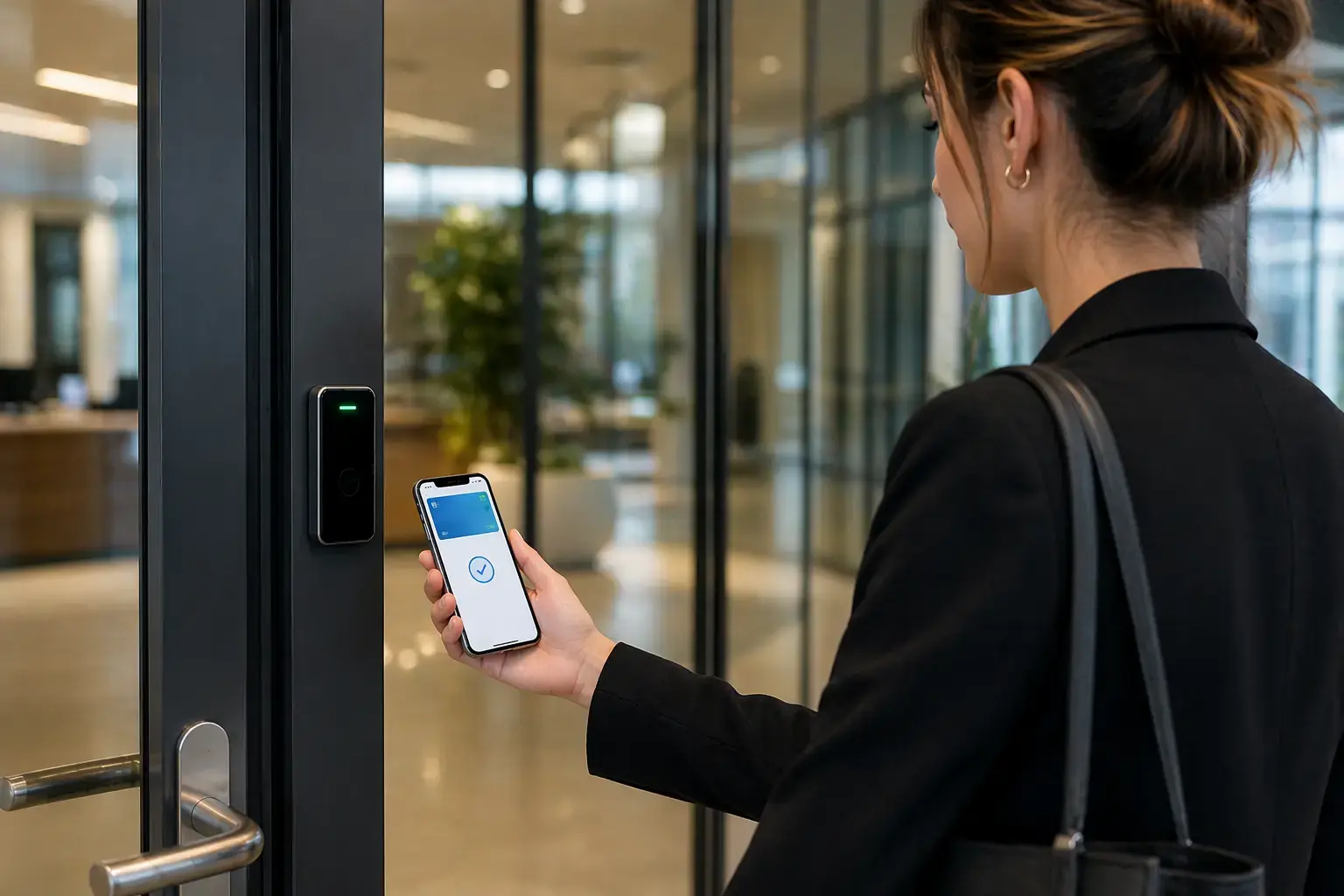
Useful when you want modern access control without collecting biometric identifiers.
Plan mobile access installation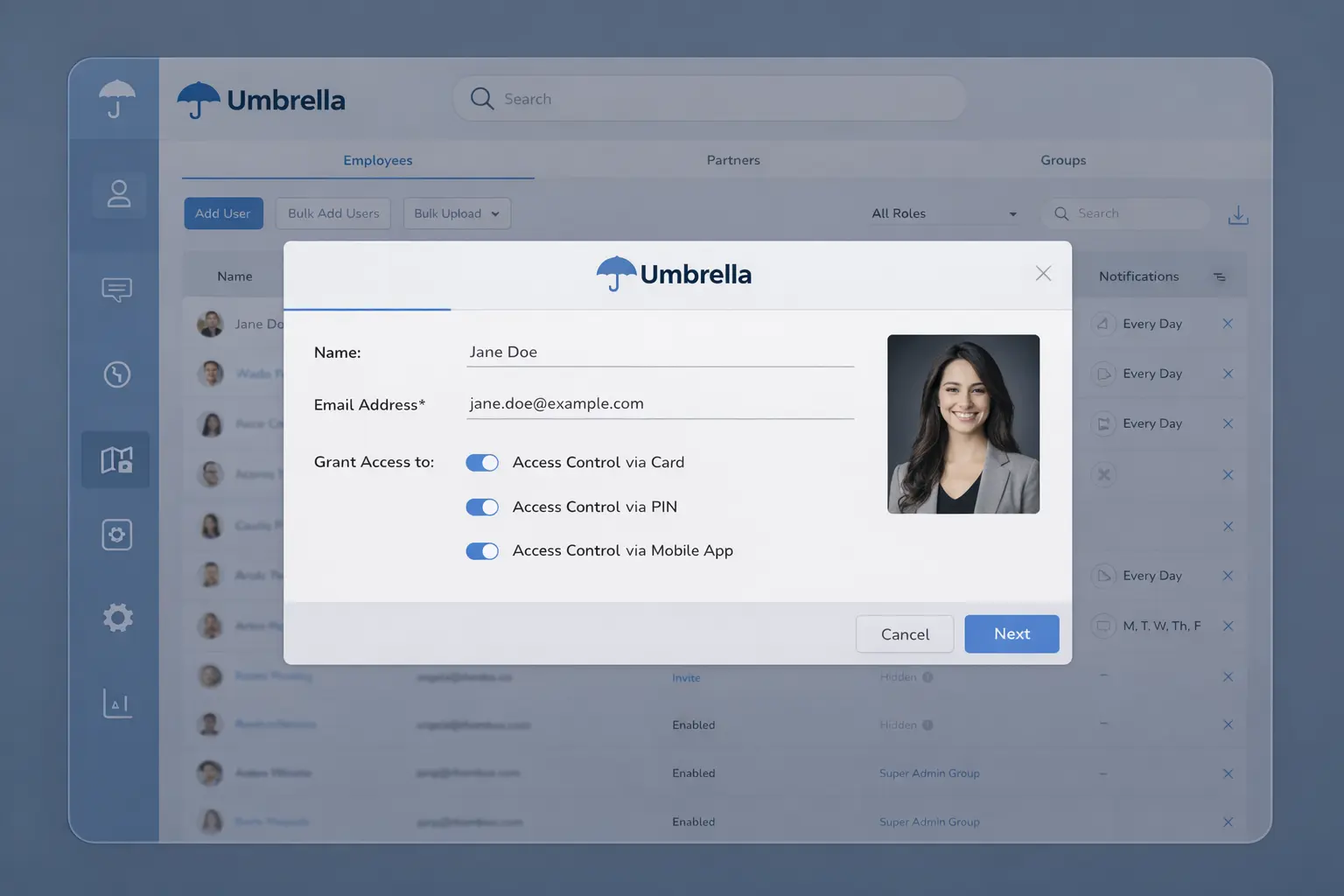
Smart Cards / Fobs
Practical for employee access when privacy concerns outweigh biometric benefits.
Plan credential-based access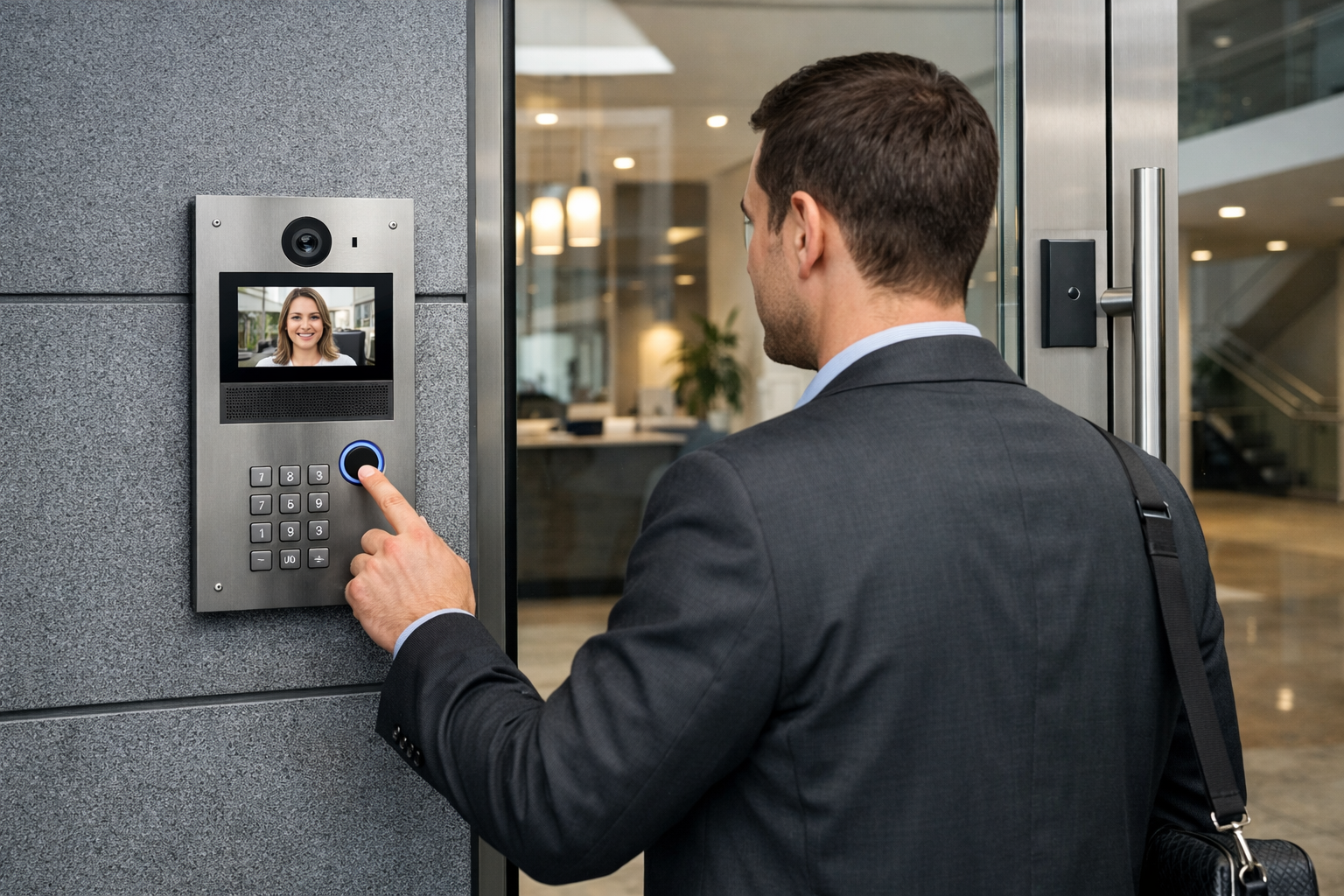
Video Intercoms
Often better for visitor-heavy entrances, deliveries, gates, and public-facing doors.
Plan entry verification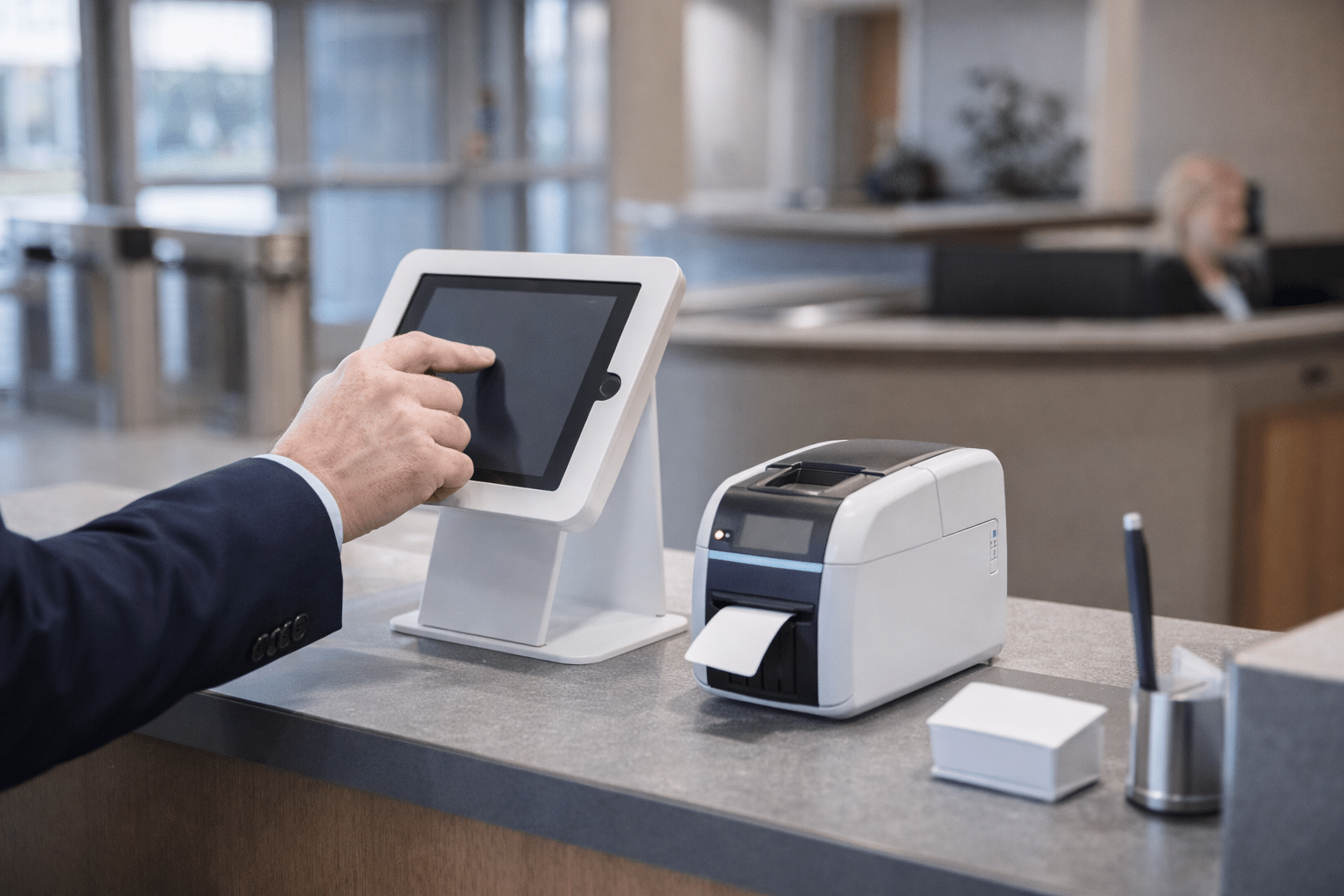
Visitor Management
Strong fit for schools, offices, and facilities that need check-in workflows and temporary access.
Plan visitor access workflows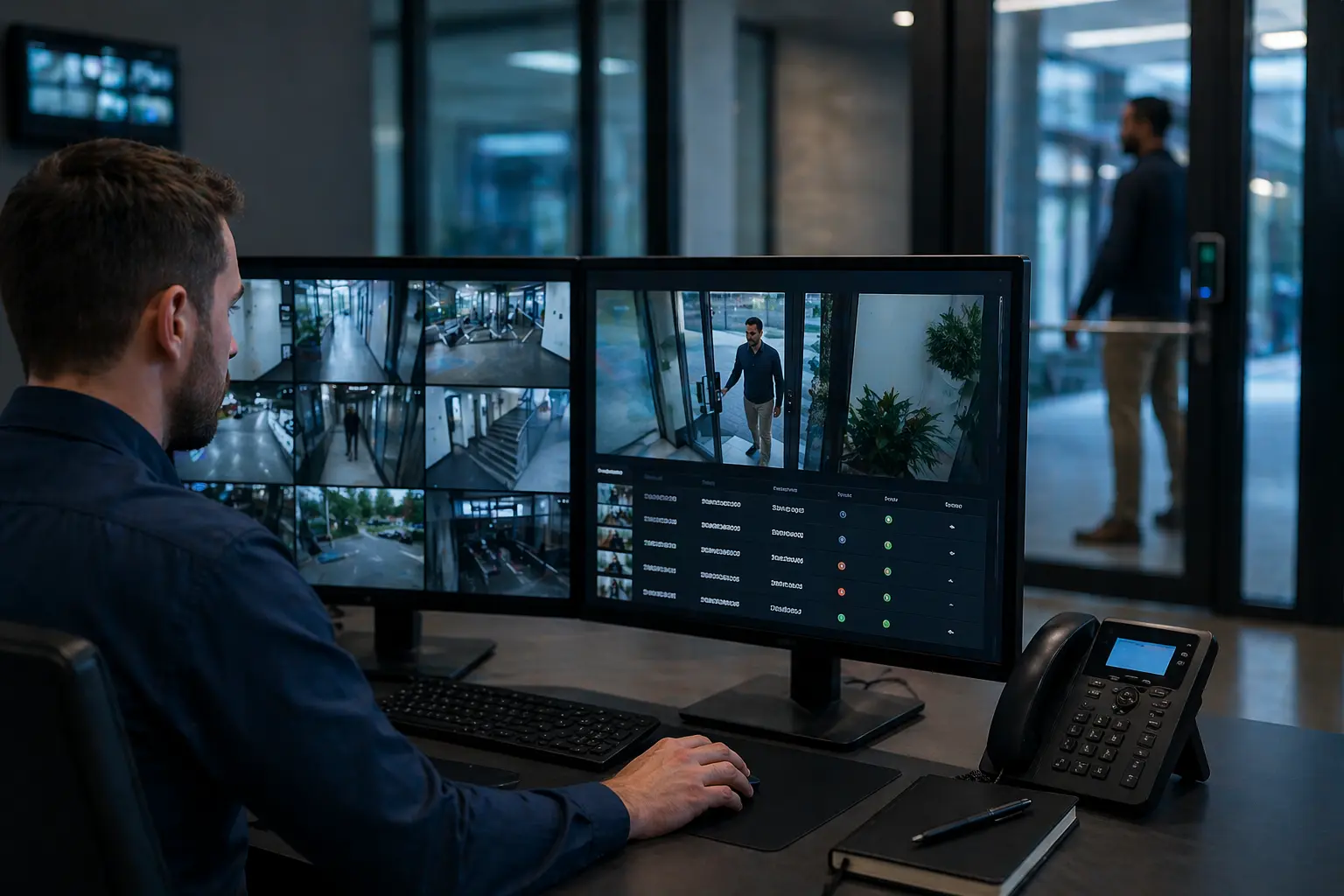
Camera Verification
Can add accountability to access events without requiring biometric enrollment at every door.
Plan video-verified accessNot sure if biometrics are the right fit?
Start with an access control installation assessment. Umbrella can compare biometrics, mobile credentials, smart cards, visitor workflows, video verification, and door hardware before finalizing the system design.
Implementation Checklist
What to confirm before buying biometric access control
Before choosing biometric readers, make sure the full access control design supports your building, users, emergency procedures, compliance requirements, and long-term maintenance plan.
Door & Hardware Review
- Door type and frame condition
- Existing lock hardware
- Power supply requirements
- Request-to-exit and door position needs
System & Integration Review
- Current access control platform
- Camera and alarm integration
- Network and wiring path
- Emergency lockdown or notification needs
Policy & User Review
- Who will enroll users
- Who can approve access
- Biometric consent and privacy process
- Maintenance and support plan
Quote Readiness
What Umbrella needs to price biometric access control accurately
A useful quote needs more than a reader count. These details help turn a rough calculator range into a realistic plan for doors, wiring, credentials, software, privacy exposure, and long-term support.
Have these details ready?
Umbrella can use them to sanity-check your budget, compare biometric and non-biometric options, and recommend the right next step before hardware is selected.
Buyer Guidance
When biometrics are worth it — and when they are not
Biometrics are usually worth considering when:
- Credential sharing is a real operational or security problem.
- Lost cards or fobs create recurring admin cost.
- The facility has staff-only areas, labs, data rooms, or high-value inventory.
- Audit trails and identity confidence matter.
- The organization needs tighter control than card-only access can provide.
Biometrics may not be the best first move when:
- The facility is public-facing or has frequent visitors.
- The users are students, tenants, contractors, or the general public.
- The organization does not have privacy policies or consent procedures ready.
- A mobile credential, smart card, intercom, or visitor management system would solve the problem with less friction.
For many commercial facilities, biometric readers work best when they are planned as part of broader access control systems for commercial facilities that account for credentials, door hardware, software permissions, and long-term support.
Facility Scenarios
Where biometric access control makes sense
Biometric access control should be planned around the facility — not just the reader. A commercial office, manufacturing floor, school entrance, and integrated command center each create different cost, privacy, and operational requirements.
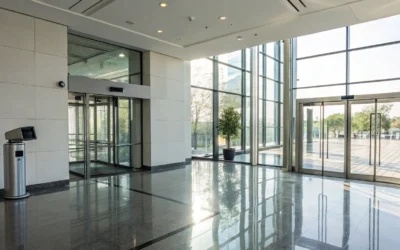
Commercial Offices
Good fit for staff-only doors, IT rooms, records rooms, executive areas, and controlled office entrances.

Warehouses & Manufacturing
Useful for employee entrances, restricted production zones, high-value inventory, and shift-based access control.
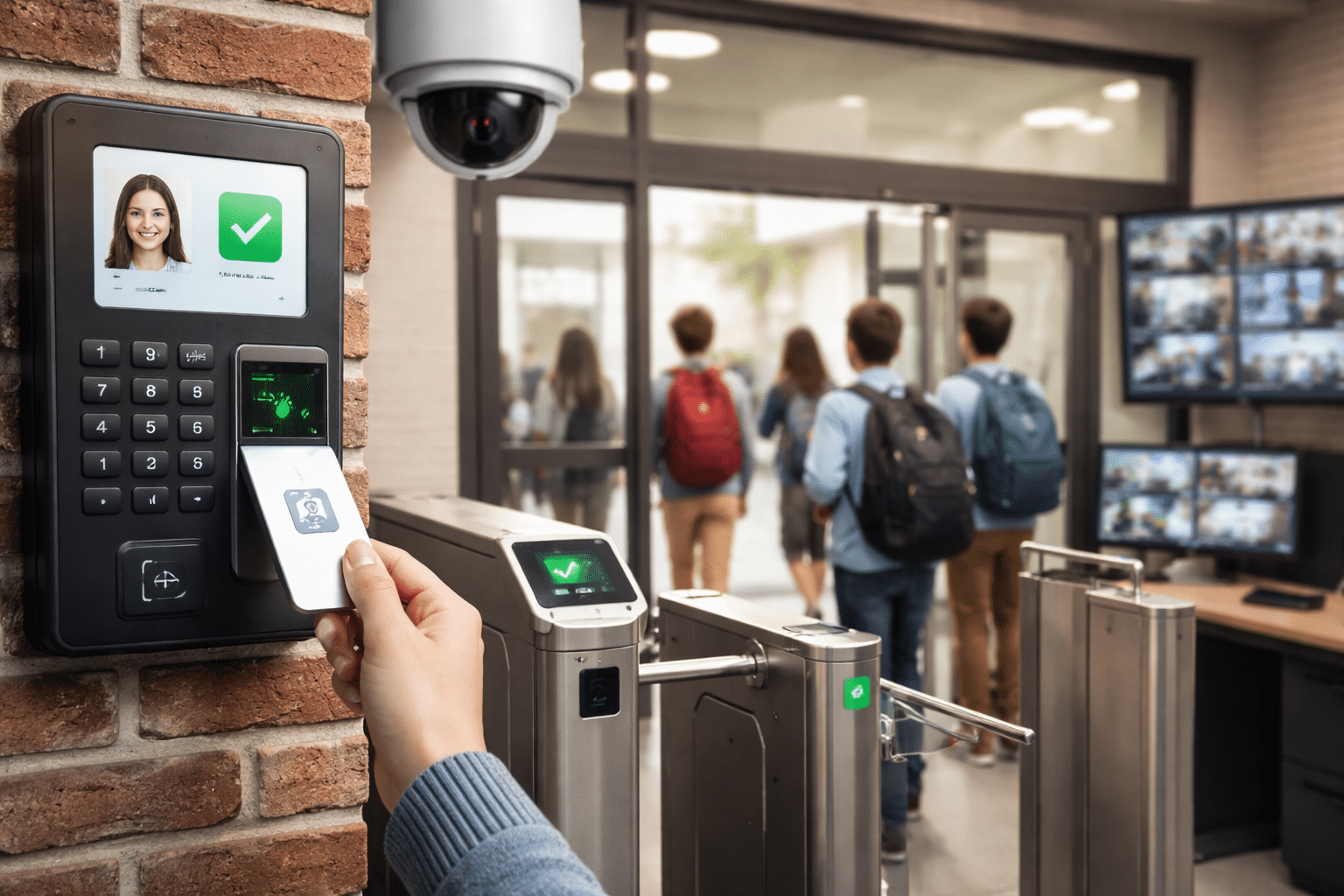
Schools & Public Facilities
Requires extra caution around privacy, consent, users, visitors, and alternatives to biometrics.
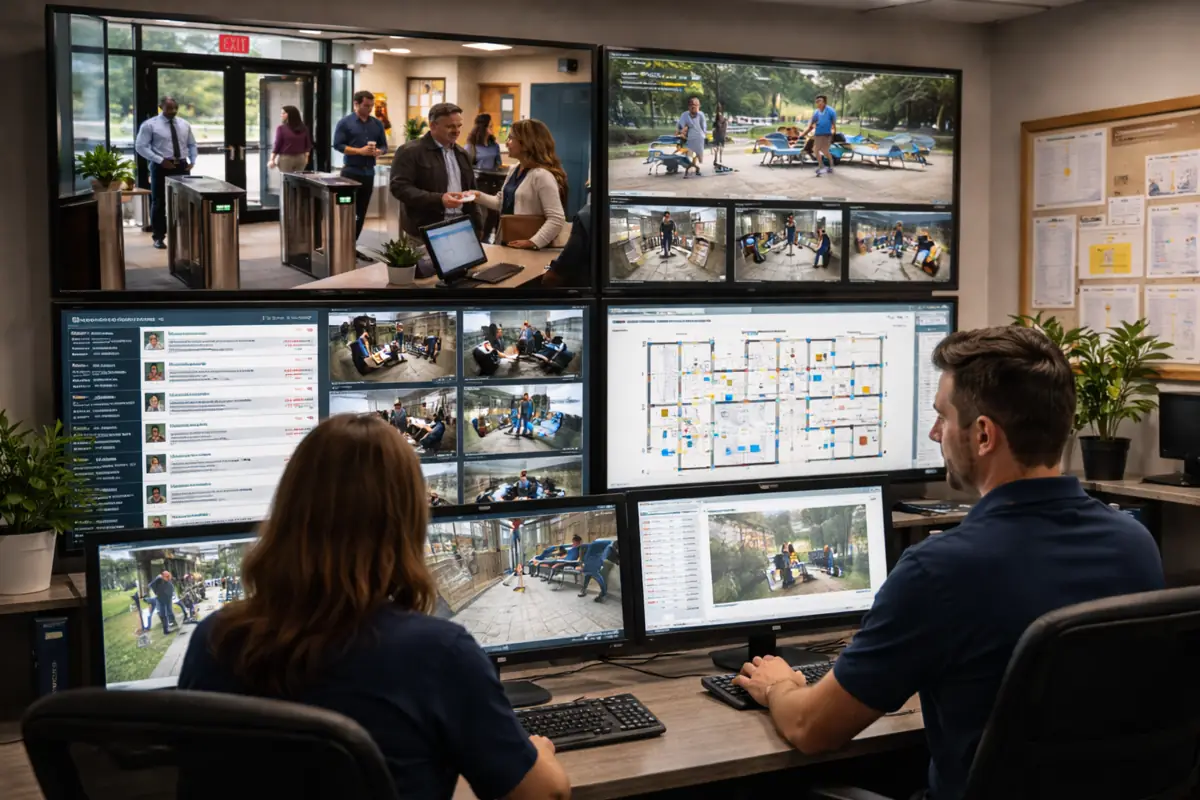
Integrated Security Systems
Best results come when access control connects with cameras, alarms, visitor management, and reporting.
Next Step
Need a realistic biometric access control budget?
Umbrella Security can evaluate your doors, hardware, wiring path, software environment, privacy risk, and integration needs before you commit to biometric hardware or finalize a biometric access control cost estimate.
When you’re ready to move from budgeting to a quote, see what’s involved in access control installation in Chicago — including site assessment, door count, and timeline.

FAQ
Biometric access control cost questions
What is the average cost of biometric access control?
A simple fingerprint reader may cost a few thousand dollars per installed door, while facial recognition, iris recognition, or multi-modal biometric systems can cost significantly more. Door hardware, wiring, software, and integration needs often drive the final budget.
Is fingerprint access control cheaper than facial recognition?
Usually, yes. Fingerprint readers are often the lower-cost biometric option. Facial recognition usually costs more because of hardware, positioning, lighting, software, and privacy considerations.
What makes biometric access control expensive?
The most common cost drivers are door hardware, wiring, controller architecture, software licensing, integration with other systems, and compliance planning. The reader itself is only one part of the installed cost.
Is biometric access control legal in Illinois?
Biometric access control can be used in Illinois, but organizations should be careful with notice, consent, retention, destruction, and vendor/data handling procedures. Involve legal counsel before collecting biometric data.
Are biometrics better than cards or mobile credentials?
Not always. Biometrics can reduce credential sharing, but cards and mobile credentials may be simpler, less invasive, and easier to deploy in some environments. The best choice depends on risk, users, privacy requirements, and operational needs.
How do I choose the right biometric reader?
Start with the door, users, risk level, and operating environment. Fingerprint readers are often practical for staff-only areas, facial recognition can work well for touchless access, iris recognition is better for high-security zones, and multi-modal systems are best when layered authentication is required.
What should be included in a biometric access control quote?
A realistic quote should include reader hardware, controller hardware, door locking hardware, wiring, labor, software, licensing, configuration, user setup, training, testing, integrations, and any privacy or compliance planning required for the facility.
Related Services