VIDEO · ACCESS EVENTS · STAFF PERMISSIONS
An integrated security dashboard
your team can use.
Find the door. Check the video. See what happened. Choose a screen around the tasks your staff handles every day, with a clear route to the information they need.
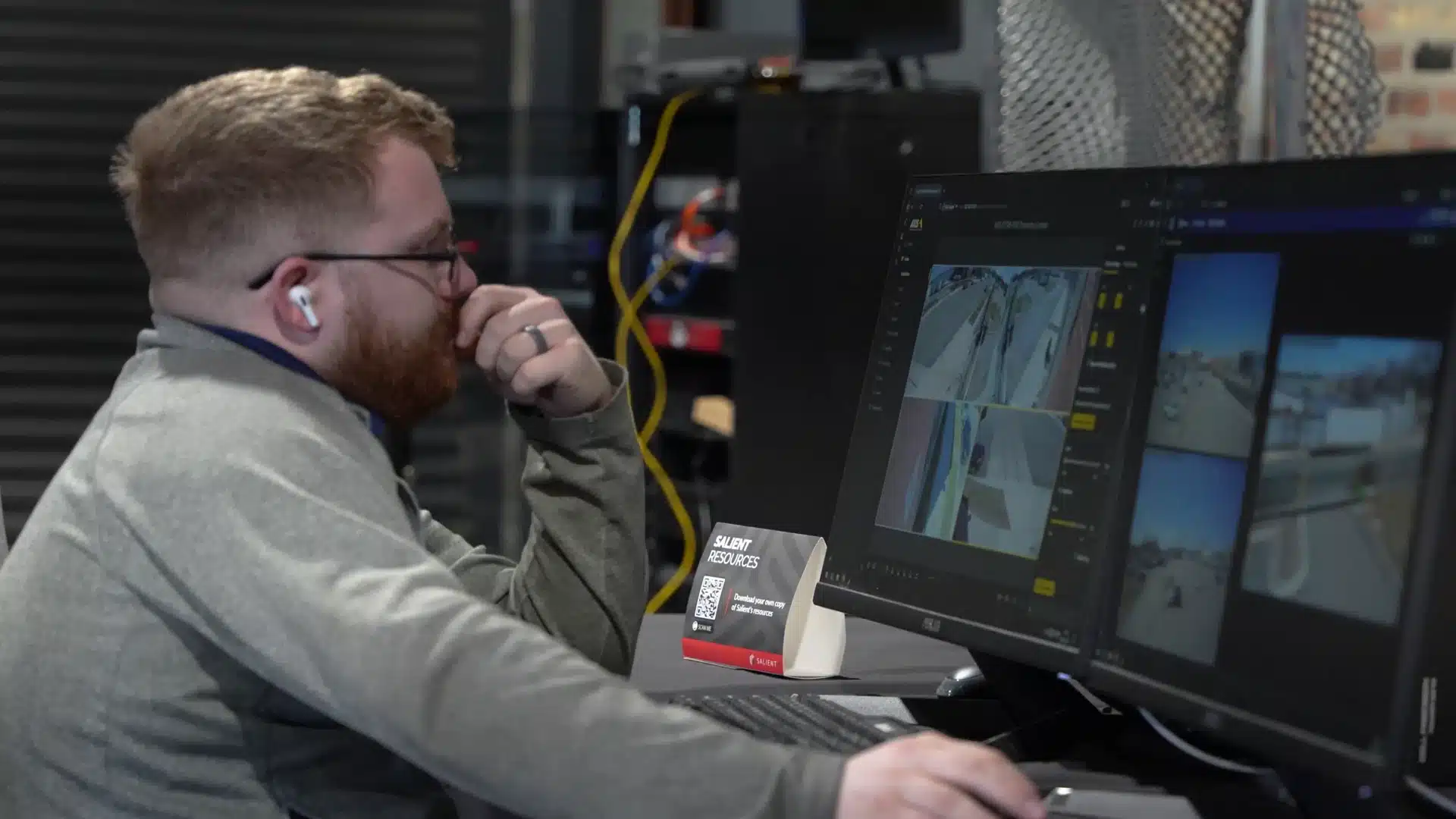
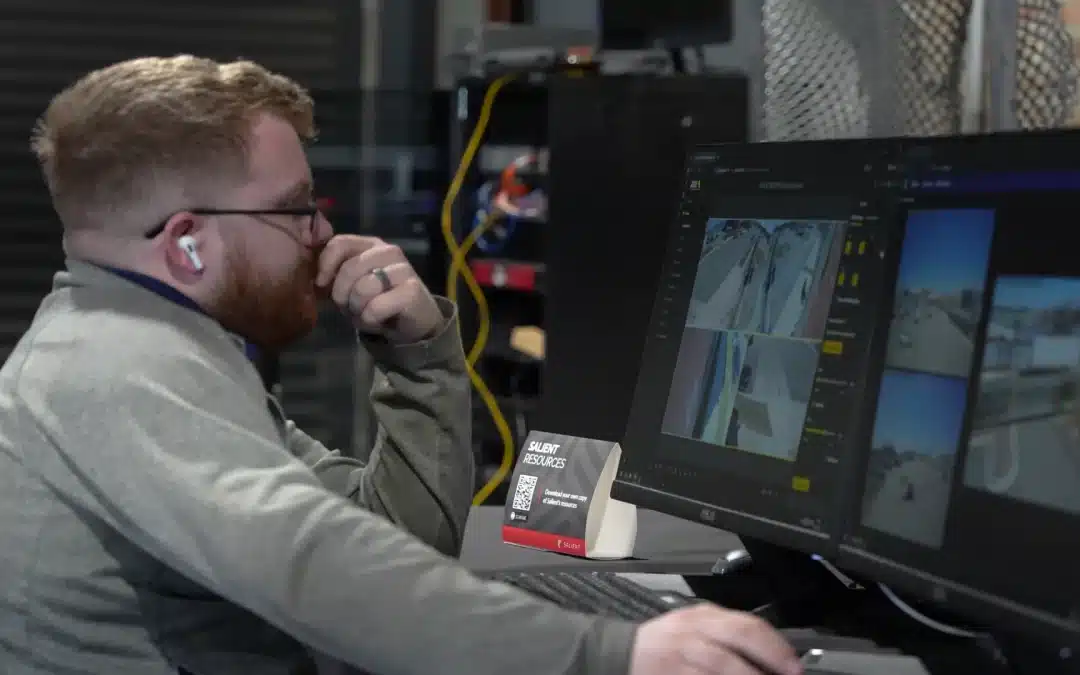
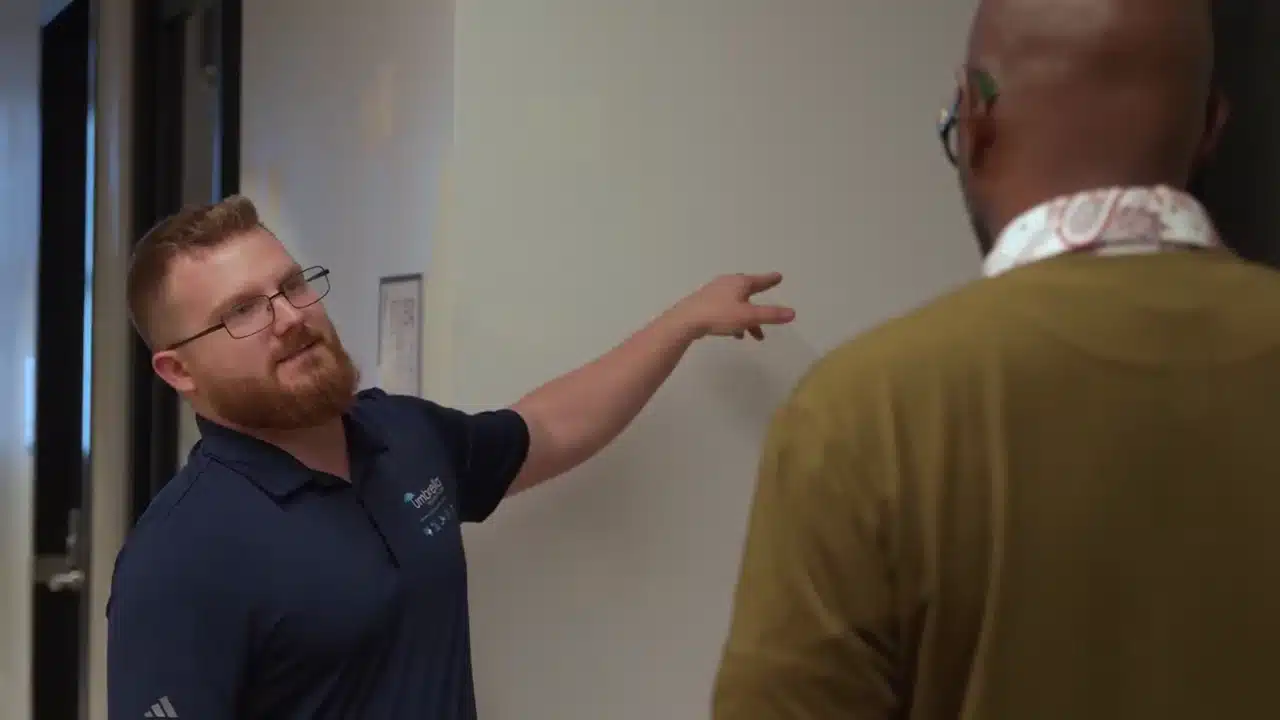
Camera-interface demonstration filmed during Umbrella’s Axis / Innovation Hub visit. Explore the tasks below to plan how your own systems should work together.
Physical security, in one place
A useful view of your building.
An integrated physical-security dashboard brings information from connected systems into one view. That may include camera images, access-control events, alarms and equipment status.
Which functions belong there depends on the software and connections you choose. Some screens show status only. Others let authorized staff investigate an event or perform a permitted action.
At the demonstration
Make the system earn its place on screen.
Choose a task below. Ask for it to be demonstrated with the permissions and equipment your team will actually use.

Someone was denied entry. Find out why.
Start with the door name and event time. Open the associated video, check the credential result and confirm that the records refer to the same entrance.
Have a receptionist or security officer repeat the search with their own permission level. Note any separate application or administrator login they need.
Acceptance check: staff can find the correct event and footage. Any door command follows the organization’s approved procedure.
 Umbrella × Axis · Innovation Hub film
A report comes in after the event.
Use the location and approximate time to find the recording. Check playback, then export a short clip through the approved process.
Open that clip on the intended recipient’s device. Confirm who may export footage, where the file is stored and how the activity is recorded.
Acceptance check: the exported file plays correctly and contains the required time and camera information.
Umbrella × Axis · Innovation Hub filmAn offline device needs attention.
Ask how staff distinguish a quiet site from missing information. Test an approved device interruption and check the warning, location and notification.
Acknowledge the issue, record who is following up and confirm how recovery appears. Check recording health separately from a live image.
Acceptance check: a responsible person can see the fault and confirm it has been resolved.
Photography: camera-interface demonstrations at the Axis Innovation Hub. Ask to see each task above on the exact system proposed for your facility.
Access control dashboard planning
Give each person a useful view.
A shared screen should respect separate responsibilities. Test everyday accounts before accepting a design built around administrator access.
Front desk or security officer
Show the entrances, events and approved actions that person needs during a shift. Keep unrelated sites and administration out of the way.
Property or facility manager
Check schedules, credential changes and incident history. Temporary staff and contractors should have clear start and end dates for access.
IT and system administrator
Expose device status, accounts, software dependencies and support information. Keep privileged changes attributable to the person making them.
Supervisor reviewing an incident
Provide the relevant event history, video and response notes. Verify export permission and retention instead of assuming a report proves compliance.
For readers, credentials and door hardware, see Umbrella’s access control systems. For recording and export decisions, see our video management software guide.
Schools · Industrial sites · Property portfolios
Use names people recognize when something happens.
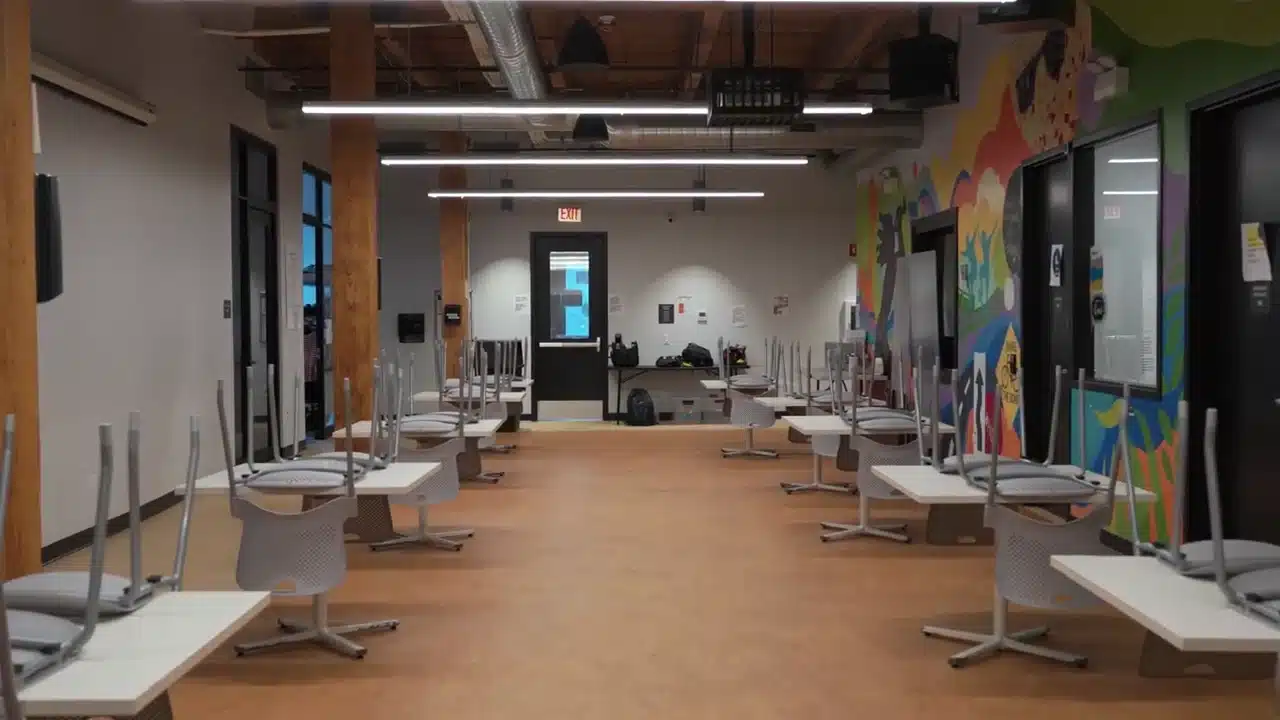
“North loading dock” is more useful to the person on duty than an unexplained device number. Organize doors and camera views by building, floor or operating area, then check the labels with the people who work there.
Across several locations, agree which events need central attention and which stay with the local team.
Background: The Night Ministry project in Chicago.
Before the installer leaves
Let your team take over the controls.
Repeat the everyday work.
Find a door event, locate its footage and handle an approved test alert using normal staff accounts.
Keep the answers nearby.
Record the administrator, support contact, renewal dates and steps for the tasks each role performs.
Check after things change.
Retest affected tasks after a software update, replaced device or changed permission. Keep unresolved issues with the handover record.
For a public-sector project, see Wilmington’s Police Department and City Hall security upgrade. See how the work was planned across two active public buildings.
A closer look
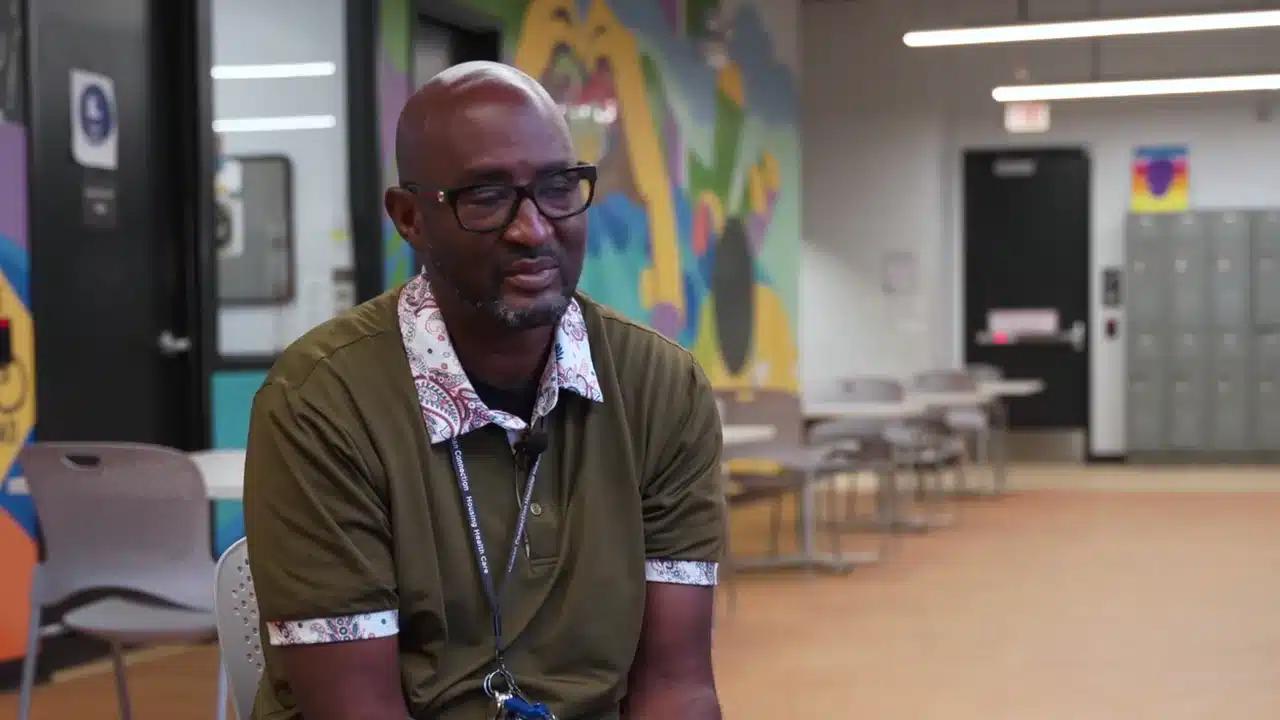
See the technology. Hear from a customer.

Before choosing software
Questions worth asking.
Will one dashboard work with every system we own?
No. Confirm supported products, versions, events and commands. Some connections only display information; others support additional actions. Ask what requires another application, interface or license.
Can a dashboard replace our video management software?
It may sit within the VMS or connect to it. Recording, playback and export still depend on the underlying software. Evaluate those functions separately from the overview screen.
What should we be able to do on a phone?
Choose the tasks that genuinely need mobile access, such as viewing an authorized alert or checking a camera. Test the current mobile app, permissions and connection requirements. Do not assume every desktop function is available.
Our current system is difficult to use. Do we need a replacement?
First identify the repeated problem and the software or equipment involved. Configuration, training or a supported integration may help; other systems need a staged upgrade. Umbrella can discuss those options for commercial and government facilities in Chicago and Northern Illinois.
Chicago & Northern Illinois
Show us what is slowing your team down.
Tell us which screen, camera or access-control task is causing trouble. We’ll discuss your existing setup and what should be investigated before choosing new software.
Commercial, education, government and multifamily facilities.