
How Canon, Axis Communications and Milestone Systems Are Connected
Canon owns both companies. Axis does not own Milestone. The more useful question is what the relationship means when Axis cameras, analytics, audio, access control, or body-worn systems are connected to Milestone XProtect.
The short answer: The Canon–Axis–Milestone relationship is straightforward at the ownership level. Canon Europe acquired Milestone Systems in 2014, and Canon made Axis Communications a consolidated subsidiary in 2015. Axis and Milestone remain separate companies within the Canon Group, but they have built a much deeper XProtect integration than ordinary camera compatibility.
This independent explainer was checked against current Canon, Axis, and Milestone materials on September 10, 2026. Umbrella Security is not speaking for these manufacturers, and this page is not sponsored by them.

Canon owns Axis and Milestone. Axis does not own Milestone.
The ownership is easy to misread because Axis and Milestone work closely together. The corporate history is still straightforward.
Canon Europe made Milestone Systems a wholly owned subsidiary. Milestone continued operating as its own company and brand.
Canon made Axis Communications a consolidated subsidiary. Axis also continued operating under its own brand and channel structure.
Axis and Milestone describe themselves as members of the Canon Group with more than 25 years of collaboration. Their shared ownership supports closer work, but their products, software, support, and commercial relationships remain distinct.
Sources: Canon corporate history and Axis’s current Milestone partnership page.
The relationship supports closer integration. It does not make the products interchangeable.
What the relationship can mean
- Long-term engineering cooperation between Axis devices and XProtect.
- Axis-developed plugins and workflows that reach beyond a basic camera driver.
- Joint attention to video, analytics, access control, audio, body-worn evidence, maintenance, and cybersecurity.
- A clearer support path for functions developed and documented by Axis for XProtect.
What it does not mean
- Axis does not control every Milestone product decision.
- Every Axis function is not automatically available in every XProtect edition or version.
- An Axis camera is not automatically the correct camera for every scene.
- Shared ownership does not replace system design, compatibility checks, commissioning, or ongoing support.
Why the Axis–Milestone integration can go beyond a basic camera-to-VMS connection
Many cameras can send video to XProtect. The Axis relationship is different because Axis develops a broader software layer for configuration, events, analytics, security controls, and daily work inside XProtect.
AXIS Optimizer for XProtect
AXIS Optimizer is a free suite of plugins and integrations. It can bring supported Axis device settings, operator controls, analytics, security functions, and maintenance workflows into XProtect instead of sending people back and forth between separate applications.
Edge intelligence with central investigation
Supported Axis analytics can generate events and metadata at the camera. XProtect can use that information for alarms, rules, search, investigation, and response. The real value comes when the event reaches the right person with useful video and a clear next step.
Axis Secure Entry for XProtect
Supported Axis door controllers and access events can be connected with video inside XProtect. Operators can investigate a door event with the related camera instead of treating access control and video as unrelated systems.
For the door-system decision, read Umbrella’s Axis Communications access-control review.
Audio and body-worn workflows
Axis offers XProtect integrations for network audio and body-worn systems. Depending on the design, people can manage audio zones and messages or bring body-worn video into an XProtect evidence environment.
This is the real one-two punch: Axis handles the device at the edge—image quality, analytics, audio, access, or evidence capture. XProtect handles recording, permissions, alarms, investigations, exports, and multi-site operation. The advantage is a deeper working connection between those layers, not simply two familiar logos on the same proposal.

The integration matters only if it improves daily work.
Security operations
See cameras, alarms, analytics, doors, and response tools in a more consistent XProtect workflow.
Investigations
Move from an event to related video, synchronized playback, search, bookmarks, and evidence export with fewer disconnected steps.
IT and administration
Manage supported device settings, permissions, updates, cybersecurity controls, and system responsibilities through a documented plan.
Schools and municipalities
Connect video with doors, audio, analytics, and distributed sites where response and evidence quality matter.
Manufacturing
Use cameras and analytics for perimeter events, docks, production areas, safety review, and operational investigations.
Long-term service
Keep the device, plugin, VMS, server, network, and operator workflow documented so an upgrade does not become guesswork.
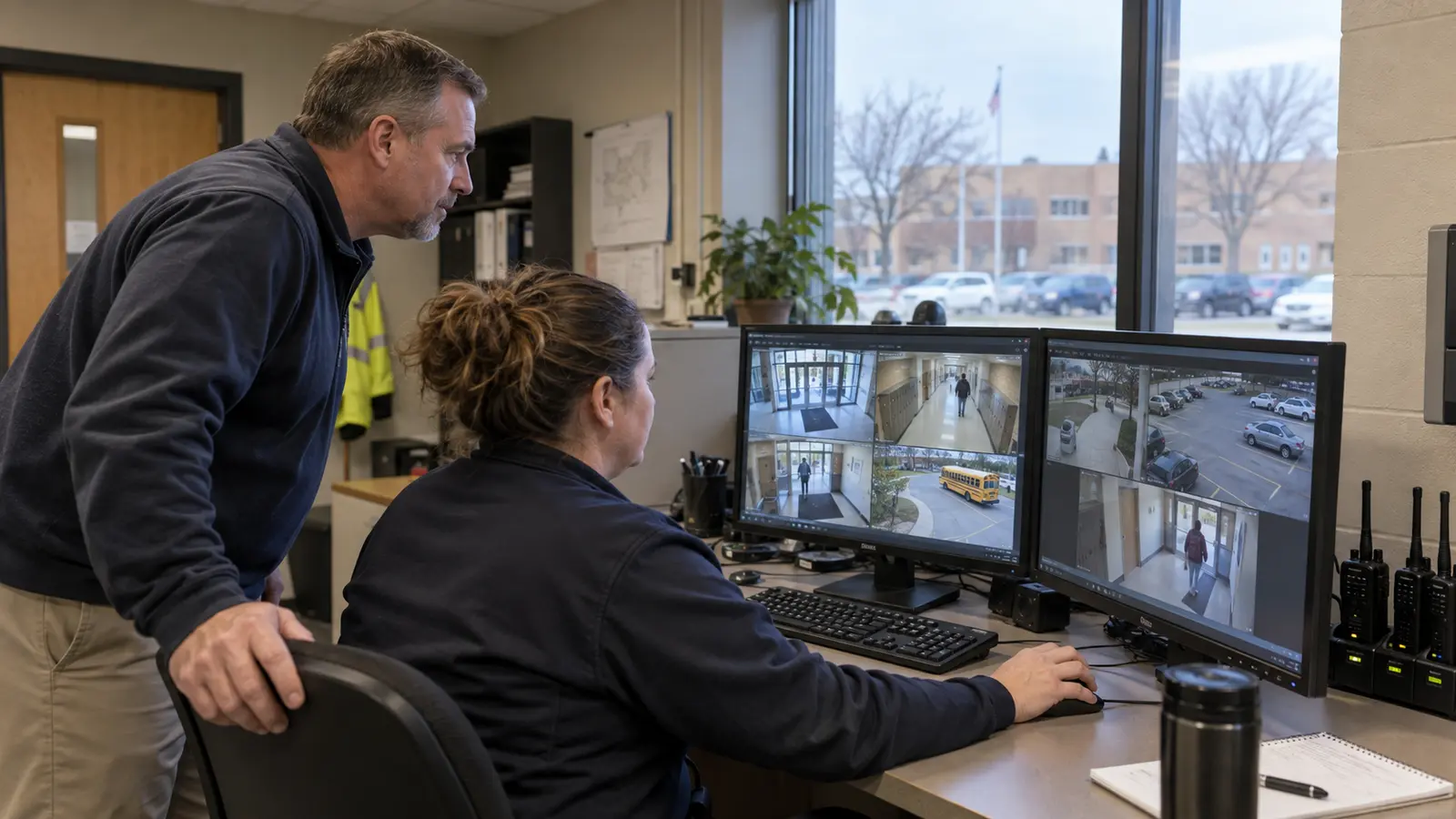
What to verify before choosing an Axis–XProtect system
A close manufacturer relationship improves the available integration. It does not prove that the proposed design will work in your building.
| Verify | Why it matters | Evidence to request |
|---|---|---|
| Exact Axis device | Features differ by model, processor, camera generation, and device type. | Model-specific supported-device record and intended feature list. |
| AXIS OS and firmware | A supported model can behave differently on another firmware release. | Approved version baseline and update policy. |
| XProtect edition and release | Identity, redundancy, evidence, federation, and other functions vary. | Edition comparison tied to written project requirements. |
| Device pack and plugins | The driver and Optimizer versions affect available functions and maintenance. | Compatibility matrix and upgrade procedure. |
| Analytics and metadata | An analytic event is useful only when rules, alarms, search, and response are configured. | Live demonstration using a representative scene. |
| Operator workflow | Feature depth has little value when staff cannot find or export video during an incident. | Task-based acceptance test with an ordinary user account. |
| Support responsibility | Axis hardware, Milestone software, Windows, storage, network, and plugins may involve different owners. | Written escalation path and after-hours responsibility. |
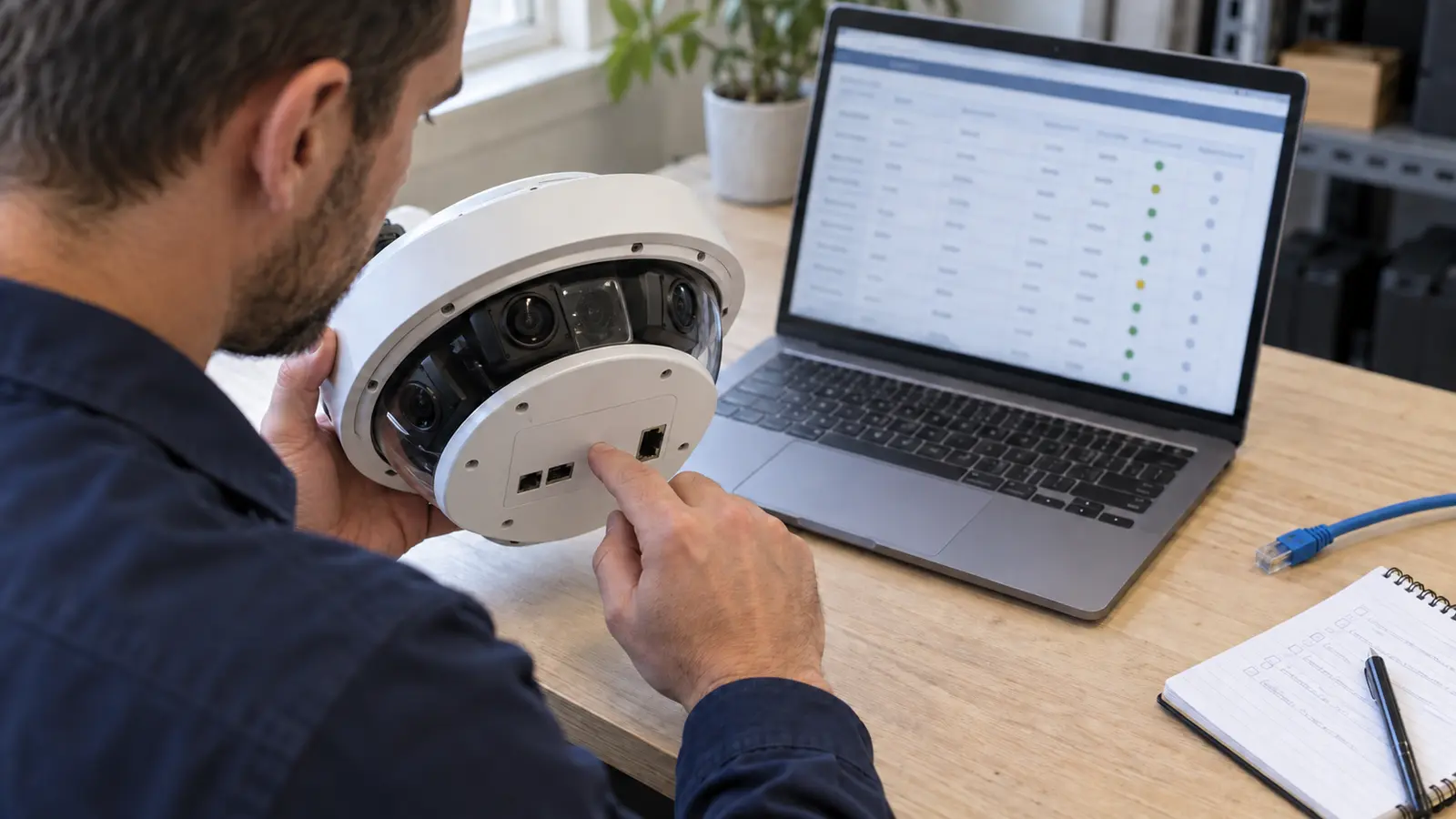
We like the combination when the integration solves a real operating problem.
Axis cameras with Milestone XProtect deserve serious consideration for mixed-camera systems, multi-site environments, demanding investigations, or facilities that need video connected with analytics, audio, access control, or other systems.
Where we lean toward it
The organization values image quality, device choice, on-premises recording control, deeper investigation tools, useful edge analytics, and an architecture that can be maintained over time.
Where we compare another path
The system is small, staff wants a simpler appliance-like experience, nobody clearly owns servers and updates, or the required workflow can be met with less complexity.

Umbrella’s job is to determine whether the combination fits the facility—not to force Axis or Milestone into every project. See our Milestone XProtect VMS review and the record behind Umbrella’s Milestone integration experience.
Canon, Axis and Milestone FAQ
Does Axis own Milestone Systems?
No. Canon owns Milestone Systems and Axis Communications. Axis and Milestone are separate companies within the Canon Group.
Who owns Milestone Systems, and when did Canon acquire it?
Canon owns Milestone Systems. Canon Europe made Milestone a wholly owned subsidiary in 2014. Canon then made Axis Communications a consolidated subsidiary in 2015.
Why do Axis cameras work well with Milestone XProtect?
Axis and Milestone have a long technical relationship, and Axis develops AXIS Optimizer and other XProtect integrations. These can bring supported device settings, analytics, events, access control, audio, body-worn evidence, and operator workflows more directly into XProtect.
What is AXIS Optimizer for XProtect?
AXIS Optimizer is a free Axis-developed suite of plugins and integrations for supported Axis devices in Milestone XProtect. It is designed to simplify configuration, operation, analytics, security controls, and maintenance workflows.
Is Axis Camera Station Pro the same as Milestone XProtect?
No. Axis Camera Station Pro is Axis’s own video management platform. Milestone XProtect is a separate VMS that supports Axis and many other manufacturers. The right choice depends on system size, camera mix, integrations, administration, investigations, and long-term support.
Is an Axis and Milestone system always the best choice?
No. It can be a strong combination, but the correct system depends on the building, camera requirements, existing equipment, operations, IT responsibilities, storage, cybersecurity, and support plan. Exact devices and workflows should be tested before approval.
Find out whether Axis and XProtect fit the way your facility operates.
Umbrella Security can inventory existing cameras, compare VMS options, test representative devices, review servers and storage, and define the daily tasks the system must support.