
School panic alarm systems
Give staff a clear way to call for help. Umbrella helps your school compare panic buttons, review existing equipment and plan who receives an alert.
Planning a new installation or reviewing an existing system? Start with the buildings, staff and response arrangements.
Alyssa’s Law: what Illinois schools need to plan.
Illinois has enacted Alyssa’s Law. By the start of the 2028–2029 school year, school districts and private schools must consider mobile panic alerts in their emergency plans. The law does not impose a blanket 2026 system-purchase deadline.
Reviewed November 17, 2026 · Read Illinois Public Act 104-0789
The act takes effect.
Deadline for Illinois State Police to develop qualifying-system rules.
Deadline for considering mobile panic alerts in school emergency plans.
Before purchase or implementation under this law: coordinate with the local 9-1-1 authority. Deployed systems must integrate with the serving public safety answering point and undergo at least annual testing with the agencies involved. The school covers the answering point’s connectivity expense.
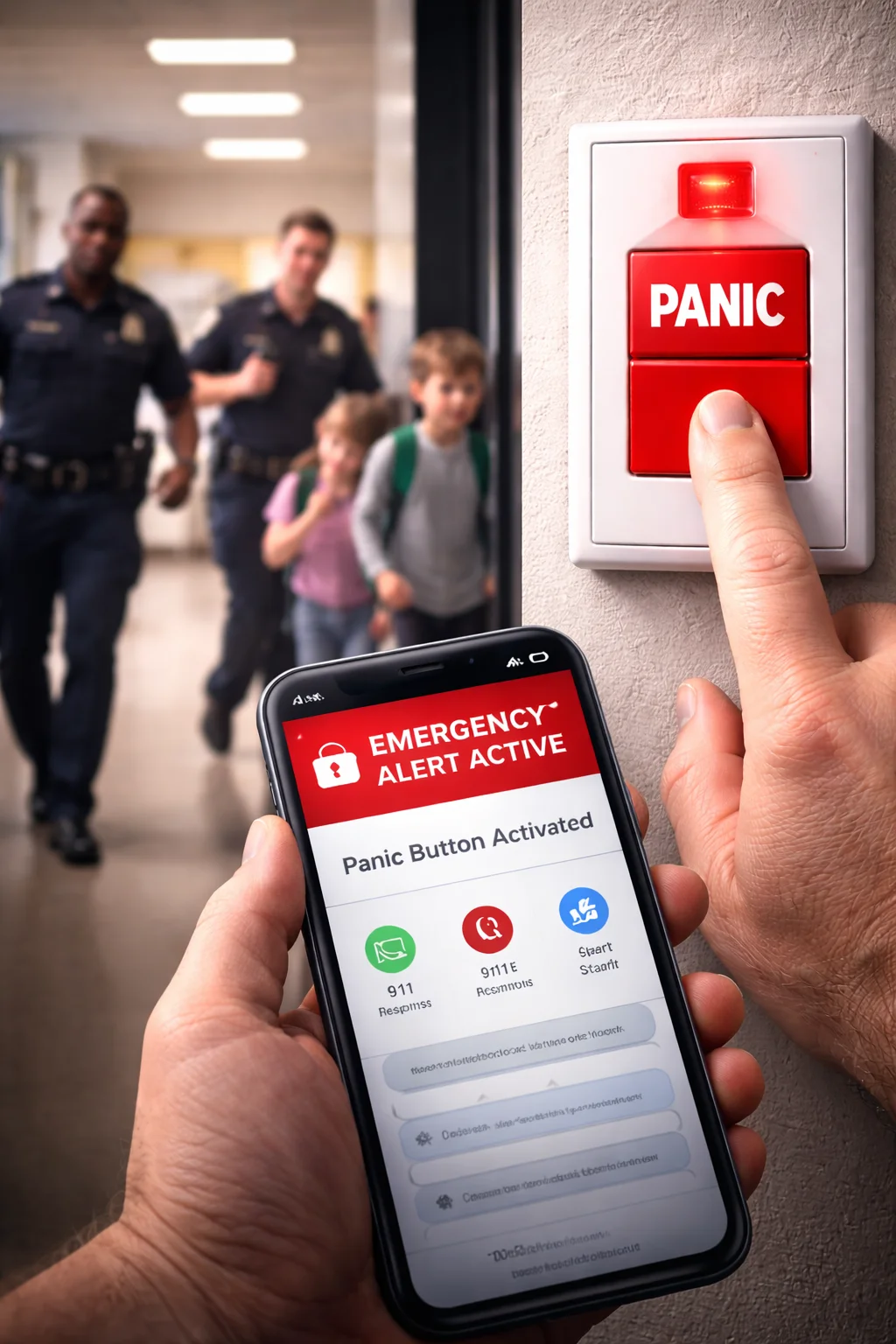
Know what happens after someone presses the button.
Walk through the route with your facilities team, IT staff and the people who will receive the alert.
1. A staff member asks for help
Can they reach and operate the device from a classroom, corridor, office or outdoor work area?
2. The alert identifies the location
Check the building, floor or room information the chosen system can actually provide.
3. The agreed recipients are notified
Confirm school recipients, the emergency-services connection and what happens when a communication route fails.
4. Your team follows its response plan
Demonstrate acknowledgement, escalation and reset. Agree how test results and unresolved issues will be recorded.
For announcements, speakers and campus-wide messages, see our school emergency-alert guide.
Choose for the places your staff work.
The activation device is one part of the decision. Compare coverage, location reporting and the response connection before choosing a platform.
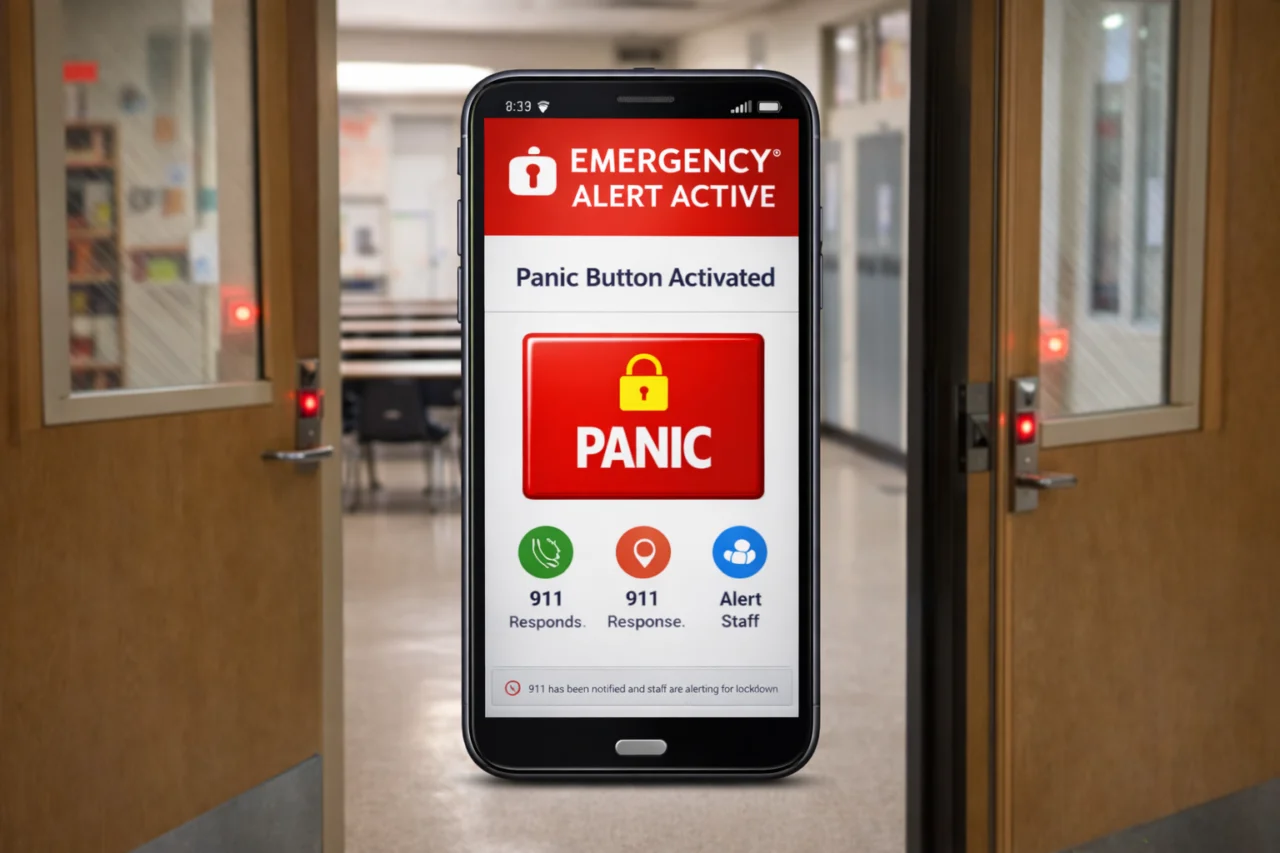
Mobile app
Review how staff will access the app, keep the device ready and send an alert where they work.
What to verify
- Time and steps needed from a locked phone.
- Wi-Fi or cellular dependencies and weak-signal areas.
- Account, location-permission and device-management requirements.
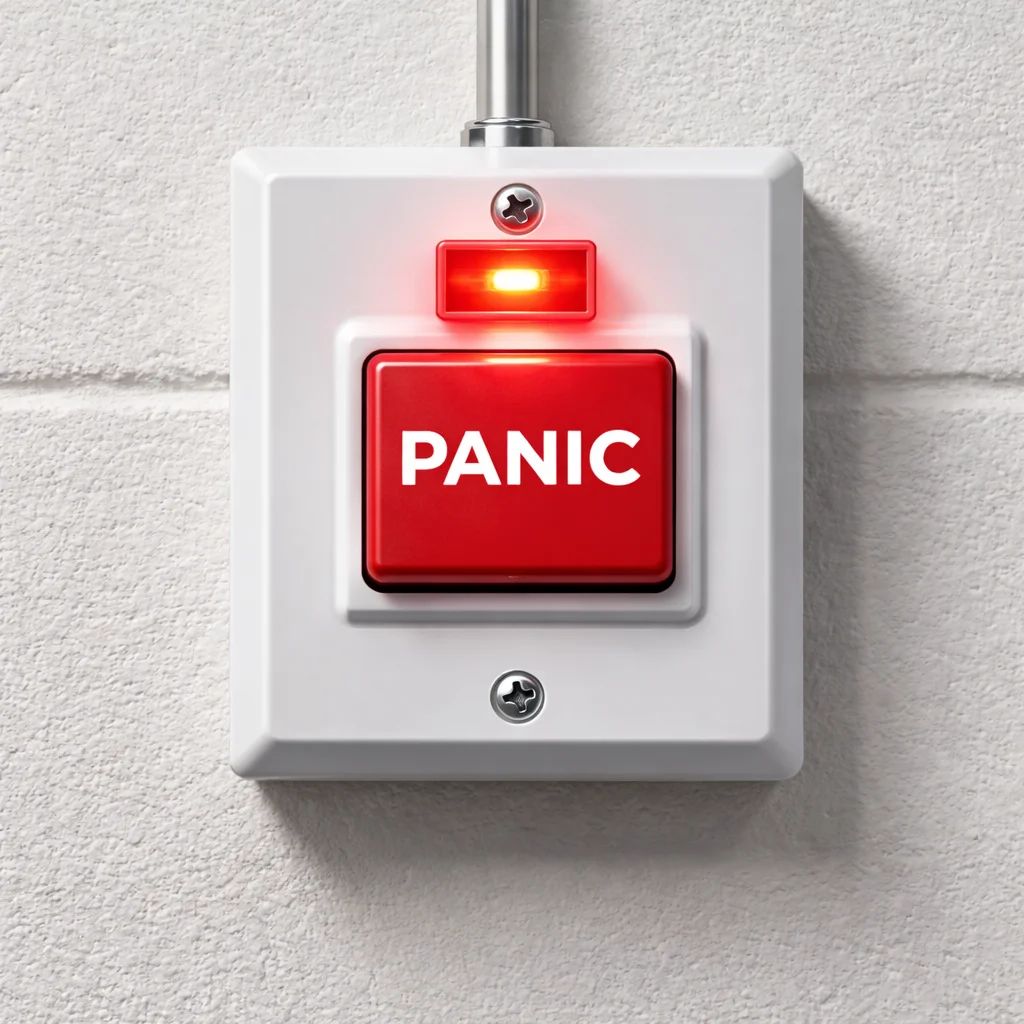
Fixed button
Consider locations where a staff member can reliably reach a dedicated button. Review placement with the people who use the room.
What to verify
- Reach, mounting location and accidental activation.
- Power, wiring or wireless communication needs.
- The location label and response route attached to that button.
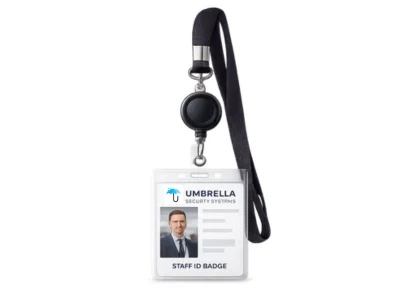
Wearable button
Evaluate a badge or carried device for staff who move between rooms, buildings and outdoor areas.
What to verify
- Actual coverage and location accuracy across the required areas.
- Batteries, device supervision and replacement procedures.
- Issuing devices to substitutes and temporary staff.
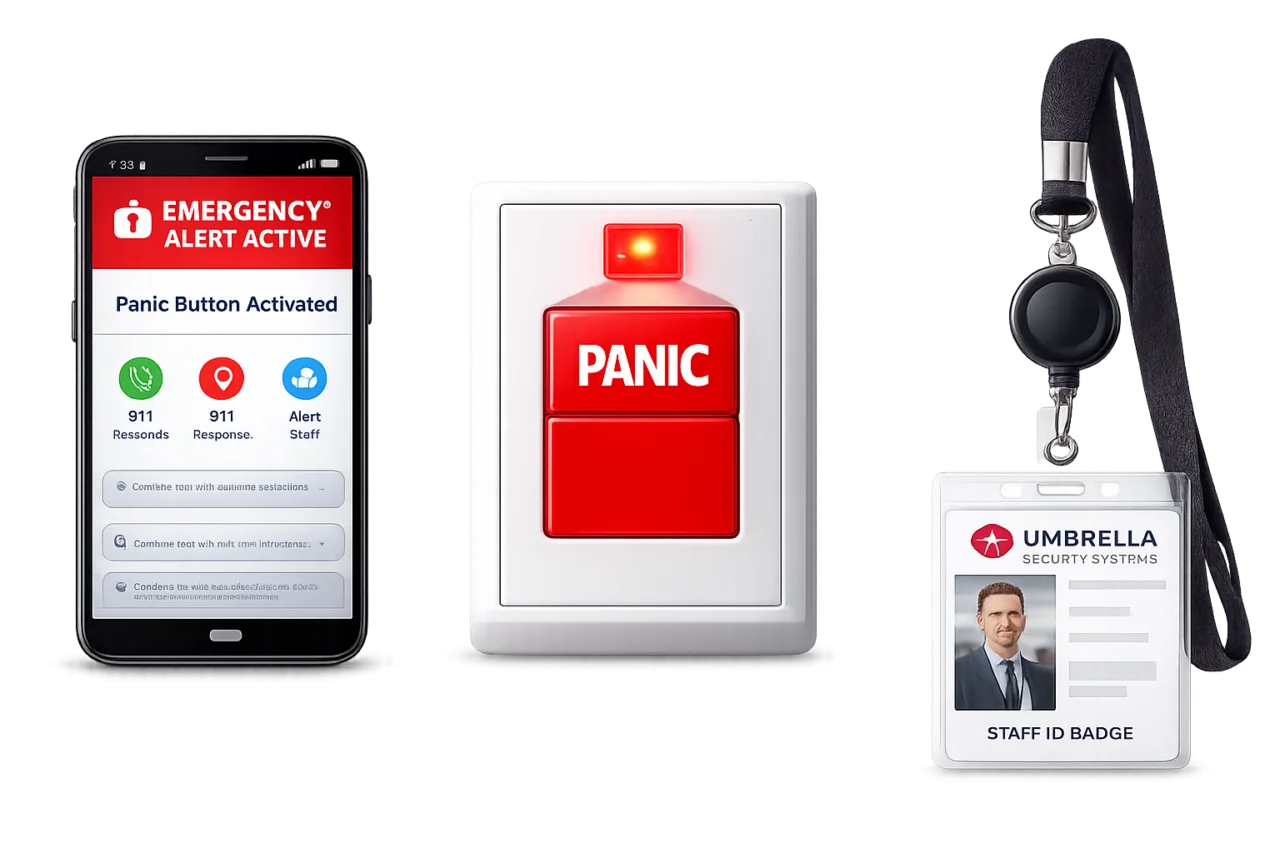
Ask for a demonstration at your school. A platform may support several activation methods. Check the exact equipment, licenses and configuration together. These illustrations show device categories; they are not a product endorsement or certification.

Plan around the systems your school already has.
At Leyden School District 212, Umbrella’s access-control project connected upgraded door hardware with existing fire alarm and BluePoint emergency notification systems.
See the access-control installation and hear from the facilities team about working with Umbrella.
“Umbrella Security has always done right by us.”Jake Aranki, CPMM · Buildings & Grounds Supervisor
Leyden School District 212
Make the proposal specific to your buildings.
Umbrella works with your school team to review the existing system, compare practical options and define the installation and testing work.
Tell us which buildings are involved, what alert equipment you already use and what prompted the review. We can arrange the next steps for discussing plans and site details.
Locations and coverage
List the buildings and work areas, staff roles, activation points and any outdoor coverage needs.
Connections and existing equipment
Identify network, power and system interfaces. Confirm which existing devices can remain and who will provide each required connection.
Costs and responsibilities
Separate devices, installation, software subscriptions, connectivity and ongoing support in the proposal. Confirm funding eligibility with the program administrator before relying on it.
Testing and handover
Agree the demonstrations, staff training, administrator access and records the school needs. Name who handles faults, changes and future testing.
School panic-button questions
Bring the questions that matter to your school. A useful answer should identify what will be supplied, connected and demonstrated.
Does pressing a panic button automatically call 9-1-1?
The answer depends on the platform and its configured connection. Ask who receives an activation, what information arrives and how the receiving agency handles it. Confirm the arrangements with that agency before relying on the connection.
Can we keep our existing panic buttons or alert system?
Start with the manufacturer, model, software version and current connection. Umbrella can review the intended integration and identify what needs confirmation or replacement. Existing equipment should be evaluated before it is included in a new design.
How much does a school panic-alarm system cost?
Umbrella quotes each project after reviewing your buildings and existing equipment. To compare proposals, ask each provider to show:
- Initial work: devices, coverage equipment, network or power changes, installation and connections to existing systems.
- Continuing charges: software, connectivity, support and replacement devices. Ask what is included, what costs extra and whether renewal prices can change.
- Testing and training: what will be demonstrated at your school, who coordinates with the receiving agencies and what staff training is included.
- Future changes: the cost of adding staff, rooms or buildings, and who will update the system.
Compare the same buildings, staff coverage and support period. A lower first-year price may leave out work your school still needs.
Are door-held-open alerts part of the same system?
A door-held-open alert reports an entrance condition. A panic alert lets a person request help. They may be considered in the same school security plan, but one does not establish compliance for the other. Our door-propping walk-through addresses the door, re-entry and alert-response questions separately.
Does Umbrella help schools in Chicago and Northern Illinois?
Yes. We help school teams plan, install and support security systems across Chicago and Northern Illinois. Start with the buildings involved and the work you are considering; we will review the project scope with you.
Work through the rest of your school’s alert plan.
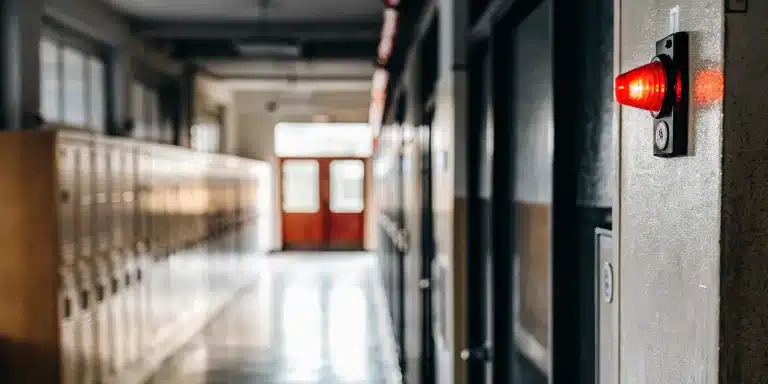
School emergency alerts
Review campus messages, recipients and the wider notification plan.
Explore school alerts →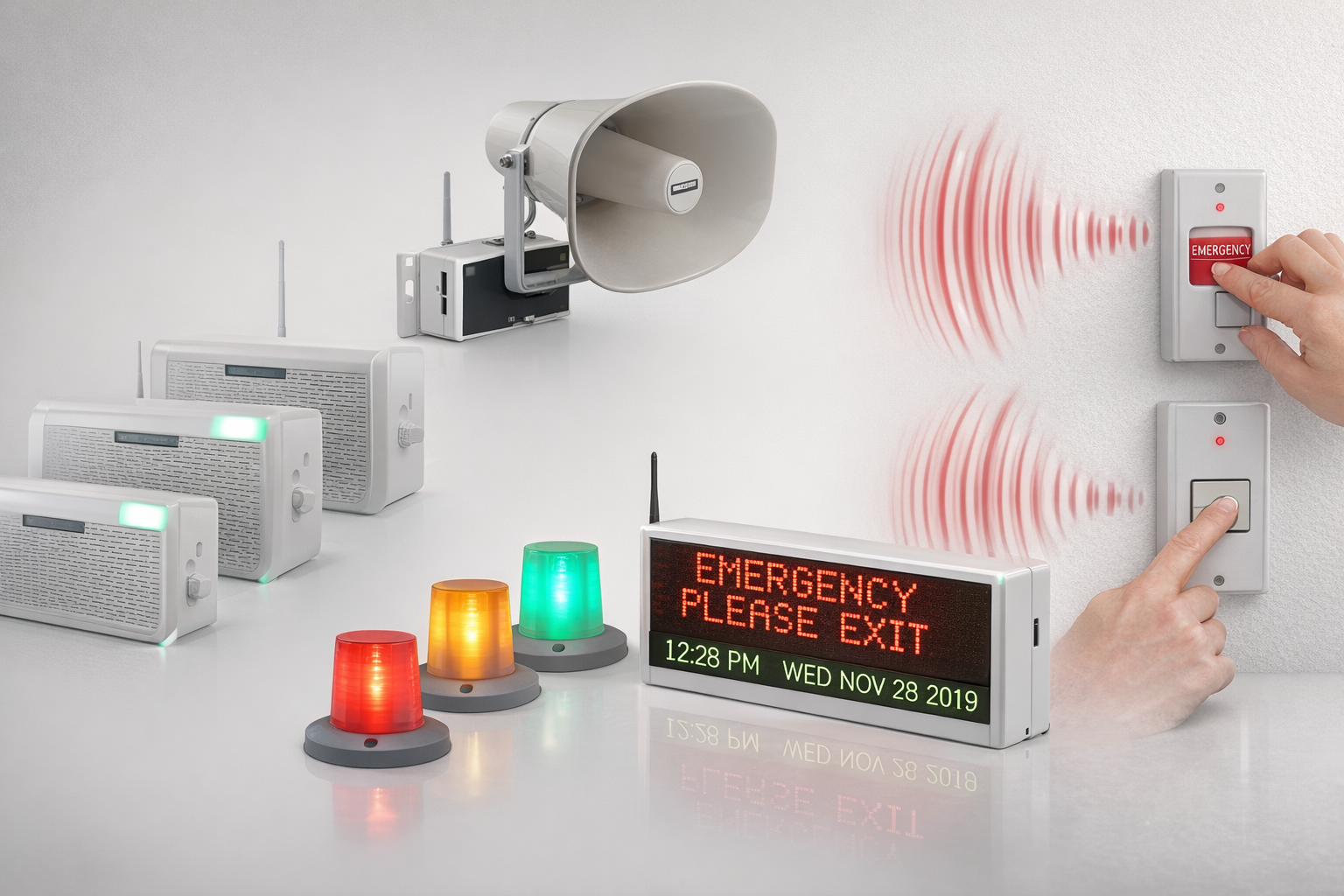
Emergency notification systems
See how Umbrella plans speakers, visual alerts and other delivery channels.
Plan the system →
Compare notification platforms
Understand system roles and integration questions before choosing a manufacturer.
Review the options →Let’s review how your staff will call for help.
Bring your current equipment list and the buildings you want to cover. Umbrella can help your team define the options, installation work and support to discuss next.