

Cloud vs. On-Premise Access Control: Which System Is Right for Your Business?
Choosing between cloud vs. on-premise access control affects how your business manages credentials, protects doors, supports multiple locations, handles outages, pays for the system, and responds when something goes wrong.
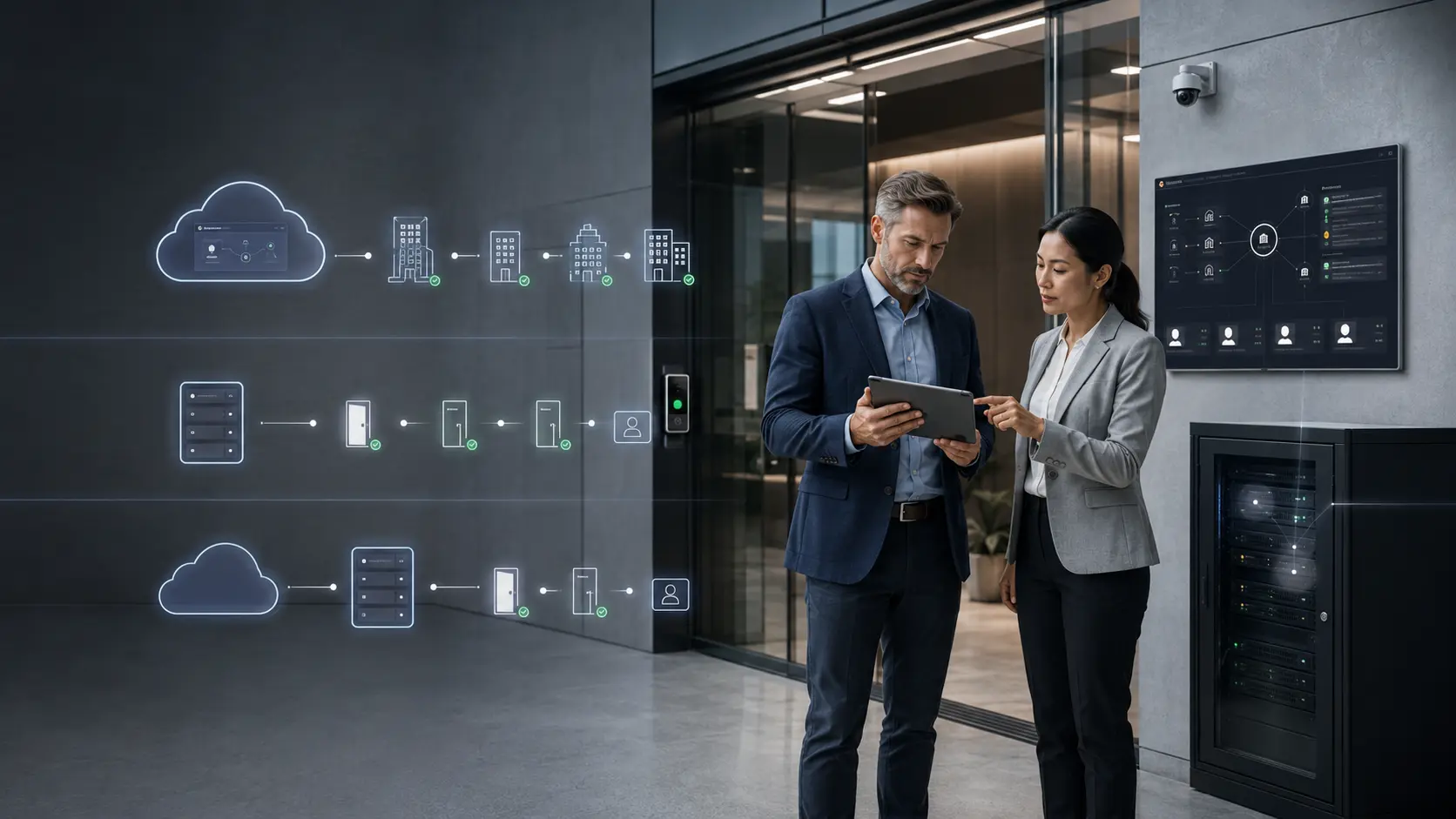
Quick Answer: Cloud, On-Premise, or Hybrid?
The best access control architecture is not the one that sounds most modern. It is the one your business can operate securely, reliably, and consistently.
Cloud access control is usually strongest for remote management and multi-site visibility. On-premise access control is usually strongest for local infrastructure control and specific compliance environments. Hybrid access control often gives commercial facilities the most practical balance.
You need easier remote management.
- You manage multiple sites.
- You need fast credential changes.
- You want less server maintenance.
- Your team needs browser or mobile administration.
- You prefer predictable subscription-based costs.
You need tighter local control.
- You have strict data control requirements.
- You have dedicated IT infrastructure.
- You need deeper local customization.
- Your compliance rules limit third-party cloud storage.
- Your internet reliability is a known concern.
You need both flexibility and resilience.
- You want cloud oversight without losing local control.
- Doors must keep operating during internet interruptions.
- You have multiple buildings or growing locations.
- You want centralized reporting and local fallback.
- You need a practical long-term operating model.

What Is Cloud-Based Access Control?
Cloud-based access control uses vendor-hosted software to manage users, credentials, schedules, access logs, and system settings. Instead of maintaining a dedicated access control server at your facility, your team manages the system through a secure web dashboard or mobile app.
The doors still require physical hardware: readers, controllers, locks, request-to-exit devices, door position switches, power supplies, and network or cellular connectivity. The cloud changes where the management software lives. It does not remove the need for proper access control hardware, installation, door evaluation, code-compliant egress, or local service.
Cloud access control usually works best for:
- Multi-site businesses
- Organizations without dedicated internal IT staff
- Fast-growing companies
- Commercial offices with frequent employee changes
- Warehouses and manufacturing facilities with multiple shifts
- Property managers overseeing multiple buildings
- Schools or municipalities that need centralized visibility
- Businesses that want remote access management
If your team needs to make access changes quickly and consistently across locations, cloud-based access control may be the easier architecture to operate.
What Is On-Premise Access Control?
On-premise access control, also called server-based access control, runs the management software and database on a physical server controlled by your organization.
That server may live in an IT room, server closet, data center, or other controlled space. Credentials, logs, settings, and system data are stored and managed locally. This gives the organization more direct control over infrastructure, storage, updates, and network exposure.
On-premise access control usually works best for:
- Organizations with strict internal hosting requirements
- Facilities with unreliable internet connectivity
- Large enterprises with dedicated IT teams
- Highly customized security environments
- Sites with heavy legacy system dependencies
- Organizations with compliance or data residency restrictions
- Facilities that want direct update control
- Environments with mature backup and patching processes
On-premise access control is not outdated by default. It can still be the right fit when the business has the IT resources and operational need to support it properly.
What Is Hybrid Access Control?
Hybrid access control combines local door control with cloud-based management. In a hybrid design, local controllers can continue making door decisions even if internet service is interrupted. At the same time, administrators can use cloud-based tools for remote management, centralized visibility, reporting, and multi-site oversight.
This is often the most practical design for commercial facilities because it answers two important needs at once: local resilience and cloud convenience.

For many businesses, hybrid access control is not a compromise. It is the more realistic architecture.
Cloud vs. On-Premise Access Control: Head-to-Head Comparison
The better choice depends on your facility, IT environment, risk profile, and growth plans. Use these comparison points to pressure-test the decision before choosing a platform.
1. Remote Management Better fit: Cloud
Cloud-based access control is usually stronger for remote administration. Authorized users can often add or remove users, change access groups, review events, adjust schedules, manage locations, respond to alerts, and lock or unlock approved doors from a browser or mobile app.
On-premise systems may support remote access, but that often requires VPN access, firewall rules, remote desktop tools, or more involvement from IT.
2. Internet Dependency and Local Resilience Better fit: On-premise or hybrid
A poorly designed cloud access control system may depend too heavily on internet connectivity. A better-designed cloud or hybrid system uses local controllers that store credential data and continue making access decisions during an outage.
Do not accept vague statements like “the system works offline.” Ask what works offline, what stops working, what is logged, and how the system recovers.
3. Upfront Cost Better fit: Cloud
Cloud access control often has a lower upfront infrastructure cost because the business does not need to purchase and maintain a dedicated access control server.
On-premise systems may require server hardware, operating system licensing, access control software licensing, backup planning, IT configuration, patch management, and server replacement planning.
4. Long-Term Cost Better fit: Depends on scale
Cloud systems typically use ongoing subscription fees. That may be billed per door, per user, per feature, per location, or by license tier.
On-premise systems usually cost more upfront, but may have lower recurring software costs depending on the platform, support contract, upgrade cycle, and internal IT expense.
5. Scalability Better fit: Cloud or hybrid
Cloud access control is usually easier to scale across multiple locations. Adding a new site, door, user group, or administrator is often simpler when the system is managed from one centralized platform.
On-premise systems can scale, but they require more planning around server capacity, network design, licensing, and IT support.
6. Data Control and Compliance Better fit: On-premise or carefully designed hybrid
Some organizations need tighter control over where access control data is stored and who manages the infrastructure. That may matter for government contractors, healthcare environments, financial institutions, high-security manufacturing, public-sector facilities, and enterprises with strict IT governance.
Cloud systems can still meet many commercial security needs, but compliance-sensitive organizations should verify storage, retention, access, auditability, and vendor controls before choosing a platform.
7. System Updates and Maintenance Better fit: Cloud for ease; on-premise for control
Cloud systems are usually easier to maintain because software updates, patches, and feature improvements are handled by the vendor. That can reduce the burden on internal IT teams.
On-premise systems give the organization more control over update timing, but that control comes with responsibility. Someone has to manage patches, backups, server health, software versions, and upgrade planning.
8. Customization and Integration Better fit: Depends on complexity
On-premise systems can be stronger for highly customized environments, especially where the organization has legacy infrastructure, complex identity systems, specialized databases, or unique workflows.
Cloud systems have improved significantly and often support integrations with video surveillance, visitor management, intercoms, HR systems, identity providers, mobile credentials, alarms, and elevator controls.
9. Cybersecurity Responsibility Better fit: The architecture you can operate securely
Cloud and on-premise access control both have cybersecurity risks. Cloud systems are internet-connected and depend on vendor security, admin controls, identity management, and strong authentication.
On-premise systems depend heavily on your internal IT practices. Weak passwords, default credentials, poor patching, open ports, and neglected servers can create serious exposure.
CISA recommends multifactor authentication because it requires two or more credentials to verify identity. For access control, this matters because administrator accounts can affect physical doors, credentials, schedules, and event records.
Comparison Table: Cloud vs. On-Premise vs. Hybrid Access Control
Use this table as a fast executive summary before reviewing platform-specific features.
| Category | Cloud Access Control | On-Premise Access Control | Hybrid Access Control |
|---|---|---|---|
| Remote management | Strong | Limited or IT-dependent | Strong |
| Local outage resilience | Vendor/design dependent | Strong | Strong when designed correctly |
| Upfront infrastructure cost | Lower | Higher | Moderate |
| Long-term cost | Subscription-based | Maintenance and upgrade-based | Mixed |
| Multi-site scalability | Strong | More complex | Strong |
| Data control | Vendor-managed | Locally controlled | Depends on configuration |
| Updates | Vendor-managed | Internally managed | Shared responsibility |
| Customization | Platform-dependent | Stronger for complex environments | Flexible |
| IT burden | Lower | Higher | Moderate |
| Best fit | Growing, multi-site, lean IT teams | High-control or complex environments | Businesses needing both flexibility and resilience |
Cost Framework: Compare the Full Lifecycle, Not Just the Quote
Cost comparisons get misleading when businesses compare first-year installation numbers only. A better comparison looks at five-year and ten-year ownership.
| Deployment Scenario | Cloud Cost Pattern | On-Premise Cost Pattern | What to Watch |
|---|---|---|---|
| 5–15 doors | Lower upfront cost, recurring subscription | Server cost may be hard to justify | Confirm offline behavior and support costs |
| 25–75 doors | Predictable operating expense, easier expansion | Higher upfront cost, possible long-term savings | Run five-year and ten-year total cost of ownership |
| 100+ doors | Subscription costs scale with system size | Infrastructure ownership may become attractive | Include IT labor, upgrades, backups, and patching |
| Multi-site | Strong centralized management value | More infrastructure planning per site | Compare administrative burden, not only license cost |
Why Hybrid Access Control Is Often the Best Fit for Commercial Facilities
Pure cloud can be convenient, but businesses still need to understand outage behavior, local controller design, admin security, and vendor dependency.
Pure on-premise can offer control, but it increases responsibility for servers, backups, updates, patching, and IT support.
Hybrid access control can combine the strengths of both: local controllers continue operating at the door, while cloud tools simplify remote management, reporting, and multi-site oversight.
Hybrid is often a strong fit for:
- Manufacturing facilities
- Warehouses and distribution centers
- Schools
- Municipal buildings
- Healthcare-related facilities
- Multi-tenant commercial properties
- Businesses with multiple offices
A hybrid design should explain:
- What is local
- What is cloud-managed
- How credentials sync
- What happens during outages
- Who supports each layer
- How events are stored and reviewed
- How the system scales
Reader Security: Do Not Ignore the Edge of the System
Cloud vs. on-premise is not the only architecture decision. Businesses also need to evaluate how readers communicate with controllers.
The Security Industry Association describes OSDP as an access control communications standard designed to improve interoperability among access control and security products.
For higher-security environments, ask whether the system supports:
- OSDP
- SecureChannel
- Encrypted reader-to-controller communication
- Secure credential formats
- Tamper monitoring
- Proper controller placement
A secure dashboard does not automatically make the entire access control chain secure. If the cloud portal is protected but the reader wiring is weak, the system may still have avoidable exposure at the door.
Which Organizations Should Choose Cloud Access Control?
Cloud access control is usually a good fit when remote administration and scalability are top priorities.
- Centralized management across multiple locations
- Fast credential changes
- Mobile or browser-based administration
- Lower local server maintenance
- Easier software updates
- Scalable user and door management
- Predictable subscription-based costs
- Better visibility for lean security teams
If you already know cloud is the likely direction, review Umbrella’s buyer guide to cloud access control systems for businesses before choosing a platform.
Which Organizations Should Choose On-Premise Access Control?
On-premise access control can still be the right fit when control, customization, or compliance matter more than ease of administration.
- Strict data storage requirements
- Dedicated IT infrastructure
- Complex legacy integrations
- Highly customized workflows
- Strong internal patching and backup processes
- Poor or unreliable internet connectivity
- Long-term cost advantages at large scale
- Requirements that limit third-party cloud storage
The mistake is not choosing on-premise. The mistake is choosing on-premise and then neglecting it.
Which Organizations Should Choose Hybrid Access Control?
Hybrid access control is often the best fit when the organization wants cloud convenience without giving up local operational resilience.
Choose hybrid if your business needs:
- Remote administration
- Local door operation during connectivity interruptions
- Centralized reporting
- Multiple site management
- Stronger outage planning
- Cleaner long-term scalability
- Reduced server burden
- Flexibility across different facility types
Hybrid works best when the system is designed intentionally from the start. That means mapping doors, user groups, schedules, integrations, network paths, local controllers, cloud management, and service responsibilities before installation.
Key Questions to Ask Before Choosing an Access Control Architecture
Before choosing cloud, on-premise, or hybrid access control, ask questions that expose the operating model behind the product.

Operations Questions
- Who manages users and credentials?
- How often do permissions change?
- Do managers need remote access?
- How many doors and sites are involved?
- How fast does access need to be revoked?
IT Questions
- Do you have internal IT support?
- Who maintains servers if the system is on-premise?
- How reliable is internet service at each location?
- Are backups tested?
- Who manages software updates?
Security Questions
- Is MFA required for administrators?
- Are admin roles separated by responsibility?
- Are access changes logged?
- Does the system support OSDP SecureChannel?
- How are old users and vendors removed?
Integration Questions
- Does access control need to connect with cameras?
- Does it need to connect with alarms?
- Are intercoms or visitor management involved?
- Are elevators controlled?
- Who supports each integration?
Common Mistakes When Comparing Cloud vs. On-Premise Access Control
Mistake 1: Comparing Software Only
Access control is not only software. The system includes doors, locks, readers, controllers, power, cabling, egress, credentials, networks, administrators, integrations, and support.
Mistake 2: Ignoring Outage Behavior
Cloud systems vary widely in how they behave during internet interruptions. Do not assume offline behavior. Verify it.
Mistake 3: Treating Subscription Cost as the Whole Cost
Cloud subscriptions are only one part of cost. Compare hardware, installation, licensing, subscriptions, server costs, IT labor, support, updates, expansion, and replacement cycles.
Mistake 4: Assuming On-Premise Is Automatically More Secure
Local control can be valuable, but only when the system is maintained well. If updates are delayed, credentials are weak, backups are untested, and servers are ignored, on-premise can become a risk.
Mistake 5: Not Planning Integrations Early
Access control often needs to connect with cameras, alarms, intercoms, visitor management, elevators, or identity systems. Integration planning should happen before platform selection, not after installation begins.
How Umbrella Security Helps Businesses Choose the Right Architecture
Umbrella Security designs, installs, integrates, and supports access control systems for businesses across Chicago and Northern Illinois.
Our role is not to force every business into the same architecture. The right recommendation depends on the number of doors, number of sites, door hardware conditions, existing server infrastructure, IT support capacity, compliance requirements, internet reliability, integrations, growth plans, budget structure, and long-term service expectations.
Umbrella’s architecture-first assessment looks at:
- Door types, locking hardware, and egress requirements
- User groups, schedules, and credential workflows
- Network reliability and IT support model
- Video, alarm, intercom, and visitor management integrations
- Compliance and audit requirements
- Local controller and cloud platform behavior
- Expansion plans across doors and sites
- Service, support, and lifecycle maintenance ownership
For one business, cloud access control may be the cleanest answer. For another, on-premise may be justified. For many, hybrid access control gives the best balance of remote management, local resilience, and operational control.
Frequently Asked Questions
What is the difference between cloud and on-premise access control?
Cloud access control uses vendor-hosted software to manage users, credentials, schedules, logs, and system settings through a web dashboard or mobile app. On-premise access control uses a server controlled by the organization, with access control data and software managed locally.
Is cloud access control better than on-premise access control?
Cloud access control is often better for businesses that need remote management, multi-site scalability, and less local server maintenance. On-premise access control may be better for organizations with strict data control requirements, complex integrations, dedicated IT staff, or unreliable internet connectivity.
What happens if cloud access control loses internet?
It depends on the system design. Many modern systems use local controllers that continue making door decisions based on stored credential data during an outage. However, live remote management, new credential provisioning, and real-time event streaming may require connectivity. Always verify offline behavior before choosing a platform.
Is hybrid access control better than cloud or on-premise?
Hybrid access control is often the best fit for commercial facilities that need both remote management and local resilience. It can combine local controller operation with cloud-based administration, reporting, and multi-site visibility.
Which access control system is better for multiple locations?
Cloud or hybrid access control is usually better for multiple locations because administrators can manage users, schedules, permissions, and reports from one centralized platform instead of maintaining separate local servers at each site.
Is on-premise access control more secure?
Not automatically. On-premise access control gives the organization more direct control, but it also requires strong internal IT practices. A poorly maintained on-premise system may be less secure than a well-managed cloud platform with strong authentication, patching, monitoring, and access controls.
How should businesses compare access control costs?
Businesses should compare five-year and ten-year total cost of ownership. Include hardware, installation, software licensing, cloud subscriptions, server infrastructure, IT labor, maintenance, updates, backups, support, integrations, and expansion.
The Bottom Line
The best access control architecture is the one your business can operate securely and reliably.
Cloud access control is strong for remote management, multi-site scalability, and reduced server maintenance. On-premise access control is strong for local control, customization, and certain compliance-driven environments. Hybrid access control often gives commercial facilities the most practical balance: local door resilience with cloud-based visibility and administration.
Umbrella Security can assess your doors, users, locations, IT environment, integrations, compliance needs, and growth plans before recommending an access control architecture.