 Avigilon access control review
Avigilon Access Control Review: Alta, Unity and Openpath
Choosing an Avigilon system or taking over one already installed? Compare Alta and Unity, see what we have learned working with Alta and former Openpath equipment, and check the support your building will need.
Start with the product name on your proposal or existing equipment. Alta, Unity Access and older Openpath installations have different requirements. Your readers, controllers, visitor calls and video connections need to be checked against the specific system.
Umbrella's direct field evidence is strongest around Avigilon Alta / formerly Openpath. We have worked with readers, controller boards, controller cabinets, support workflows, and outdoor video-reader concerns. This review explains what that experience means for your installation, daily use and support.
Evidence scope: Alta observations below are not Unity test results. Avigilon documents Unity Access as an on-premise access-control system; our comparison uses that documented distinction. We have not presented our Alta experience as a Unity installation test. Confirm the exact product family, hardware, software, and operating conditions before applying any observation to your project.
Avigilon Access Control Can Be Strong, but the Exact Product Path Matters
Confirm whether your proposal uses Alta cloud access or Unity Access. Then check the actual readers, controllers, visitor-call functions and support arrangements. A demonstration of one configuration does not establish what another will do.
Modern cloud access
Avigilon Alta may suit your team if you need remote administration, mobile credentials and touchless entry. Ask for a demonstration of the everyday tasks your staff will perform.
Alta versus Unity
Confirm whether the proposal is based on Alta cloud access, Unity Access, legacy Openpath hardware, existing Avigilon infrastructure, or a mixed migration path.
Ownership reality
Support path, device replacement, outdoor placement, intercom workflow, integrations, migration flexibility, and administrator ownership all matter after the demo.
Avigilon Alta, Avigilon Unity Access, and Formerly Openpath Are Not the Same Decision
Before comparing brands, confirm the exact Avigilon product and equipment in your proposal. Compare that configuration with your requirements for doors, credentials, visitor calls and administration.
Have an Openpath System? Start With Your Installed Equipment
Your equipment or project records may still carry the Openpath name. For a repair, expansion or replacement, check the model numbers against current Avigilon documentation and confirm who can provide support.
Umbrella still uses Openpath field experience because the installed readers, controller boards, controller cabinets, and support realities matter. For your project, confirm the proposed Avigilon product family, which installed components can stay, and who will support the system after an upgrade.
Before choosing: Do not ask only whether Openpath is good. Ask whether Avigilon Alta or Avigilon Unity Access fits your doors, administrators, support expectations, integrations, and long-term ownership goals.

Where Avigilon Access Control Usually Performs Well
Match the system to the work your staff needs to do. These are the functions to review in a demonstration, using the equipment proposed for your building.
Mobile credentials
Review how your staff will receive, use and remove mobile credentials, including the proposed touchless-entry setup.
Reader intelligence
Reader hardware is one of the stronger parts of the Alta-style system, including multi-format credential reading, mobile workflows, and remote reader visibility.
Software usability
The Alta software experience can be straightforward to manage and easier for end users than many traditional access-control systems.
Dashboard visibility
Recent activity, access-event history, exports, and reporting are valuable when a customer needs to understand who entered, when, and through which door.
Video ecosystem
Avigilon can be attractive when access events need to connect with Avigilon video, intercom, or broader Motorola security workflows.
Cloud administration
Alta can fit teams that prefer cloud-managed access instead of maintaining a local access-control server for every routine administration task.
Questions to Settle Before You Choose
Where we slow down is not the basic Avigilon access-control concept. It is the full ownership picture.
What We Have Seen Beyond the Product Demo
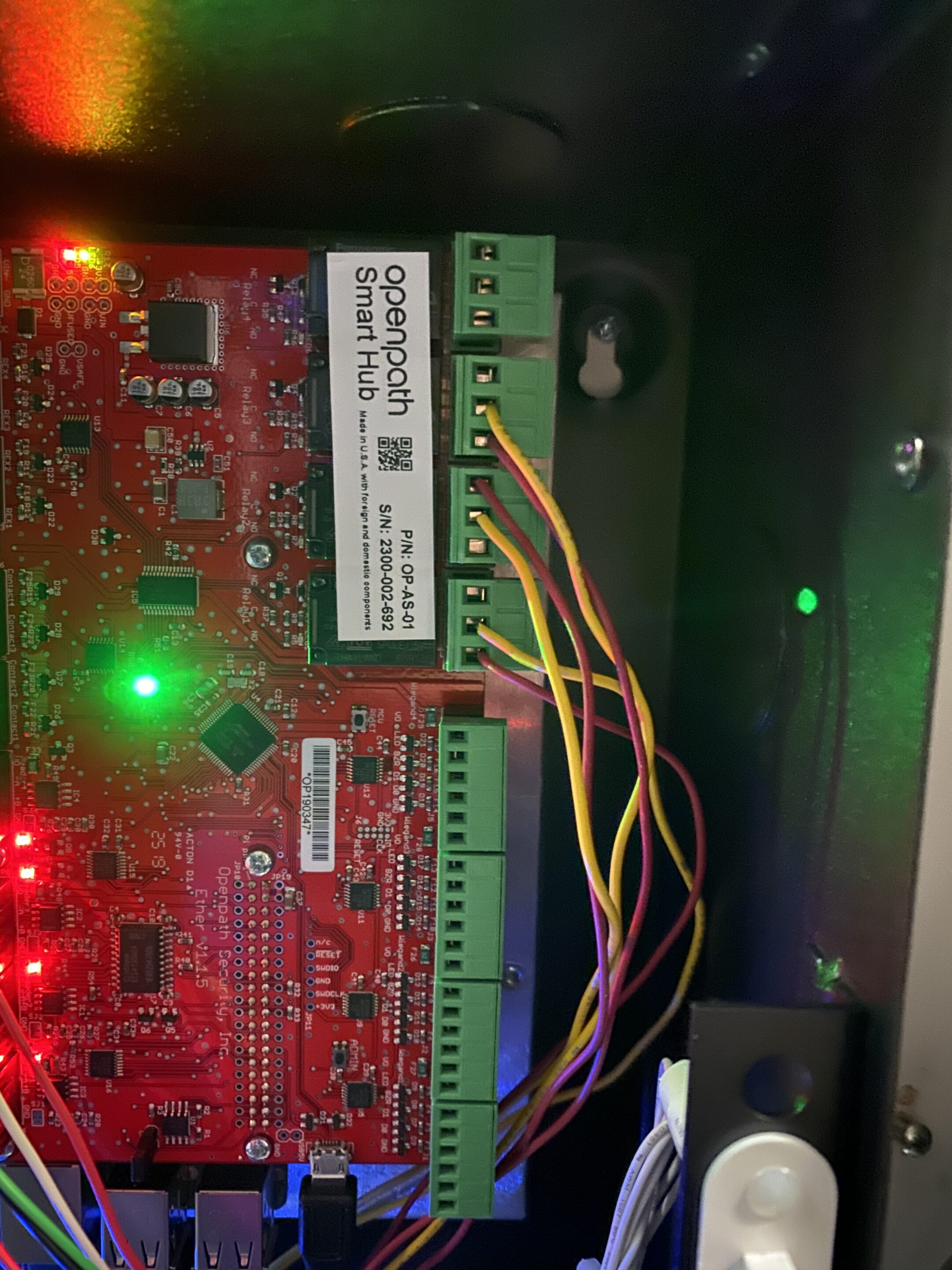
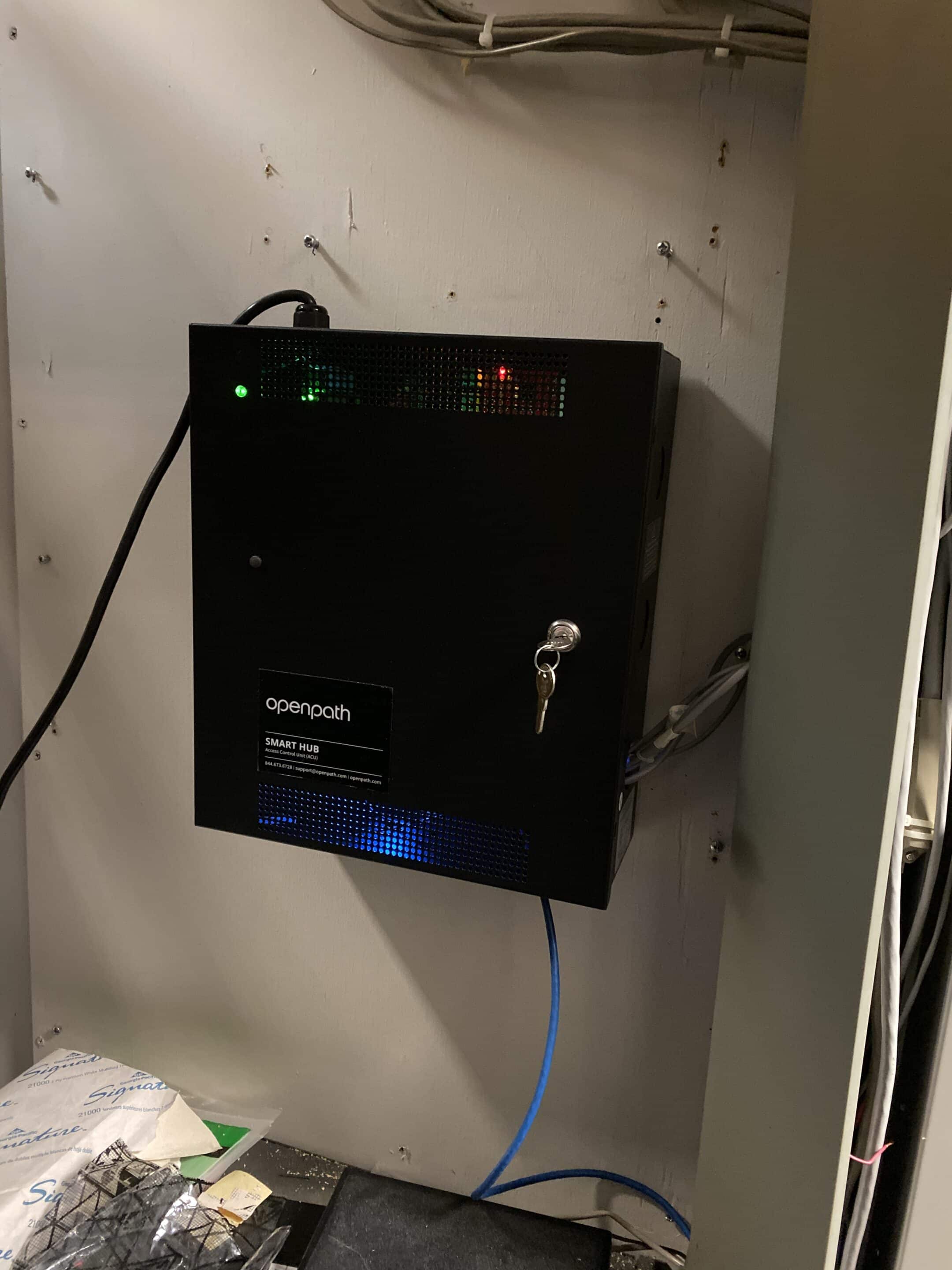
Umbrella has worked with Avigilon Alta / formerly Openpath hardware at the reader, controller-board, and multi-door cabinet level. That matters because cloud access control still depends on real installed hardware.
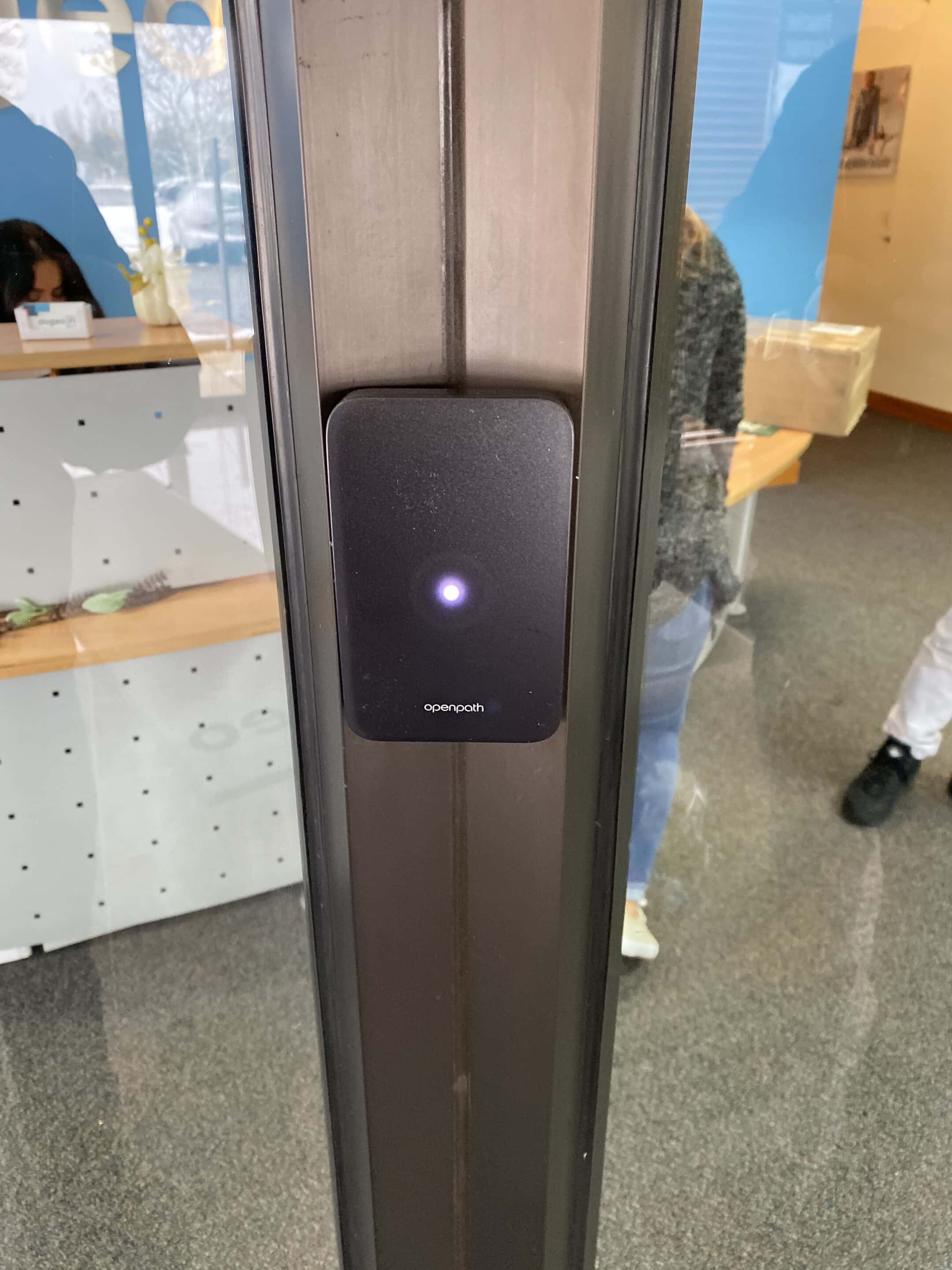
The Alta / Formerly Openpath Reader Experience Is a Strength, but Still Worth Verifying
The Avigilon Alta / formerly Openpath reader experience is one reason the platform deserves a serious comparison. Mobile credentials, wave-to-unlock behavior, multi-format credential paths, reader status, and remote visibility can create a strong user experience.
Check each proposed reader against the door, mounting location and credentials it must support. Ask how a failed reader would be replaced and what that would mean for access while you wait.
Cloud Access Control Still Depends on Real Door Hardware
Door controllers, controller boards, wiring, cabinet layout, power, labels, and documentation all matter after the software demo is over.
Alongside the app demonstration, review where the controllers will go, how wiring will be labeled and who will service the equipment. Those details affect future repairs and expansion.
Keeping your existing access-control panel? Ask your integrator whether the proposal uses Alta Mobile Gateway or replaces the panel. In the gateway setup described in Avigilon's installation guide, the existing panel still controls the locks. Ask the integrator to show which system receives each credential, which one decides whether to grant access, and where the access event is recorded. Before agreeing what can stay, confirm the exact reader, controller, card format and gateway mode. Use the Keep, Test or Replace checklist to record that decision for each component.
Avigilon Alta Intercom and Video Reader Workflow Should Be Tested First
The video-reader and intercom concept is attractive. A single device that combines access, video, and visitor communication can make sense in certain buildings. The risk is assuming the workflow fits before testing who answers, how calls route, and what happens when the assigned person is unavailable.
Simple entry workflows
May fit when one responsible person can see live video, talk to the visitor, and grant access.
Shared desks
Needs more review when several people cover a front desk, security desk, or changing reception workflow.
Traditional expectations
Compare dedicated intercom options when the building expects answering-station behavior, tenant routing, or after-hours call handling.

Outdoor Video Reader Deployments Need Extra Scrutiny
In at least one deployment we supported, outdoor video-reader/intercom performance became a recurring concern. Reported issues included camera visibility problems, weather-related device wear, intermittent reader behavior, and access symptoms that required repeated troubleshooting.
This is a deployment-specific observation, not a failure-rate study or a finding about every Alta reader. The account above does not identify the device model, generation, installation period, or a confirmed root cause. For a new outdoor proposal, verify the exact device rating and mounting instructions, exposure, power and network conditions, support/RMA path, and backup entry process before standardizing on the hardware.
Avigilon Alta Software Is One of the Strongest Parts of the Conversation
Umbrella's field impression of the Alta software experience is positive. For daily administration, review the dashboard, access history, reports and event exports. Have your intended administrator try the tasks they will need to complete.
The important question is not whether the software demo looks good. The question is whether the software, hardware, support path, mobile credential workflow, and day-to-day administrator process all fit the building.
Support Before and After the Openpath Transition Matters
Umbrella's early Openpath support experience was extremely positive: practical conversations, knowledgeable support, and fast help when the technician was standing in front of hardware.
After the transition into the Avigilon / Motorola environment, our experience became more procedural. Ask who handles your first service call, what requires manufacturer assistance and how an unresolved problem is escalated.
Taking over an existing system? Identify whether it is Alta, Unity, or legacy Openpath hardware; document the controller/reader inventory, software version, administrator custody, configuration backup, unresolved incidents, and the party authorized to request manufacturer assistance. Bring those details to your assessment; our access-control planning worksheet helps organize doors, users and operating requirements. Ask the proposed provider to define what it can assess, retain, update, and support, including responsibility for doors, networks, software, and escalation. A manufacturer referral is not an Umbrella service agreement, and an assessment request does not establish response or repair terms.
Connectivity check: Avigilon’s cloud-access overview describes offline access functionality. Verify your exact configuration separately for local credential entry, remote unlock, permission changes, event visibility, and recovery after reconnection. This review does not report an Umbrella outage test of every Alta configuration.
Who Avigilon Access Control Usually Fits Best
Modern commercial offices
Good fit when mobile credentials, visitor access, clean reader design, and easy administration matter.
Teams Managing Several Locations
Review how your administrators will manage permissions and activity across each facility.
Buildings Already Using Avigilon Video
Good fit when the organization is already evaluating Avigilon video and wants access control connected to that ecosystem.
Technology-forward teams
Good fit when users and administrators are comfortable with mobile access, cloud software, and app-based workflows.
Enterprise / on-premise needs
Evaluate Unity Access separately when your project calls for an on-premise system.
High-scrutiny projects
Slow down when intercom, outdoor readers, support path, open architecture, or migration flexibility are central to the project.
Avigilon Access Control Compared With Other Manufacturers
Avigilon should be compared as a serious access-control platform, not as a generic brand checkbox. The right alternative depends on cloud preference, open architecture, intercom workflow, enterprise depth, support path, and long-term ownership.
| Comparison | How we would frame the decision |
|---|---|
| Avigilon Alta vs Brivo | Start with the equipment and daily tasks in your proposal. Alta's Video Intercom Reader Pro combines a credential reader, camera and intercom; confirm how calls will reach your staff and what happens when nobody answers. Umbrella's Night Ministry project shows a Brivo installation connected with Eagle Eye video. These examples serve different configurations, so compare the complete door, calling and video requirements rather than treating “includes video” as the same scope. Check retained hardware and recurring software costs before choosing. |
| Avigilon vs Axis | Axis may fit better when IP architecture, cameras, intercoms, cybersecurity, and open infrastructure matter. Avigilon may fit when Alta or Unity is part of a broader Avigilon/Motorola stack. |
| Avigilon vs Verkada | Compare the proposed access and video configurations, support responsibilities and future replacement options. Confirm what can be retained or exported if your requirements change. |
| Replacing an Existing Genetec System | Bring Umbrella the problems you need to resolve and an inventory of your existing system. We can assess upgrade options, check what equipment can remain and plan a transition around daily operations. |
| Avigilon vs LenelS2 | For an existing LenelS2 installation, compare the proposed Avigilon system against the doors, credentials, integrations and operating tasks you need to preserve. Confirm compatibility before promising reuse. |
| Avigilon vs PDK / Keyscan | Compare the exact product and configuration by credential administration, reporting, integrations, expansion, and support responsibility. Use each platform’s review and a task-based demonstration; do not infer suitability from a broad small-system or enterprise label. |
Find the right system for your building
Compare the options, work through installation details, or plan an upgrade. These guides will help you decide what to ask before committing to a system.

Compare access-control systems
See how the platforms differ in daily use, support and upgrade flexibility.Compare the systems
Compare your security options
Explore cameras, access control, intercoms and the software that connects them.Explore the reviewsAccess control for your building
Find the right approach for your doors, staff and day-to-day operation.Explore system options
Is cloud access control a good fit?
Compare remote management, mobile entry and what happens when the internet goes down.Explore cloud access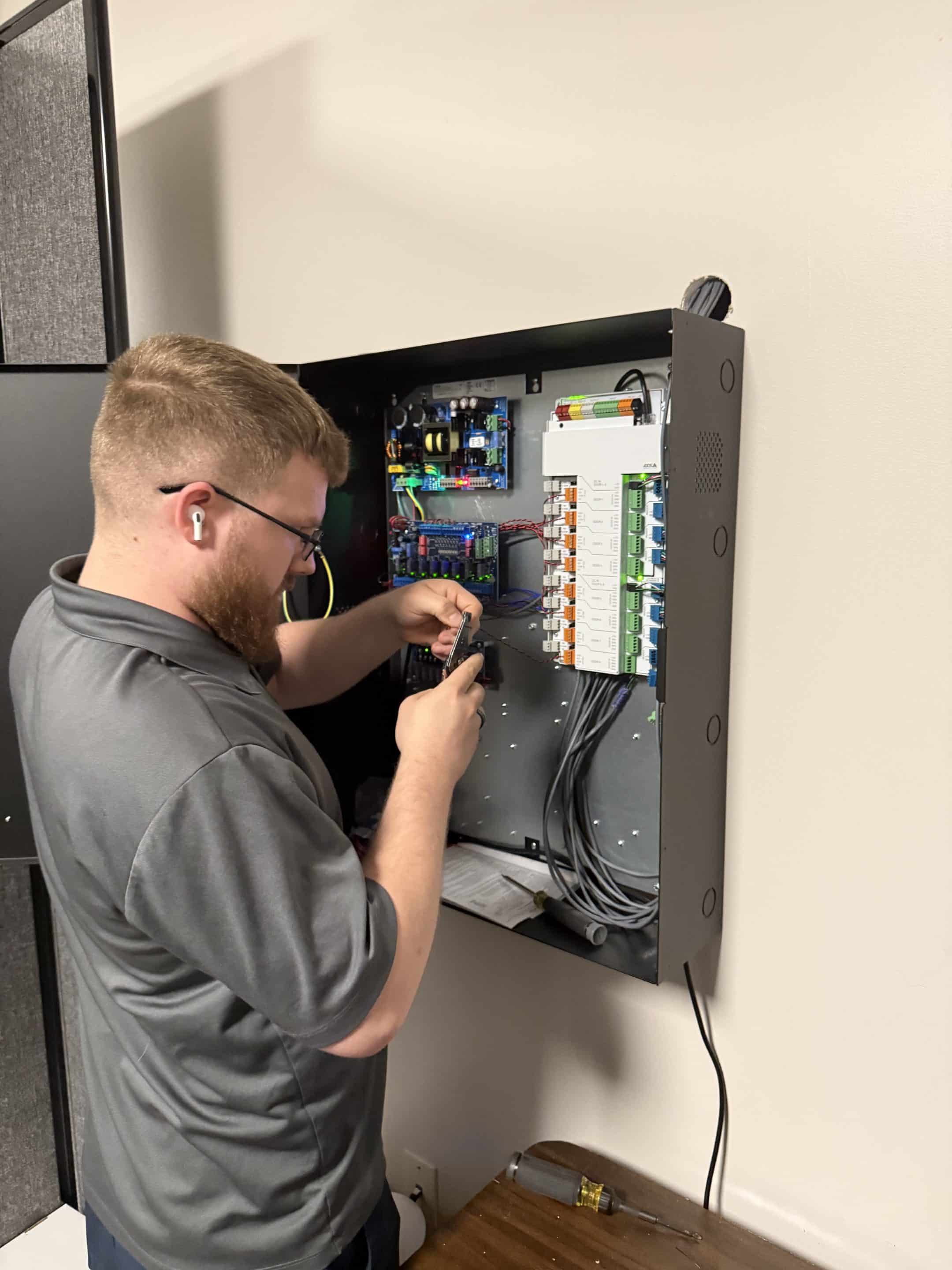
Plan an installation or upgrade
See what Umbrella checks before replacing readers, adding doors or installing a new system.Plan with Umbrella
Get your access-control plan right
Work through doors, permissions, schedules and responsibilities before requesting a proposal.Open the planning guide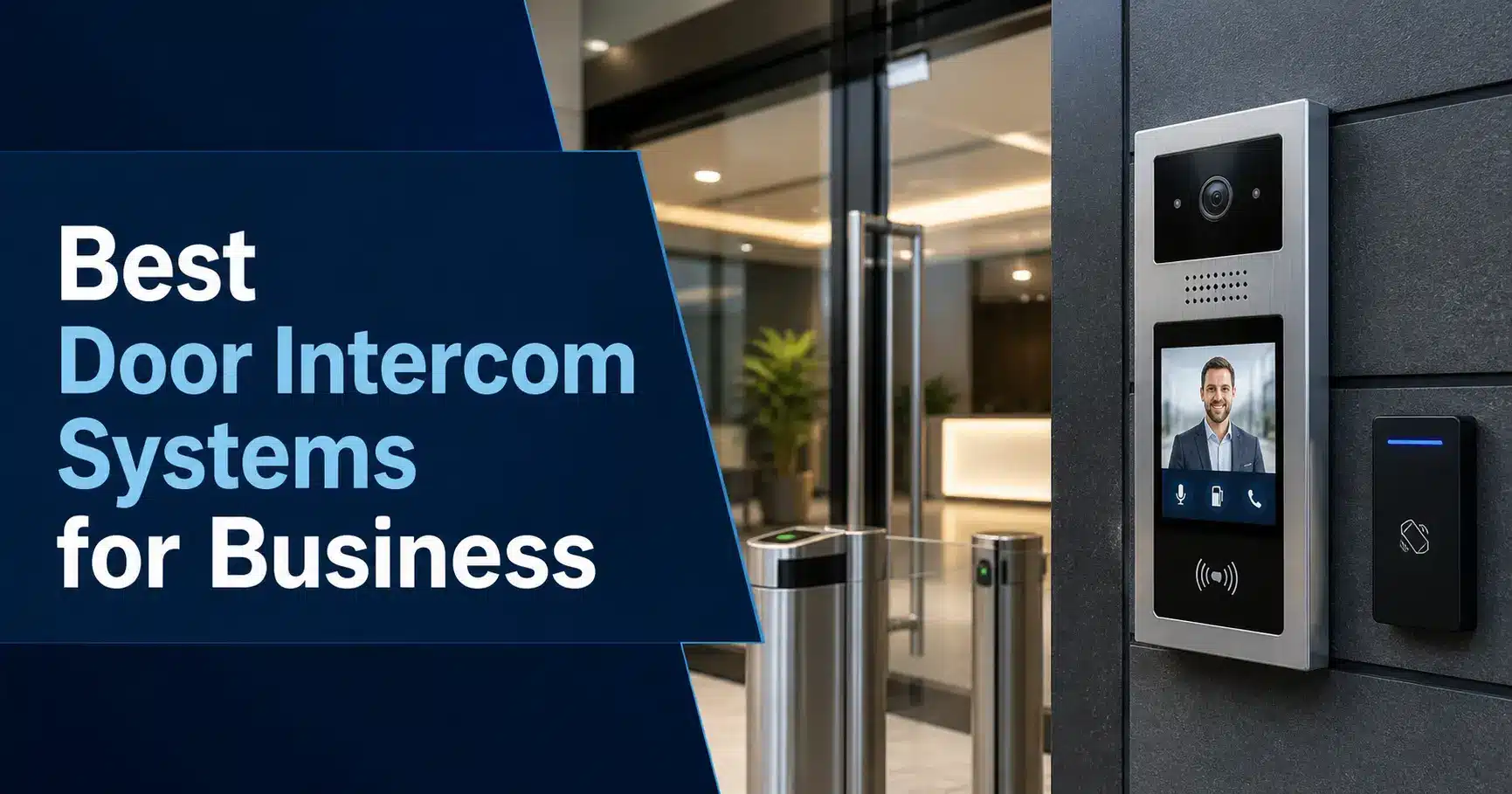
Make visitor entry easier
Compare who answers a call, how doors release and what happens after hours.Compare intercoms
Brivo: setup, support and fit
Look at installation experience, everyday administration and questions to ask before choosing Brivo.Read the Brivo review
Axis access control in practice
Explore door hardware, camera integration and the installation details that matter.Read the Axis review
Having problems with Genetec?
Review support challenges, equipment reuse and replacement planning with Umbrella.Explore replacement options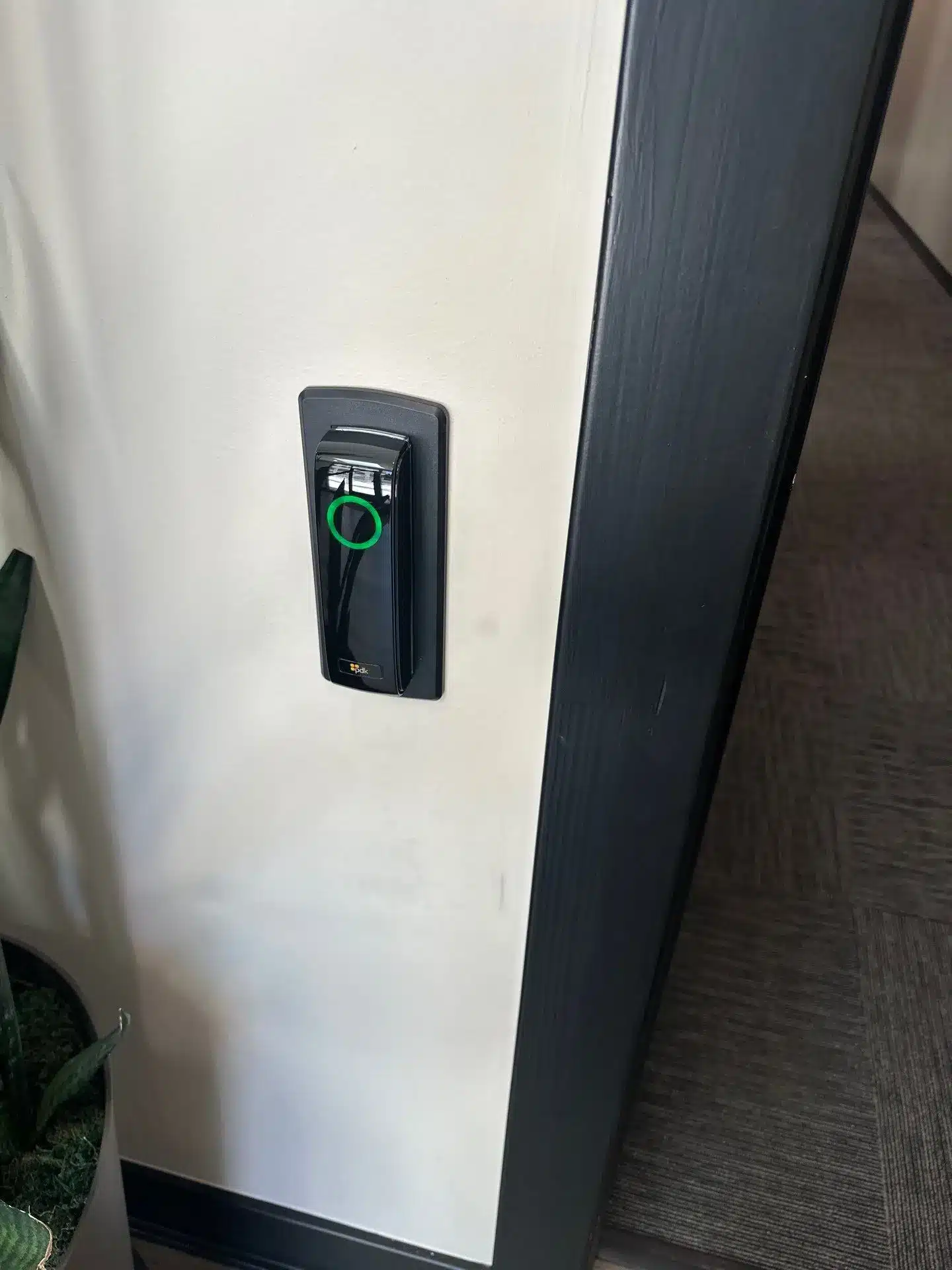
PDK: a closer look
Review everyday door management, installation considerations and room to expand.Read the PDK review
Alarm.com for your business
Explore how alarms, video, access and environmental alerts work together.Read the Alarm.com reviewWhat We Would Verify Before Choosing Avigilon Access Control
Avigilon Access Control Review FAQs
What is Avigilon access control?
Avigilon offers Alta cloud access control and Unity Access, along with readers, controllers and credentials. Start by identifying the product family before comparing equipment, video connections or visitor-call functions.
Is Avigilon Alta the same as Openpath?
Openpath became part of Avigilon Alta Access. If your building has older Openpath equipment, check its model numbers and current support status before planning a change.
What is the difference between Avigilon Alta and Avigilon Unity Access?
Avigilon Alta is the cloud-native access-control direction associated with formerly Openpath technology. Avigilon Unity Access is the on-premise or enterprise access-control path associated with the former Avigilon Access Control Manager environment. Confirm which product family is proposed before comparing features or support.
Is Avigilon access control a good fit for commercial buildings?
It may be. Alta can be considered for remote administration and mobile credentials; Unity needs a separate evaluation for on-premise requirements. Confirm visitor-call handling, outdoor equipment, integrations and ongoing support for the exact configuration.
What is Avigilon Alta access control best for?
Alta may suit a team that needs remote access administration, mobile credentials and reporting. Test the proposed reader and software with the tasks your staff will perform.
What should we check before choosing Avigilon access control?
Confirm the product family, reader models and mounting conditions. Test visitor-call handling, establish the support contact and escalation process, and document who will administer the system. Check what a future upgrade or change of provider would require.
Should Avigilon Alta video readers be used outdoors?
They may fit some outdoor applications, but the environment should be reviewed carefully. Outdoor video readers are exposed to weather, condensation, temperature swings, mounting issues, network dependency, and user-facing access problems. Device generation, mounting location, support path, warranty/RMA process, and backup entry procedure should be verified before standardizing.
Is Avigilon Alta intercom a replacement for a dedicated intercom system?
Not automatically. The video-reader/intercom concept can work in some simpler entry workflows, but buildings with front-desk answering, shared security-desk coverage, tenant routing, after-hours call handling, or traditional answering-station expectations should compare dedicated intercom options before deciding.
How does Avigilon access control compare with Brivo?
Compare Brivo and Alta using the same doors, credentials and daily tasks. Ask each provider to demonstrate user changes, mobile access, reporting and the video or intercom connections you need. Include installation and support responsibilities in the comparison.
How does Avigilon access control compare with Axis?
Compare the exact Axis and Avigilon configurations proposed for your building. Test the access, video and intercom functions you need, and confirm compatibility, administration and support rather than choosing from a broad brand description.
Need Help Deciding Whether Avigilon Access Control Fits Your Facility?
Avigilon access control has real strengths. Alta can be strong for cloud management, mobile credentials, reader experience, and remote administration. Unity may be a different conversation for enterprise or on-premise requirements.
For a commercial facility in Chicago or Northern Illinois, start with the system you have and the problems you need to solve. Tell Umbrella Security Systems whether it is Alta, Unity, or a legacy Openpath system, which doors or intercoms need attention, and what you plan to expand. Our commercial access control systems guide covers selection, while our installation guide explains the work involved. An assessment can establish the next steps without assuming that every component needs replacement.
Talk through your access-control options
Tell us where your building is, which system you have and what needs to improve. We can help you compare suitable access-control and intercom options and plan the next step.
Contact Us
"*" indicates required fields