
Alarm.com for Business Review: Best for Small & Mid-Size Commercial Security?
Alarm.com can put a commercial alarm system, cameras, controlled doors, temperature alerts, and selected humidity controls into one cloud-managed account. For the right small or mid-size business, that is genuinely useful. It is not the same as an enterprise security platform.

Disclosure: Umbrella Security Systems installs and supports Alarm.com solutions. We are not paid by Alarm.com to publish this page, and a manufacturer relationship does not guarantee a recommendation. We start from a neutral evaluation framework, but we do not pretend every manufacturer is equal.
Is Alarm.com a good commercial security system?
Yes—for the right facility. Umbrella considers Alarm.com a very good commercial alarm platform and a good all-in-one system for smaller businesses and mid-size facilities with modest camera and door counts.
It is not currently our recommendation as the primary enterprise-level business-security platform. Once advanced access control, large-scale video investigation, open architecture, complex integrations, or high-consequence reporting drive the project, we compare a dedicated system first.
Small and mid-size commercial facilities, modest camera and door counts, and intrusion-led projects that benefit from one app.
Growing door or camera counts, inherited hardware, formal IT requirements, and sensitive environmental alerts.
Enterprise access, enterprise video, open architecture, complex integrations, or calibrated industrial monitoring.
What worked for customers—and what still created friction
This verdict is not based on a demo. Umbrella reviewed completed installation, service, expansion, and customer-handoff records from seven Alarm.com-oriented commercial deployments across manufacturing, food production, multi-location laundry, industrial/service, and two-building facilities.
What customers and operators gained
- Strong monitored-alarm handoffs and remote arming visibility
- Practical user-code and administrator management
- Working temperature/humidity alert workflows when the correct device and response path were specified
- Useful alarm, door, and video visibility for local managers
- A system small teams could actually learn and use
What the app did not solve
- VLAN, PoE, cellular, wireless, and communications dependencies
- Door wiring, lock power, defective readers, and legacy intercoms
- Controller enrollment, service interruptions, and account/provider dependencies
- Incomplete monitoring procedures and user training
- The need for clear ownership after installation

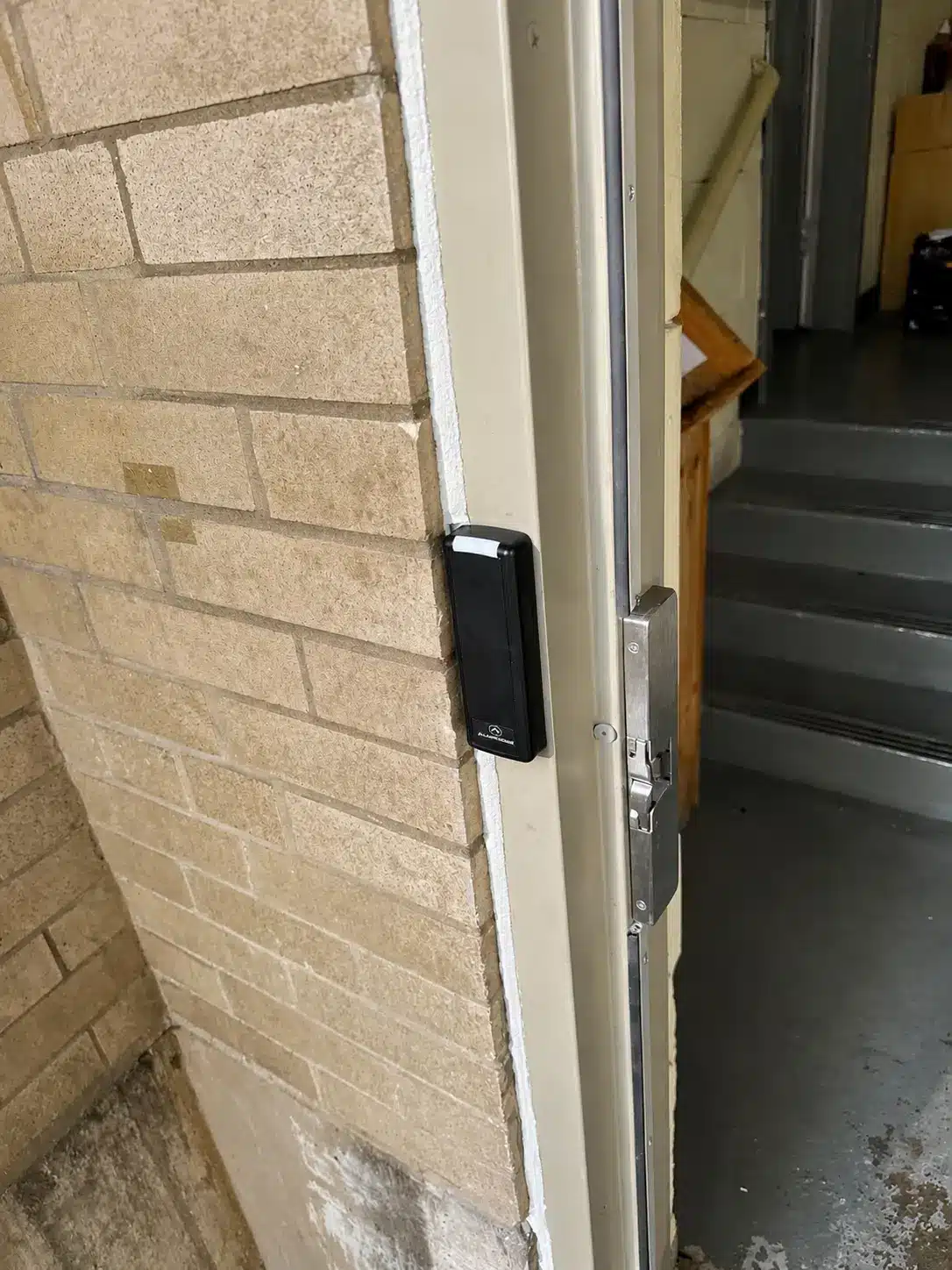

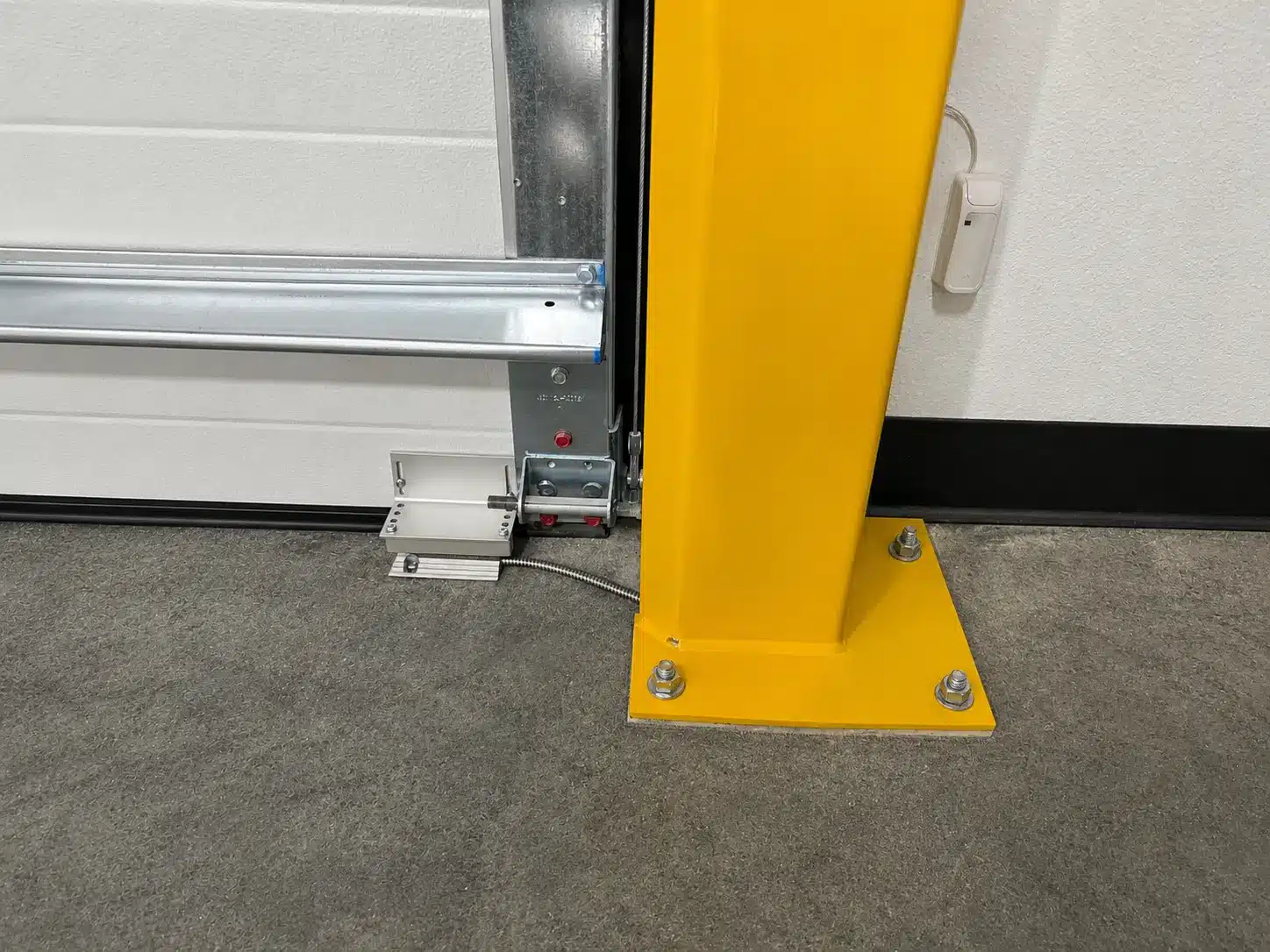

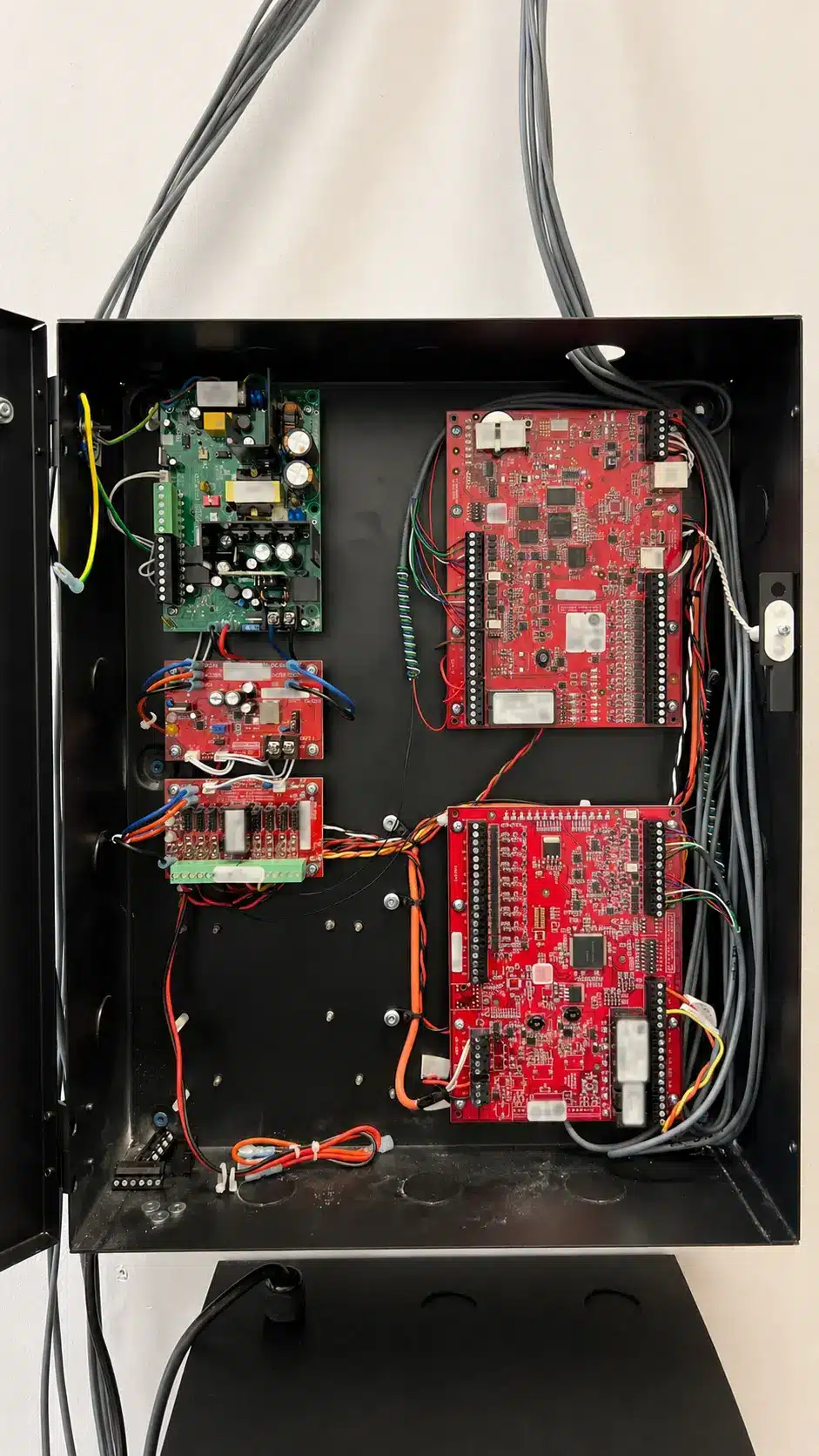
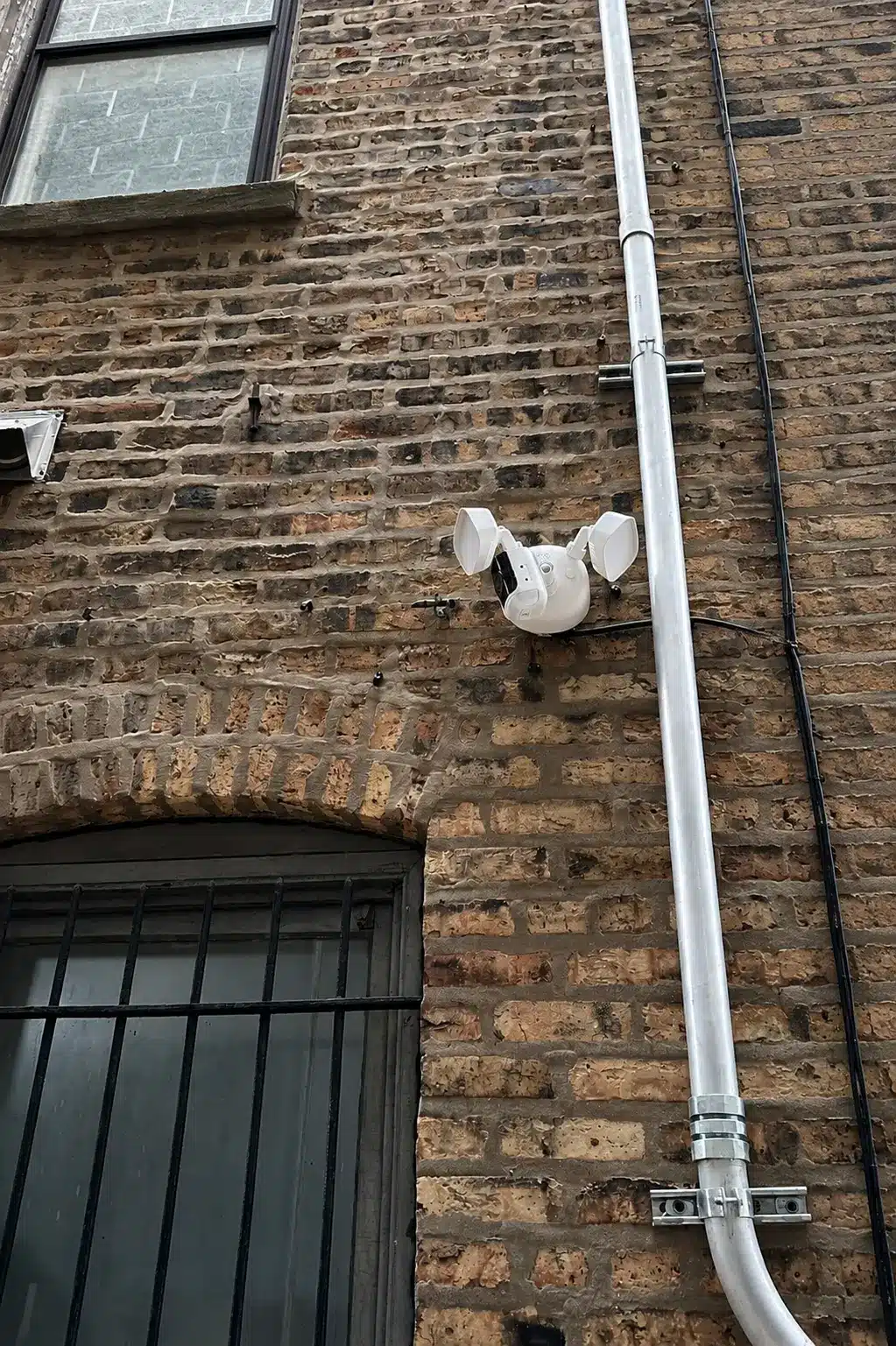
Evidence note: Customer names and sensitive project details are withheld. This section reflects Umbrella’s completed-project records and service findings; manufacturer product capabilities are separately linked below.

Start with the operating problem, not the app
Alarm.com for Business is the cloud layer that connects compatible security panels, communicators, cameras, recorders, access controllers, readers, credentials, sensors, and monitoring workflows. It is not a single box, and it is not a substitute for commercial security design. Your integrator still has to select the hardware, design the system, install it cleanly, configure rules, connect monitoring, train administrators, and support the account.
Two proposals can both say “Alarm.com” and deliver very different results. The panels, cameras, door hardware, network design, storage method, service package, and provider responsibilities determine what you actually own.
Alarm.com is a service model, not one box
The app is the visible layer. Equipment selection, account configuration, central-station workflow, network design, training, and provider support decide whether the customer experience is good.
What the unified account can improve
- Relate after-hours entry to the alarm state and video.
- Investigate a door event without returning to the building.
- Route temperature or humidity alerts to an accountable person.
- Review activity across locations instead of calling each site.
- Coordinate offboarding across codes, credentials, and app access.
What still needs separate design
- Alarm zones, partitions, monitoring, and false-alarm control
- Camera count, field of view, recording, retention, and export
- Door hardware, controller behavior, readers, and credential formats
- Sensor accuracy, placement, history, and after-hours response
- User roles, MFA, provider escalation, and account offboarding
The strongest fit is often an alarm-led project
Remote arming, user management, notifications, compatible cellular/IP communication, and monitored response make Alarm.com’s commercial alarm system a strong fit for many smaller and mid-size facilities.
What administrators gain
A business owner, property manager, or facility manager can see whether the closing employee armed the building, review activity, maintain individual codes, separate authority by location or partition, and receive useful alerts without treating the keypad as the only interface.
Takeovers require real testing
Alarm.com supports modules for many panel families, but compatibility depends on model, firmware, communicator, programming, service package, wiring, power, and equipment condition. Reuse can save money; undocumented marginal equipment carries old problems into a newer app.
What we verify before acceptance
- Useful zone names. “East shipping door” supports a response; “Zone 17” does not.
- Partitions that follow operations. Offices, production, warehouse, and tenant areas may need different schedules.
- Individual codes. Shared codes erase accountability.
- Primary and backup communication. Test internet loss, cellular reporting, and supervision.
- Monitoring procedures. Confirm the central station, call list, verification, dispatch, and duress instructions.
- False-alarm conditions. Test cleaners, late shifts, roll-up doors, HVAC movement, and shared entrances.
- Alert ownership. Every notification needs a responsible person and escalation path.
For commercial installation, takeovers, and monitoring work in Chicago and Northern Illinois, review Umbrella’s commercial alarm system installation service. Bring your existing panel model, connected devices, monitoring arrangement, operating problems, and expansion plans to the assessment so equipment reuse and the transition can be evaluated before the scope is set.
Useful for modest, event-driven video; not our enterprise VMS recommendation
Alarm.com cameras work best when an alarm, door event, person, or vehicle leads the user toward relevant video and the camera count remains practical for a small or mid-size business.
Where Alarm.com commercial cameras work well
- Modest commercial camera counts
- Remote business-owner, property-manager, or facility-manager review
- Alarm and door-event correlation
- Camera-health awareness
- Local, cloud, or hybrid commercial recording paths
- Selected third-party support when explicitly compatible
When to compare a dedicated enterprise VMS
- Large camera estates or long retention
- Operations-center live monitoring
- Formal evidence and export controls
- Many simultaneous investigators
- Specialty analytics or broad camera standards
- Open-platform or independent VMS requirements
Compare Umbrella’s commercial camera system guidance and installation service.
In a two-building proposal, we placed an Alarm.com Pro Series design beside an Axis design. Alarm.com offered a lower-cost, remote-ready path; Axis offered a more camera-centric architecture.
Proposal/design experience only—this is not represented as a completed Alarm.com installation, and confidential pricing is intentionally omitted.Video scope questions
- Where is video stored, and what continues to record during internet loss?
- What retention is expected with the final resolution, frame rate, motion, and analytic settings?
- Do upload quotas, recording rules, or clip limits affect the workflow?
- Who owns camera-offline response and firmware maintenance?
- Can an administrator retrieve and export evidence without technician support?
- What firewall, bandwidth, PoE, switch, and recorder dependencies does IT own?
A sensor is useful only when the alert protects an operation
Temperature sensing, thermostat humidity control, flood detection, air quality, and calibrated industrial monitoring are different jobs.
Practical Alarm.com use cases
- Refrigerators and freezers
- Server and equipment rooms
- Temperature-sensitive inventory
- Cross-site threshold alerts
- Historical temperature review
- Supported thermostat humidity targets and high/low alerts
What it should not be sold as
Do not automatically treat these functions as a replacement for a building automation system, laboratory-grade logger, regulatory monitoring program, or calibrated industrial sensor network. Those applications can require validation, specialized probes, redundancy, audit retention, tamper controls, and formal response procedures.
Environmental acceptance test
- Compare the installed reading with a trusted reference.
- Force a safe high and low condition.
- Confirm the alert reaches the responsible people.
- Review the history and scheduled report your process requires.
- Test loss of power, internet, or device communication.
- Document who responds after hours and what action they take.
Best for practical door counts—not an enterprise access-control program
For a small or moderate door count, user administration, schedules, credentials, door commands, alerts, and video association can be straightforward.
Day-to-day fit
- Add or deactivate a user
- Assign doors and schedules
- Issue a card or supported mobile credential
- Review activity and video context
- Remotely unlock or secure a door
- Manage a practical set of locations in a shared account
Mobile-credential reality
Alarm.com mobile credentials require supported readers and service configuration. Phone settings, app permissions, device replacement, and reissuance procedures belong in the rollout plan. Certain access rules do not behave identically with phones and traditional credentials.
Questions dedicated access-control buyers should ask
- Which controller family, door count, reader count, and local behaviors are included?
- When does the platform report a controller offline, and who receives it?
- Will OSDP be used, or is the proposal relying on Wiegand?
- Which credential technologies and formats are included?
- Can existing readers, cards, locks, request-to-exit devices, power, and wiring be reused after testing?
- How are schedules, holidays, unlocks, forced-door, and held-door events administered?
- Which reporting, directory, visitor, elevator, video, and API integrations are actually licensed?
- What remains portable if the organization changes provider or platform?
Alarm.com publishes readers supporting technologies and protocols that can include proximity, DESFire, NFC, BLE, OSDP, and Wiegand, depending on configuration. That list is not a guarantee an inherited card population will work. Sample and test real credentials. Read the Alarm.com reader data sheet.
For broader comparisons, use Umbrella’s access-control manufacturer reviews, cloud access-control guide, and system planning guide.
The provider and account design are part of the platform
Support quality, escalation, monitoring, documentation, licensing, administrator roles, and offboarding shape the customer experience long after installation.
Multi-site administration
Alarm.com describes the Enterprise Dashboard as a hierarchy of enterprise, subgroup, and location levels. It can support group user-code management, cross-site activity, scheduled reports, and shared visibility across intrusion, energy, access, and video.
That is useful for a manageable commercial portfolio. It is not proof that the access, video, integrations, and reporting underneath it meet enterprise needs. Define what corporate security, IT, regional managers, property managers, and location administrators can see and change before rollout.
Account and dealer questions
- Who is the customer account owner?
- Who can create administrators?
- What data and exports remain available during offboarding?
- Which features depend on an active service package?
- Who supports the app, monitoring, field hardware, and network?
- What happens if the service provider changes?
Control identity and recovery
Require MFA, unique logins, least-privilege roles, network requirements, firmware ownership, device health, and a recovery plan for lost phones and staff turnover. If you need open architecture, deep APIs, enterprise identity integration, or independent VMS control, make that known before Alarm.com is specified.
Control response
Own alarm procedures, notification rules, door exceptions, evidence handling, report review, and escalation.
Prove daily workflows
Add and remove users, change schedules, replace a phone credential, retrieve video, adjust an alert, and export a report before acceptance.
See the full commitment
Separate equipment, installation, monitoring, software services, storage, support, and expansion in a five-year view.
Own the building workflow
For a smaller portfolio, Alarm.com can simplify common alarm, door, camera, and environmental tasks. Document devices, placement, batteries, test frequency, communication, thresholds, and after-hours response. Compare a dedicated enterprise platform first for complex tenant, elevator, reporting, or badge-population needs.
Verify exact products
NDAA or other procurement claims must be checked against every proposed model and the exact requirement.
Choose the workflow, then prove it under real conditions
The right closeout test uses real users, real doors, real alerts, real exports, and documented outage behavior.
Our field process
- Facility and risk assessment
- Existing-system inventory and reuse testing
- Alarm, video, door, and environmental requirement map
- Network, cellular, power, and monitoring design
- Named product and service schedule
- Installation and programming
- Monitoring and notification setup
- Role-based administrator training
- Written acceptance testing
- Closeout documents and support plan
Proposal questions
- Which Alarm.com services and add-ons are included?
- Which functions stop if a subscription changes?
- Which hardware is new, third-party, or inherited?
- What continues locally during each outage?
- Where is video stored and for how long?
- What exactly measures temperature or humidity?
- Which controller, reader, and credential dependencies apply?
- Who owns the account and data?
- What can be reused in a future migration?
- Who supports each system layer?
System-by-system acceptance
Alarm
- Trigger representative zones.
- Confirm zone names at app and monitoring center.
- Test primary and backup communication.
- Verify call lists and dispatch instructions.
- Run a real opening and closing workflow.
Video
- Review day, night, backlight, and identification.
- Confirm camera-health ownership.
- Retrieve and export a real event.
- Validate retention with final settings.
- Document recording during internet loss.
Access
- Add, change, and disable a user.
- Test cards and mobile credentials.
- Verify schedules and door exceptions.
- Test controller communication loss.
- Export a useful activity report.
Environment
- Compare against a trusted reference.
- Trigger safe high and low thresholds.
- Confirm alert ownership and escalation.
- Review history and reports.
- Test loss of power or communication.
What Umbrella likes—and where we slow the decision down
What we like after installation
- One understandable operating view for smaller teams
- Above-average intrusion and monitoring foundation
- Practical alarm/access/video investigation
- Useful multi-site administration for manageable portfolios
- Cellular-connected options where supported
- Potential reuse of viable existing infrastructure
- Professional integrator and monitoring support
Where buyers need detail
- Provider quality and offboarding
- Feature and service-package dependencies
- Mobile-reader and credential limits
- Video retention, bandwidth, export, and enterprise VMS limits
- Environmental terminology and calibration
- Data, hardware, and migration portability
- Different depth across each subsystem
Compare based on the system carrying the most risk
Umbrella does not recommend a platform because it wins the most categories. We recommend the architecture that handles the highest-consequence requirement without making the rest of the system hard to own.
| Decision priority | Alarm.com advantage | Compare before committing |
|---|---|---|
| Intrusion-first business security | Broad app, panel and communicator paths, monitoring, alerts, video and access context | DMP, Bosch, Honeywell/Resideo, or DSC/Johnson Controls depending on panel and monitoring needs |
| Simple-to-moderate cloud access | Doors can live beside alarms, video, users, and mobile workflows | Brivo, Avigilon Alta, PDK, Axis, Keyscan, Genetec, or LenelS2 when access depth leads |
| Event-driven commercial video | One account, analytics, health, local/cloud options, alarm and access correlation for modest camera counts | Axis, OpenEye, Milestone, Genetec, or Avigilon for enterprise scale and investigation depth |
| Multi-site owner visibility | Central hierarchy and cross-site activity for a manageable portfolio | Enterprise security platforms for operations centers, custom integrations, or global standards |
| Temperature and selected humidity | Security and environmental alerts reach the same operational users | Building automation, industrial sensing, or validated monitoring when calibration, control, redundancy, or compliance leads |
Alarm.com for Business questions we hear in the field
What is Alarm.com for Business?
A cloud-managed commercial security platform delivered through service providers. Depending on equipment and service, it can connect intrusion, video, access, mobile credentials, temperature, selected humidity controls, alerts, reporting, and multi-location administration.
Is Alarm.com an enterprise-level business security system?
Alarm.com markets commercial and multi-location tools, and its Enterprise Dashboard can help larger organizations organize accounts. Umbrella does not currently recommend it as the primary platform for enterprise-level business security when enterprise access control, enterprise video, open architecture, complex integrations, or high-consequence reporting are central requirements. It is a stronger fit for small and mid-size businesses with modest camera and door counts, especially when a good monitored alarm system is the backbone.
Does Alarm.com provide professional monitoring?
Alarm.com supports monitored workflows, while the central-station service and response procedures come through the provider arrangement. Confirm the monitoring center, paths, call list, verification, dispatch, and responsibilities.
Can Alarm.com use an existing alarm panel?
Sometimes. Model, firmware, communicator, programming, wiring, and condition must be verified. A takeover inspection should test every zone and document what can safely remain.
Does Alarm.com work if the internet goes down?
Some functions can continue through local operation, local recording, or cellular communication, depending on the installed design. Ask for an outage matrix covering alarms, recording, doors, alerts, and administration.
Are Alarm.com cameras cloud-only?
No. Commercial options include cloud-managed cameras and compatible local recording. The design determines storage, cloud uploads, retention, bandwidth, and outage behavior.
Can Alarm.com use third-party cameras?
Selected integrations and recording paths are available, but support depends on camera, protocol, recorder, firmware, and service. Verify every model.
Can Alarm.com monitor temperature?
Yes, for use cases such as refrigerators, freezers, server rooms, equipment spaces, and sensitive inventory. Verify the exact sensor, range, placement, history, thresholds, power, and response.
Can Alarm.com monitor humidity?
Supported thermostats can display humidity, support targets, and issue threshold alerts when correctly configured. That is not automatically the same as calibrated industrial humidity monitoring.
Does Alarm.com include access control?
Yes. It supports compatible controllers, readers, credentials, schedules, users, door commands, reporting, and video association. Complex projects should also be compared with dedicated enterprise platforms.
Do mobile credentials work with every reader?
No. They require supported Alarm.com reader and service configurations. Phone settings, app permissions, replacement, and access-rule details can affect deployment.
Can we reuse readers and cards?
Possibly. Reuse depends on protocol, wiring, frequency, credential technology, format, controller compatibility, and condition. Sample-test real credentials before promising reuse.
Is Alarm.com good for multiple locations?
It can be for a manageable commercial portfolio. The Enterprise Dashboard can organize sites, subgroups, users, activity, reports, and systems. Design the hierarchy around corporate, regional, local, IT, property-management, and security duties. A multi-location dashboard does not remove the need to evaluate enterprise access, video, integration, and reporting depth separately.
Is Alarm.com an open system?
It supports varied compatible hardware and integrations, but remains a service-based cloud ecosystem with feature, hardware, and provider dependencies. Document portability before purchase.
How much does Alarm.com for Business cost?
Cost depends on hardware, labor, monitoring, service packages, doors, cameras, storage, analytics, credentials, environmental points, and support. Compare a five-year schedule, not only installation price.
Who owns an Alarm.com account?
Administration is normally coordinated through the provider. Your agreement should identify customer rights, administrator access, data/export expectations, provider-change process, equipment ownership, and offboarding.
Is Alarm.com NDAA compliant?
Alarm.com publishes a statement for specific listed products. Verify every proposed model and the exact procurement requirement; do not treat the list as a blanket certification.
When would Umbrella recommend another platform?
When advanced access control, enterprise video, open architecture, custom integrations, regulated environmental monitoring, complex multi-site operations, or migration control outweigh single-account convenience.
Verify the proposal against current documentation
- Alarm.com business access control
- Alarm.com business video
- Alarm.com business energy and temperature
- Alarm.com multi-location solutions
- Alarm.com business intrusion detection
- Alarm.com humidity guide
- Alarm.com mobile credentials
- Alarm.com controller connection-loss guidance
- Alarm.com video troubleshooting guide
- Umbrella manufacturer reviews hub
- Security system integration services
- Manufacturing security systems
- Commercial environmental sensor guidance
- Commercial access control systems
Choose Alarm.com for the right commercial workflow—not an enterprise promise
Alarm.com can be an excellent commercial platform when a strong monitored alarm system is central, the camera and door requirements are modest, environmental alerts are defined, and the people who run the building value one cloud-managed experience. That is why Umbrella will recommend it for the right small and mid-size business. If the project is enterprise access-heavy, enterprise video-heavy, highly regulated, or dependent on open architecture, the right answer may be another platform or a hybrid.